Turn Rough Sketches Into Finished Images
Convert loose concepts, line drawings, and hand sketches into polished AI-rendered visuals.
Convert rough drawings, line art, product sketches, and concept art into realistic or stylized rendered images. Use AI to transform ideas, drafts, and pencil sketches into polished visuals without manual rendering.
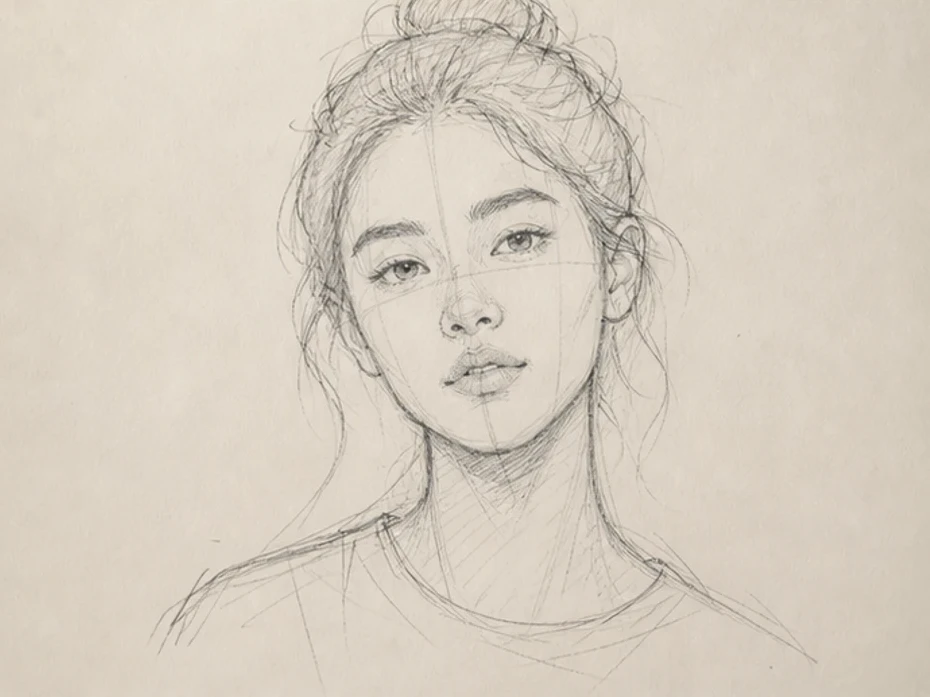
Character Design
Convert Character Sketches Into Art
Up to 50 photos per upload • Max 10MB each
Turn Rough Sketches Into Finished Images
Convert loose concepts, line drawings, and hand sketches into polished AI-rendered visuals.
Useful for Product and Concept Design
Generate fast visualization drafts for products, architecture, fashion, and creative projects.
Create Realistic or Stylized Renders
Switch between photorealistic rendering, anime visuals, cinematic concept art, and design-focused styles.
Render Sketches Without 3D Software
Visualize concepts without building full 3D scenes or manual digital paintings.
Sketches communicate ideas quickly, but rough drawings are often difficult for clients, teammates, or audiences to visualize clearly.
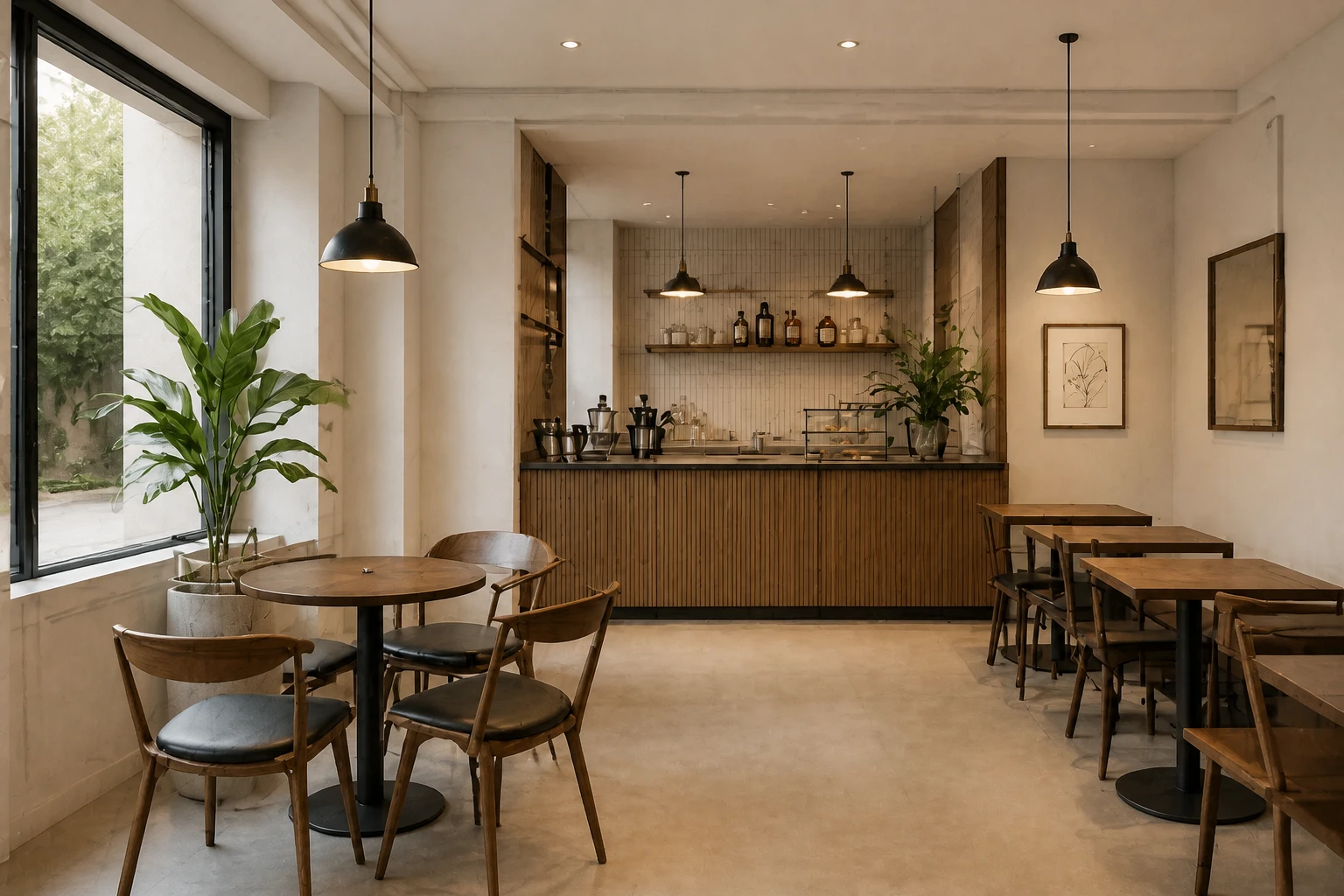
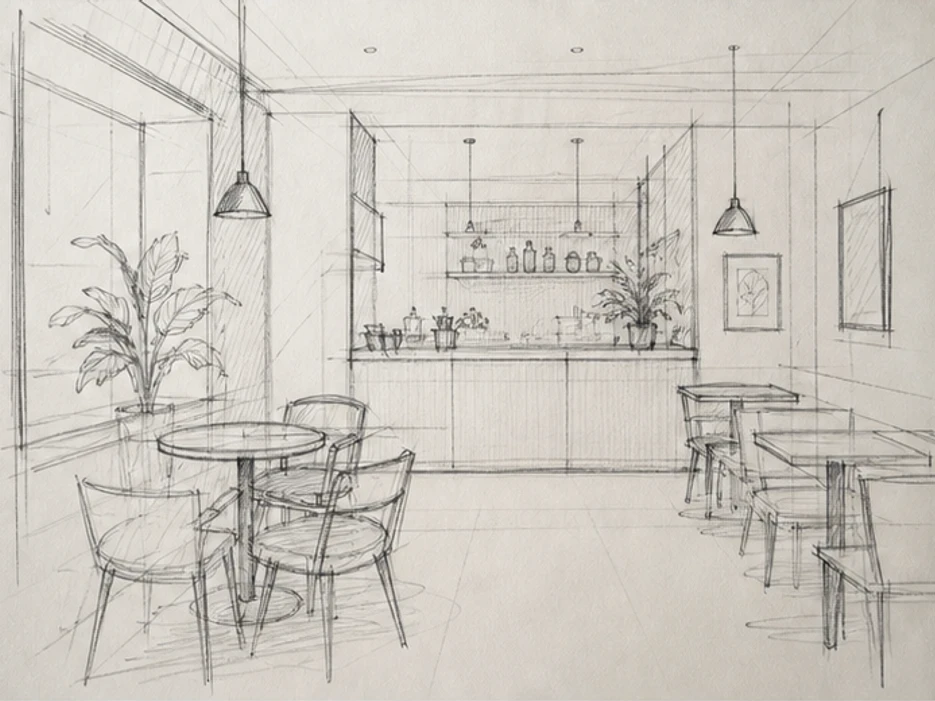
Clients and teams often struggle to imagine the final look from unfinished line drawings.
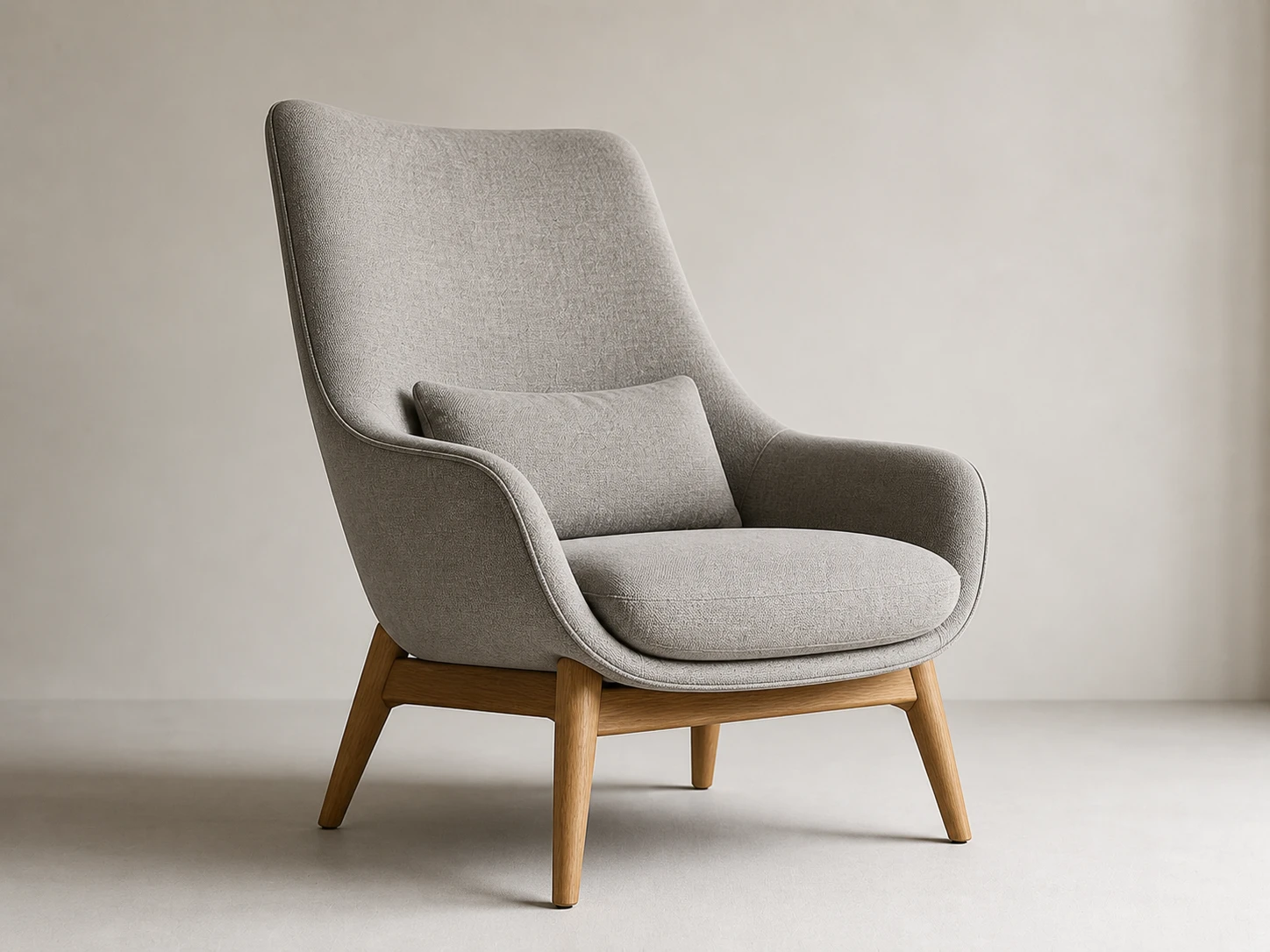
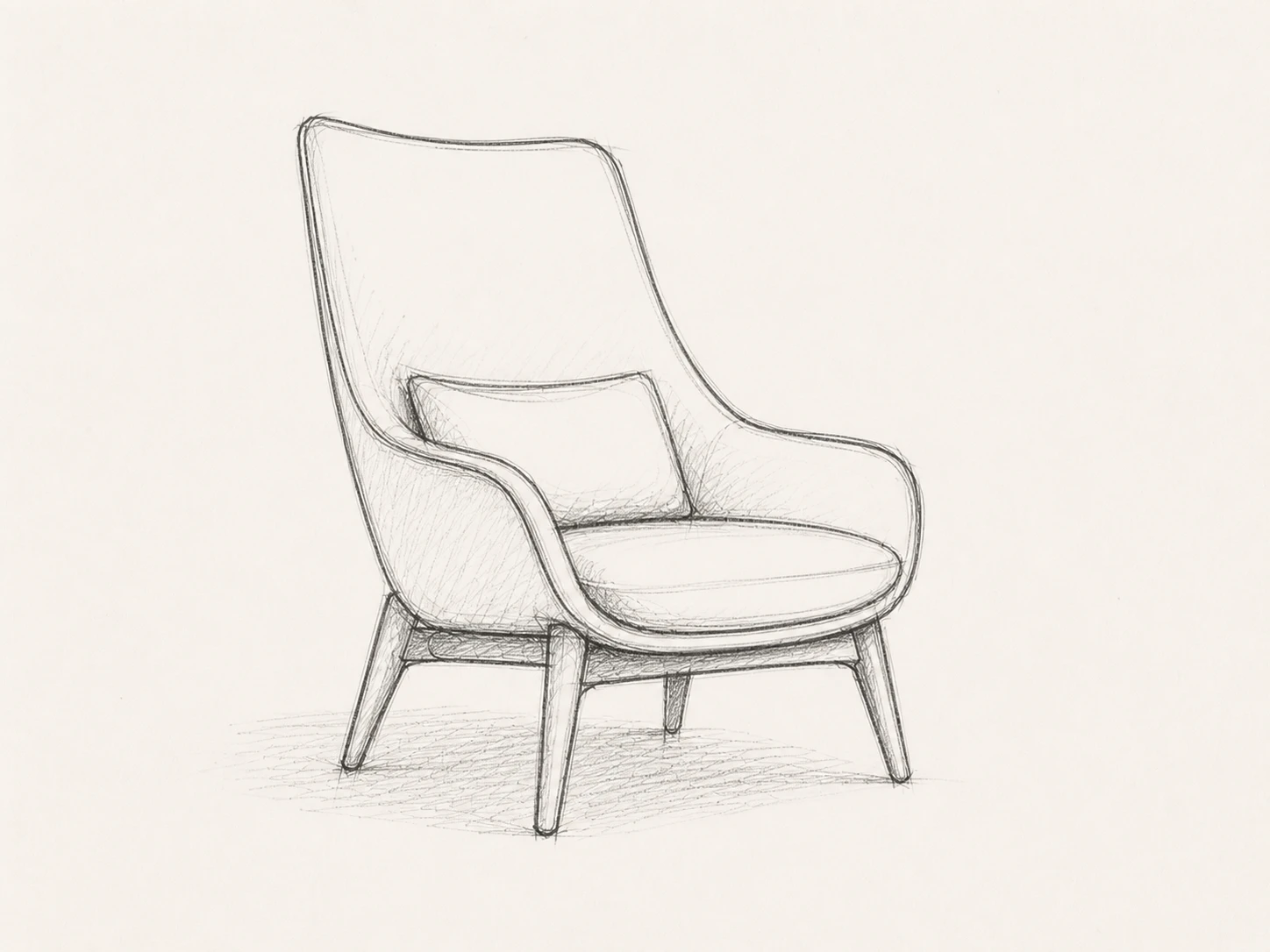
Traditional rendering workflows require advanced digital painting or 3D modeling skills.
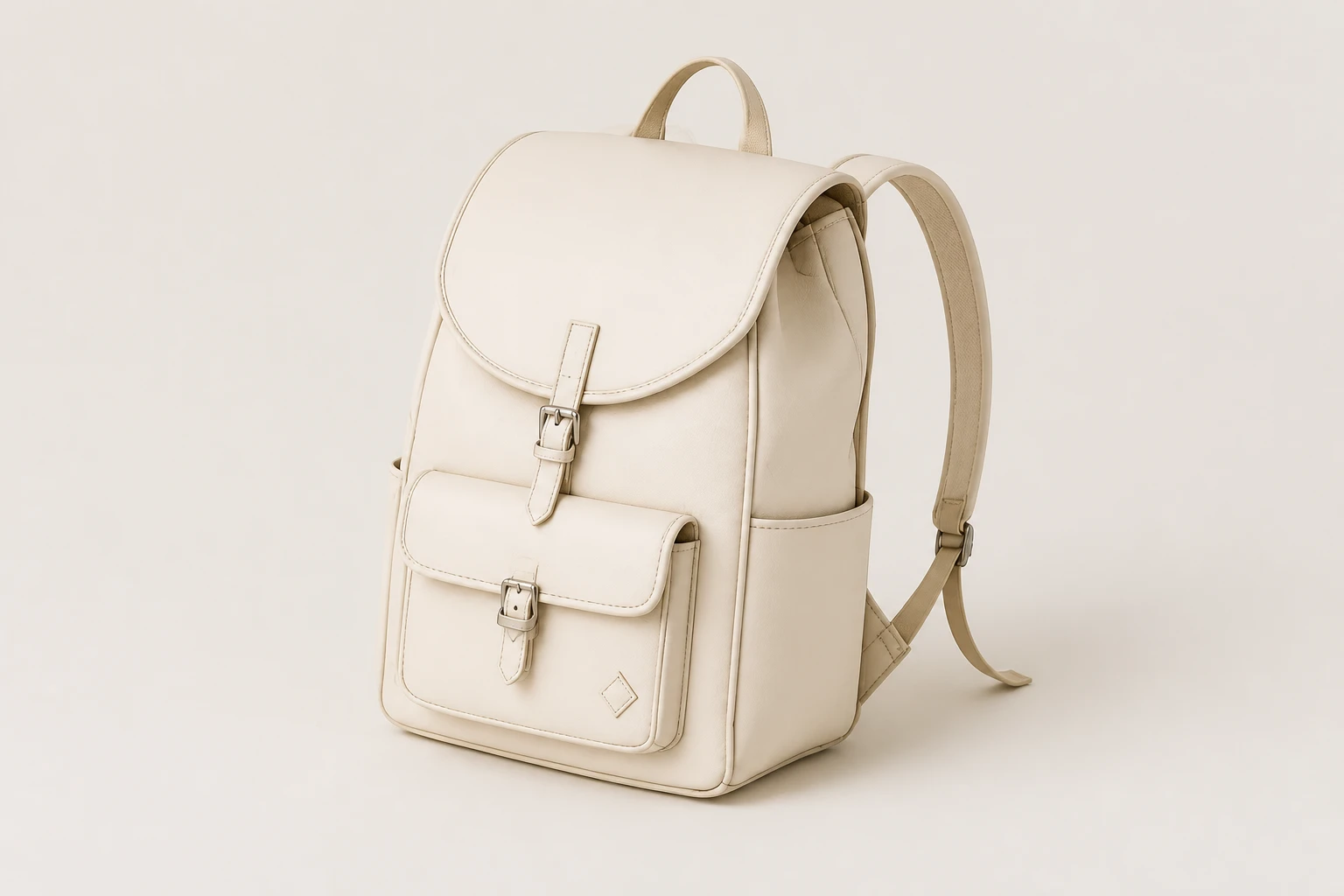
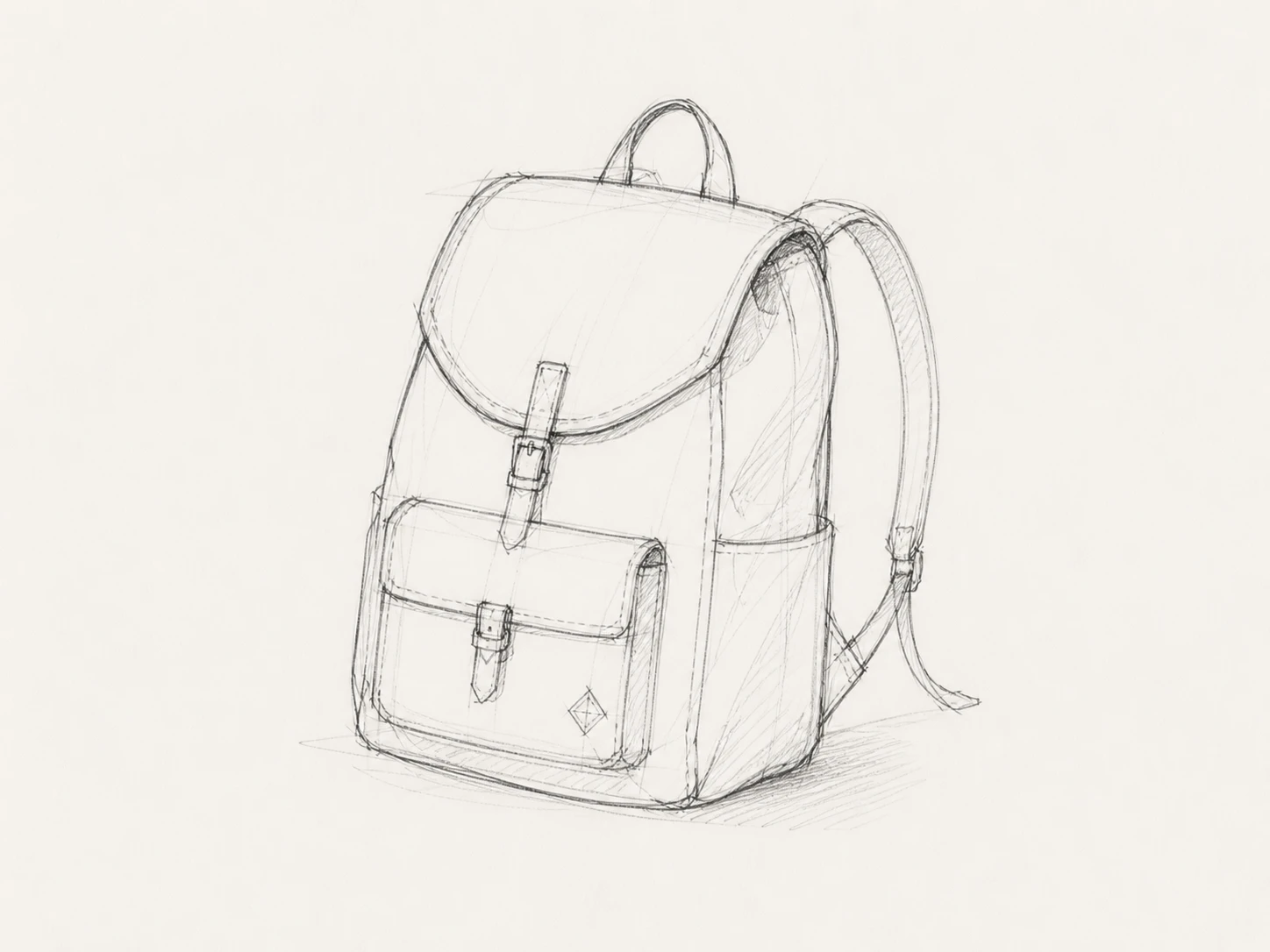
AI rendering helps teams test more visual directions before committing to production.
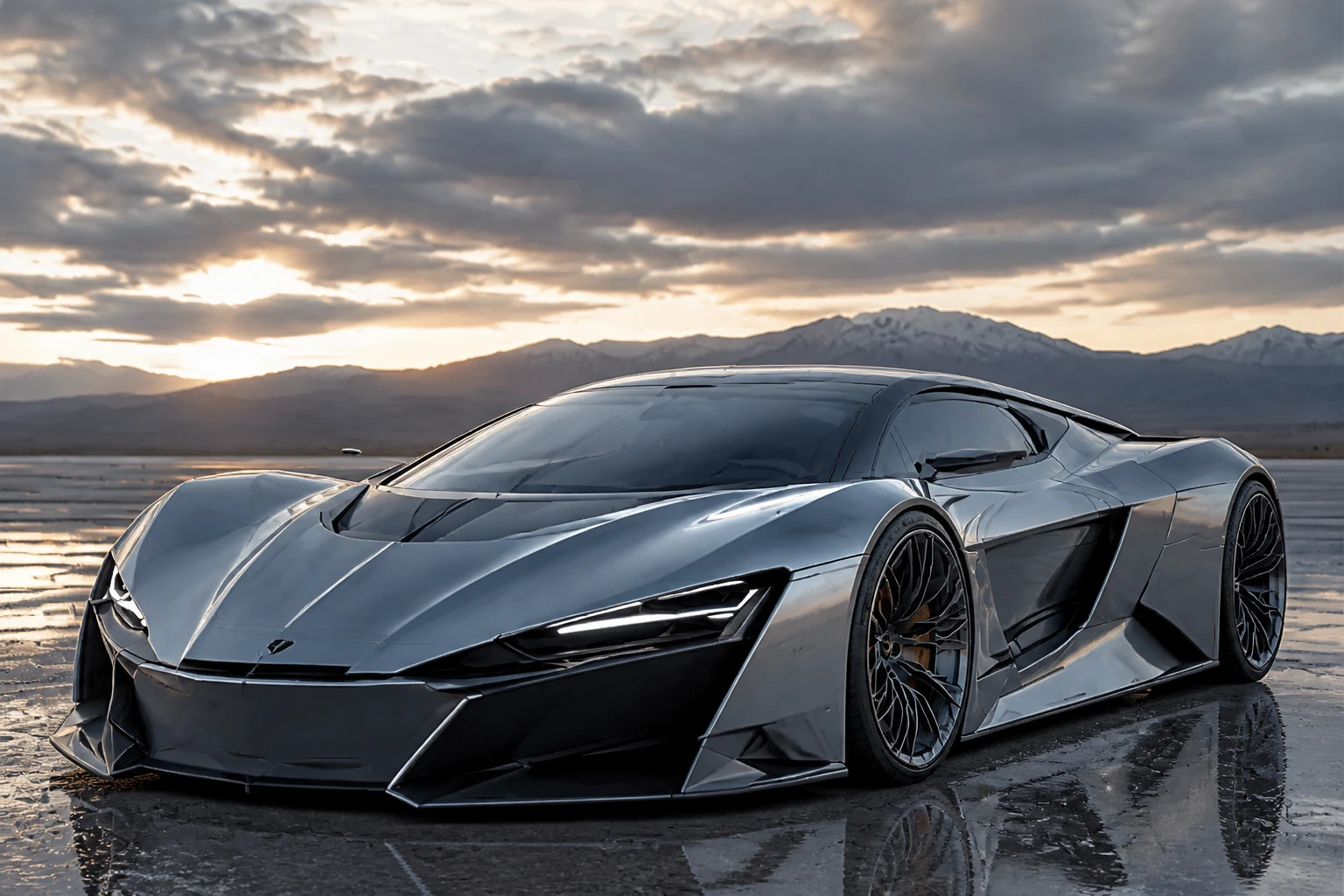
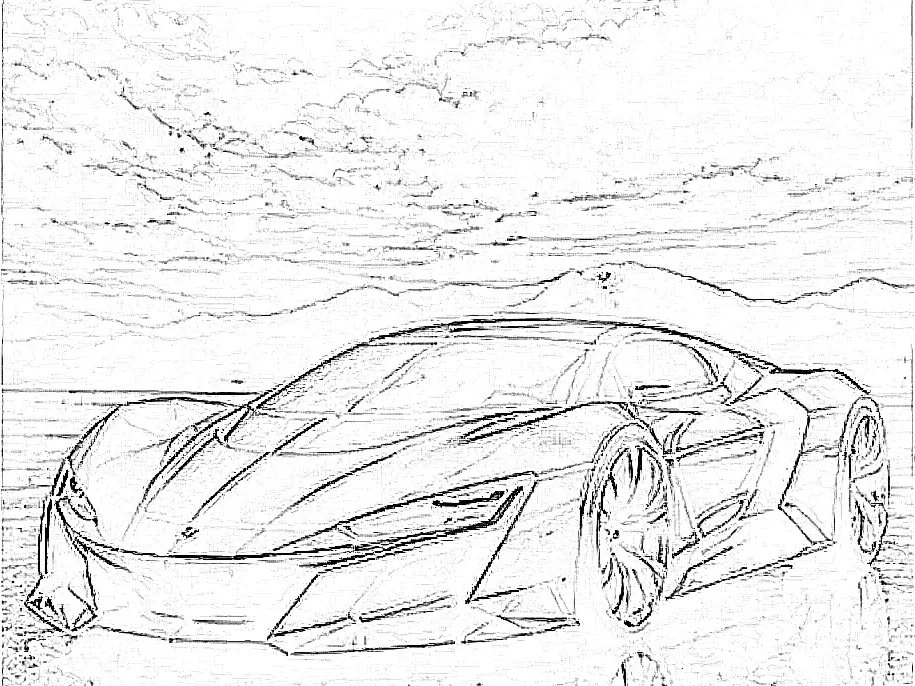
Rendered sketches make products, environments, and character ideas easier to review and communicate.
Product concepts, character art, architecture drafts, and fashion sketches often need different rendering approaches.
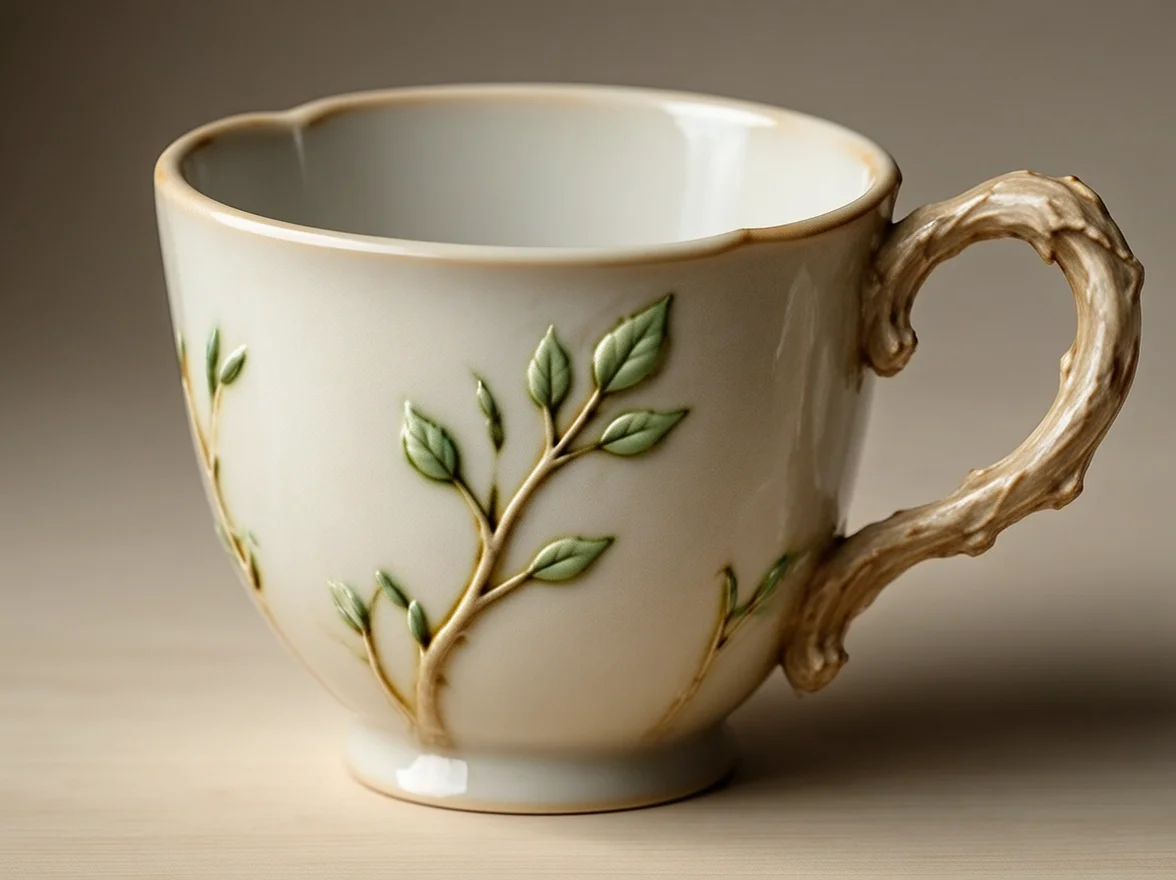
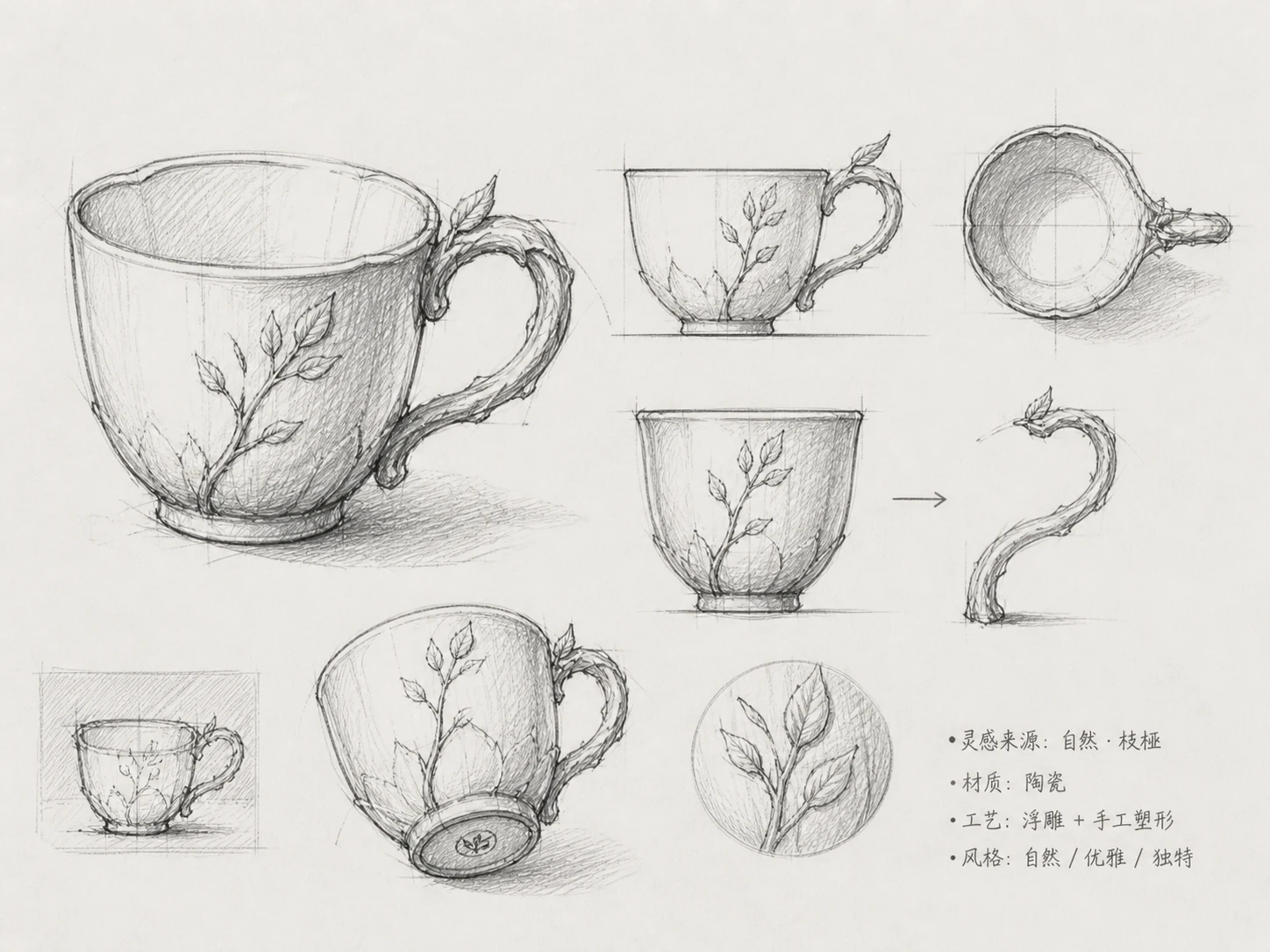
Turn industrial product sketches into realistic renders with clear materials, reflections, proportions, and studio lighting.
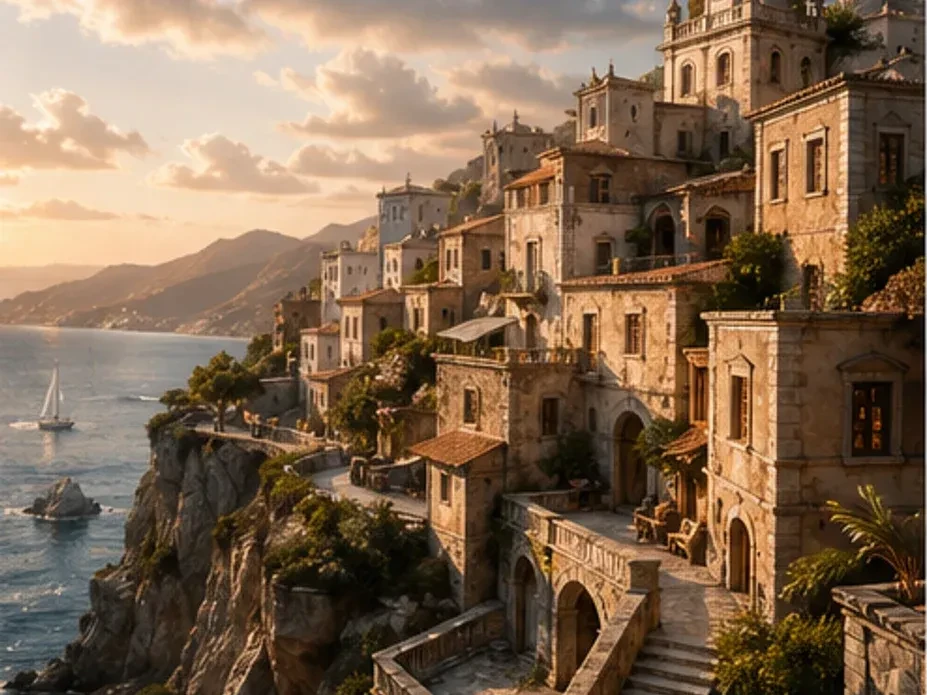
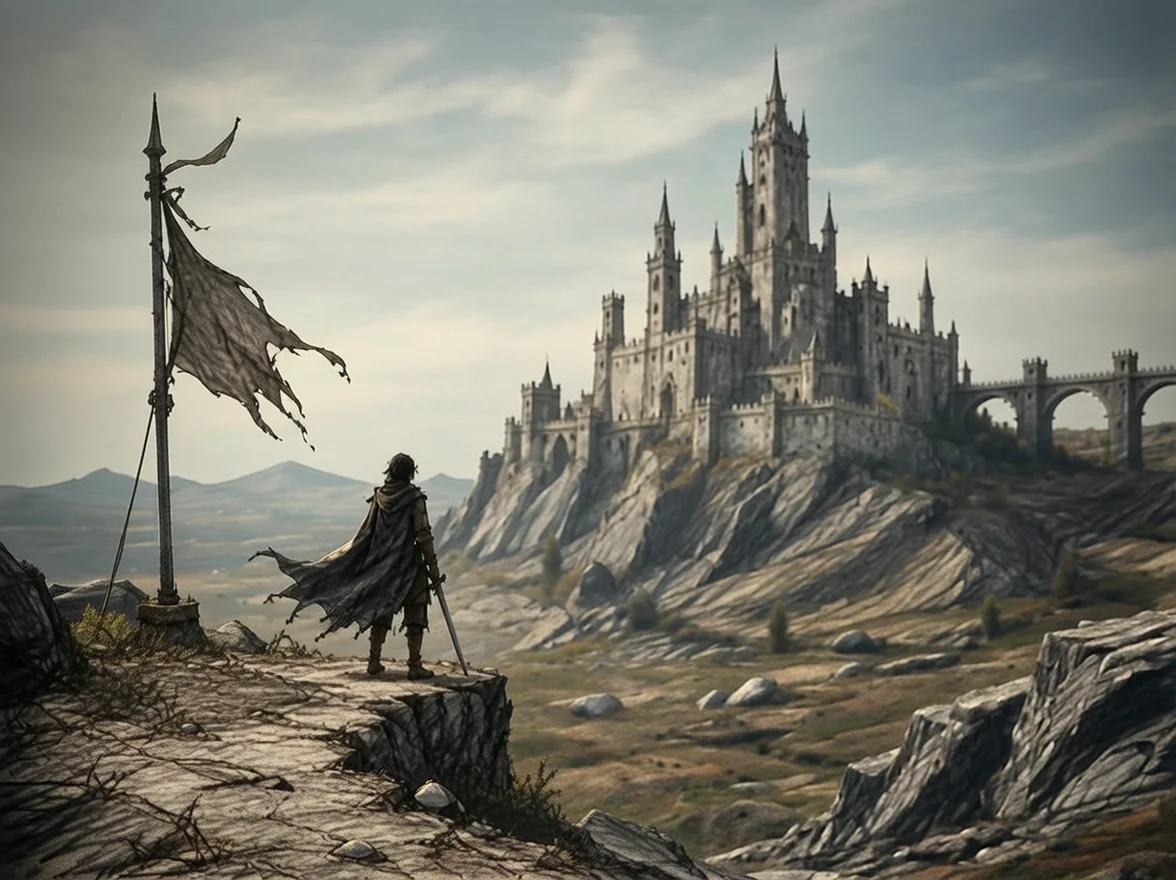
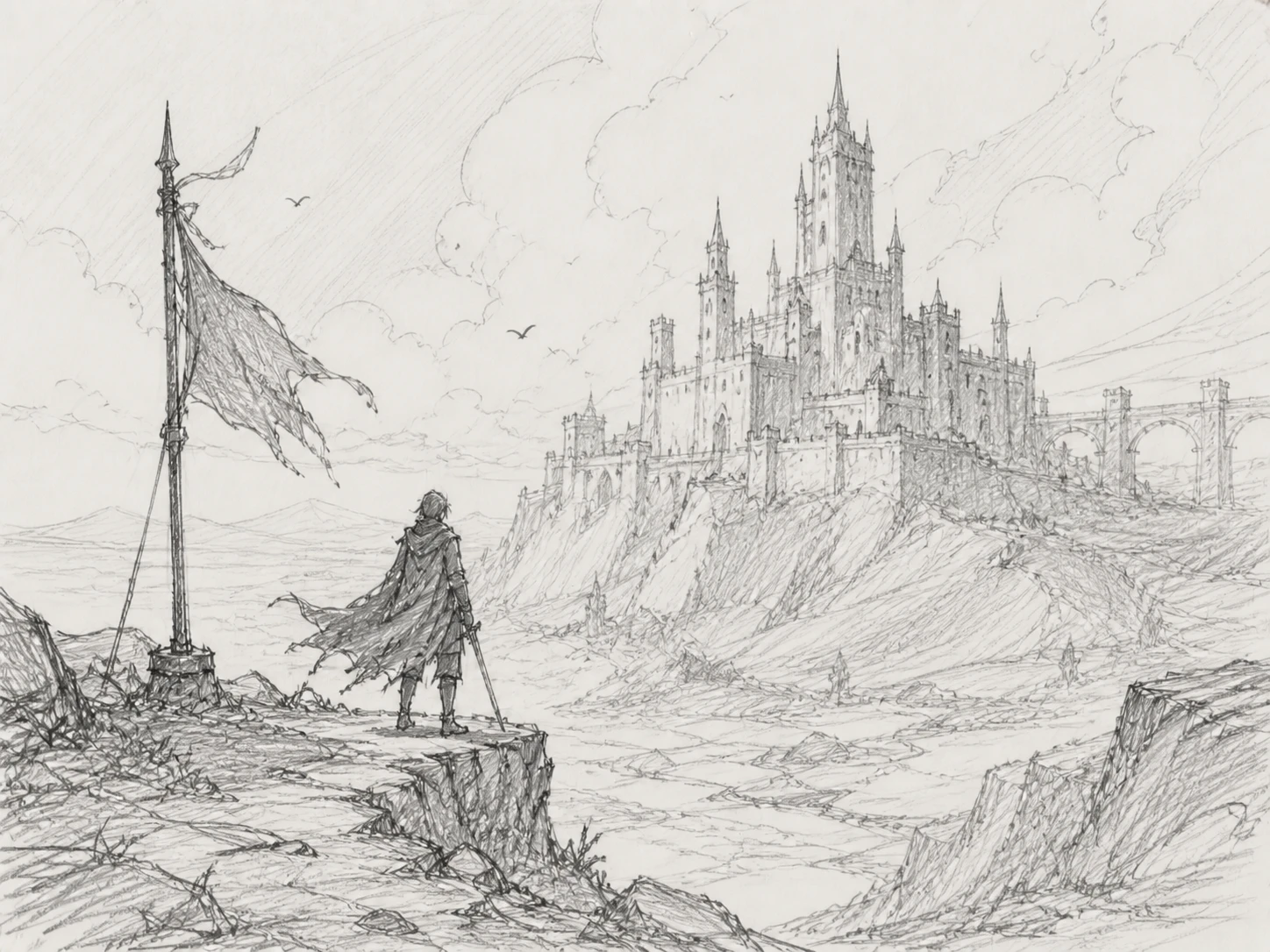
Convert rough sketches into cinematic concept art, fantasy illustrations, or anime-inspired visuals for faster creative review.
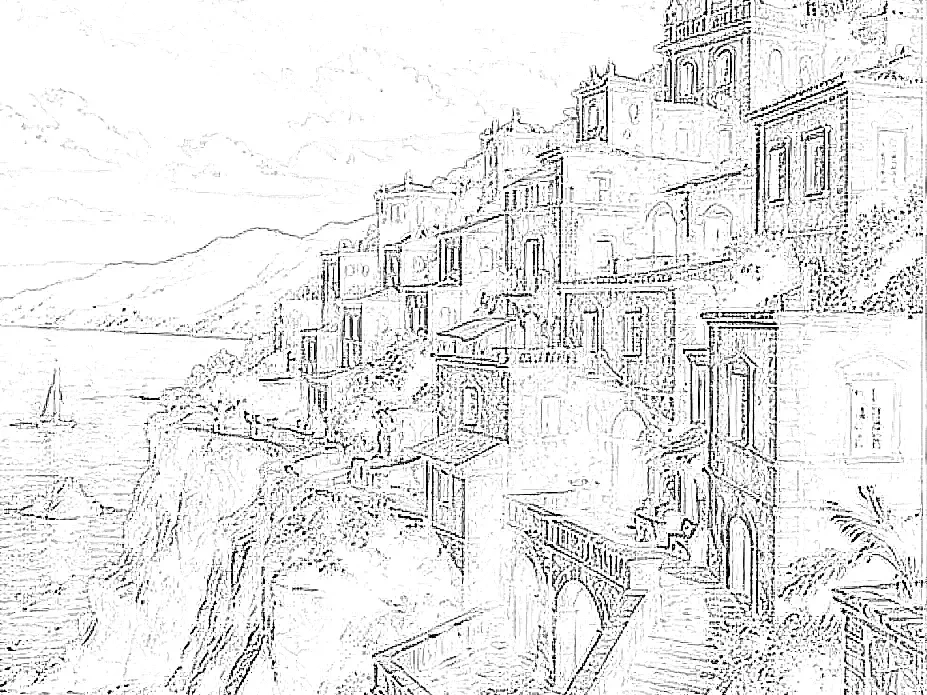
Render building concepts and environment sketches into clearer architectural scenes with lighting, scale, and atmosphere.
Upload a sketch, choose the visual direction, and generate a refined render automatically.
Choose a pencil sketch, line drawing, storyboard frame, or concept draft.
Aim for realistic rendering, concept art, anime-inspired visuals, or industrial design presentation.
Review the structure, lighting, style, and consistency with the original drawing.
Answers about sketch rendering, concept art generation, and turning drawings into images.
Yes. Upload a line drawing or sketch and generate a polished visual with a realistic or stylized render direction.
Yes. It works well for prototypes, concept products, industrial sketches, and early visualization drafts.
Yes. Sketch rendering can turn rough drawings into anime-inspired artwork, cinematic concept art, or fantasy illustrations.
No. Rough pencil sketches and loose concept drafts can work well as long as the main structure is understandable.
Character sketches, product drafts, architecture concepts, fashion drawings, and storyboard frames usually work best.
Yes. The sketch provides the structure, while the render direction can guide realism, materials, lighting, and artistic mood.
Convert drawings, concept drafts, and line art into polished AI-rendered images online.
Discover other powerful AI tools to enhance, restore, and transform your images
Merge multiple photos into one polished visual with prompt-guided AI composition
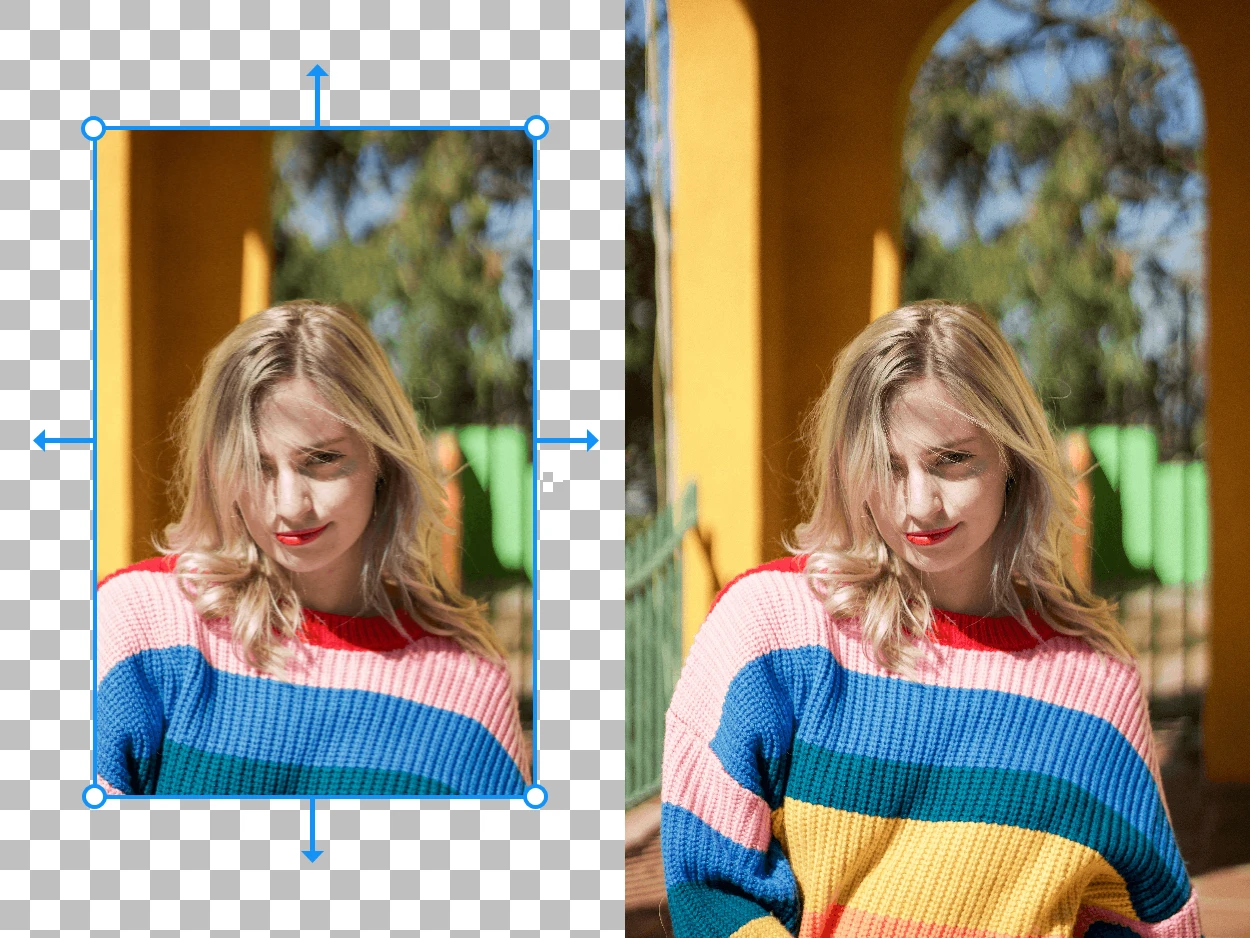
Expand your images beyond their original borders with AI-generated content
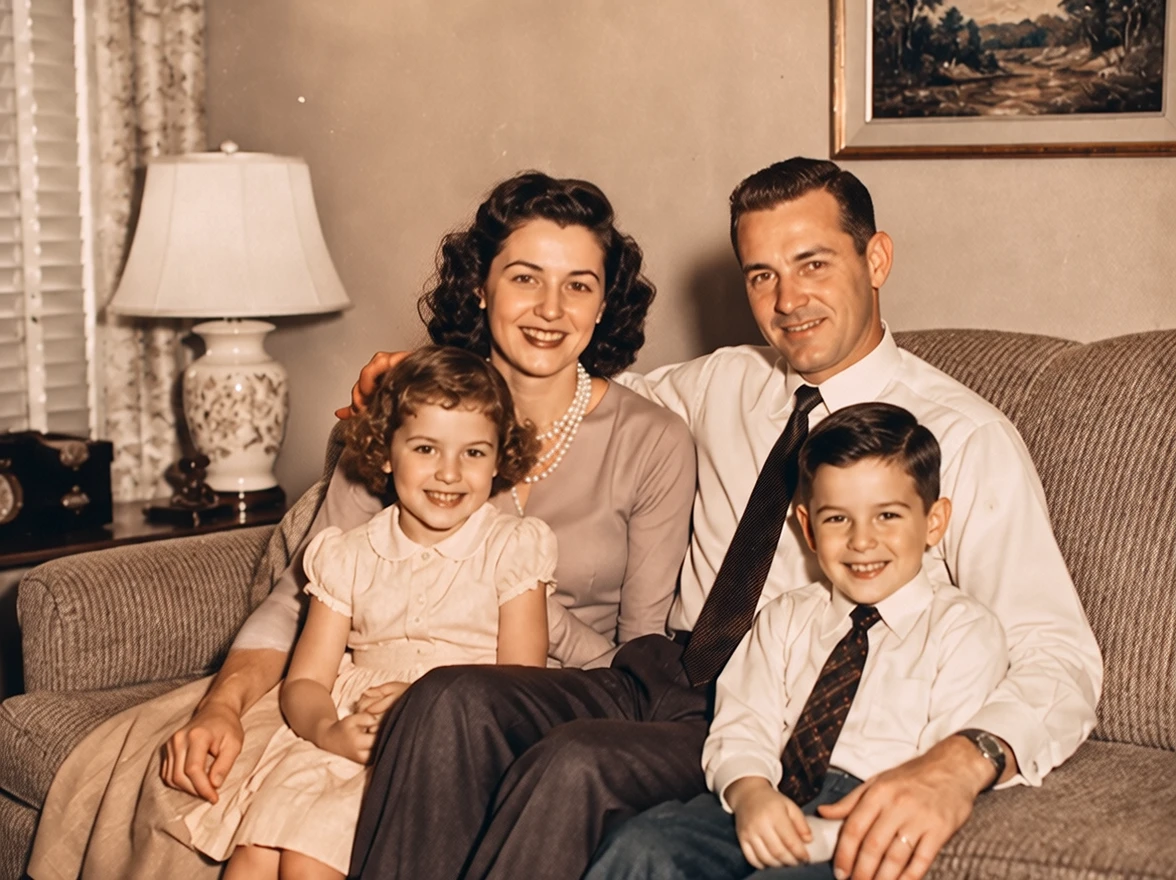
Colorize photos with AI styles
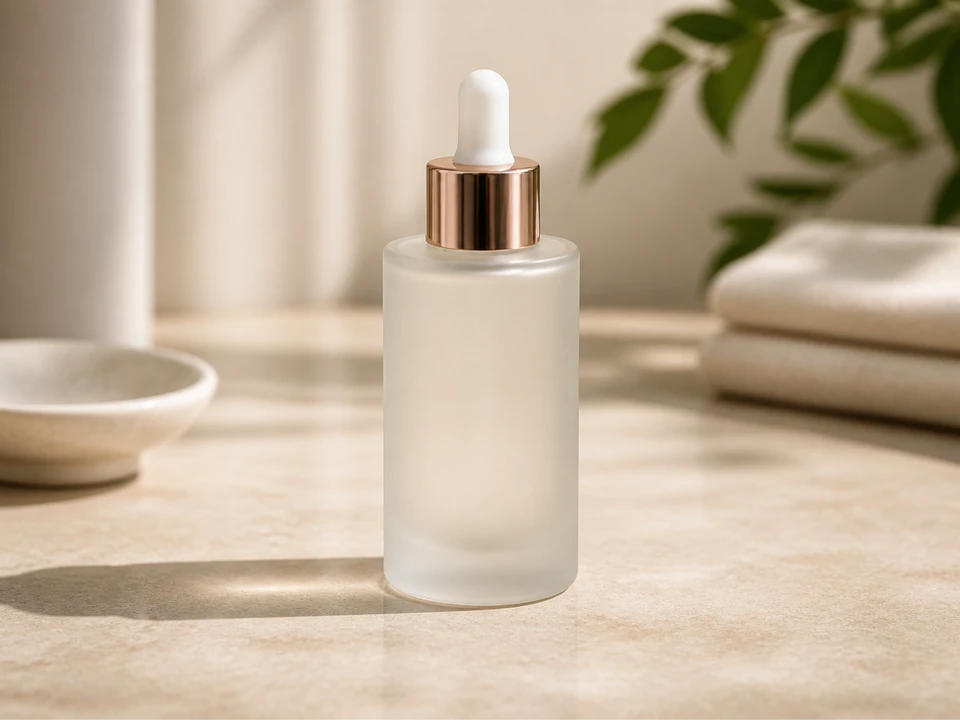
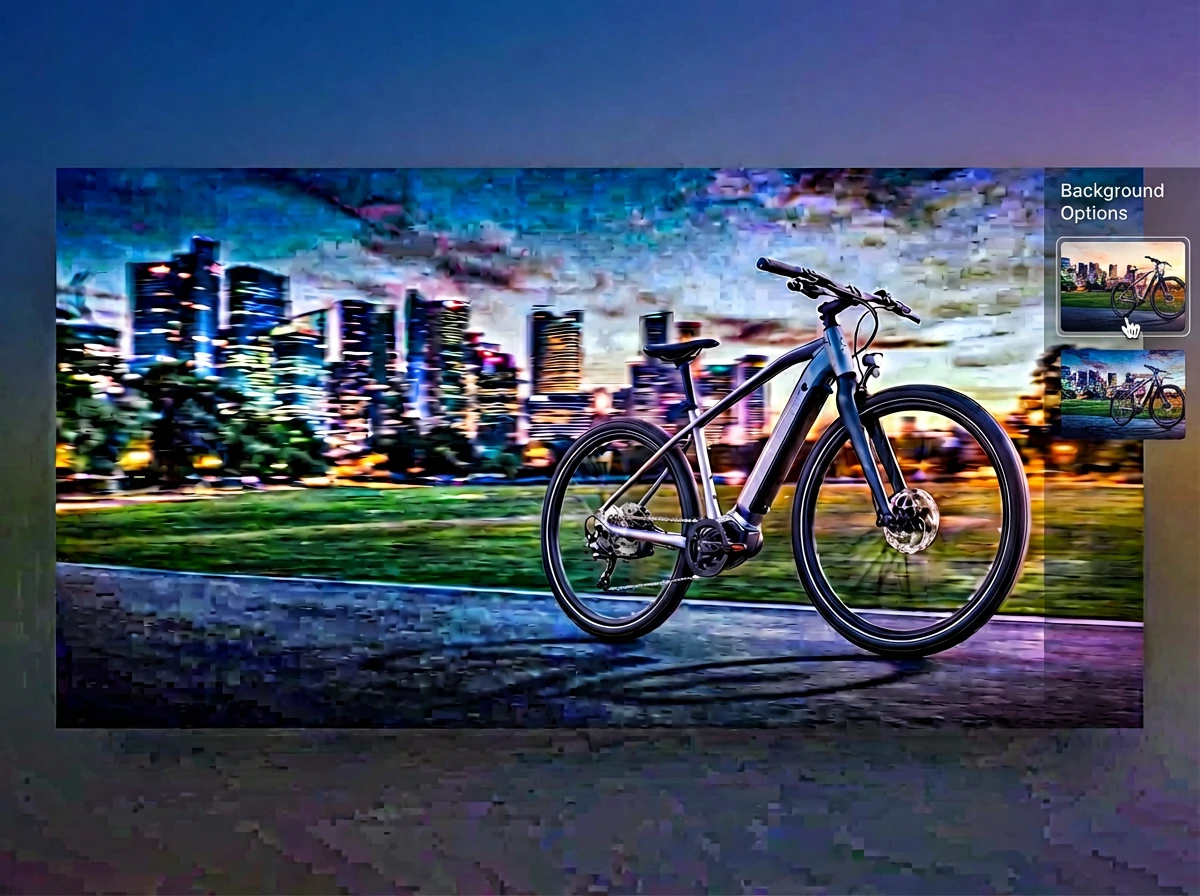
Replace photo backgrounds with AI
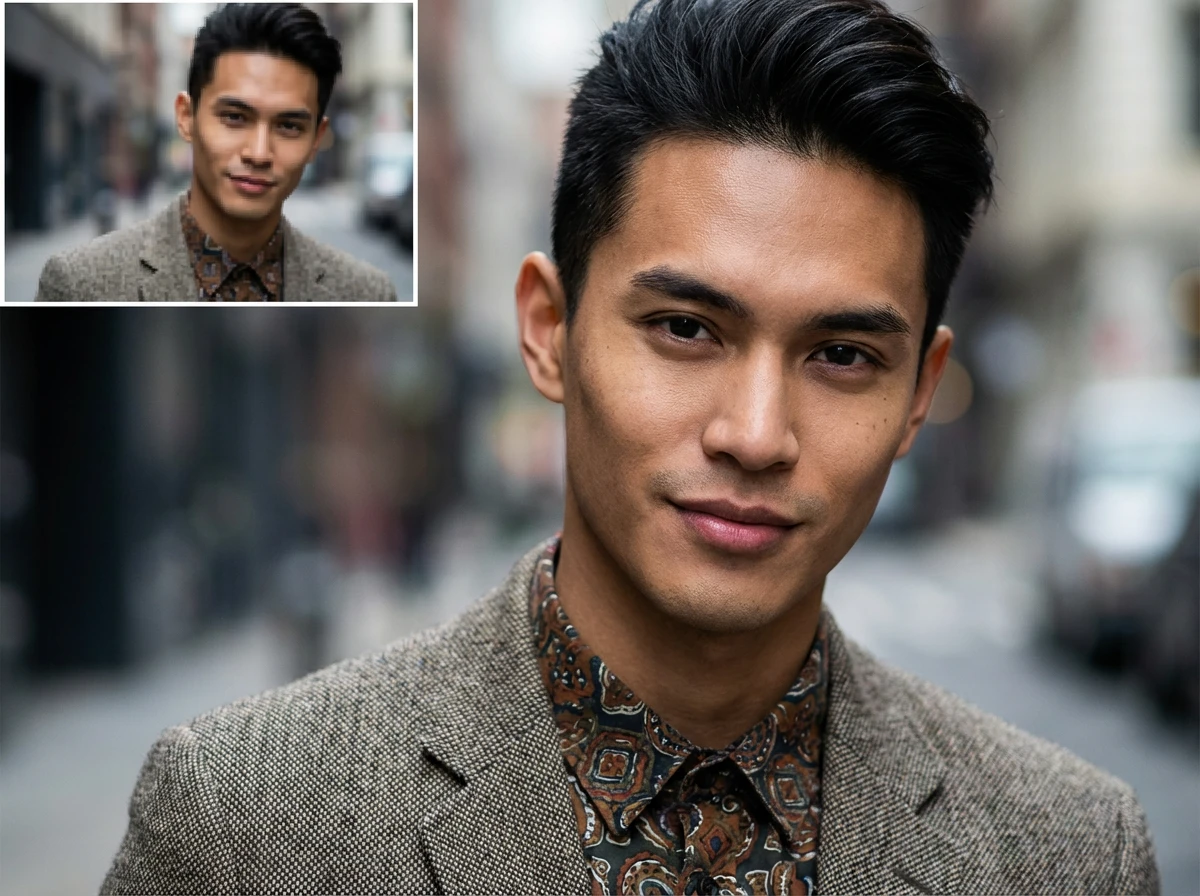
Enlarge images up to 4x while preserving sharpness and natural details