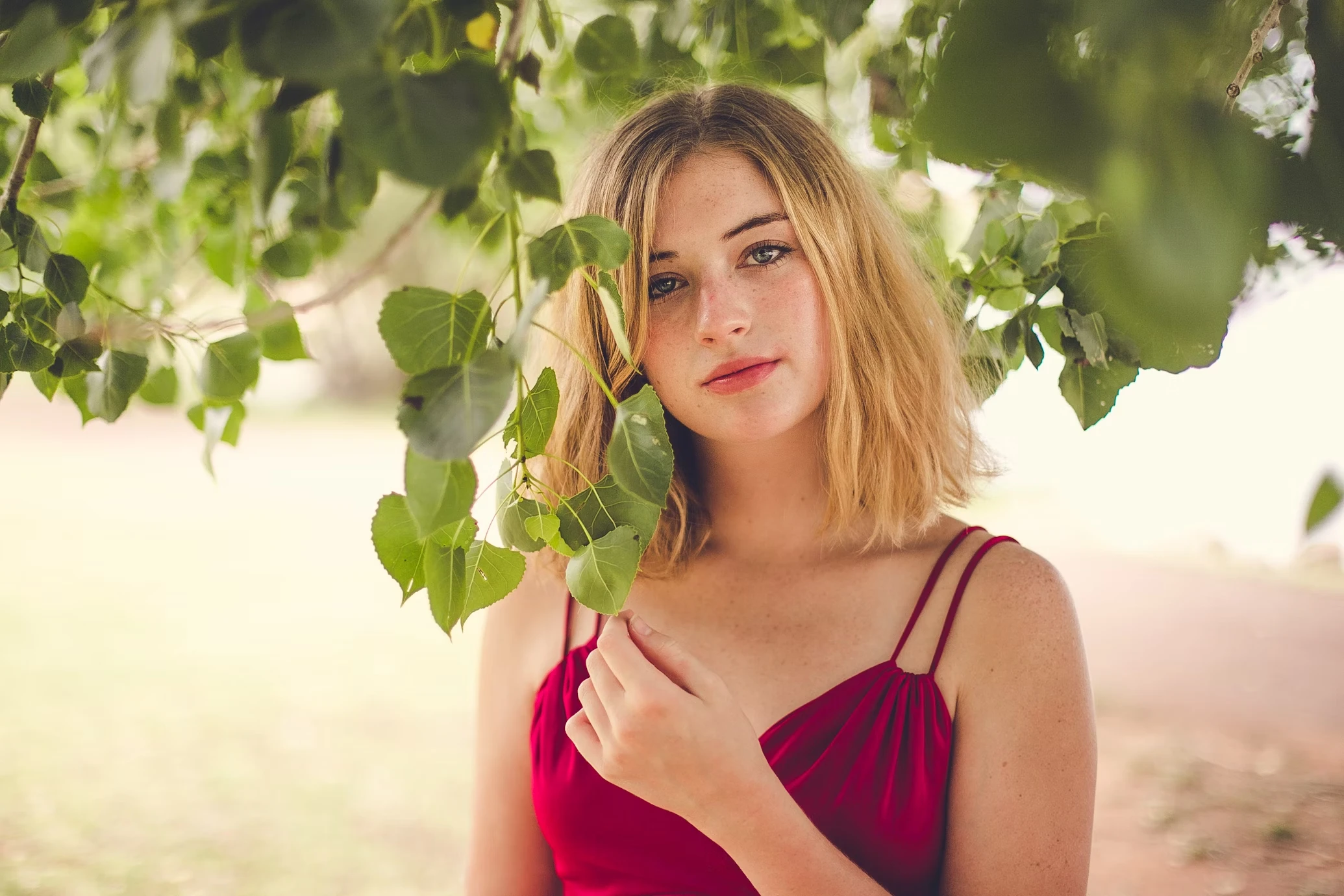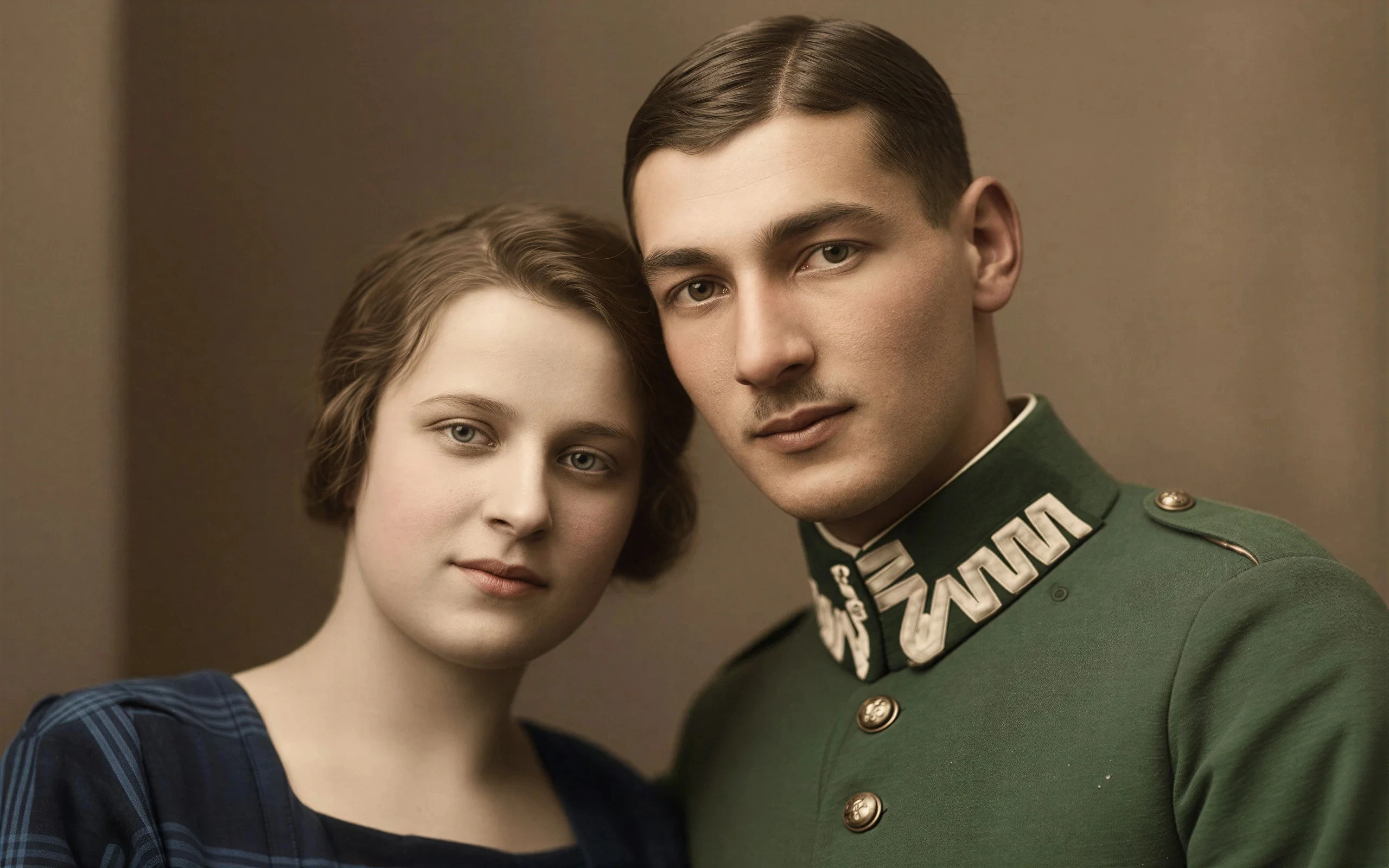
Replace Cluttered Backgrounds
Turn busy rooms, messy desks, weak locations, and distracting scenes into cleaner photo backgrounds without reshooting the subject.
Change messy, distracting, or off-brand photo backgrounds while keeping the original subject natural and believable. Use this AI background replacer for product photos, portraits, ecommerce images, food shots, profile pictures, and studio-style visuals.


Ecommerce
White Backgrounds for Product Photos
Up to 50 photos per upload • Max 10MB each
Replace Cluttered Backgrounds
Turn busy rooms, messy desks, weak locations, and distracting scenes into cleaner photo backgrounds without reshooting the subject.
Create Ecommerce Backdrops
Make white backgrounds, clean studio scenes, and simple product photo backgrounds for online stores, catalogs, and marketplace listings.
Improve Portrait Backgrounds
Replace casual room backgrounds with cleaner office, studio, lifestyle, or profile-photo scenes for LinkedIn, creators, and personal branding.
Keep Edges and Shadows Natural
Avoid the flat cutout look. The AI background replacer works around subject edges, lighting, shadows, and scene balance.
Most users are not trying to make a fantasy edit. They have a usable subject and a photo background that hurts the image.
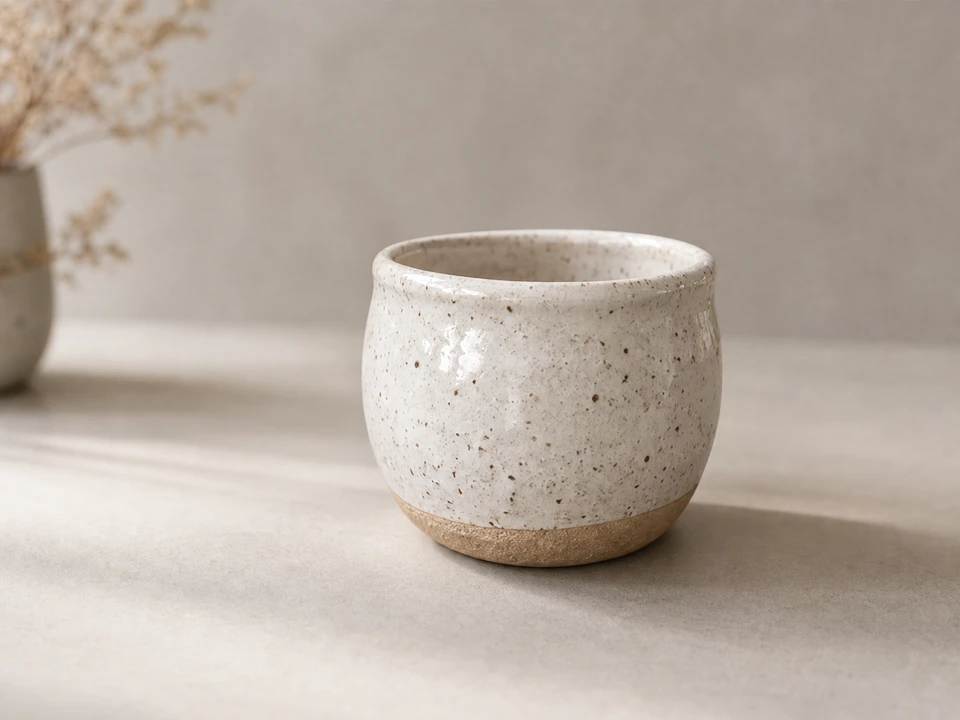
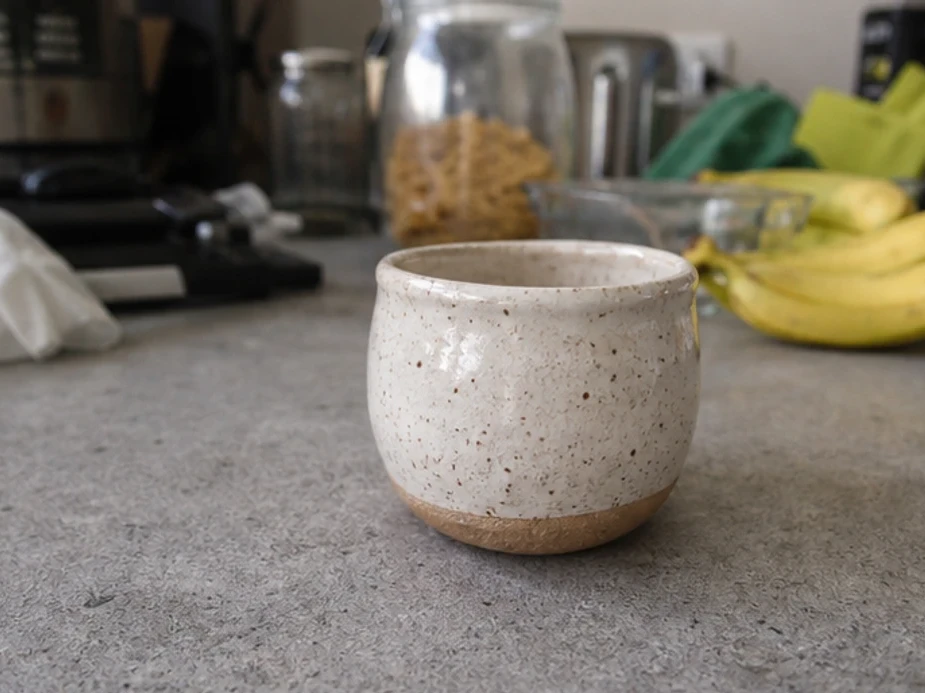
A sharp product photo can still feel unusable if the surface, room, or clutter sends the wrong signal.


Small teams often cannot reshoot every item on a perfect ecommerce backdrop. A cleaner background gets the image closer to ready.


Sometimes the person is right, but the room, wall color, or location does not match the profile, résumé, or personal brand use case.
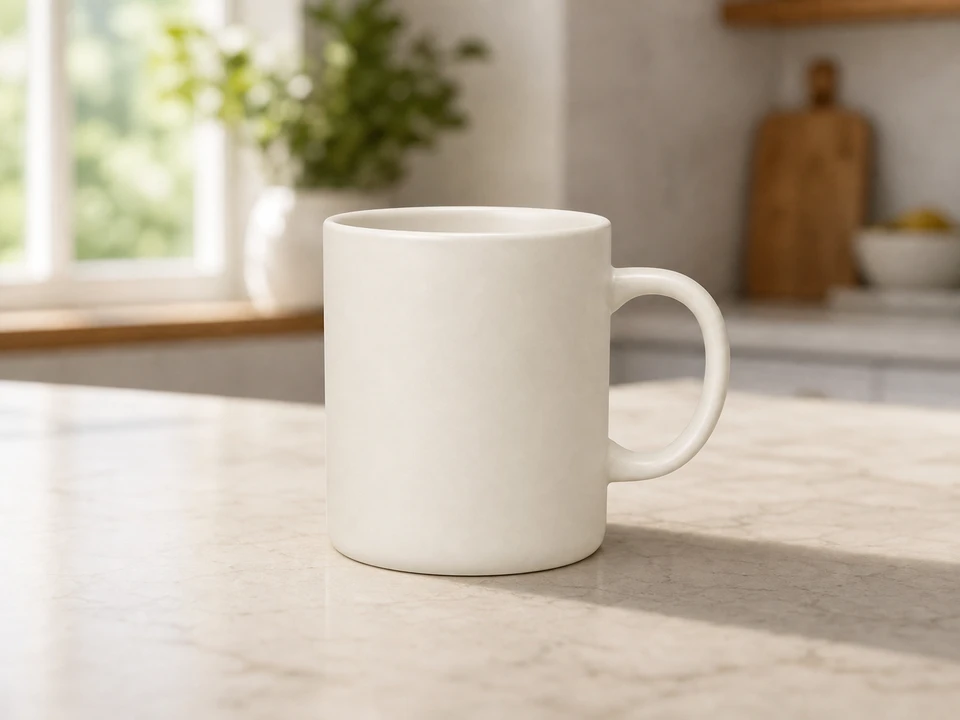
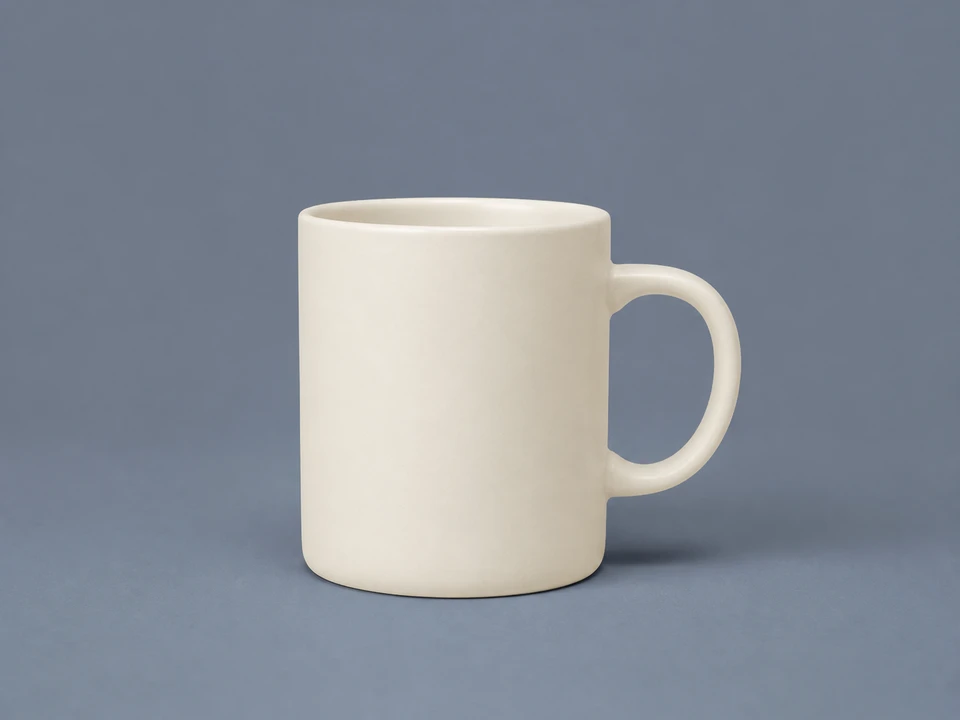
Hard edges and missing shadows make background swaps look cheap. A blended replacement gives the subject more room to belong.
A product catalog edit, a LinkedIn portrait, a food photo, and a campaign mockup do not need the same kind of AI background replacement direction.


Prompt mode is useful when you know the setting you want but do not have a reference image. Mention the location, light, camera feel, and mood so the replacement has a clear target.
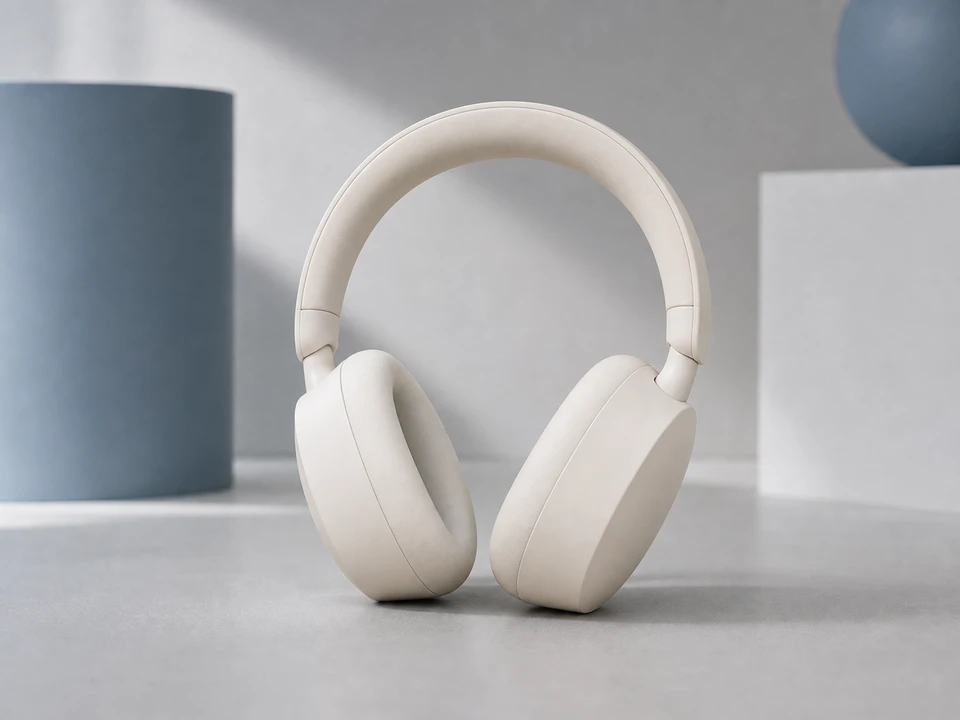
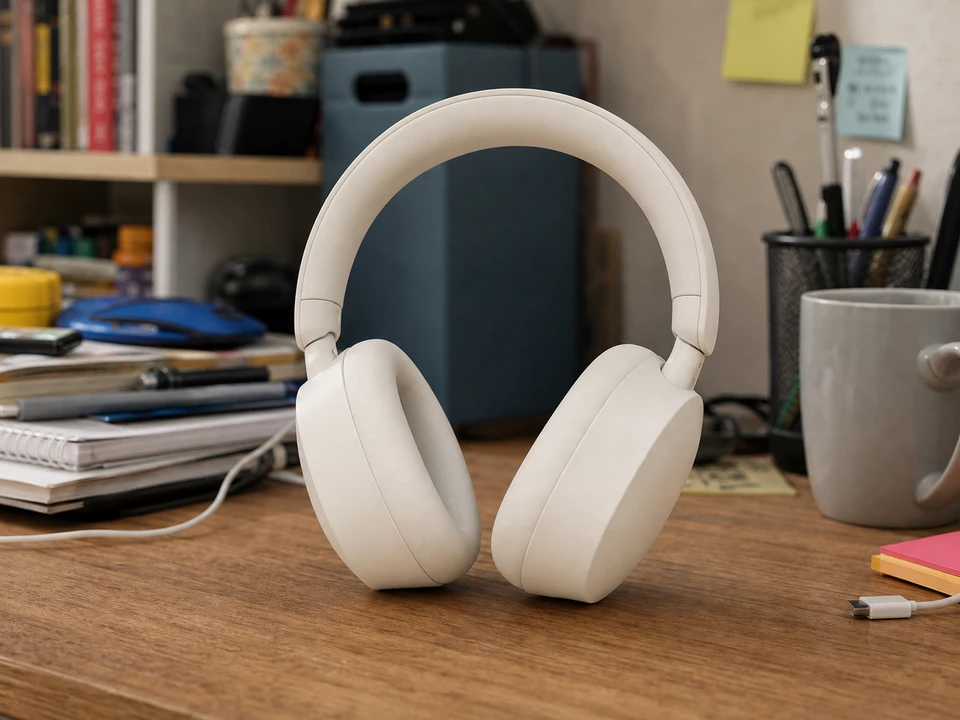
Reference mode helps when the background needs to feel close to an existing campaign, room style, catalog look, or brand palette. It gives the model a visual target instead of leaving the style open-ended.
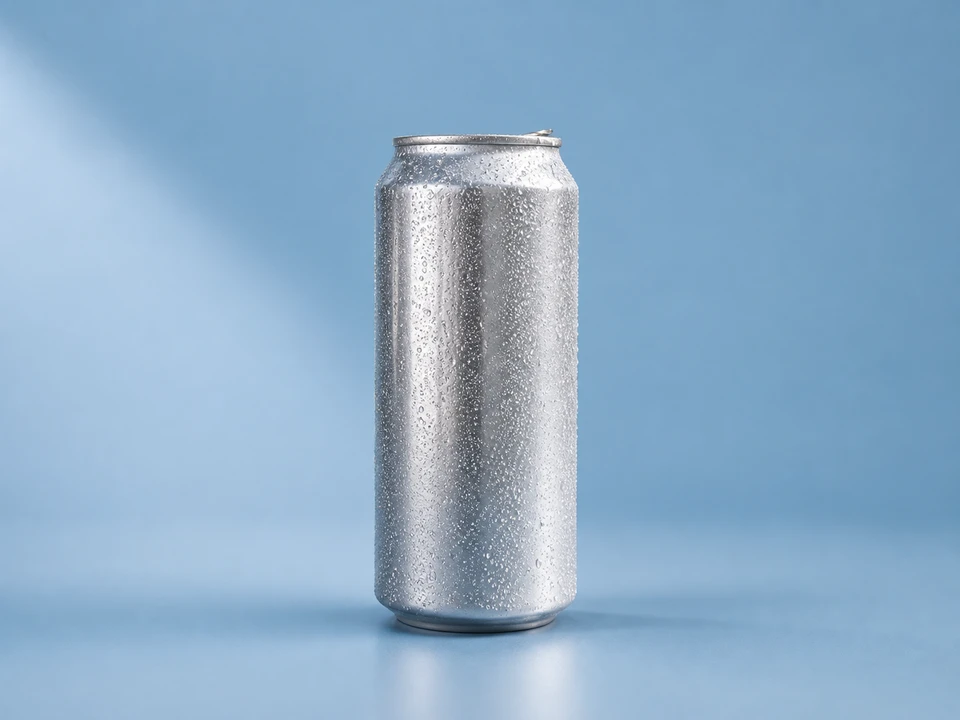
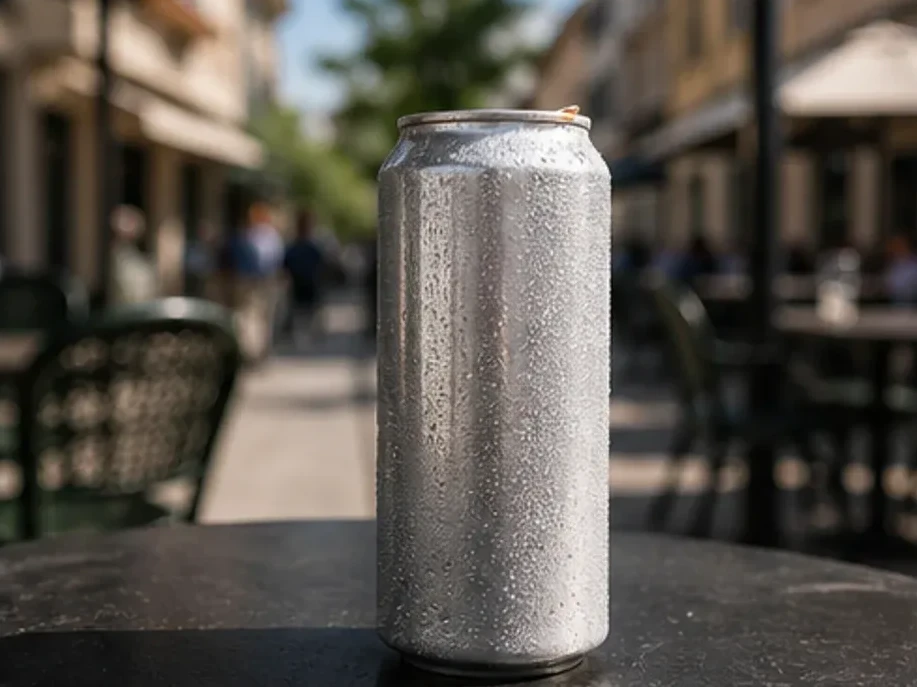
Solid color backgrounds still need good edges and believable shadows. This mode turns the color choice into a more finished setup, so the result does not look like a basic cut-and-paste export.
The AI background replacer only needs one main photo and one way to describe the background you want.
Choose the portrait, product shot, food image, lifestyle photo, or profile picture where the subject should stay and the background should change.
Write a scene prompt, upload reference images, pick a solid color, or choose a ready-made background template.
Compare the result with the original and download once the subject, edges, shadows, and scene feel right.
Answers about background replacement, ecommerce backdrops, prompts, references, and output review.
Upload your image, choose a prompt, template, reference image, or color background, then let the AI background replacer generate a new scene around your subject.
Yes. Use a white studio background, a solid color background, or a clean ecommerce prompt to create product photos for online stores and marketplace listings.
Background removal usually creates a transparent or plain cutout. Background replacement creates a new scene, color backdrop, studio setup, or lifestyle background around the subject.
That is the goal. The tool works around subject edges, scene balance, shadows, and lighting so the result looks less like a flat cutout.
Use a prompt when you can describe the background clearly but do not have a sample image. It is best for new locations, studio setups, and quick concept tests.
You can add up to three. One strong reference is often enough; extra references can help when the style or palette needs to stay tight.
Upload one image, choose the kind of background direction that fits your edit, and see whether the AI background replacer result is ready to use.
Discover other powerful AI tools to enhance, restore, and transform your images

Instantly remove image backgrounds with precise edge detection
Enhance portraits and remove backgrounds for clean white-background results

Blur distracting backgrounds with AI
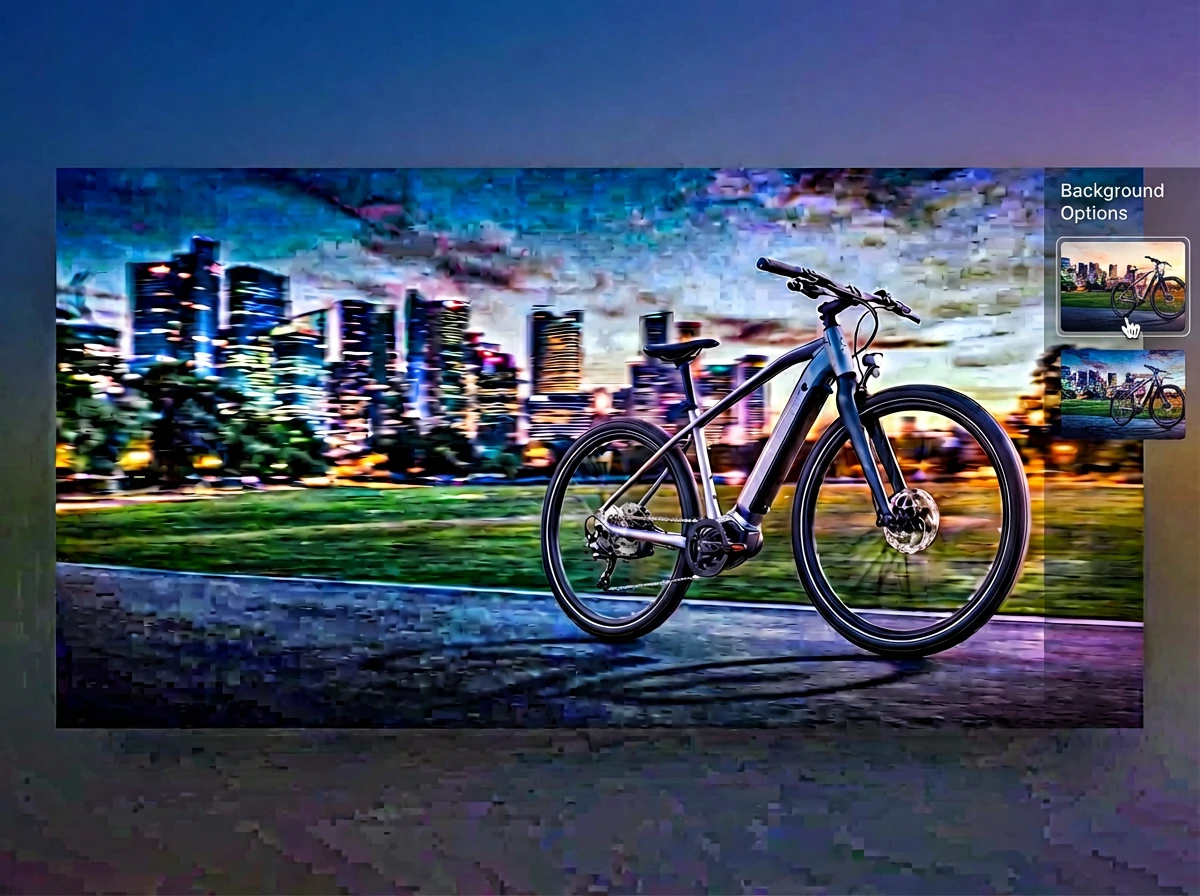
Merge multiple photos into one polished visual with prompt-guided AI composition
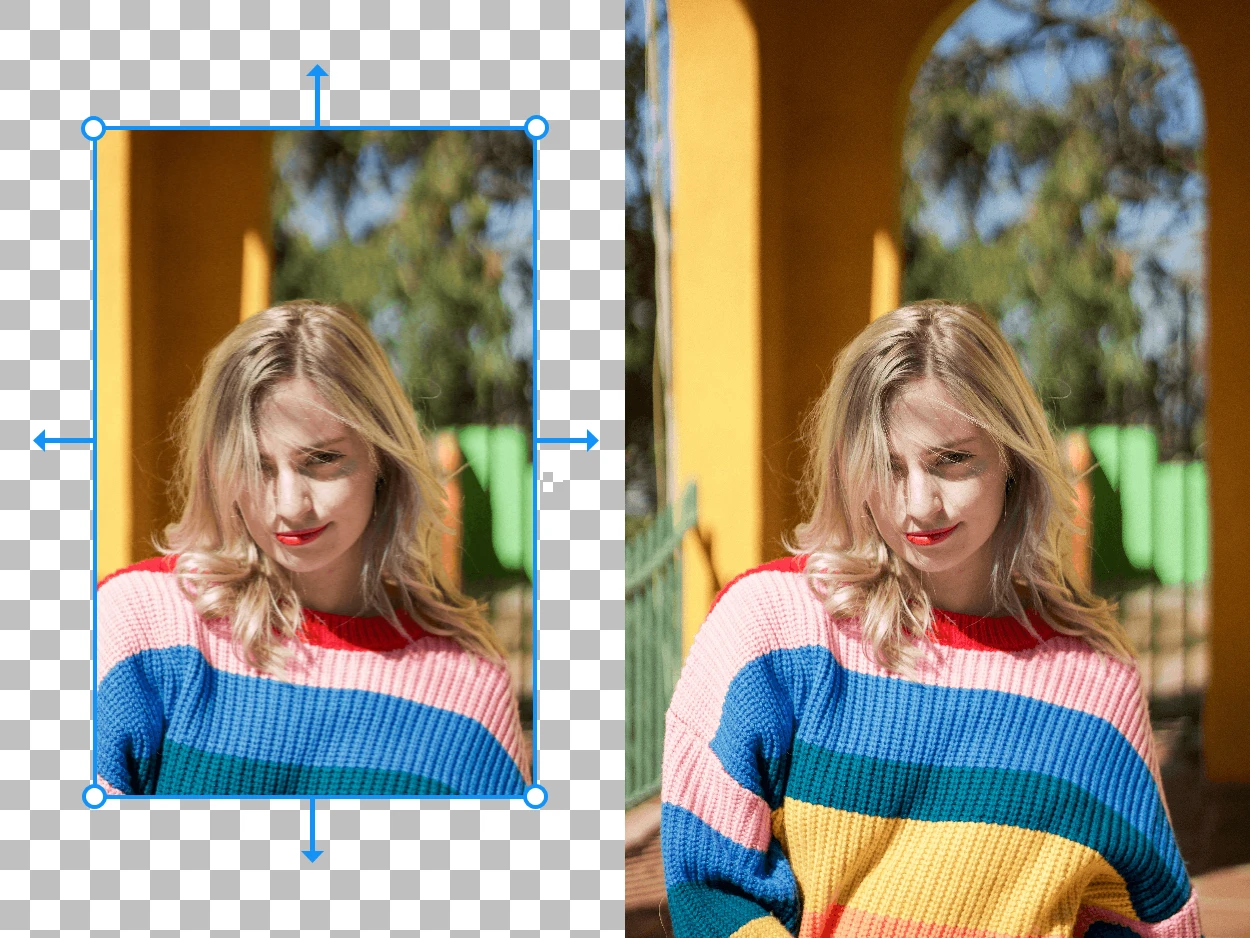
Expand your images beyond their original borders with AI-generated content

Erase unwanted objects from photos seamlessly with AI inpainting