Seamless AI Outpainting
Our AI image extender analyzes your photo and generates matching content beyond the edges. The extended areas blend naturally with the original image.
Upload your photo and let our AI image extender expand it in any direction. Seamlessly generate new content beyond the original borders using AI outpainting. Perfect for social media, e-commerce, photography, and design projects.
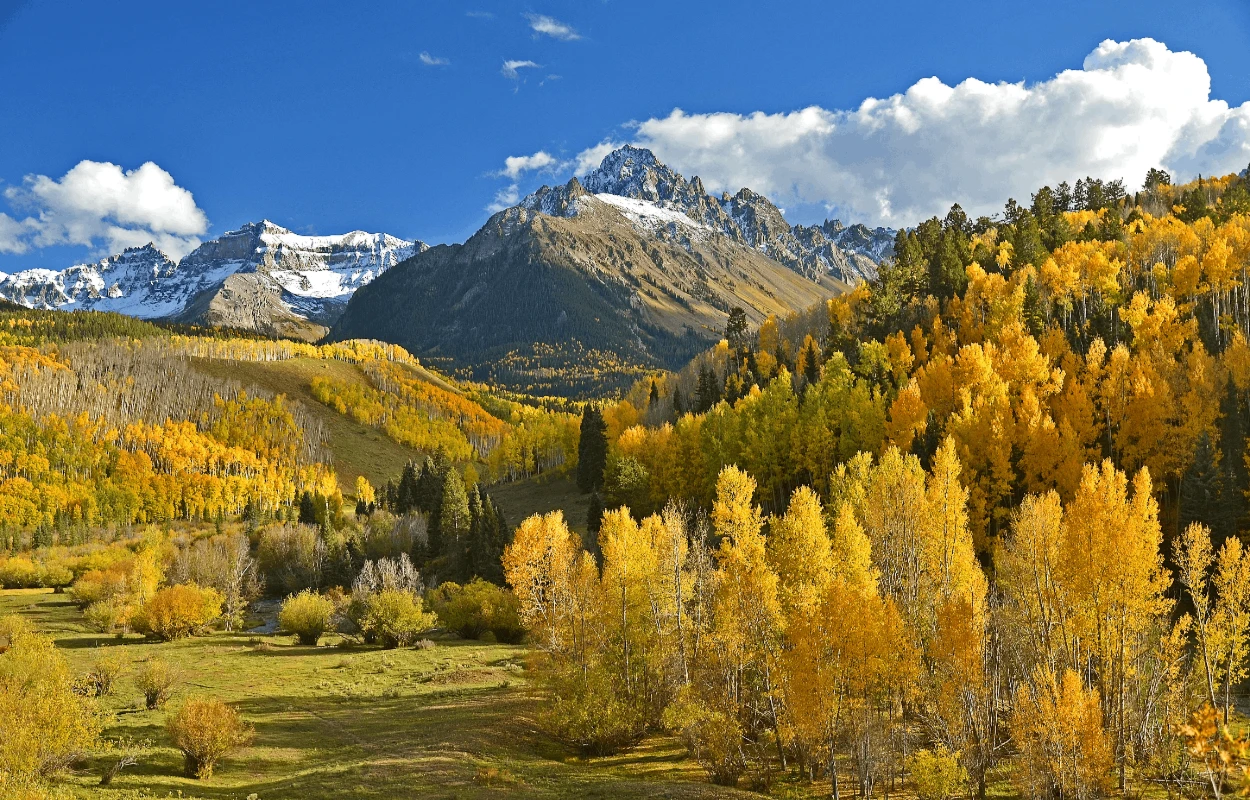
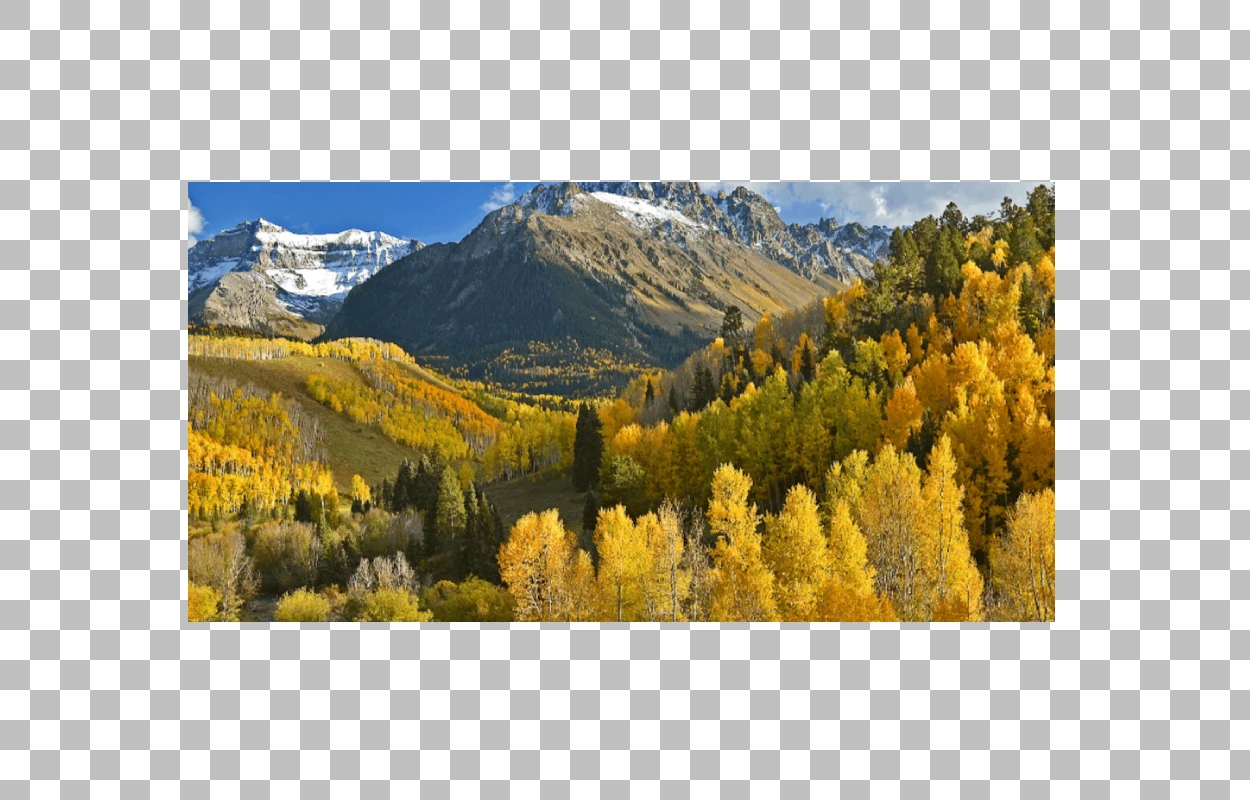
Landscape
Extend Landscape Photos
Up to 50 photos per upload • Max 10MB each
Seamless AI Outpainting
Our AI image extender analyzes your photo and generates matching content beyond the edges. The extended areas blend naturally with the original image.
Extend in Any Direction
Expand images left, right, up, or down. Need a wider landscape or taller portrait? The AI image expander handles any direction with consistent quality.
Context-Aware Generation
The AI understands your image content — sky, ground, textures, patterns — and extends them realistically. No awkward seams or mismatched colors.
Multiple Aspect Ratios
Convert portrait photos to landscape, square images to widescreen, or any custom ratio. Ideal for repurposing content across different platforms.
These common image sizing frustrations disappear when you use AI to extend images
No more cropping out important content to fit platform requirements. The AI image extender adds space around your image so nothing gets cut off.
Photos shot too tight? Extend the background around your subject to create breathing room for text overlays, design elements, or simply a better composition.
One photo, many platforms. Instead of creating separate crops for each social channel, extend your image with AI to fit Instagram, Facebook, Twitter, and LinkedIn formats.
Designers often need more image area for layouts and compositions. The AI image expander generates additional canvas space while maintaining visual consistency.
From social media to e-commerce, our AI Image Extender adapts your photos for every need without stretching or hassle
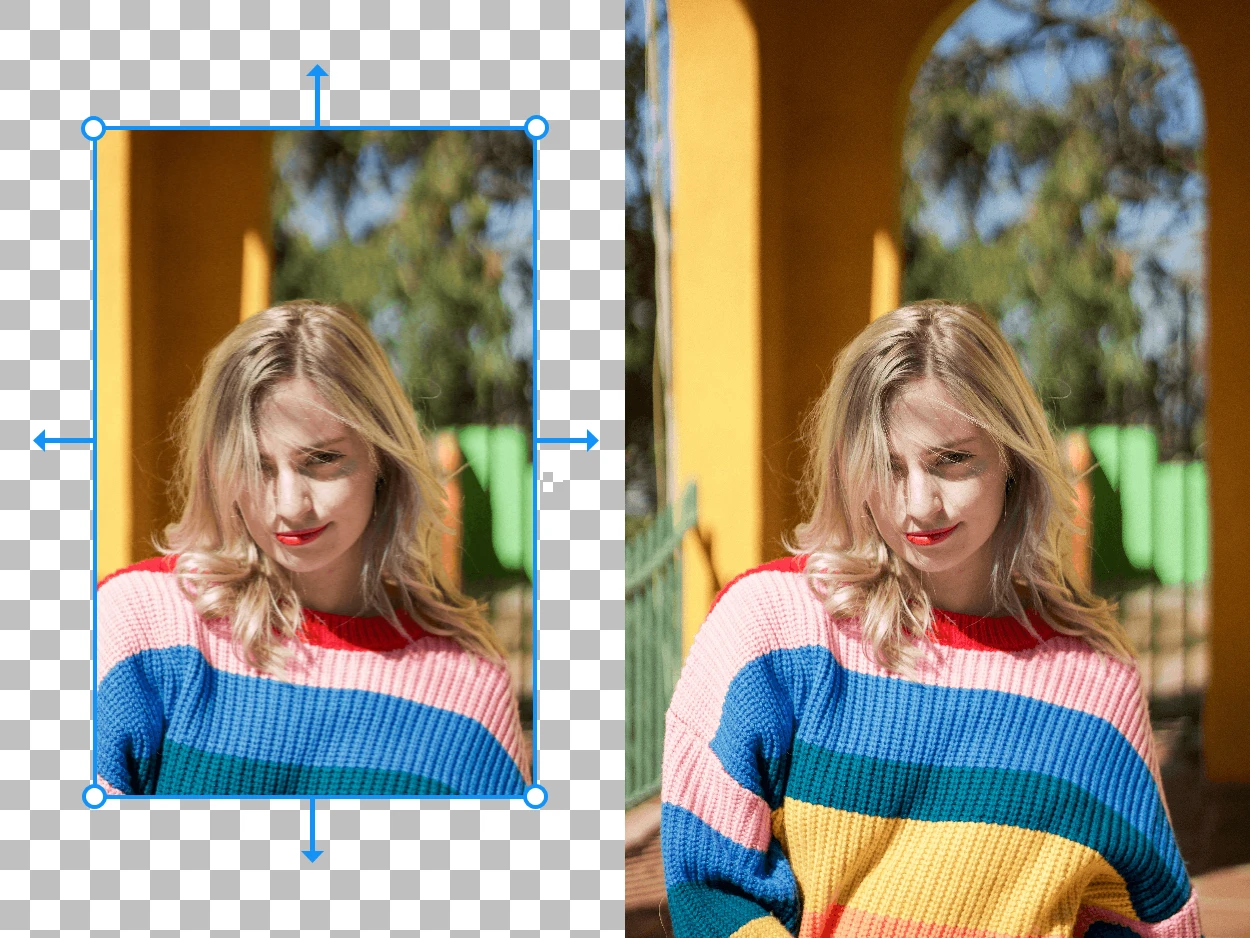
Upload your photo and let AI seamlessly adjust it for Instagram, TikTok, Pinterest, and more — without stretching or hassle. Turn a vertical shot into a horizontal banner, or give your subject more breathing room for the perfect post.
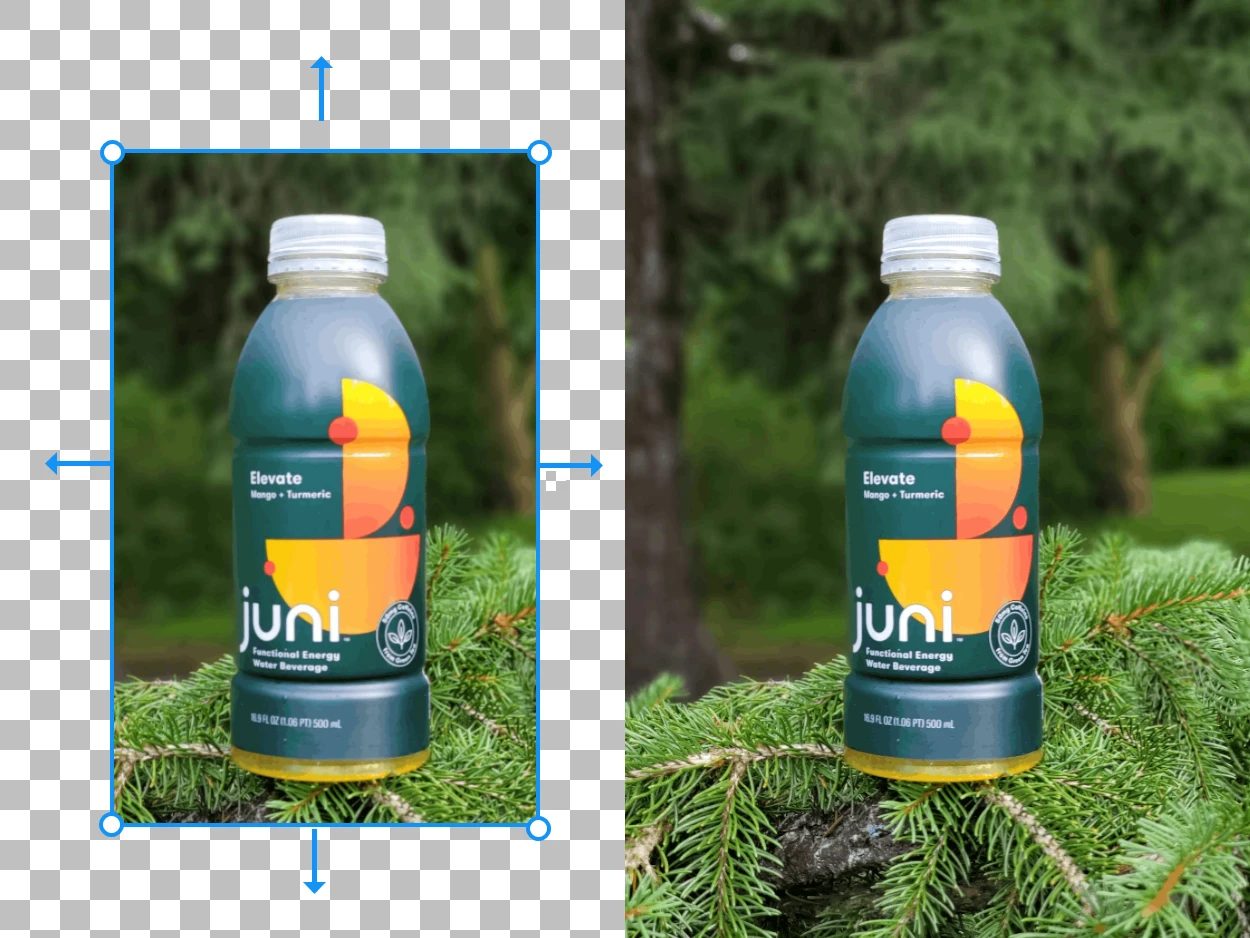
Optimize product photos for consistent marketplace listings across Amazon, Shopify, and Etsy. Adjust dimensions, extend backgrounds, and present a clean, professional product view — no reshooting required.
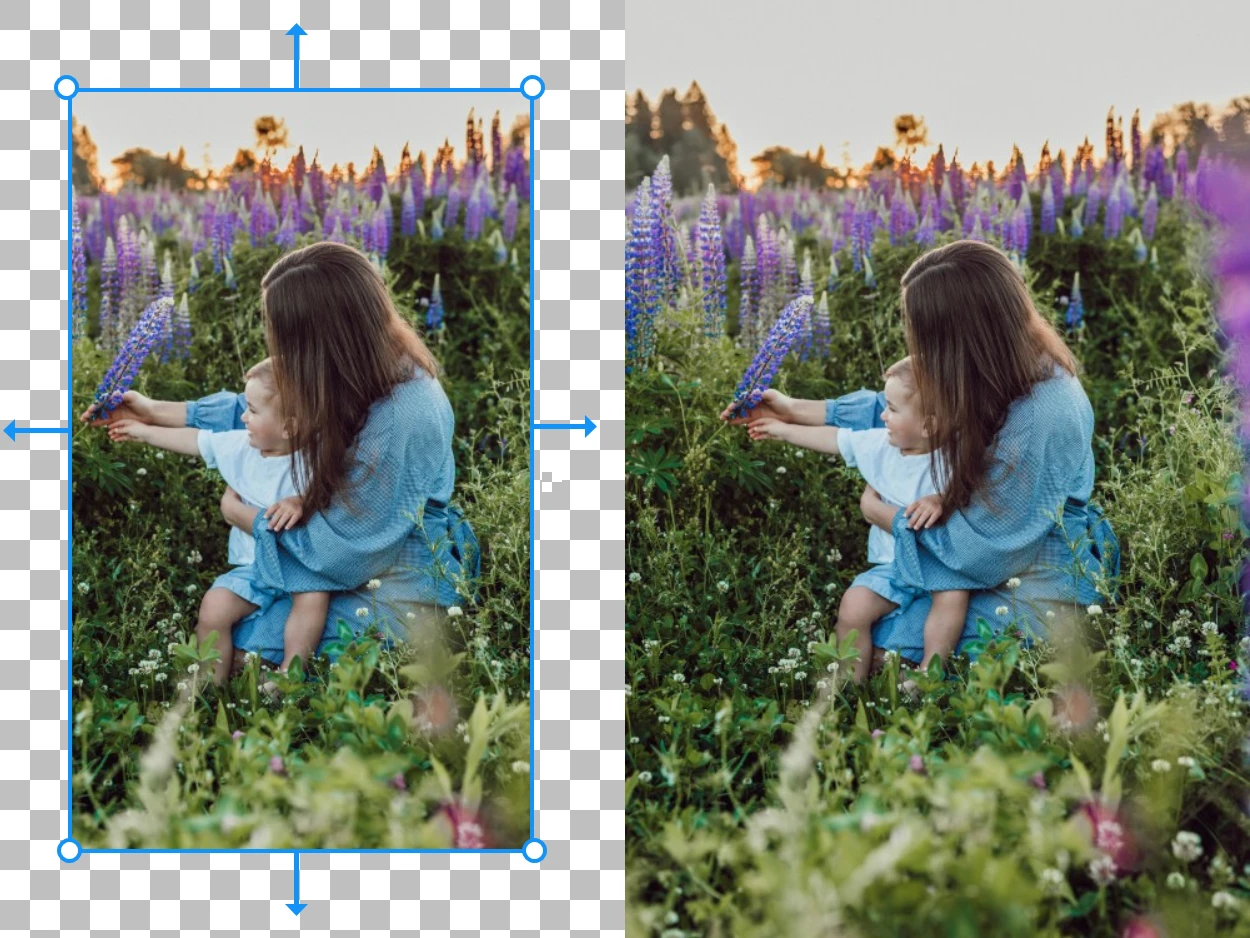
Already have the perfect shot — just the wrong size? Extend the edges of any image to fit the frame you need. AI naturally fills in the background so your photo looks like it was always meant to be that size.
Three simple steps to expand any image beyond its original borders using AI outpainting.
Drag & drop any photo — landscapes, products, portraits, or artwork. All image types work with our AI image extender.
Select which direction to expand — left, right, up, down, or all sides. Set your target aspect ratio or custom dimensions.
The AI generates new content that blends seamlessly with your original photo. Download the expanded image in high quality.
Everything you need to know about extending and expanding images with AI
An AI image extender is a tool that uses artificial intelligence to expand images beyond their original borders. Also known as AI outpainting, it generates new content that seamlessly continues the existing scene — extending backgrounds, landscapes, skies, and other elements in any direction.
Yes! New users get free credits to extend images with AI. For unlimited image extension and batch processing, affordable paid plans are available that include all Refini photo editing tools.
Our AI image extender uses generative models trained on millions of images. It analyzes the content, colors, textures, and patterns in your photo, then generates new pixels that naturally continue the scene beyond the original borders. The result looks like a naturally wider or taller photograph.
AI outpainting is the process of using artificial intelligence to generate new image content outside the original boundaries of a photo. Unlike inpainting (which fills in areas within an image), outpainting extends the image canvas and fills the new space with contextually appropriate content. Refini's AI image extender uses advanced outpainting to expand your photos seamlessly.
Absolutely! Refini's AI image extender works entirely in your browser — no software installation required. Upload your image, choose the extension direction, and download the result. It's faster and easier than manual content-aware fill in Photoshop.
Our image extender accepts JPG, JPEG, PNG, and WebP files up to 10MB. Extended images can be downloaded in high-quality PNG or JPG format, ready for any use case.
Join thousands of creators and businesses who use Refini's AI image extender to expand photos for social media, e-commerce, and design. Try it free and see how AI outpainting transforms your workflow.
Discover other powerful AI tools to enhance, restore, and transform your images
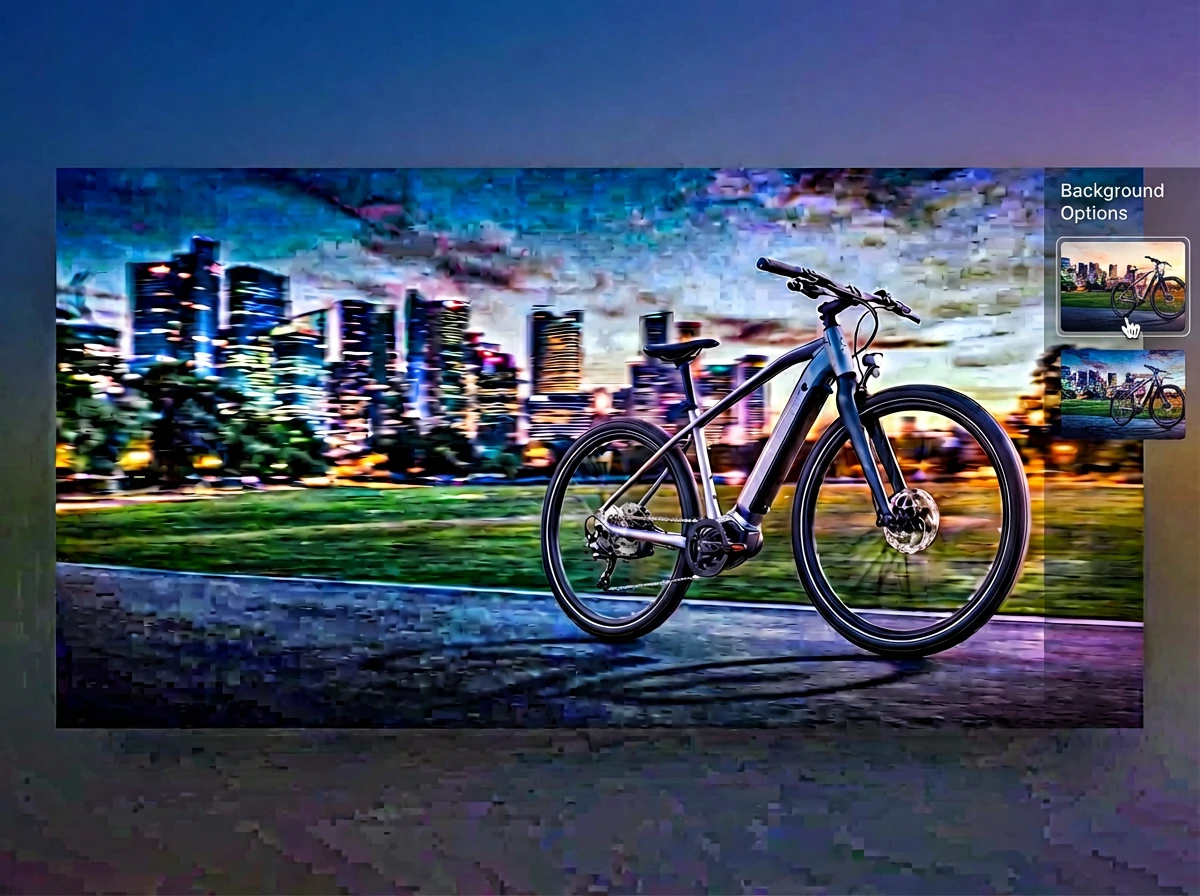
Merge multiple photos into one polished visual with prompt-guided AI composition
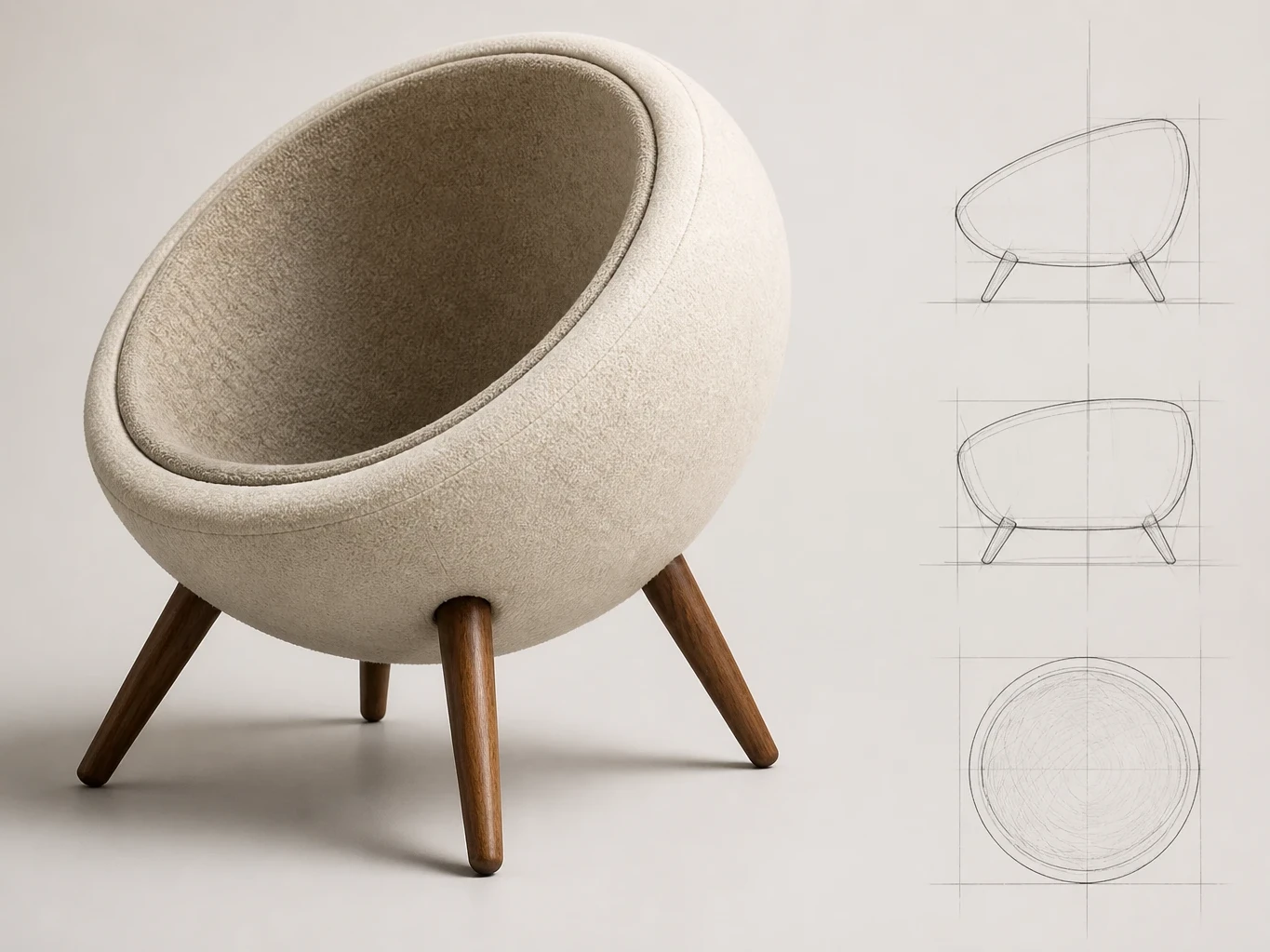
Turn sketches into rendered images
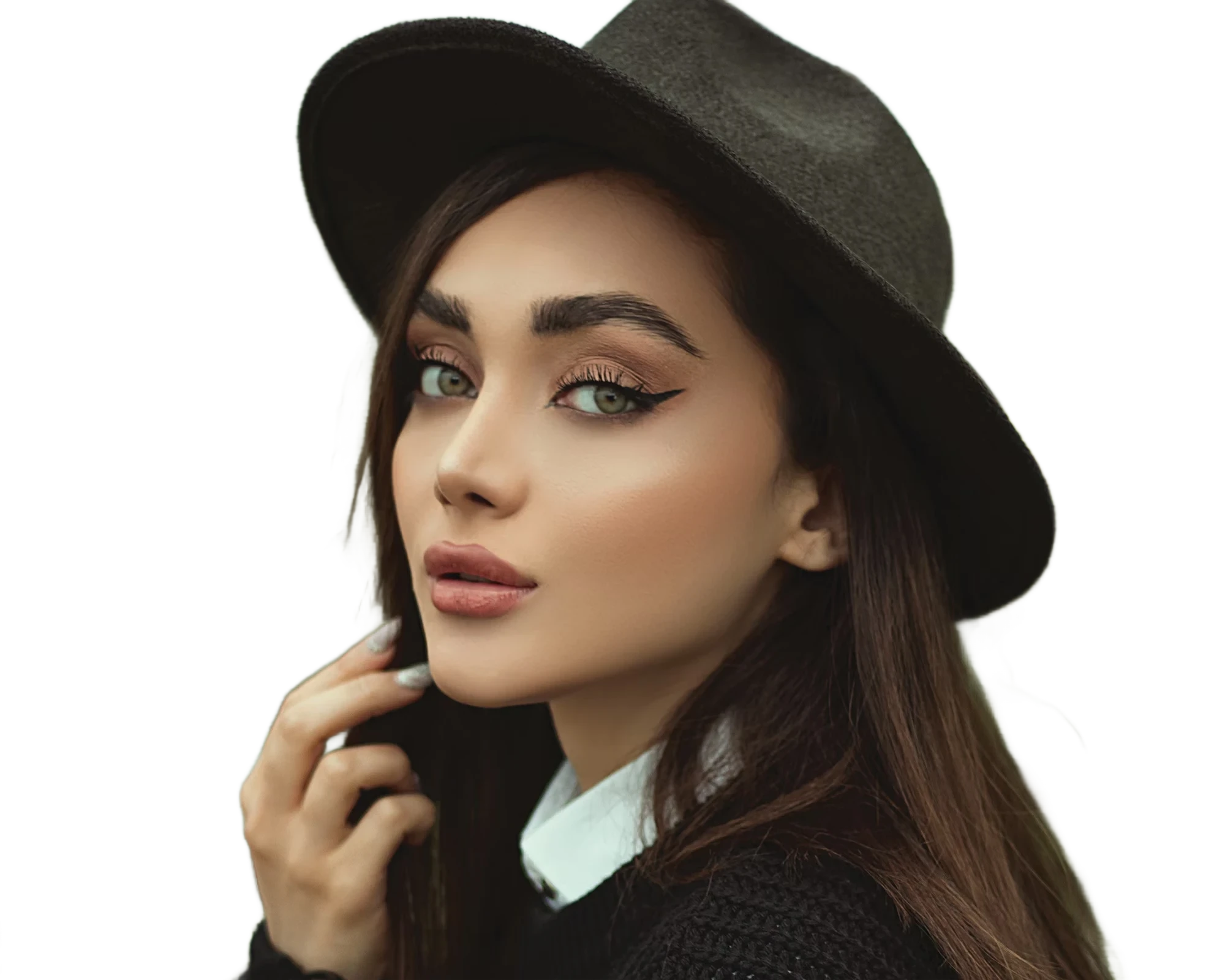
Instantly remove image backgrounds with precise edge detection
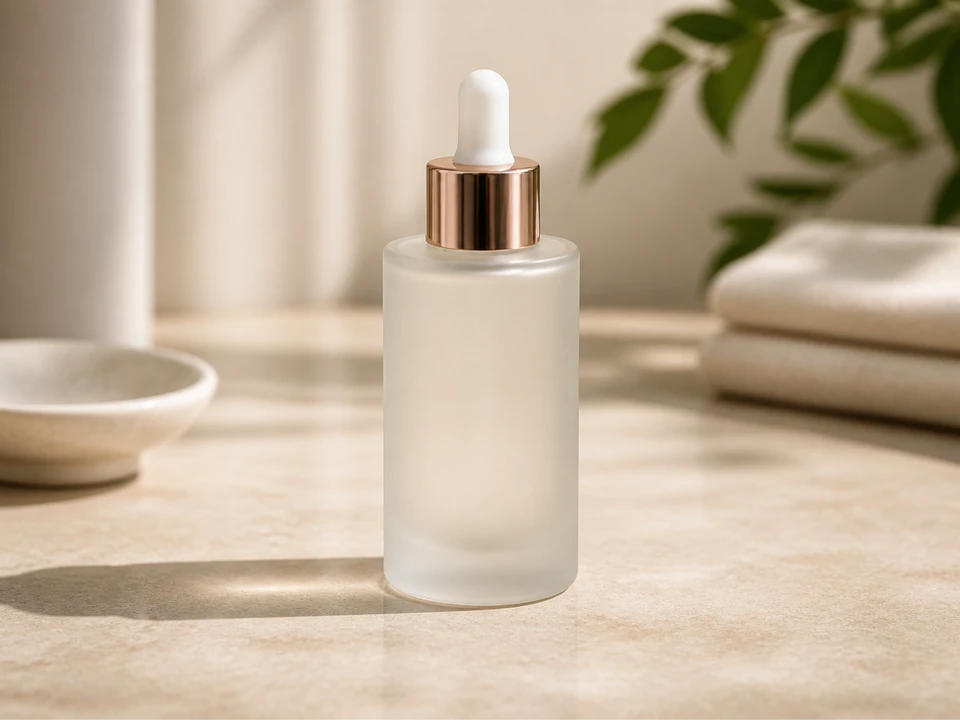
Replace photo backgrounds with AI
Enlarge images up to 4x while preserving sharpness and natural details