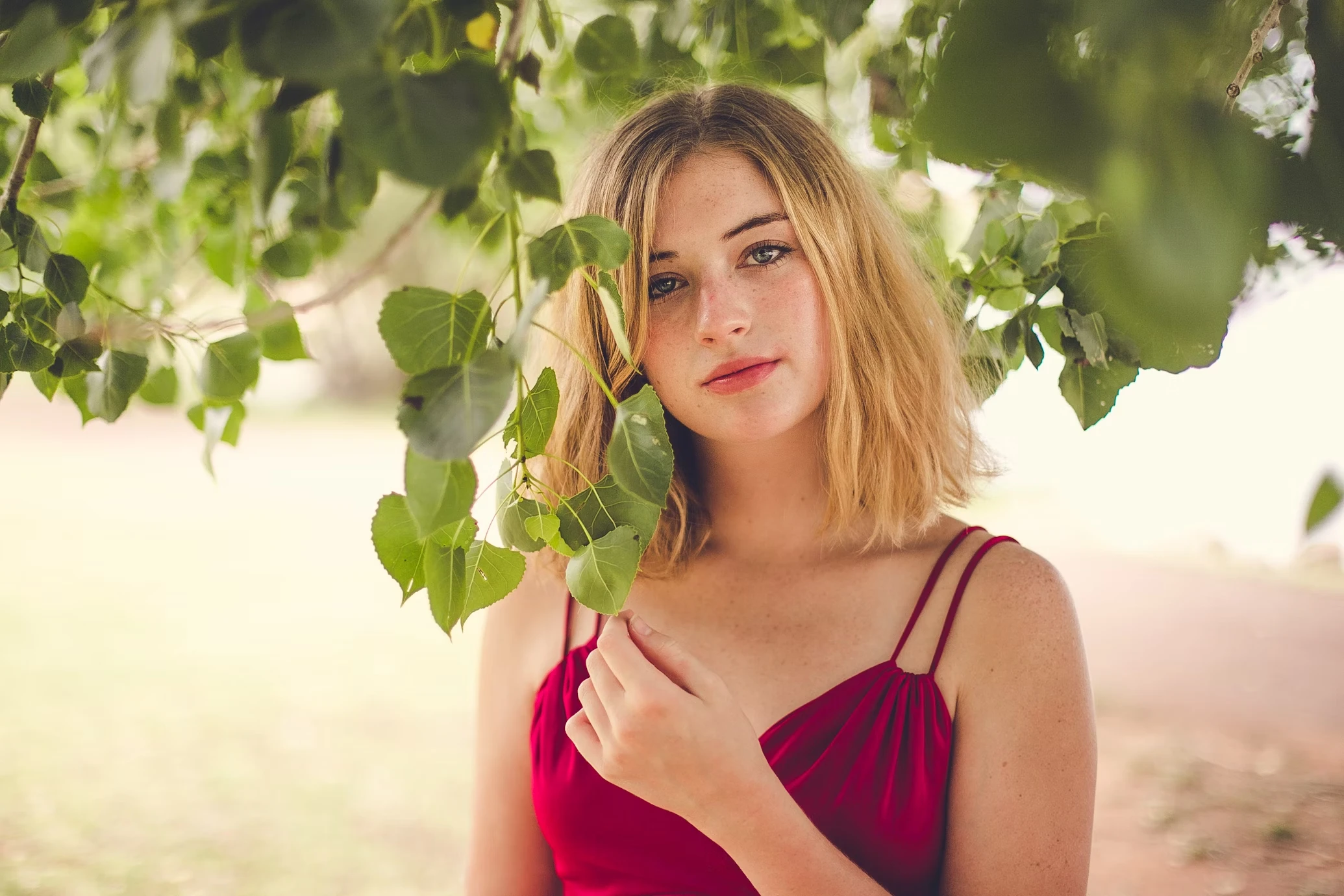
Fix Blurry Faces & Portraits
Instantly sharpen out-of-focus shots. Our AI reconstructs eyes and facial details with studio-level clarity.
Fix out-of-focus portraits, rebuild detail lost to low resolution, and remove digital noise. Upload a photo to restore natural clarity in seconds.
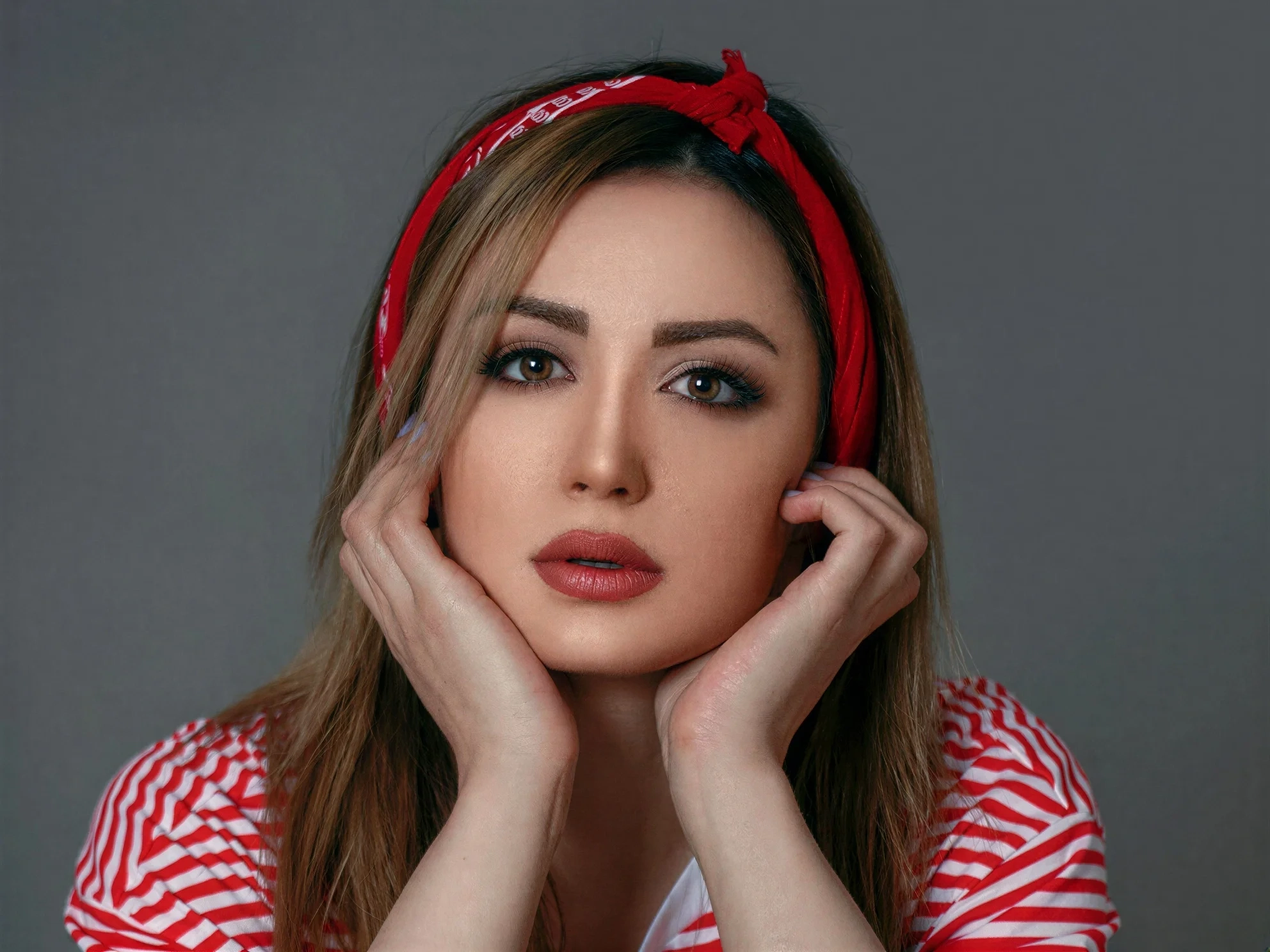
Portrait
Portrait Quality Master
Up to 50 photos per upload • Max 10MB each
Fix Blurry Faces & Portraits
Instantly sharpen out-of-focus shots. Our AI reconstructs eyes and facial details with studio-level clarity.
Bring Back Lost Detail
Rebuild detail lost to low resolution and compression, increasing image resolution with less visible pixelation on screens and in print.
Fix AI Art Faces (Midjourney)
Correct distorted faces and eyes in AI-generated images from Midjourney or Stable Diffusion seamlessly.
Low-Light Denoising
Remove heavy digital noise and grain from night photos while preserving natural details and texture.
Rescue your digital photos from all common quality issues instantly
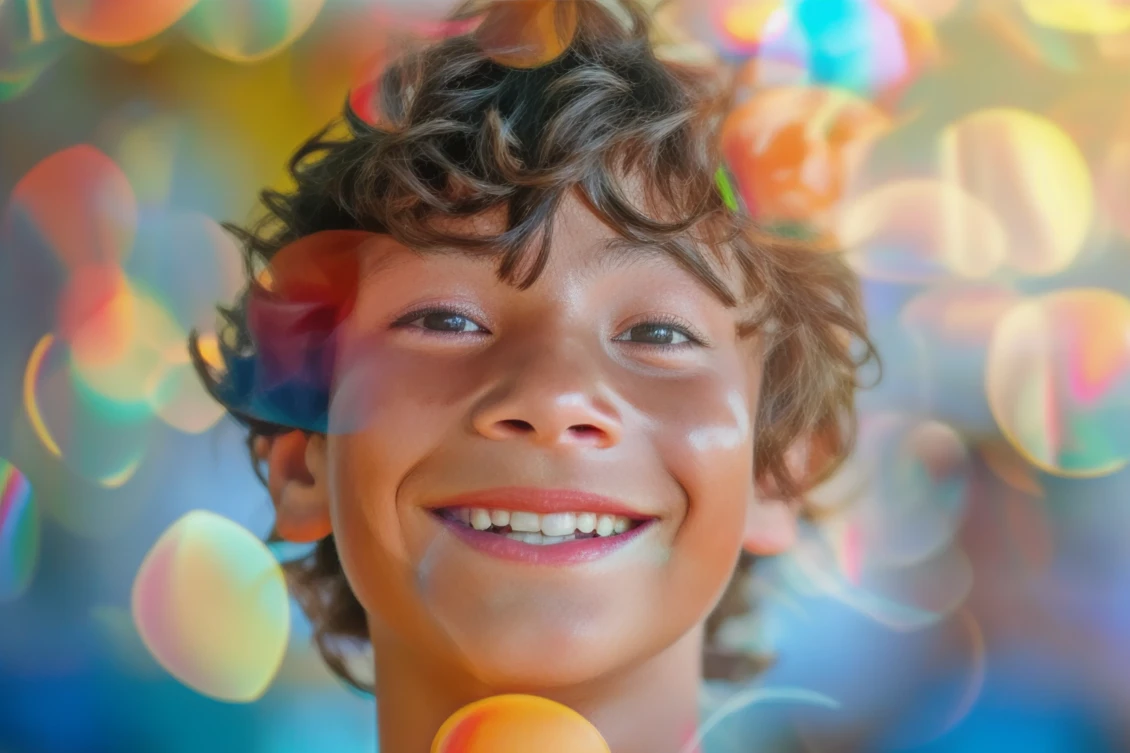
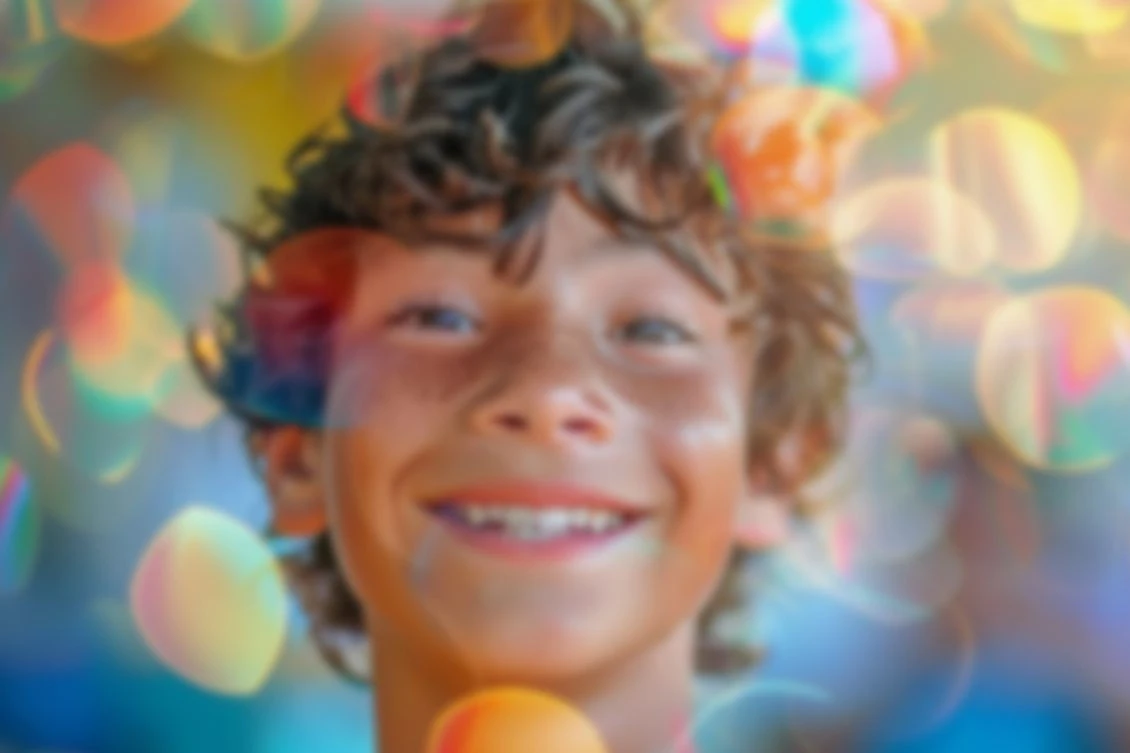
Correct slight focus errors and camera shake to make the subject pop. Must-have for portrait photographers.
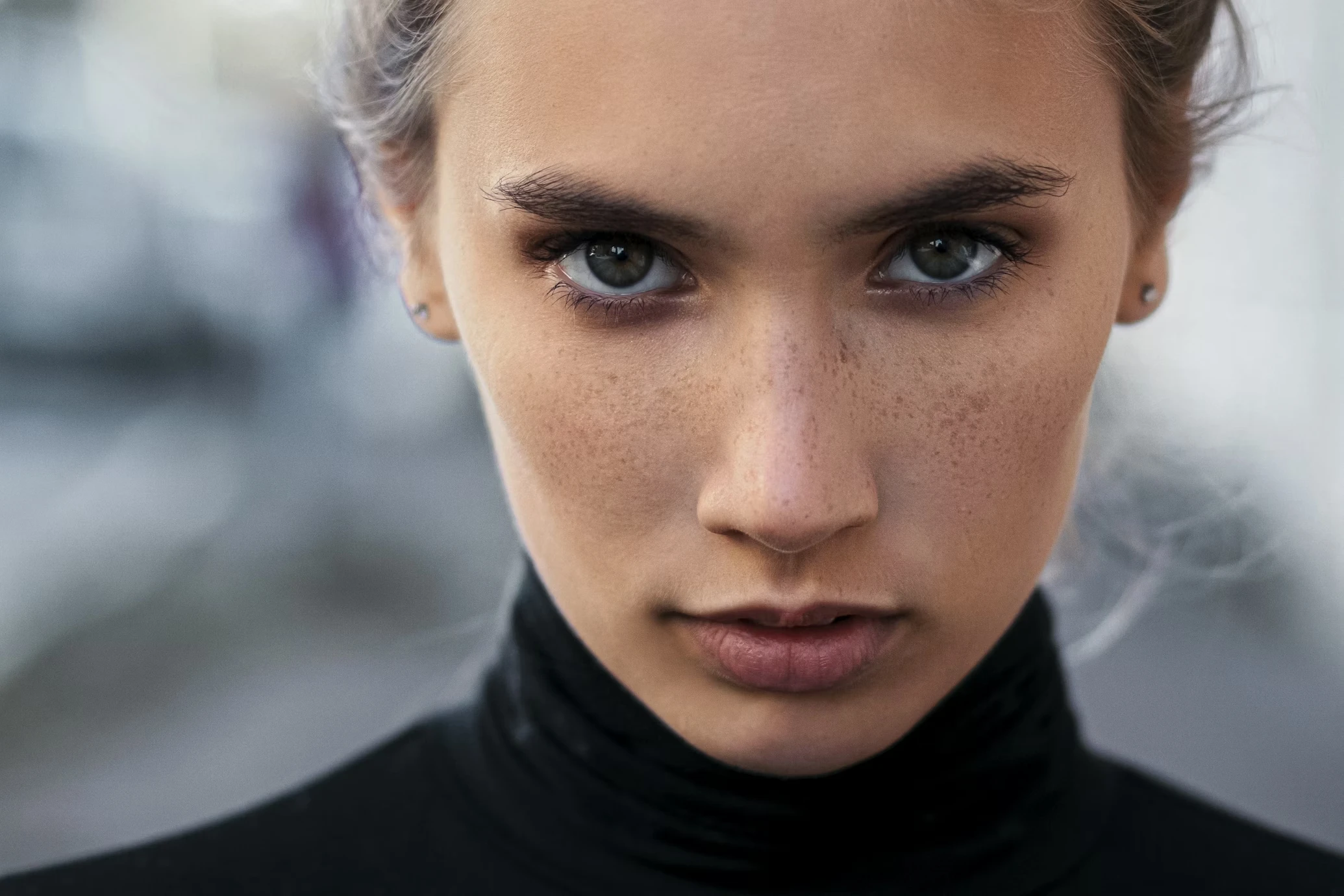
Smooth out jagged edges and pixel blocks in low-resolution downloads before further enlargement.
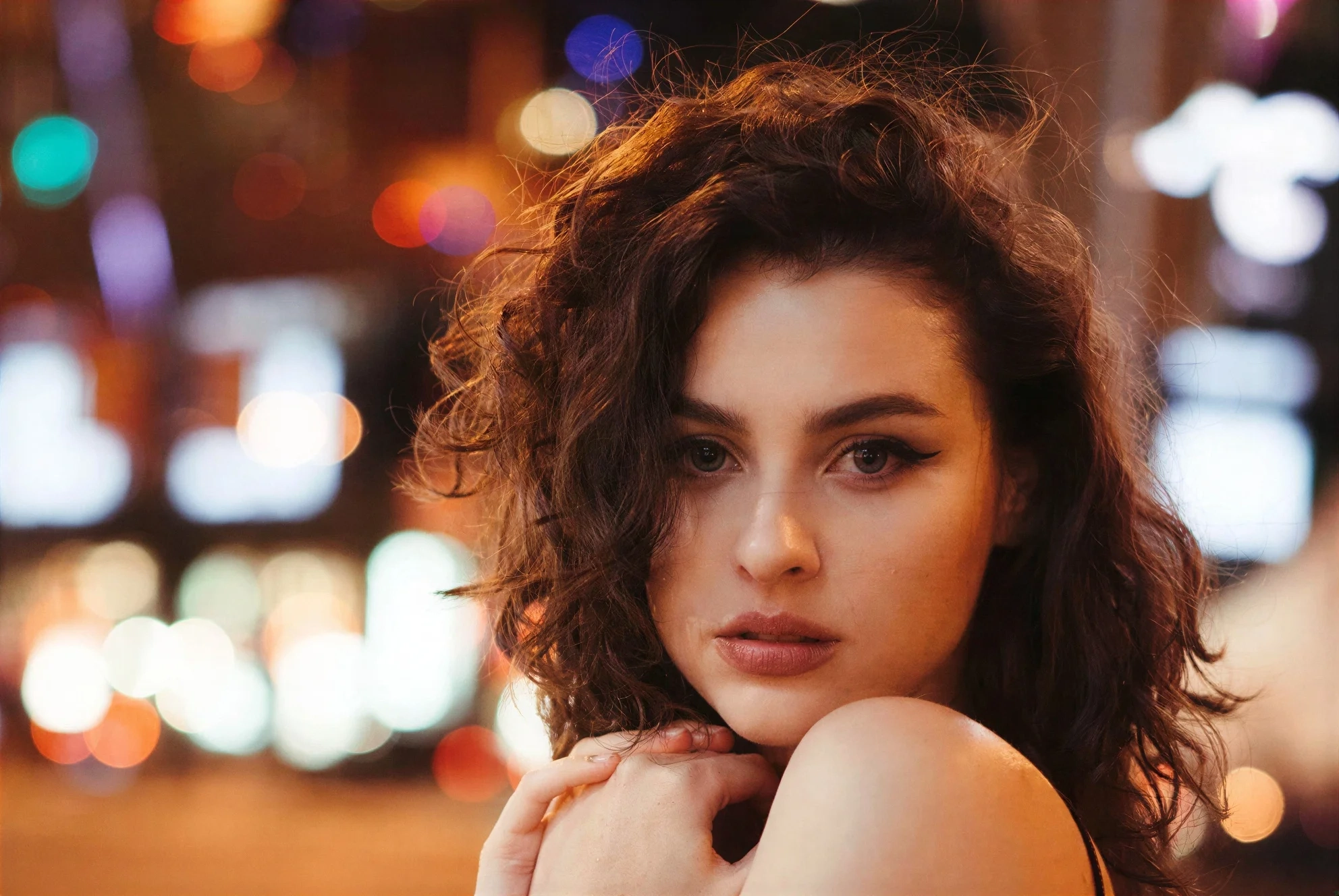
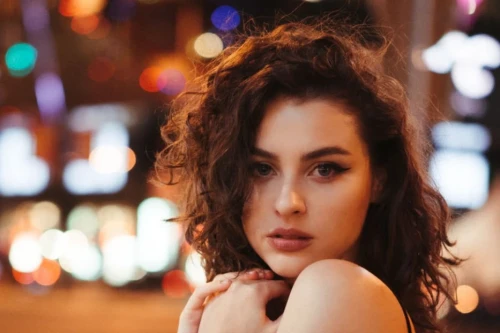
Remove heavy ISO grain from low-light photography without blurring details. Preserves skin texture.


Clean up ugly JPEG artifacts from photos sent via WhatsApp or saved from the web.
Most tools just stretch pixels. Refini reconstructs reality to save your photos.
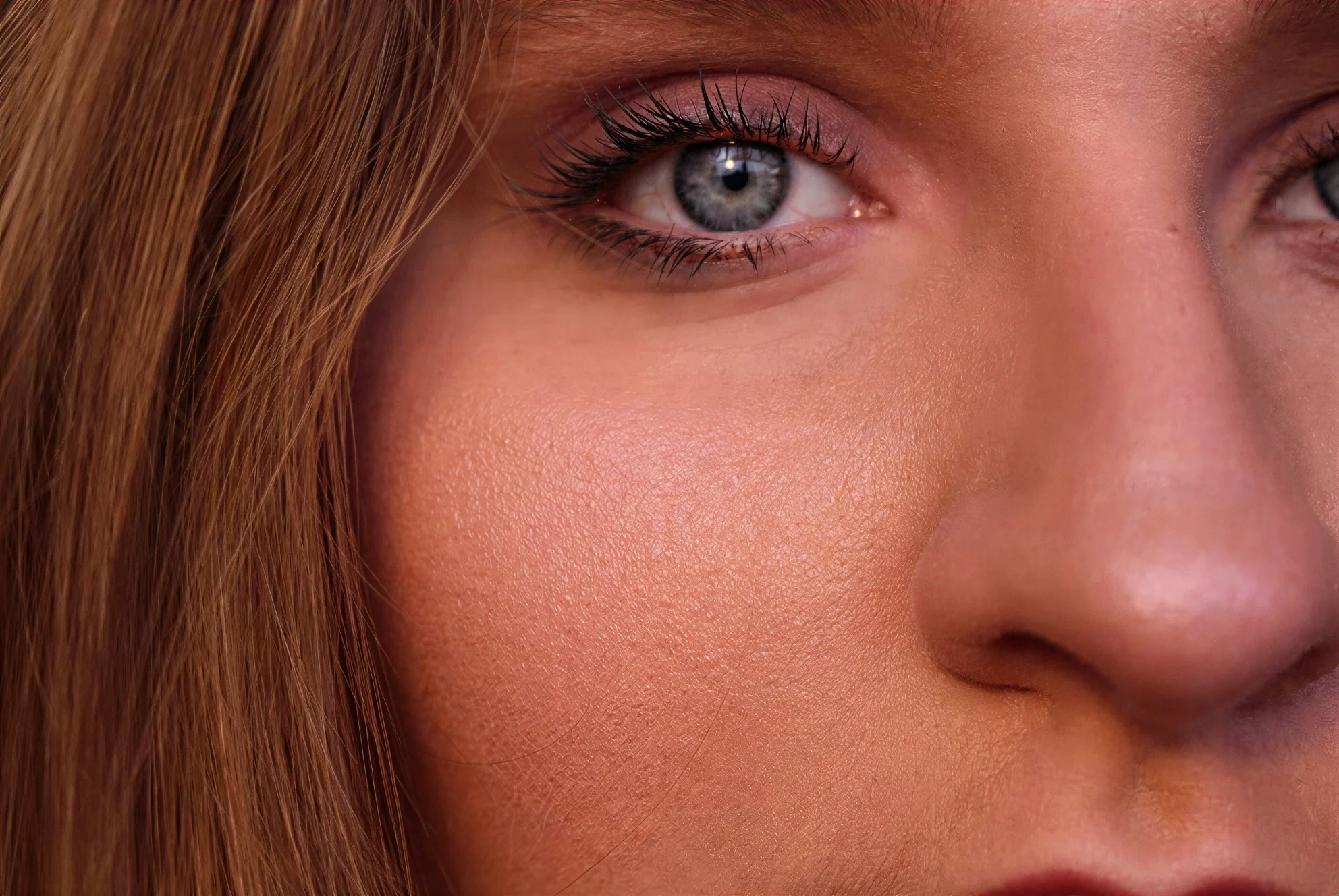
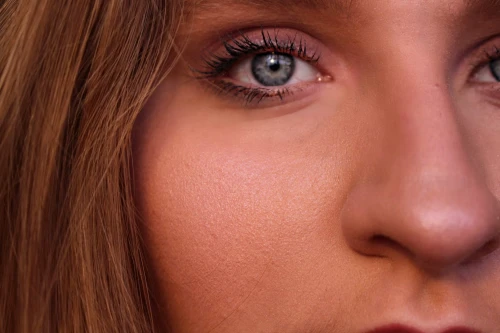
Blurry faces are the hardest to fix. Refini uses a specialized Generative AI model that understands human facial structure. It intelligently hallucinates realistic details—eyelashes, skin pores, and iris textures—to recover faces that looked impossible to save. No more waxy, fake-looking skin.
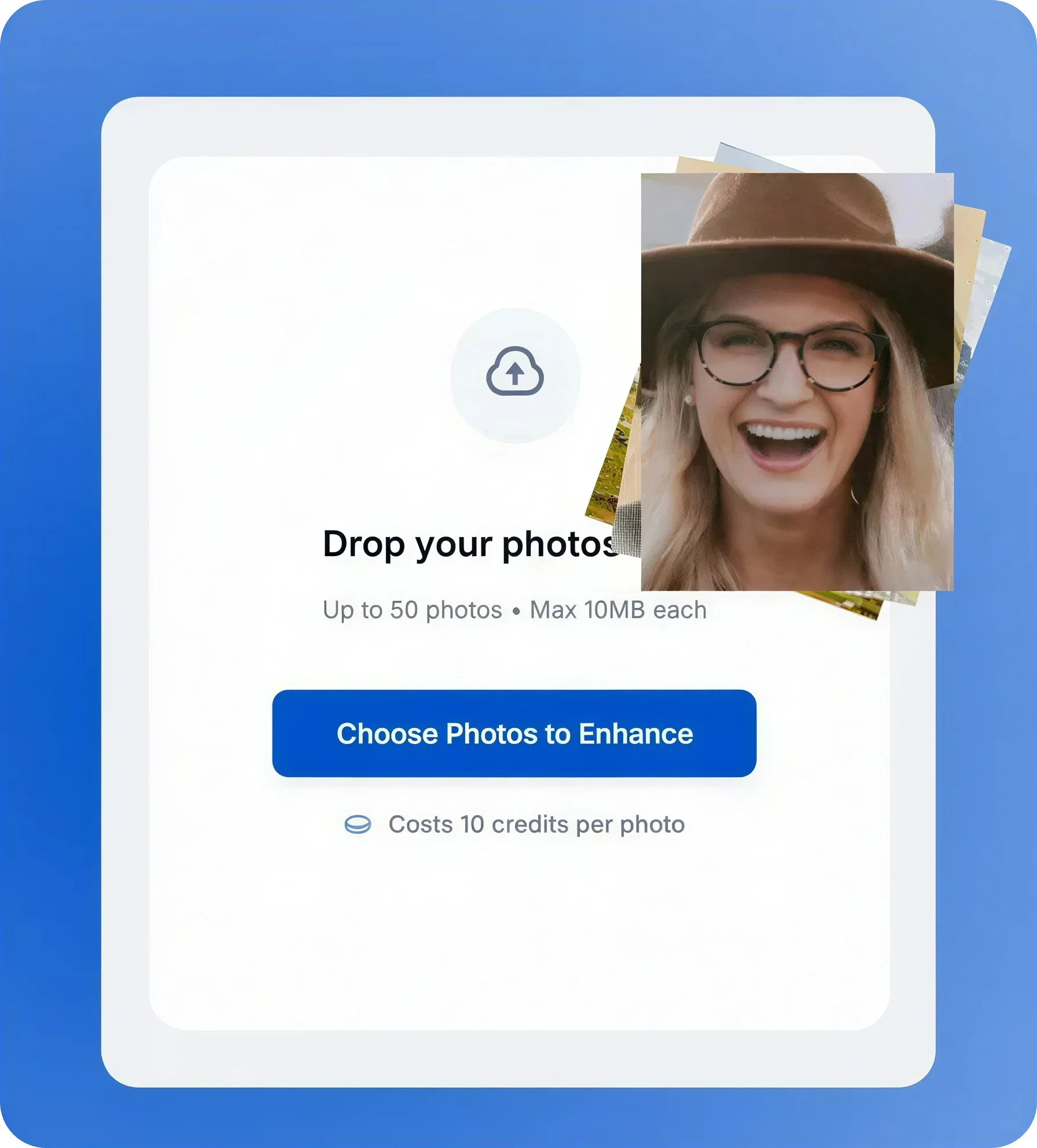
Got a whole folder of photos from a trip or a photoshoot? Don't edit them one by one. Upload up to 50 images simultaneously. Refini will analyze, unblur, and sharpen all of them in the background, delivering consistent, print-ready clarity across your entire collection.
Solve modern photo quality problems with one click using our AI Photo Enhancer
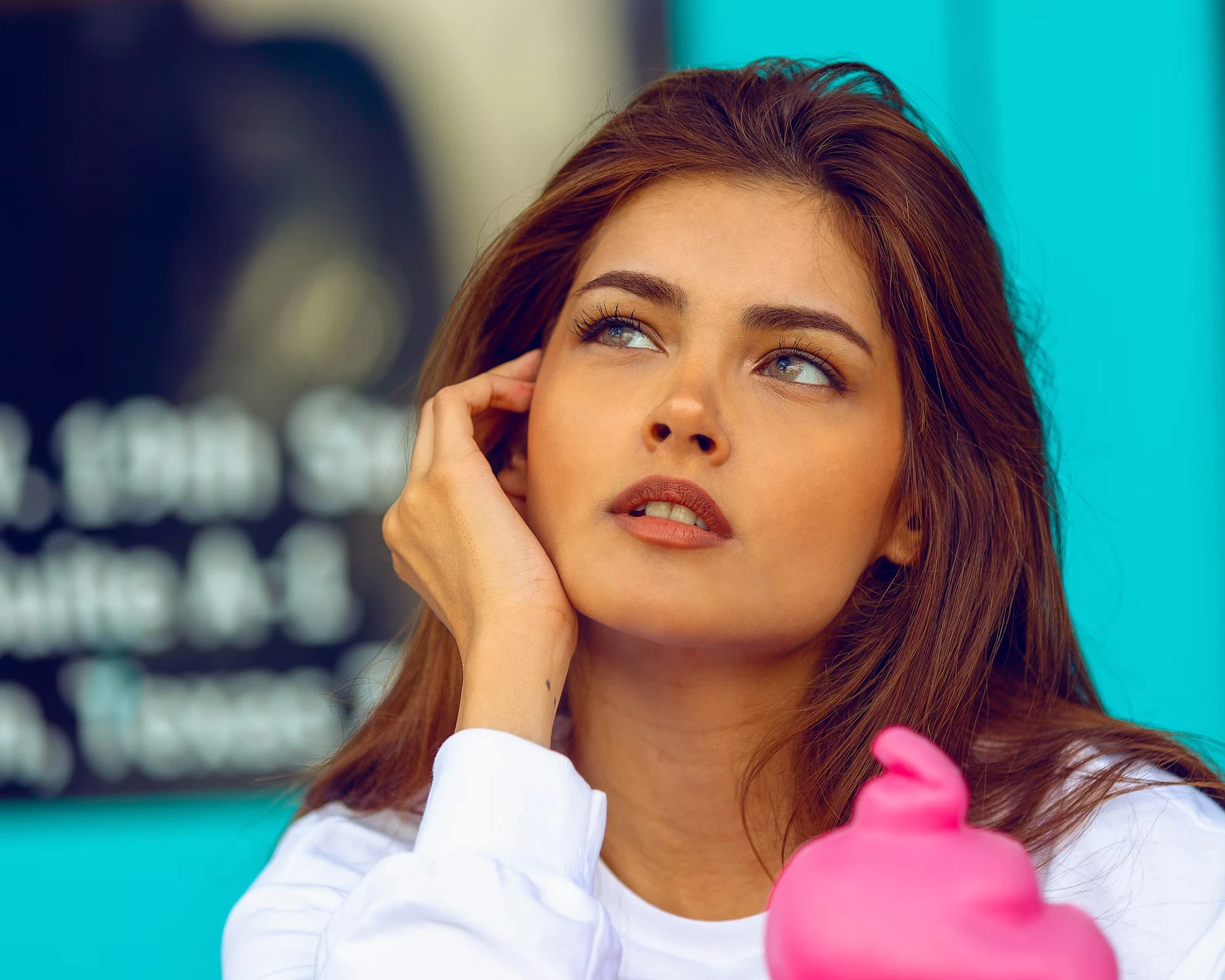
Ensure every post is crisp. Fix compression artifacts and low-light grain from phone cameras.
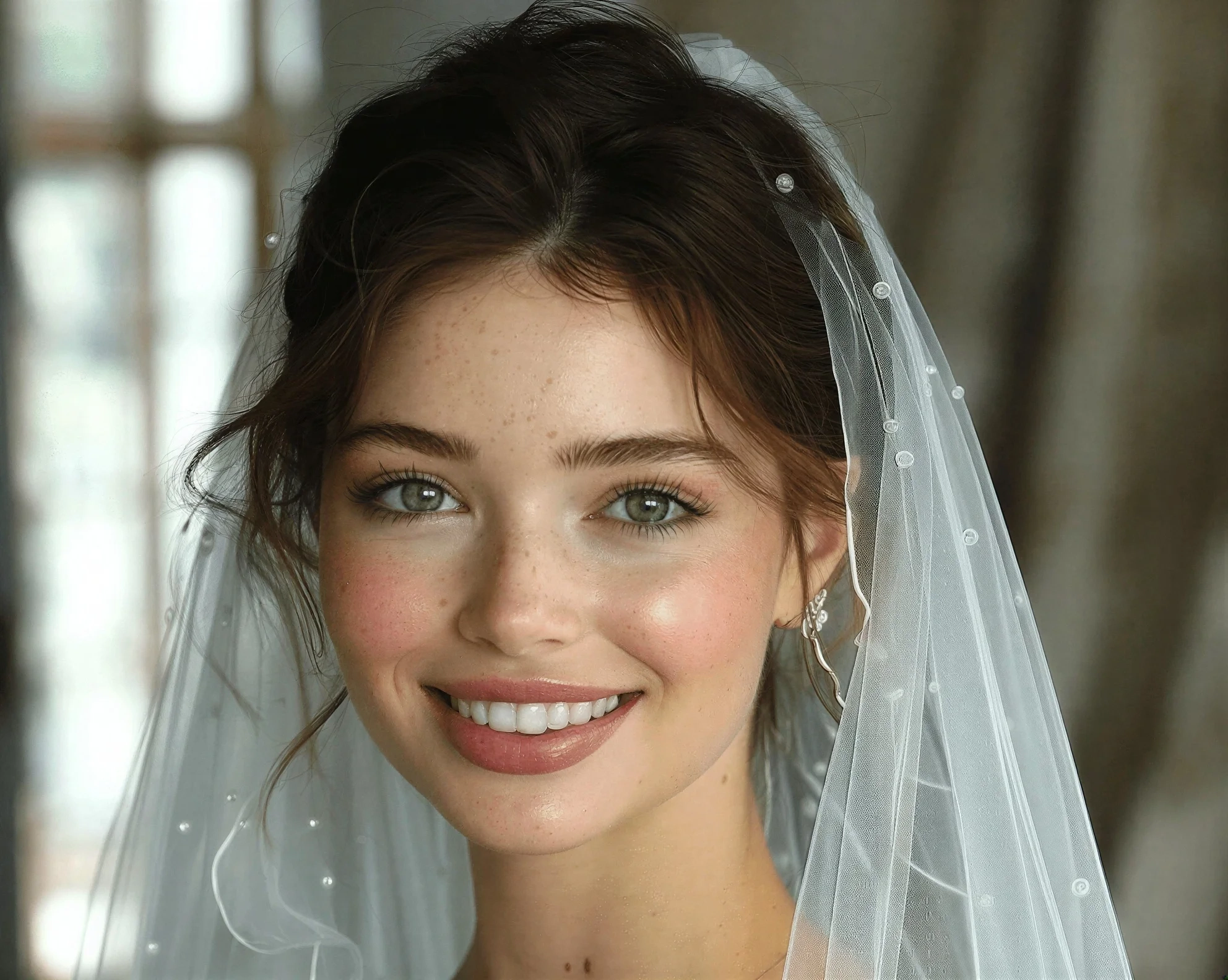
Fix Midjourney and Stable Diffusion generations. Restore clean facial detail in distorted faces and eyes.
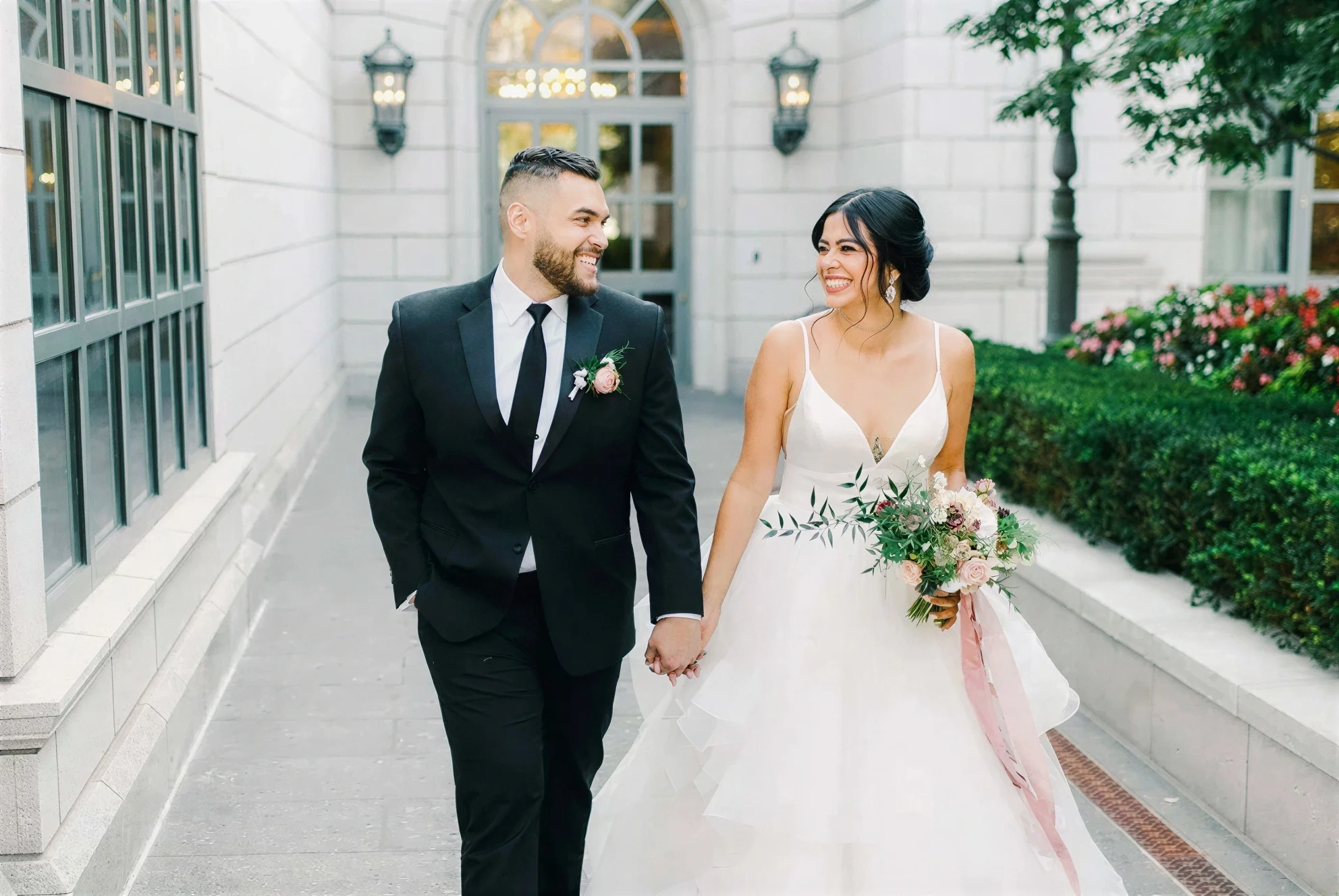
Save the 'almost perfect' shots that were slightly out of focus. Batch process hundreds of guest photos.
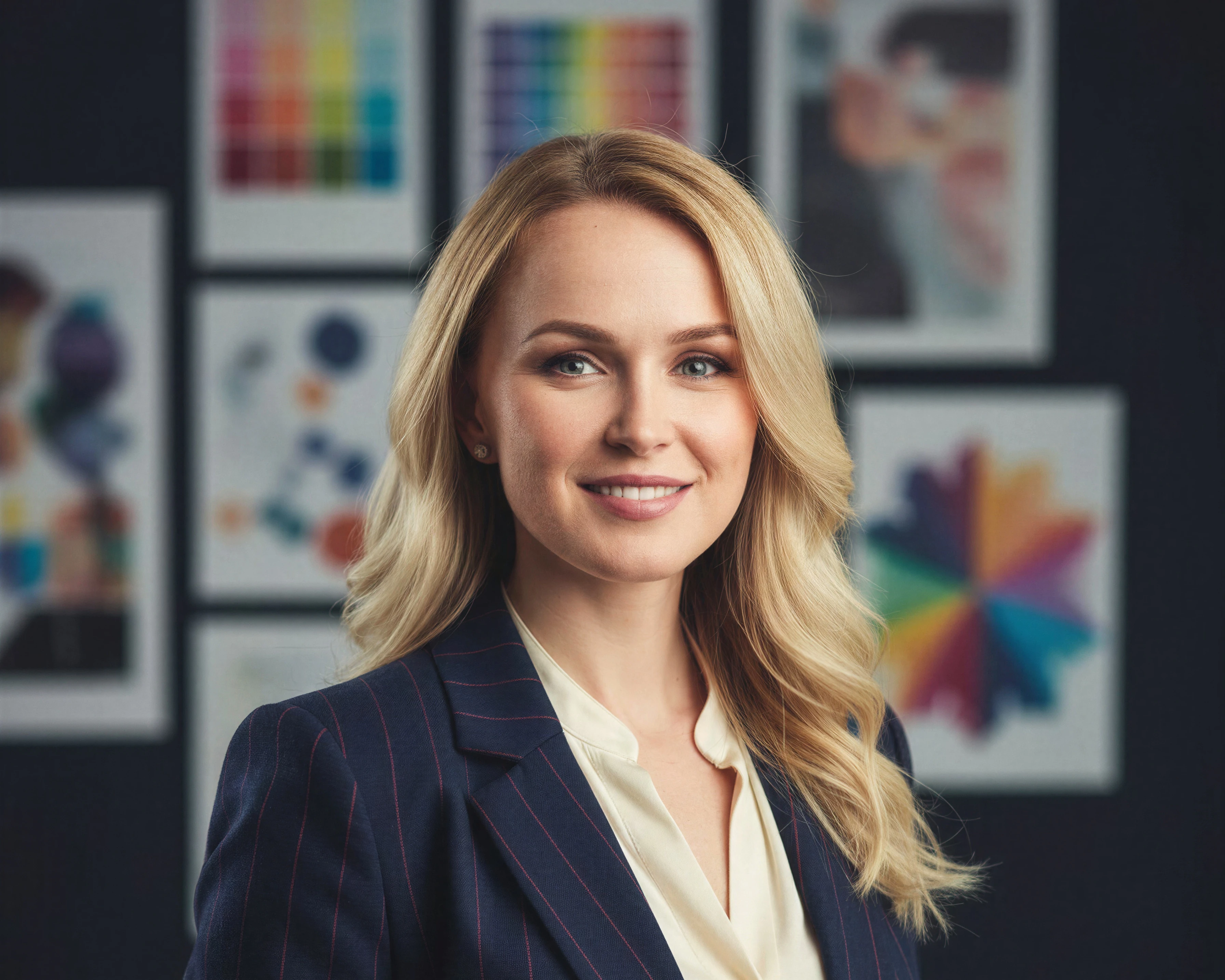
Restore clarity in LinkedIn profile pictures. Make cropped portraits look sharp and professional.
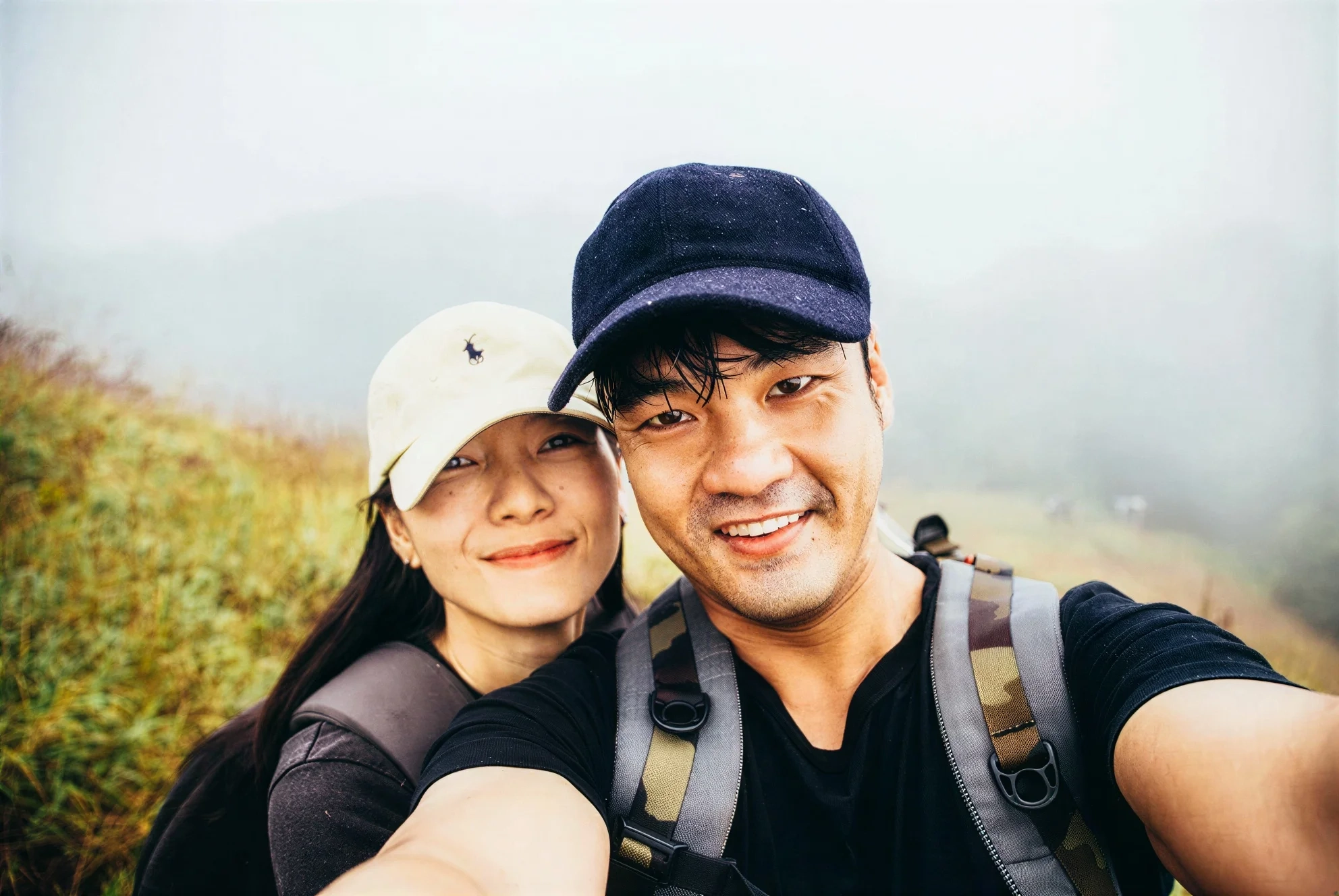
Turn digital zoom photos into clear images. Reduce noise from low-light dinner or party shots.
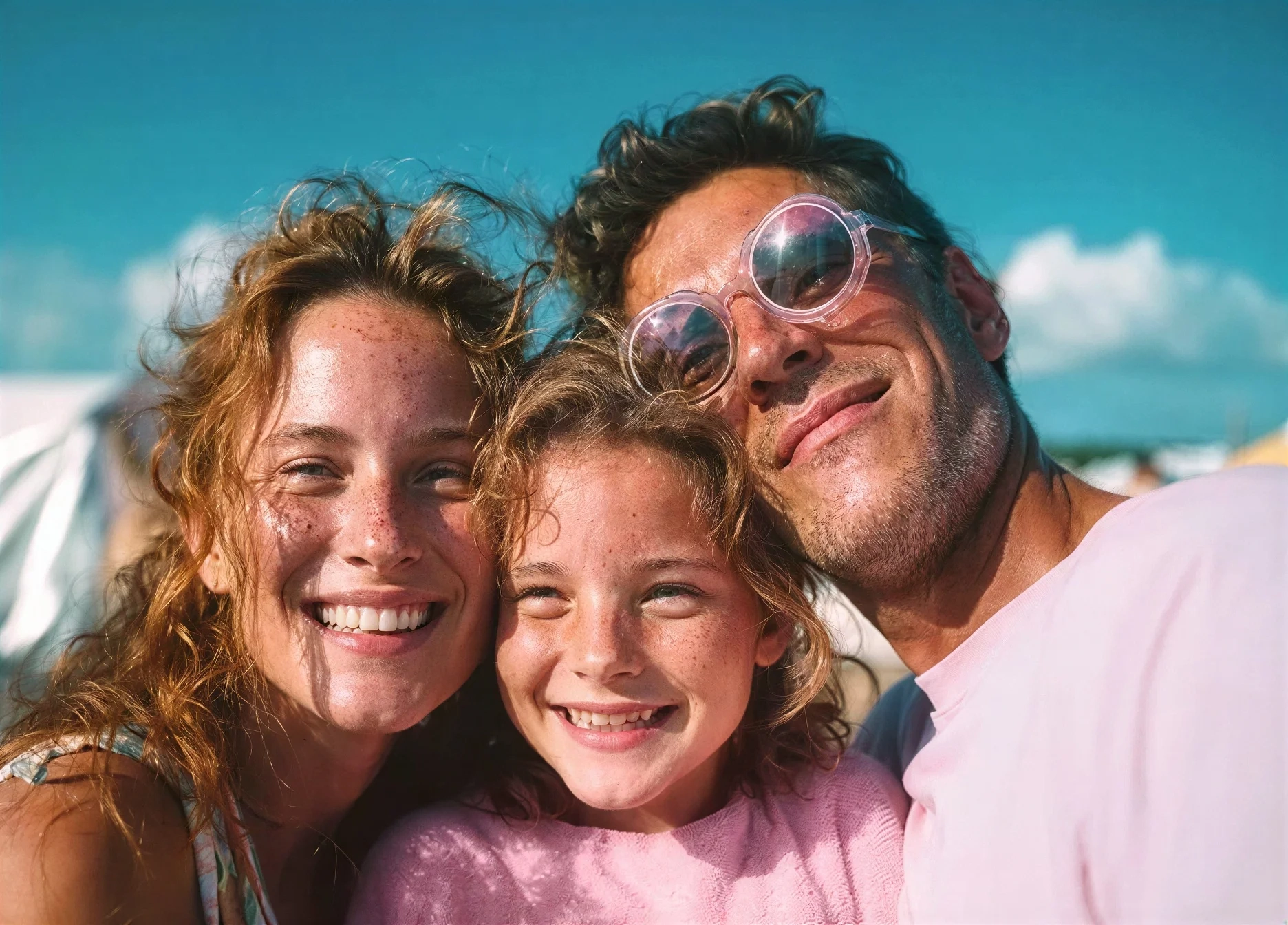
Restore detail in a small digital file first, then use our Image Upscaler for the 4K or 8K output needed for large posters and prints.
Common questions about using Refini to unblur and fix digital photos.
This 'Enhancer' tool is best for modern digital photos that are blurry, low-resolution, or grainy. If you have physical old photos with scratches, tears, or fading, please use our dedicated 'Old Photo Restoration' page found in the menu.
Yes! We offer free credits for new users. Because our 'Portrait Model' is a high-cost, professional-grade AI (not a cheap filter), we want you to experience the difference in quality before you subscribe.
Standard upscalers often distort faces or make skin look waxy. Refini is trained specifically on human portraits, ensuring that eyes, teeth, and skin texture look 100% natural and realistic after enhancement.
Absolutely. Refini is widely used by Midjourney and Stable Diffusion creators to fix 'broken' faces, correct eyes, and sharpen soft AI art into clean, printable detail.
You can, but Refini is optimized for People and Details. For documents, we recommend dedicated scanner apps. For landscapes, the results will be good (sharper), but the 'magic' happens most visibly on human subjects.
The enhancer upscales up to 4x while rebuilding real detail — enough for social media, web, and everyday prints. For the true 4K or 8K files needed for large posters, canvas, or oversized framed prints, run the enhanced result through our dedicated Image Upscaler.
Join thousands of creators and professionals using Refini to perfect their images. Fix blur, restore lost detail, and enhance portraits instantly.
Discover other powerful AI tools to enhance, restore, and transform your images
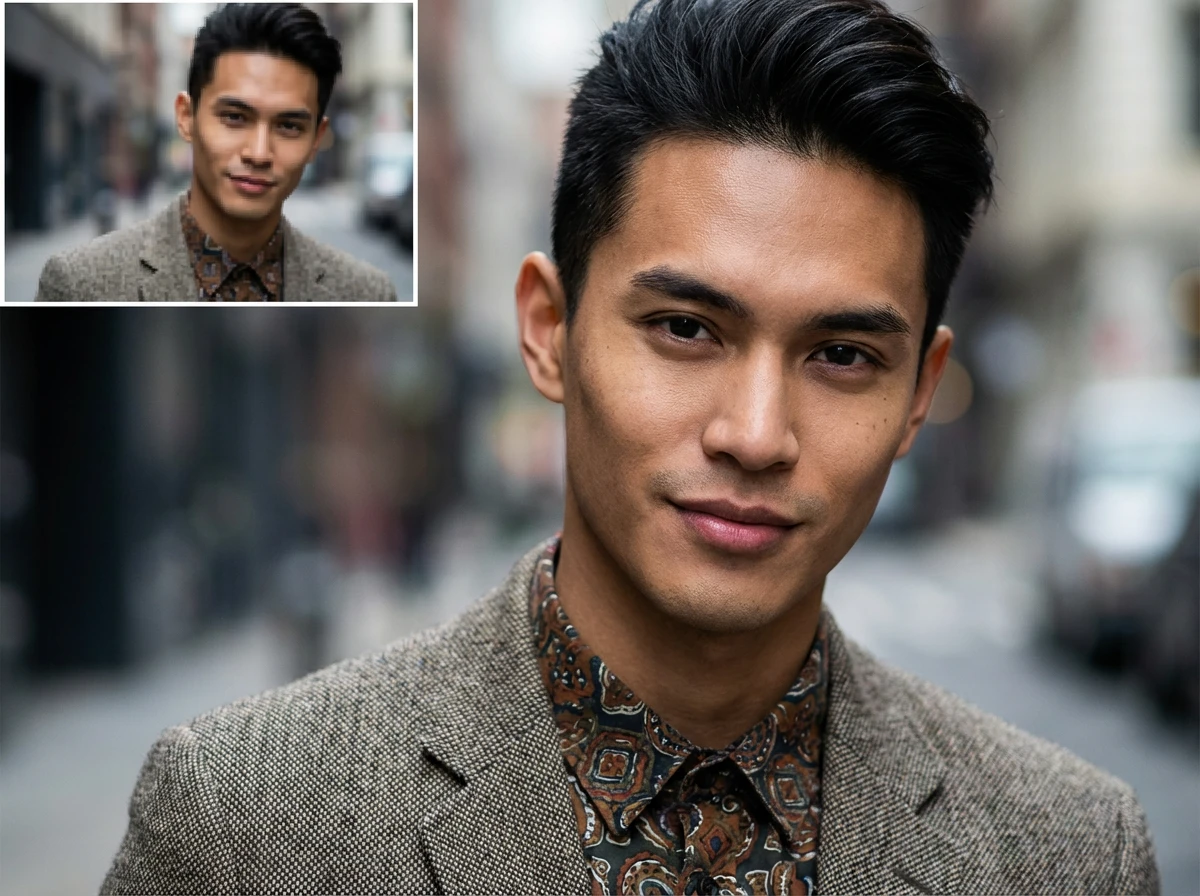
Enlarge images up to 4x while preserving sharpness and natural details
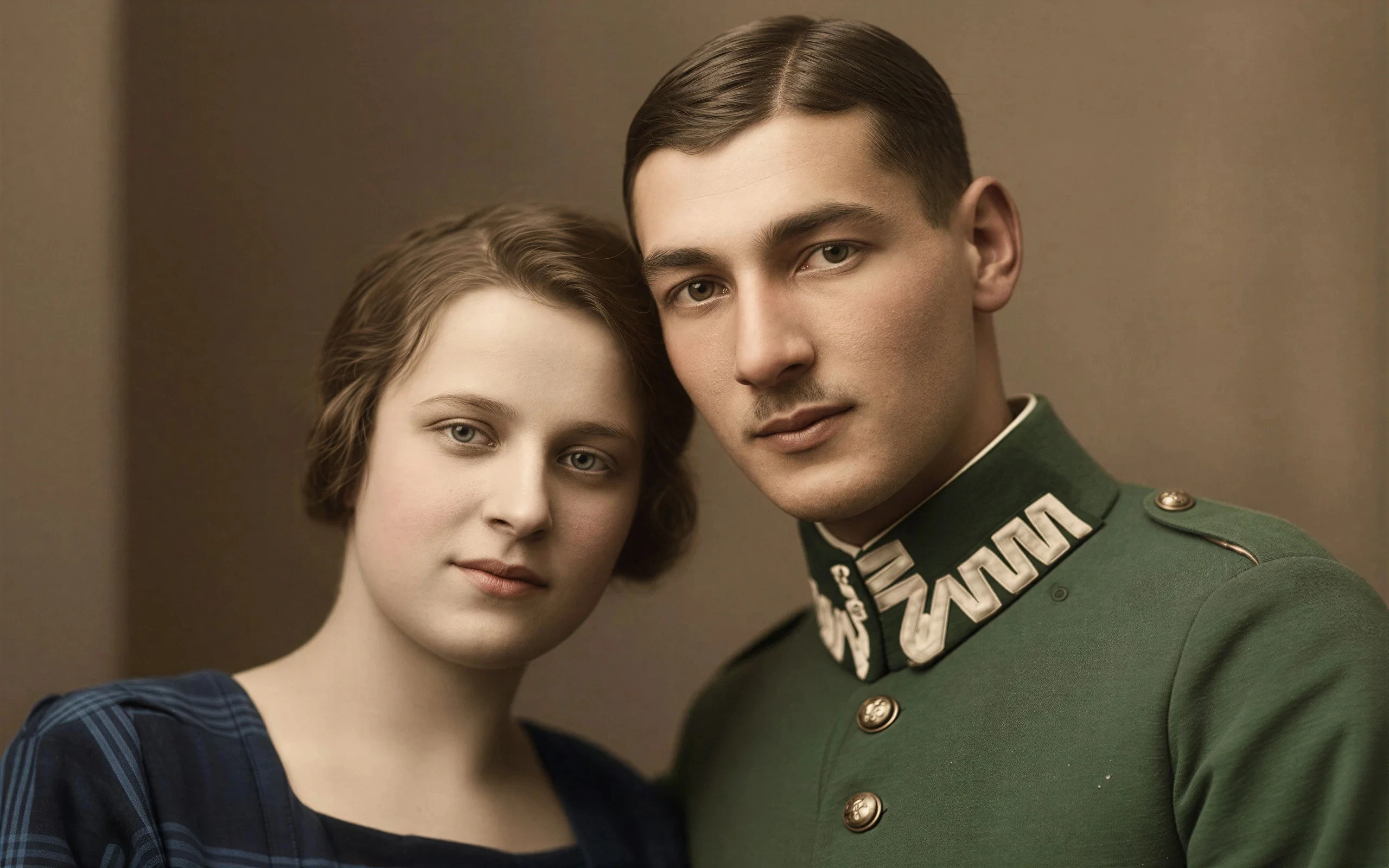
Breathe new life into vintage images by removing damage, scratches, and fading
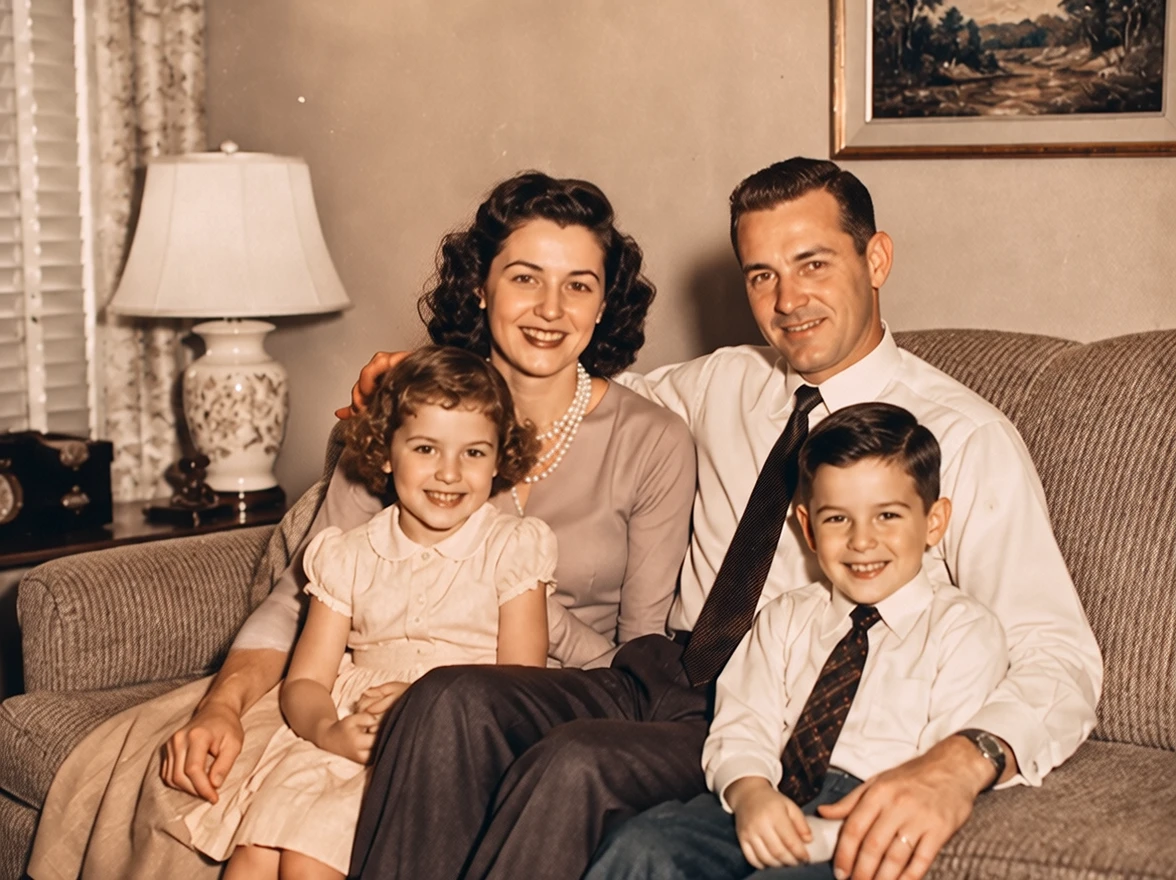
Colorize photos with AI styles
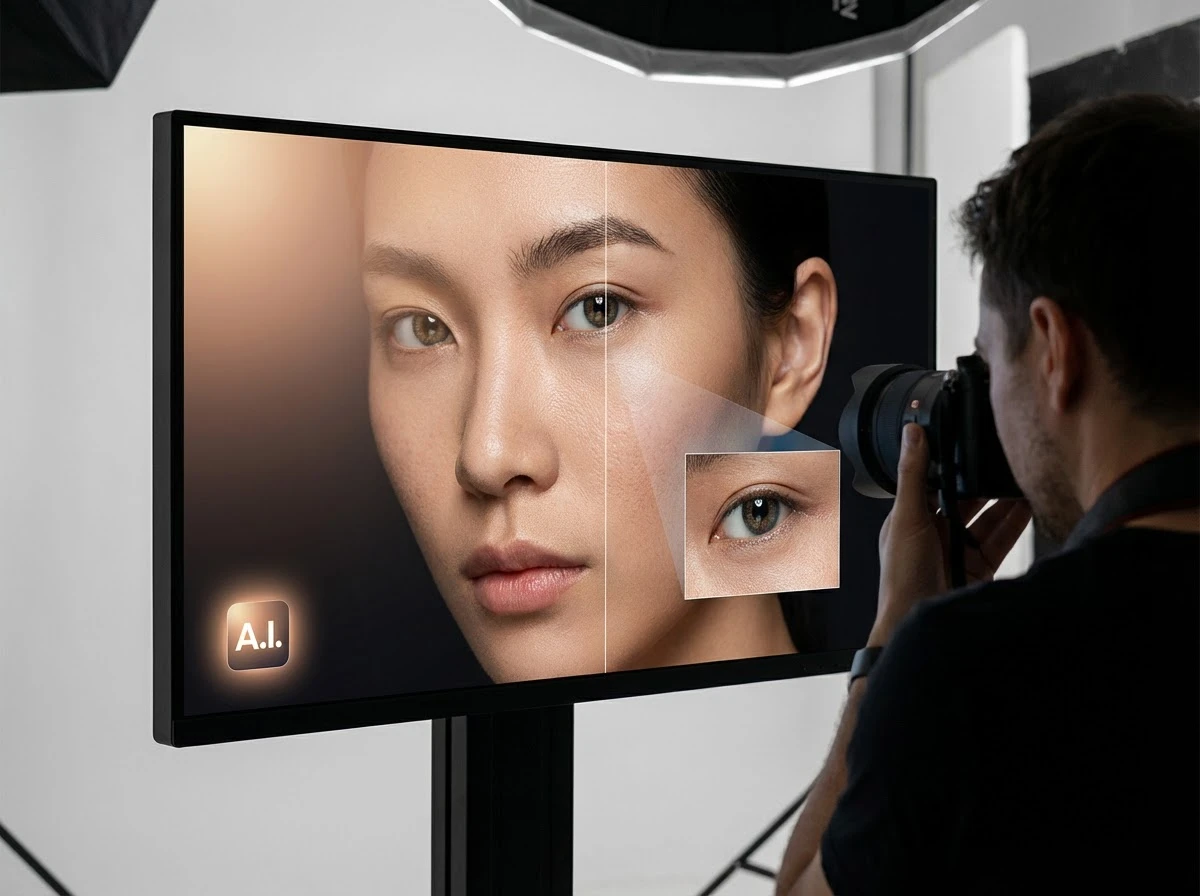
Fix dark faces, reshape portrait lighting, and shift scene mood with grouped AI light styles
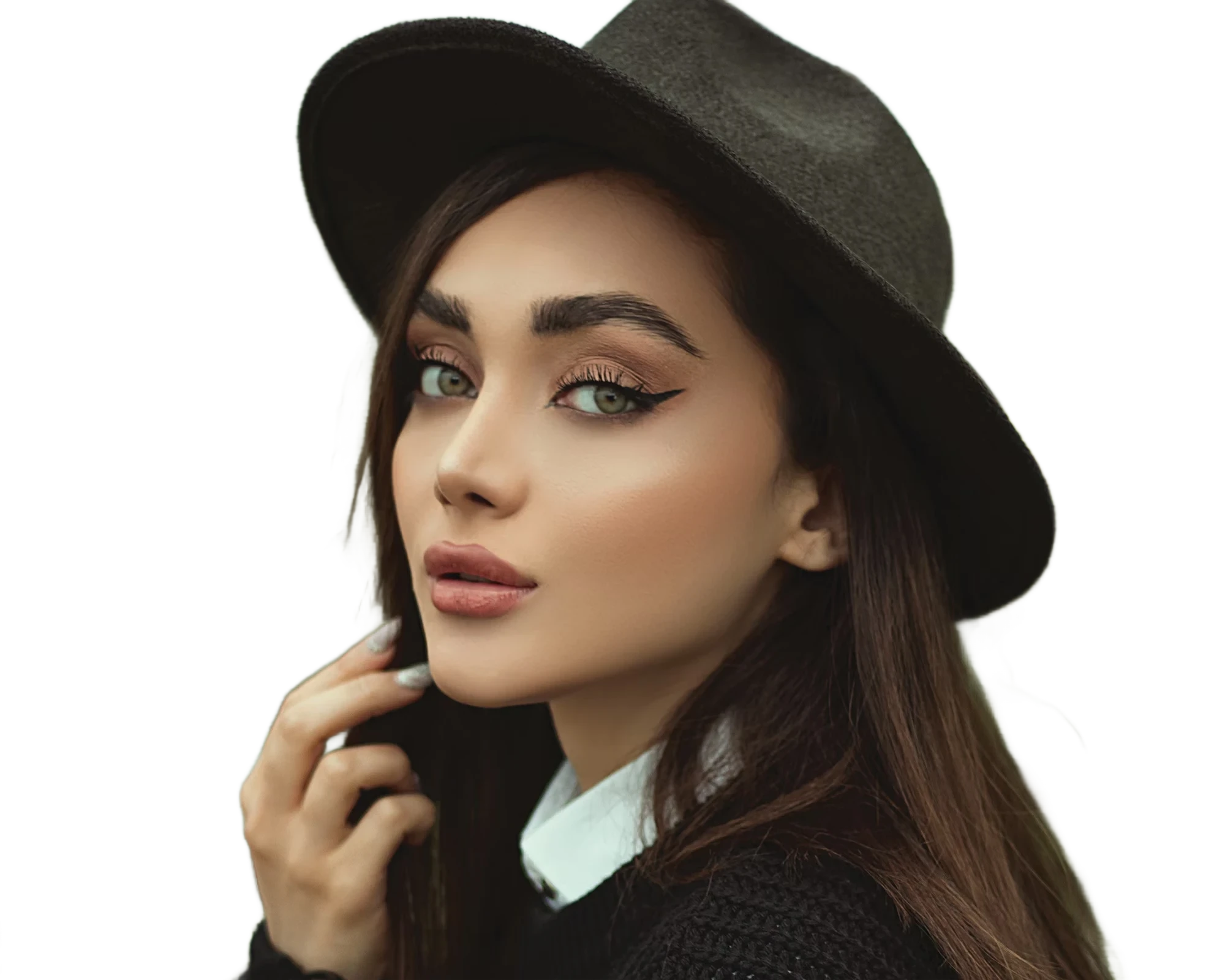
Instantly remove image backgrounds with precise edge detection
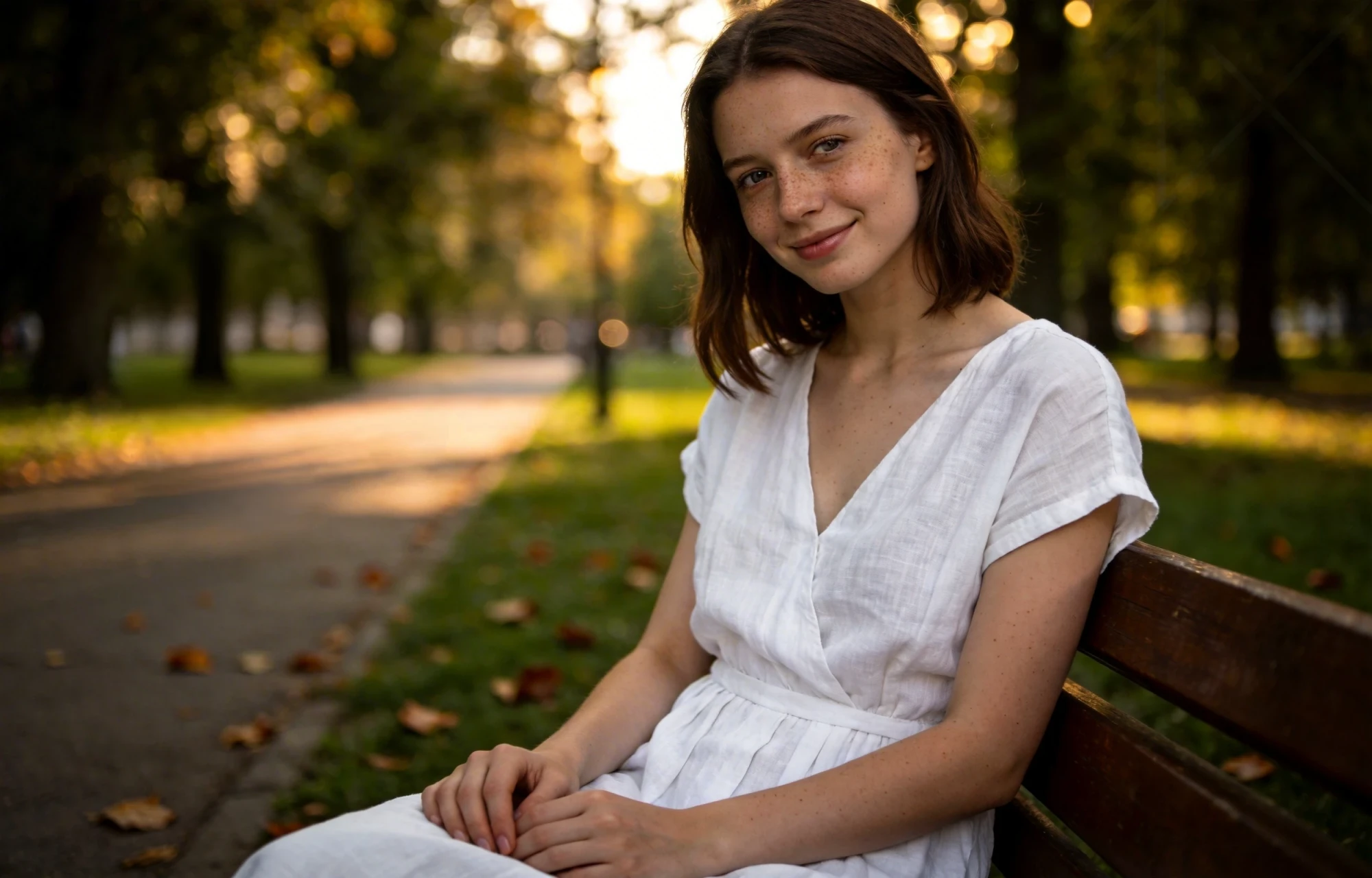
Erase unwanted objects from photos seamlessly with AI inpainting