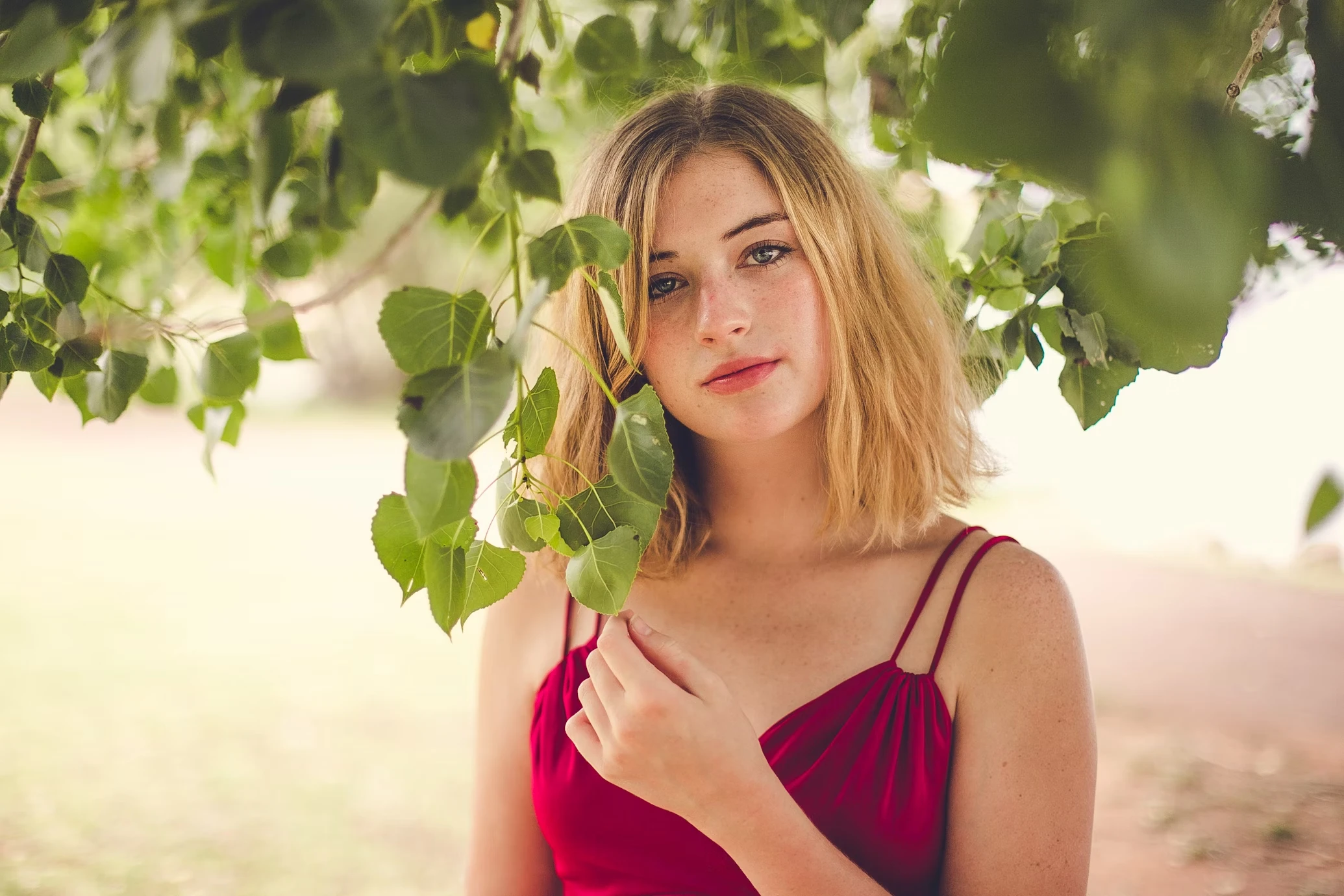
Fix Dark and Underexposed Photos
Brighten dim selfies, weak indoor photos, and underexposed portraits without destroying the original atmosphere.
Brighten selfies, improve portrait lighting, and change the mood of photos with natural AI relighting effects. Add studio lighting, golden hour glow, cinematic shadows, and cleaner exposure without reshooting.
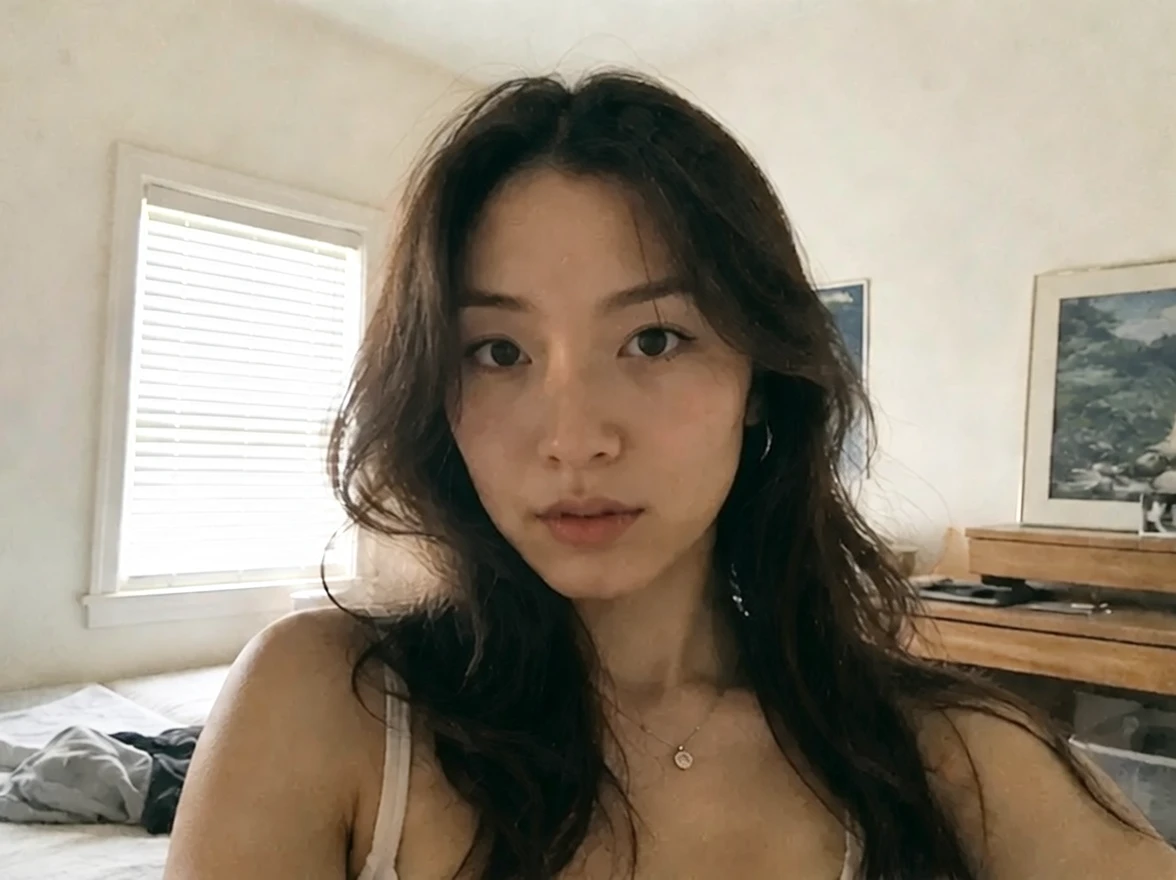
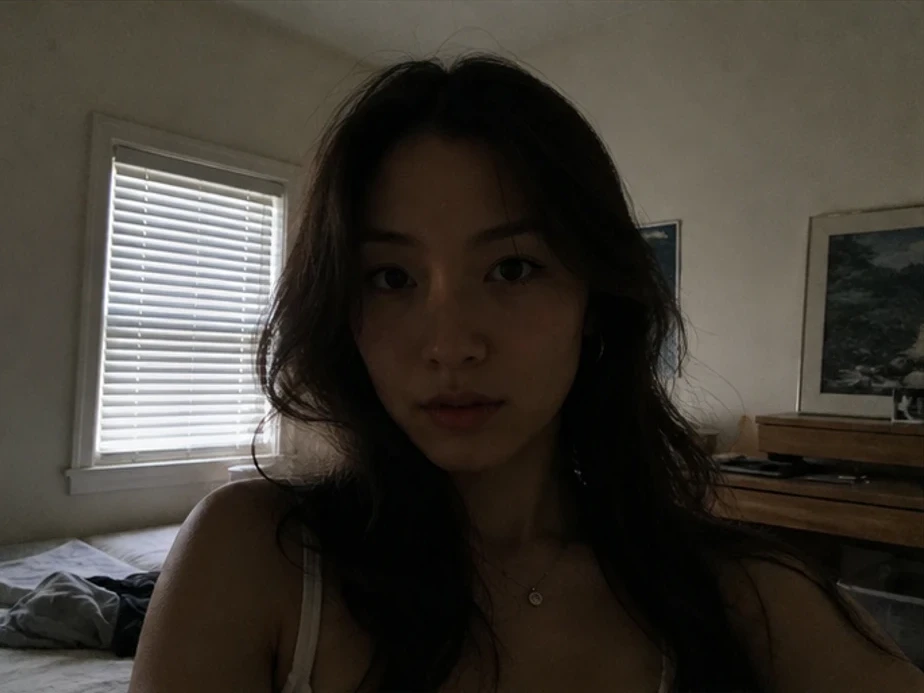
Selfie
Brighten Dark Selfies
Up to 50 photos per upload • Max 10MB each
Fix Dark and Underexposed Photos
Brighten dim selfies, weak indoor photos, and underexposed portraits without destroying the original atmosphere.
Add Studio-Style Portrait Lighting
Create cleaner, more professional-looking portraits with balanced highlights and softer shadows.
Create Golden Hour and Cinematic Effects
Transform flat daylight or indoor images with warmer cinematic lighting moods.
Improve Lighting Without Photoshop
Relight portraits and photos online without advanced masking, dodge-and-burn work, or manual retouching.
A strong portrait or scene can still feel unusable when the exposure, shadows, or room lighting look weak or unbalanced.
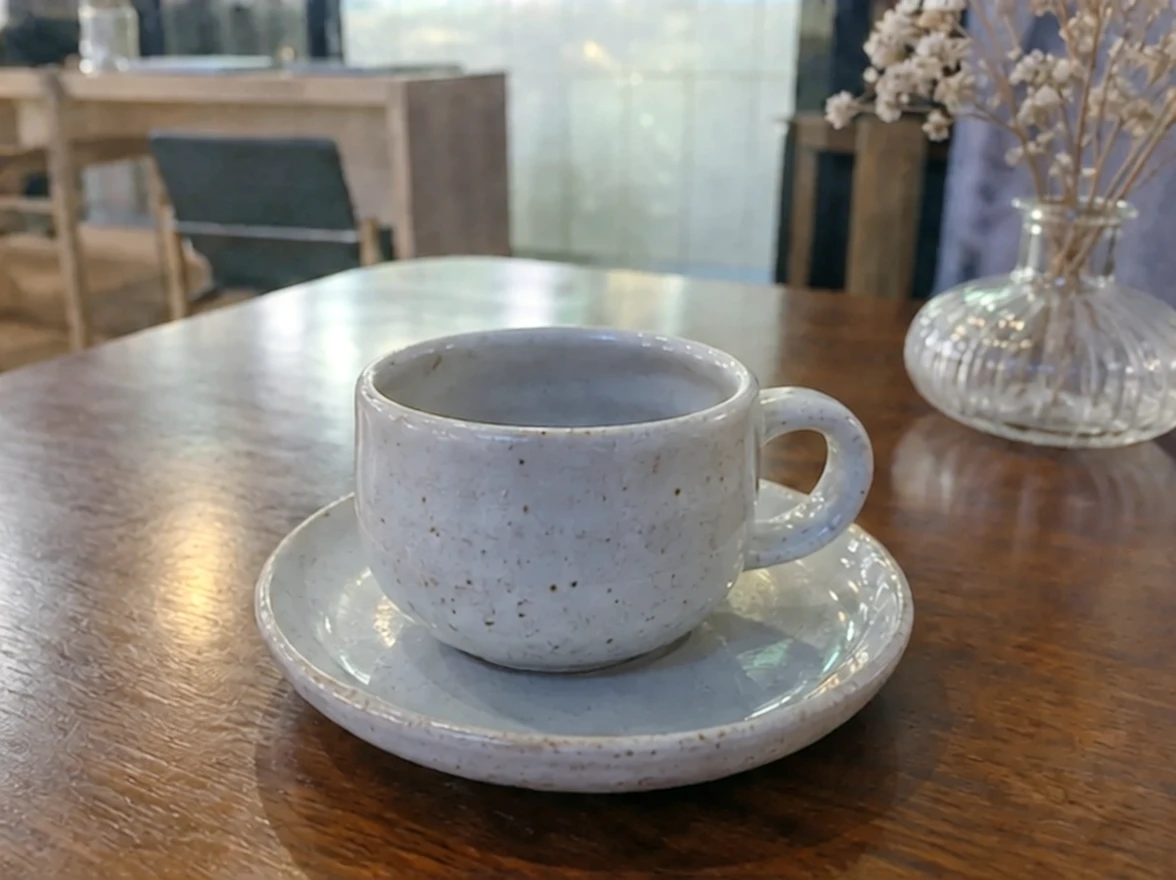
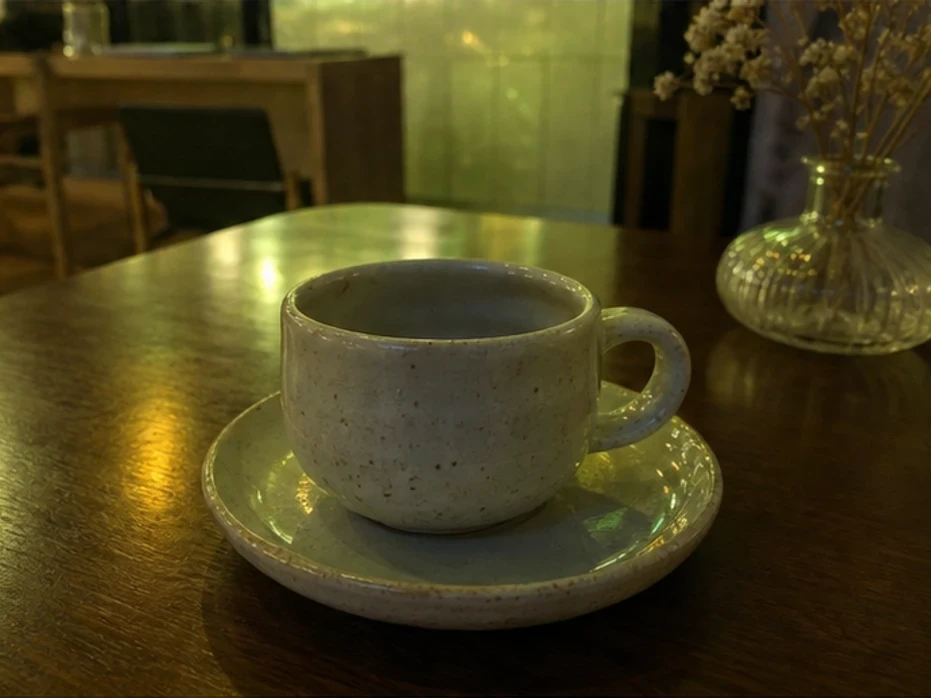
Weak room lighting can make portraits feel dull, gray, and low quality even when the subject looks good.
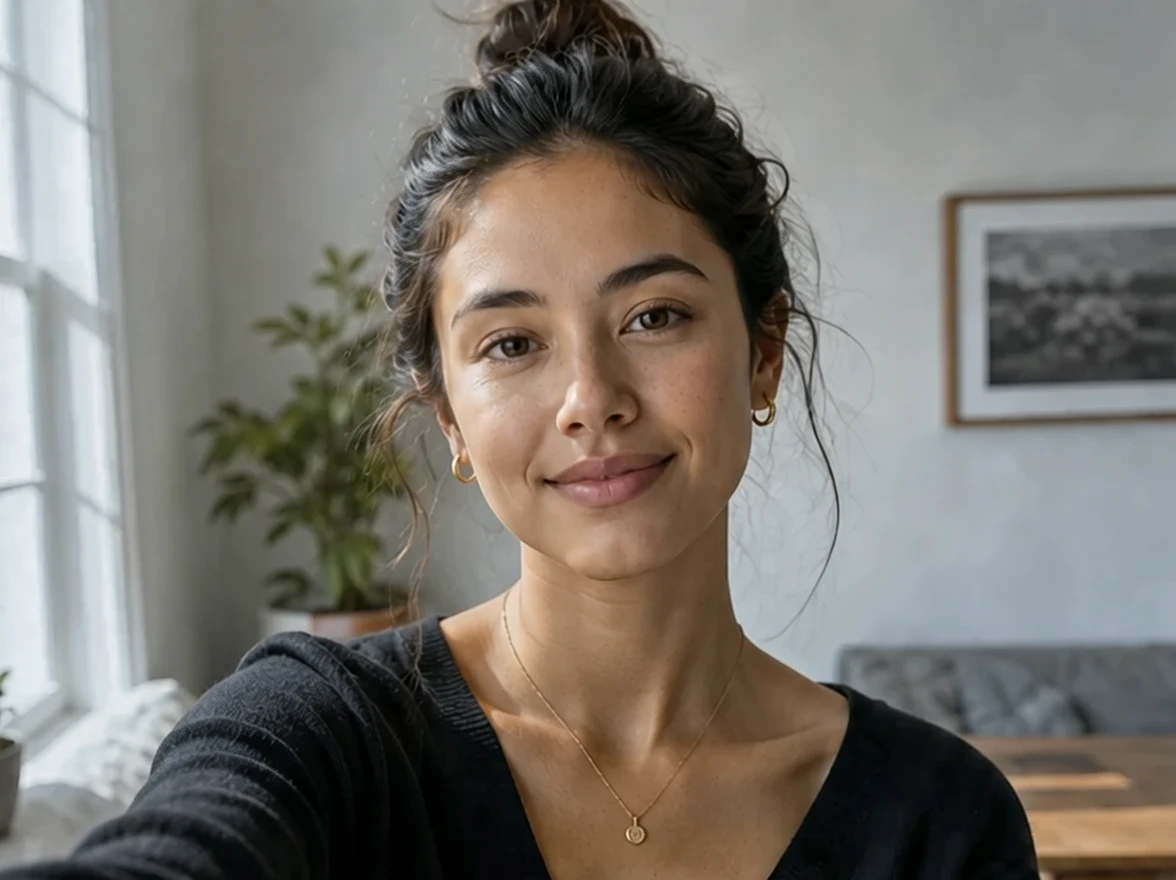
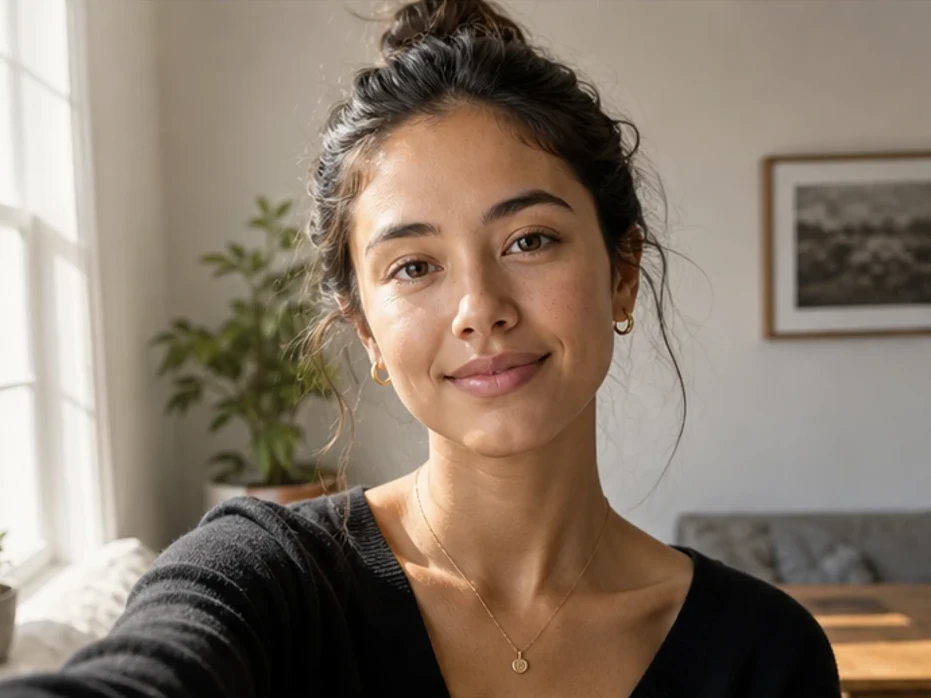
Dark selfies and nighttime images often lose skin detail, atmosphere, and depth.
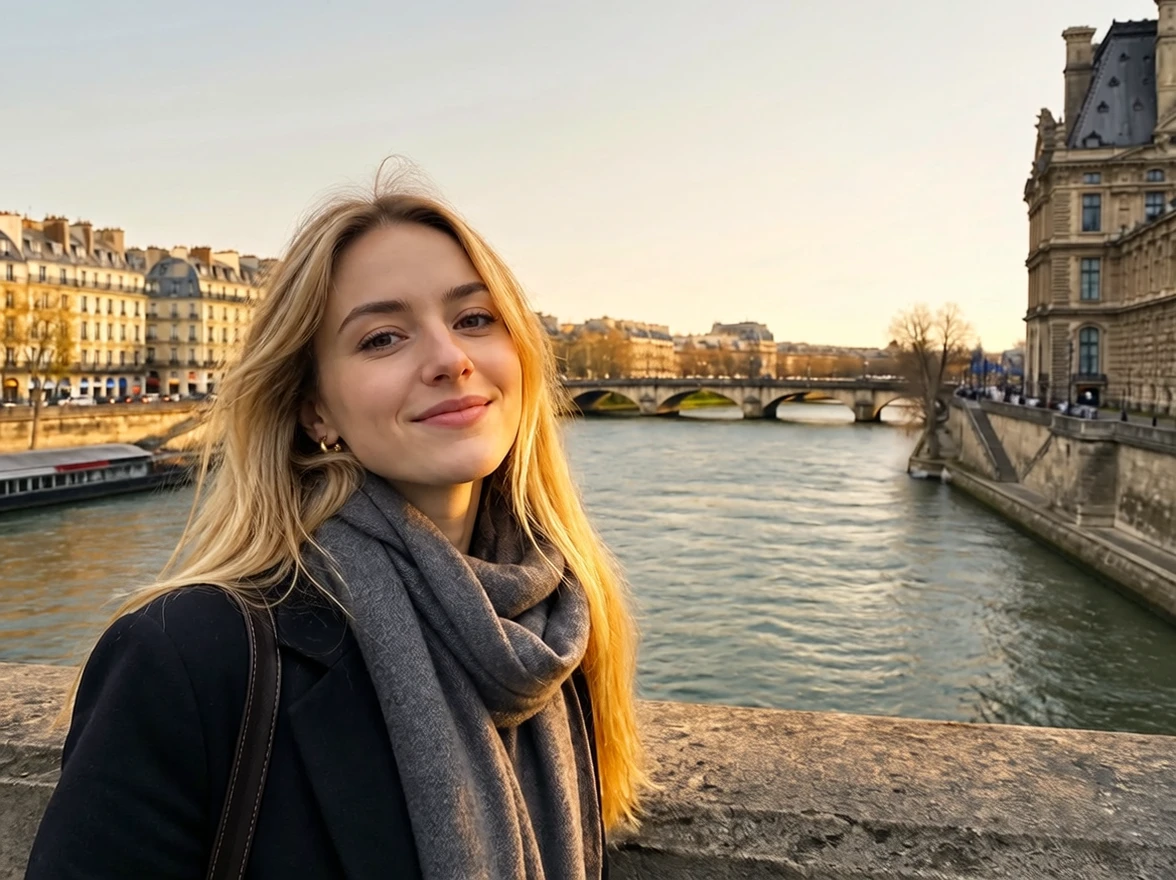
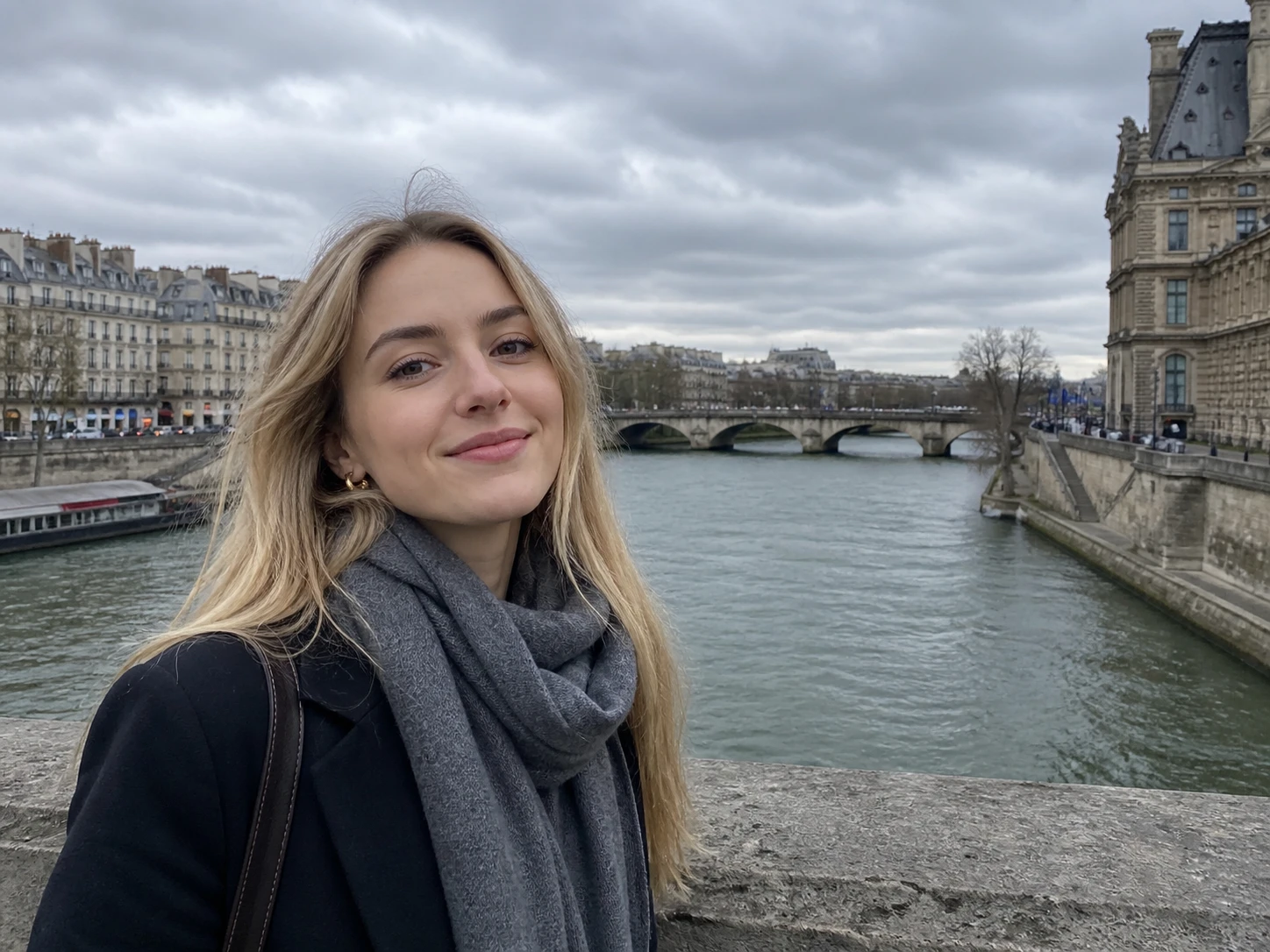
Harsh shadows, blown highlights, or weak exposure can hurt profile photos, ecommerce visuals, and creator content.
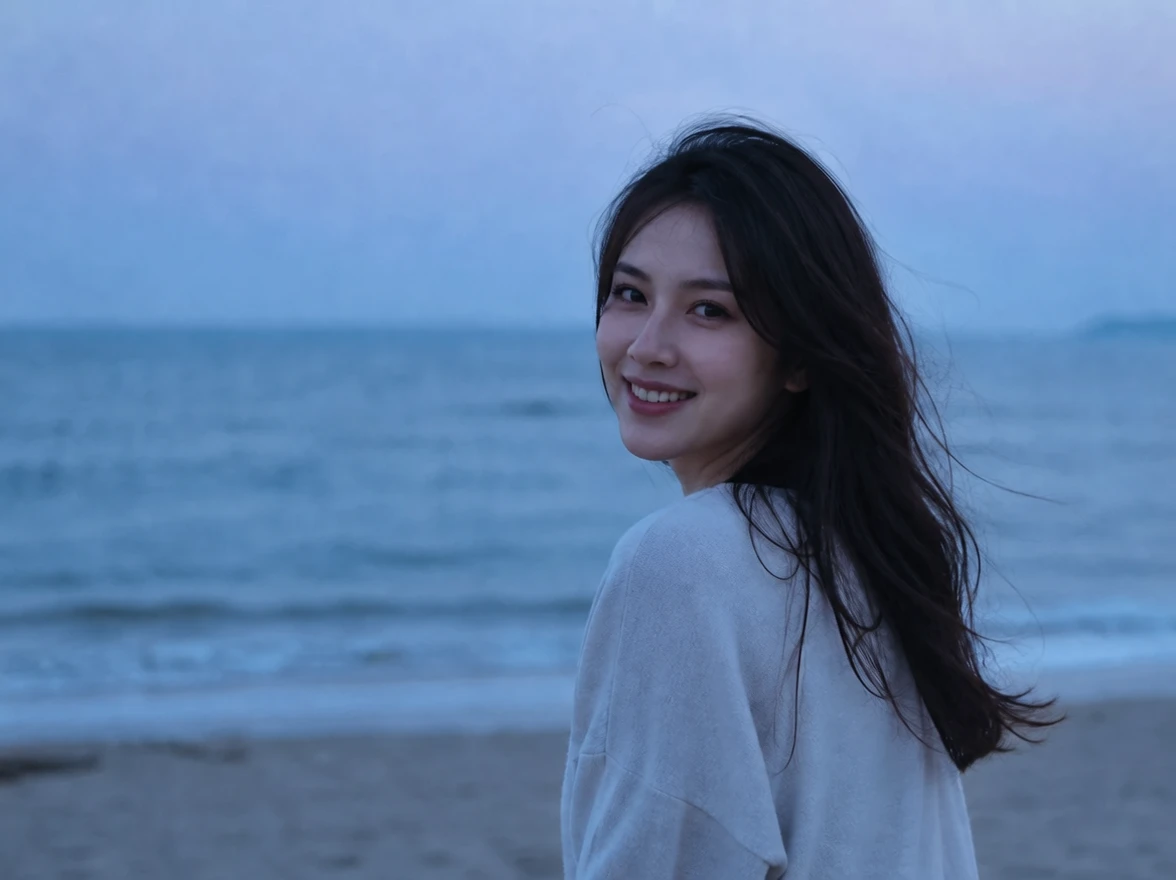
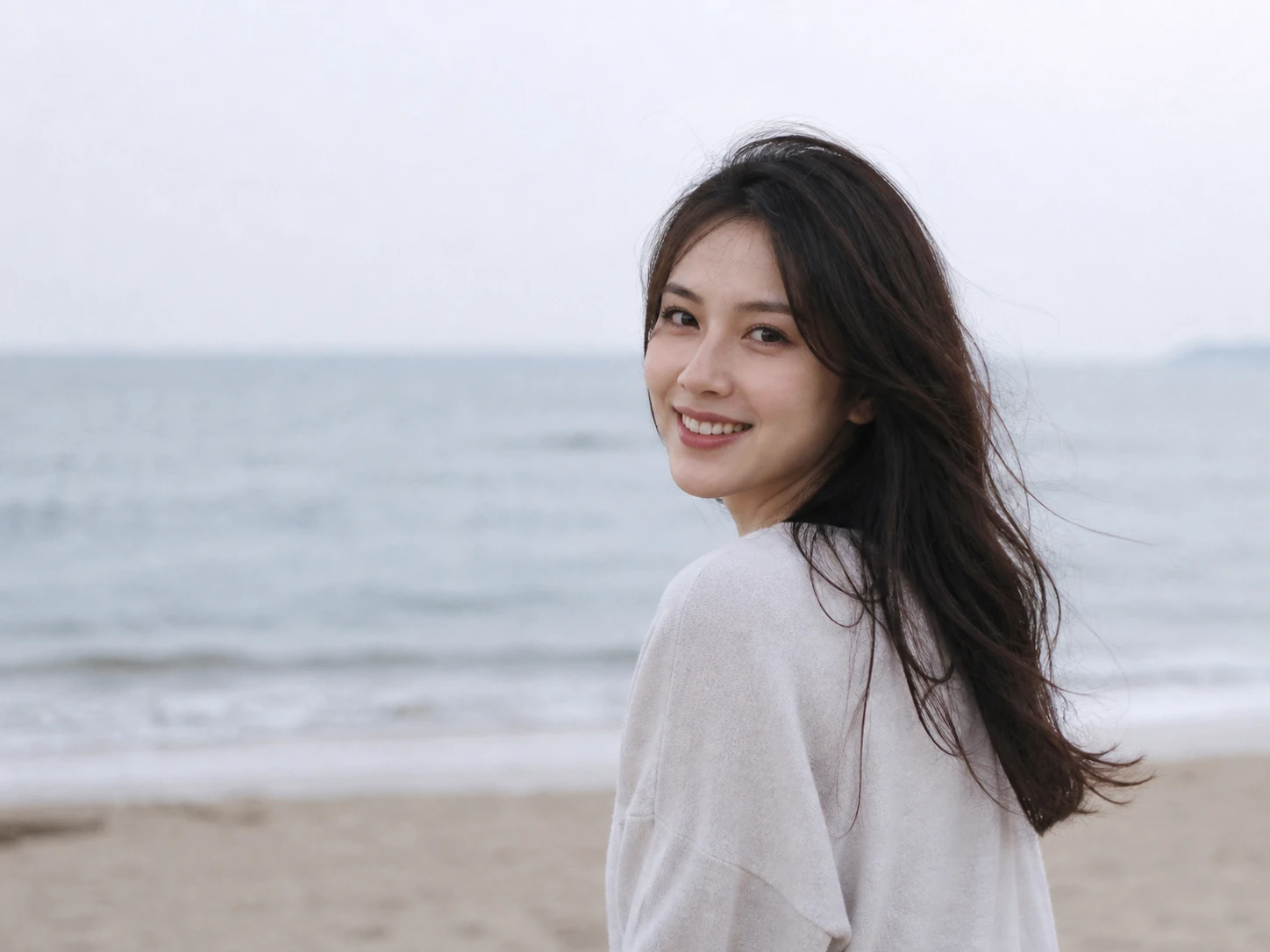
AI relighting helps improve exposure and mood without advanced retouching workflows.
Portraits, selfies, travel shots, and creator photos often need different lighting moods and exposure balance.
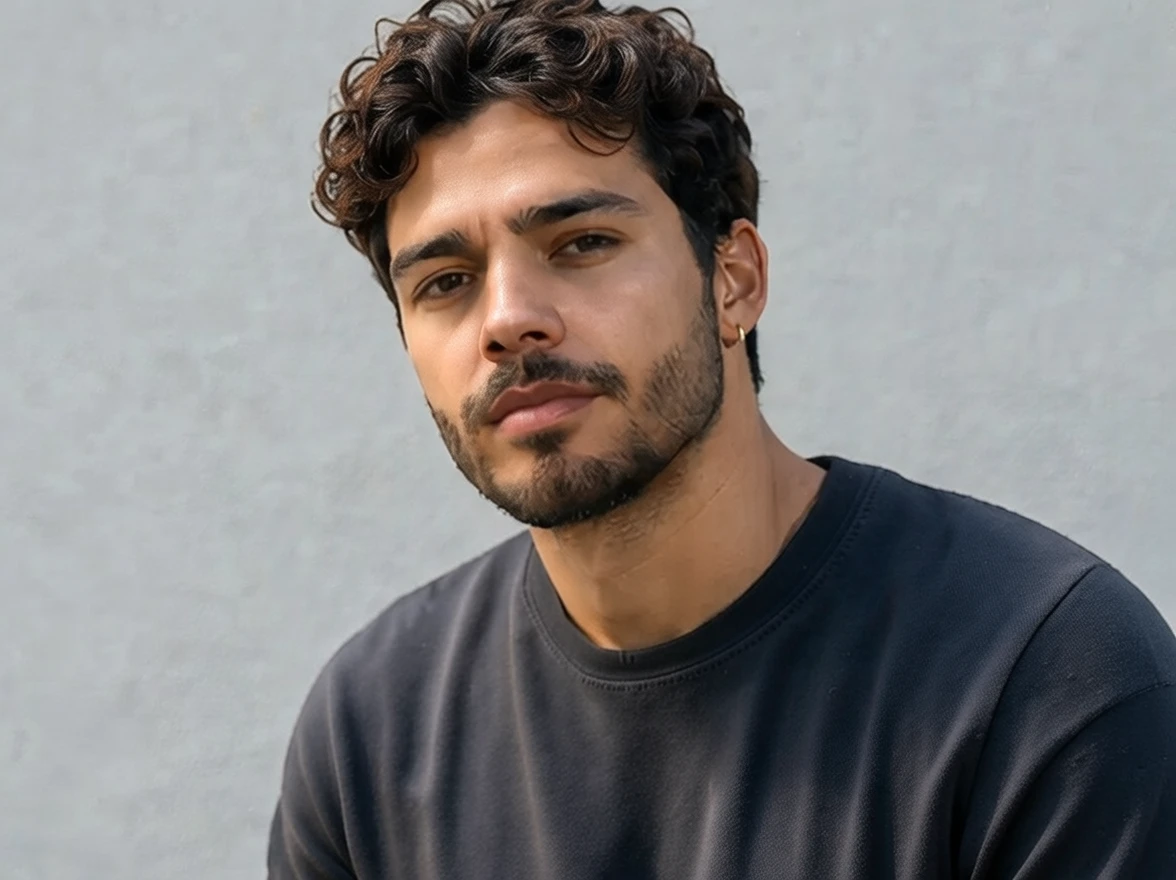
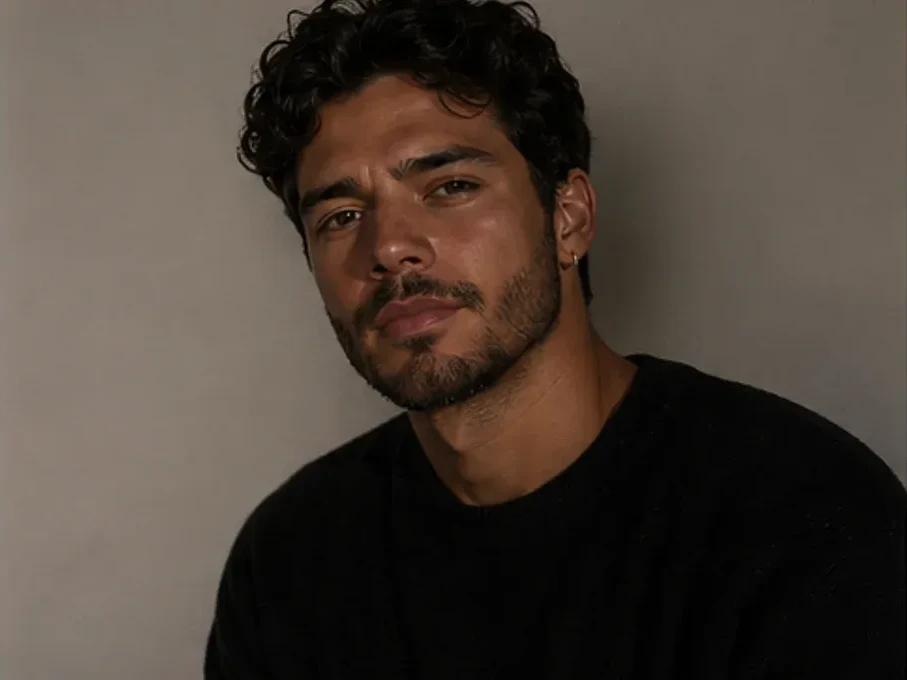
Create cleaner portrait lighting with balanced highlights and softer shadows inspired by professional studio photography.
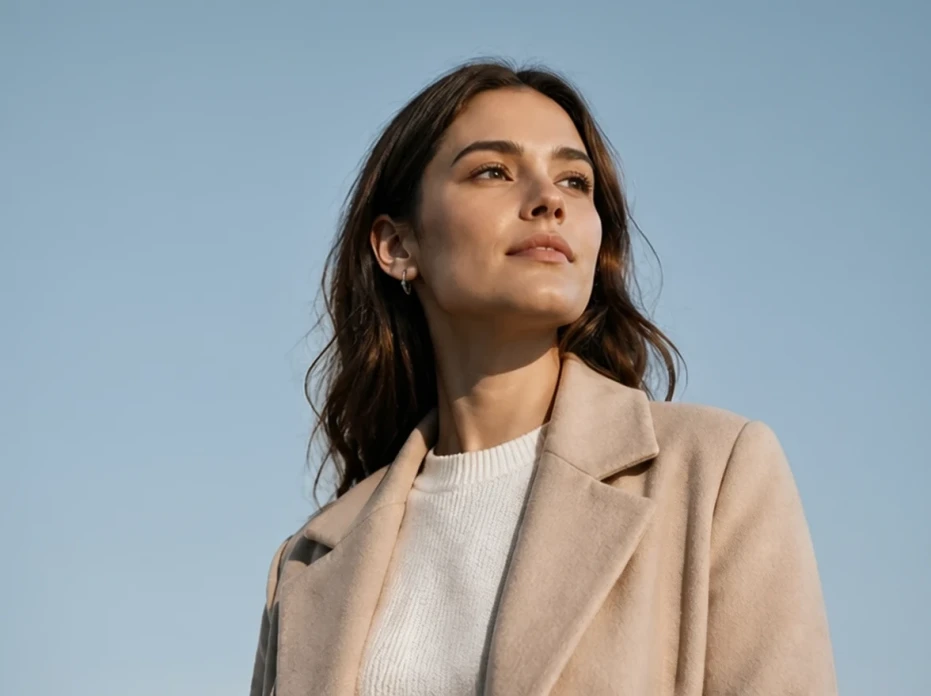
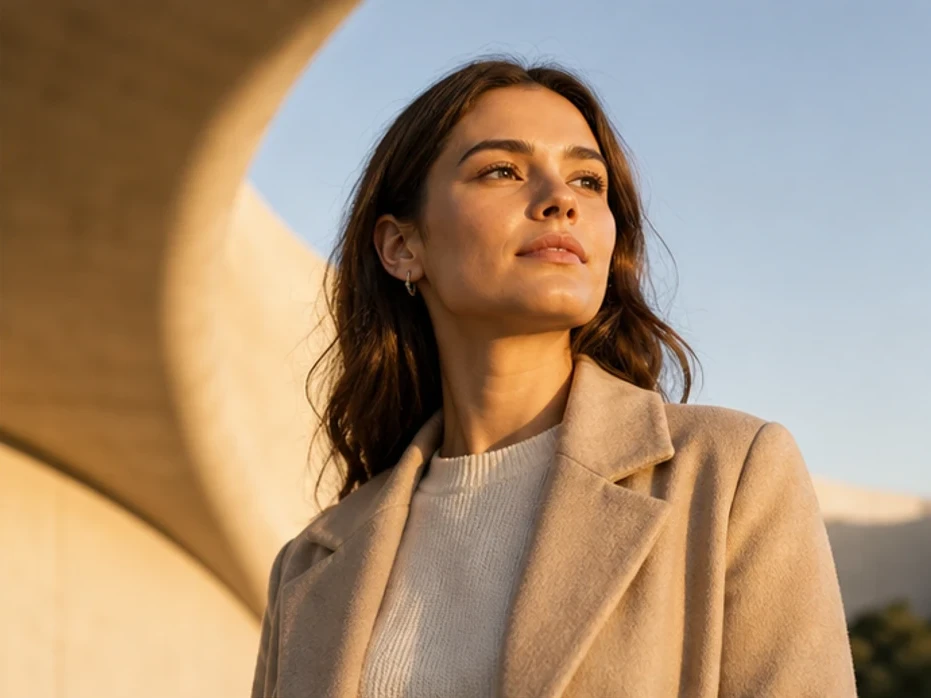
Transform flat daylight or indoor photos into warmer sunset-inspired scenes with softer cinematic light.
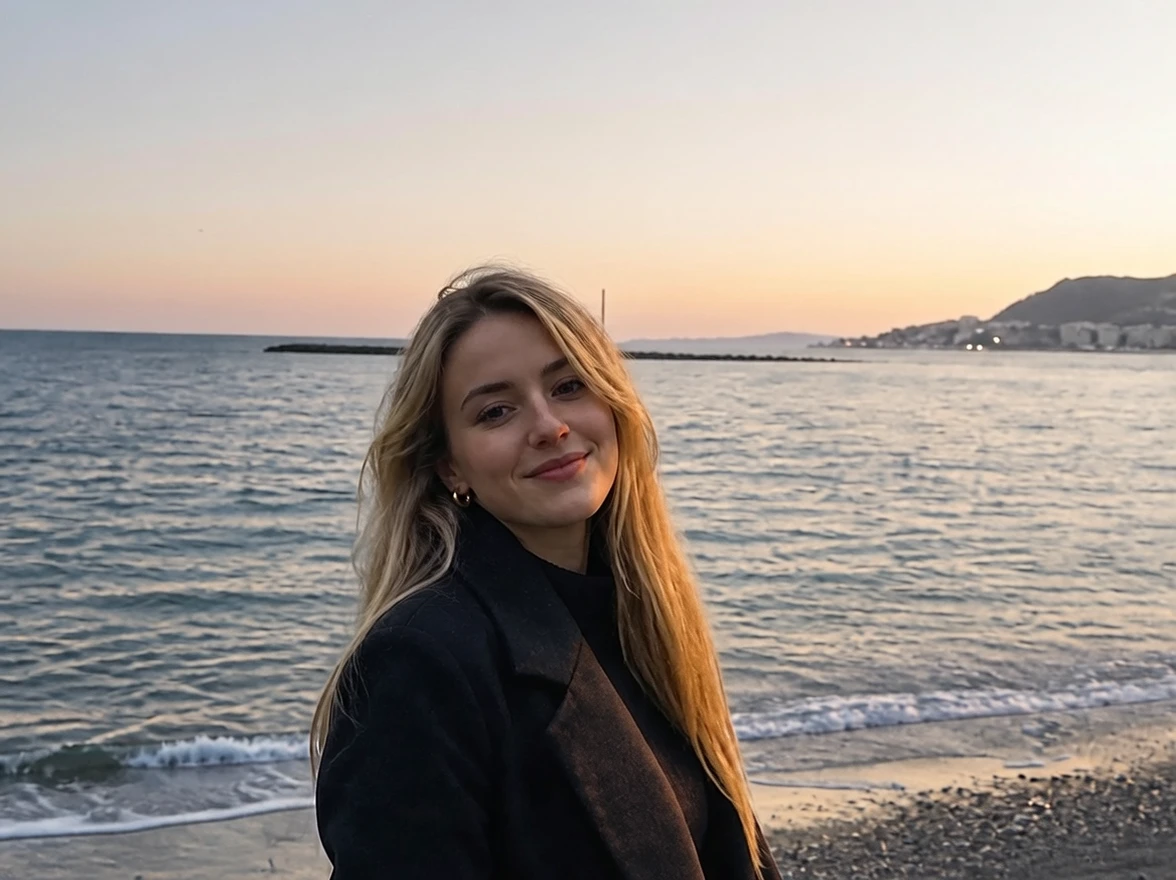
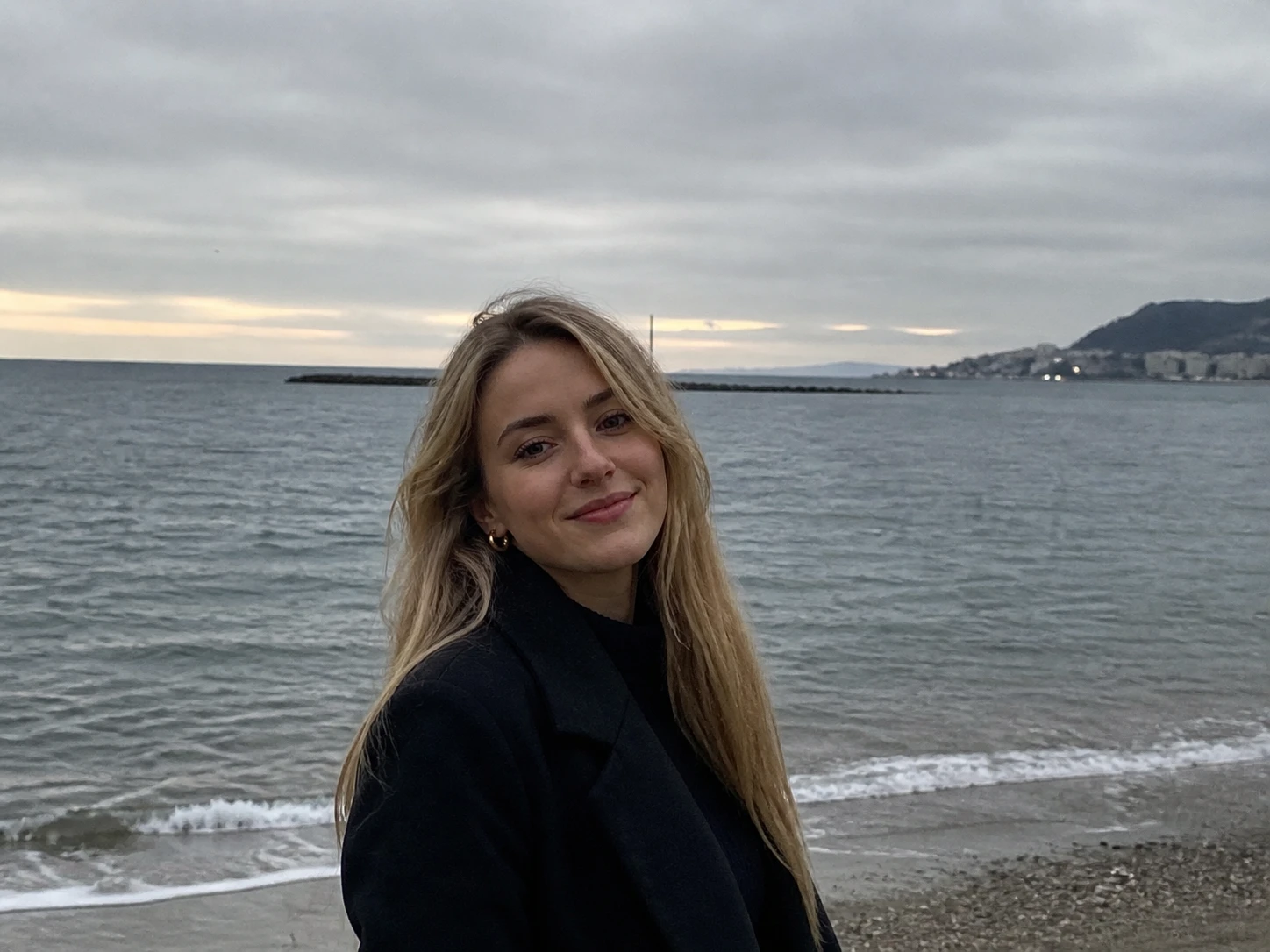
Use deeper contrast and directional light for stronger mood and visual storytelling.
Upload a photo, choose the lighting style, and generate a relit version online.
Choose a portrait, selfie, lifestyle image, or dark photo that needs better lighting.
Select studio lighting, golden hour, cinematic mood, or soft daylight.
Review the highlights, shadows, skin tones, and overall atmosphere before downloading.
Answers about improving lighting, brightening dark photos, and AI relighting styles.
Upload your photo, choose a lighting style, and let the AI improve exposure, shadows, and highlights automatically.
Yes. AI relighting can brighten dim selfies, soften harsh shadows, and improve skin tones.
Yes. Golden hour mode adds warmer sunlight-inspired lighting and softer cinematic shadows.
AI relighting changes the lighting mood, brightness, shadows, and exposure of a photo without reshooting it.
Studio lighting styles are designed to create cleaner and more balanced portrait lighting.
Portraits, selfies, indoor photos, lifestyle images, and creator content usually produce the strongest relighting results.
Brighten dark images, create cinematic mood lighting, and add studio-style exposure with AI.
Discover other powerful AI tools to enhance, restore, and transform your images
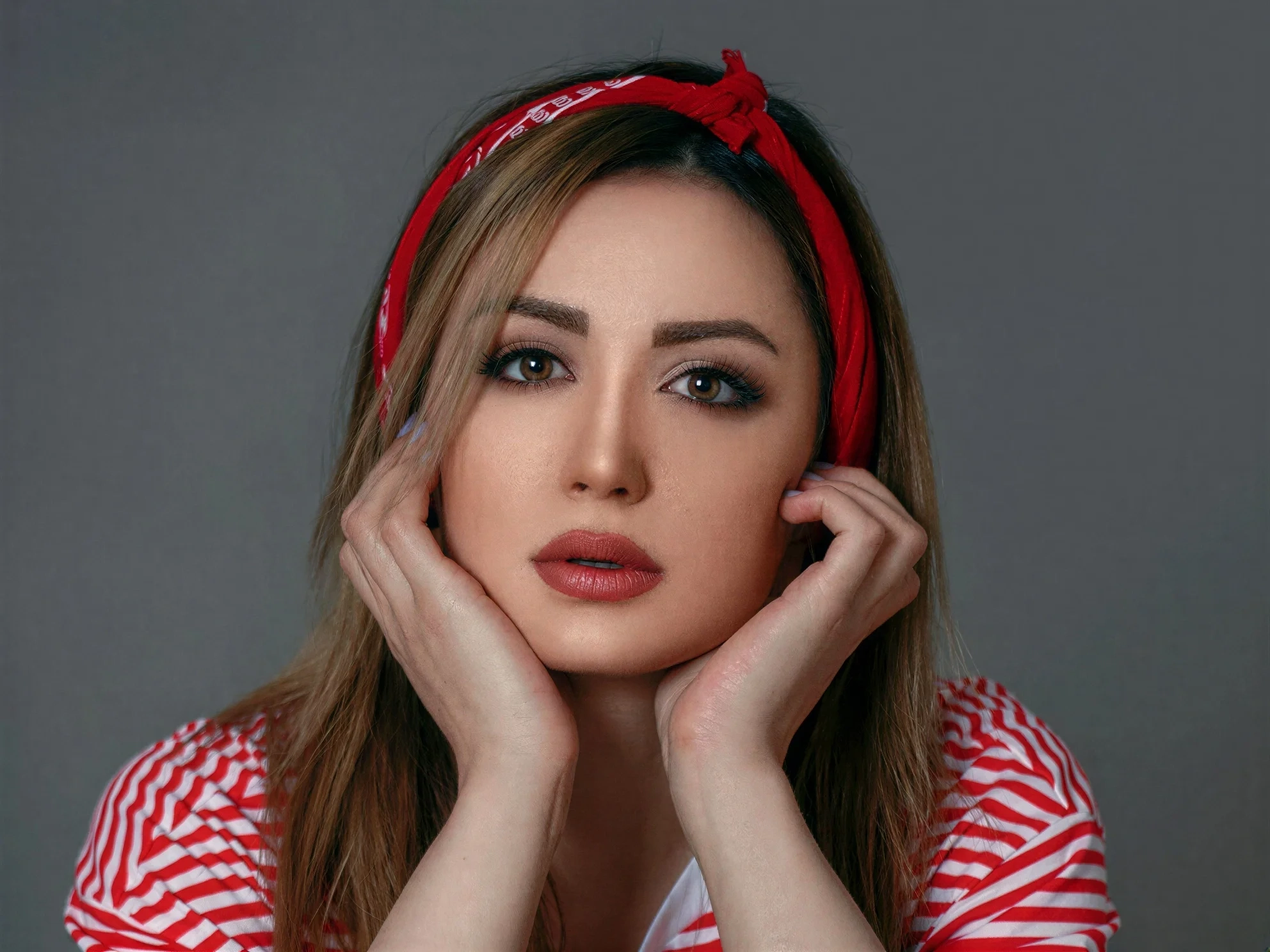
Transform ordinary images into stunning high-quality visuals with advanced AI enhancement
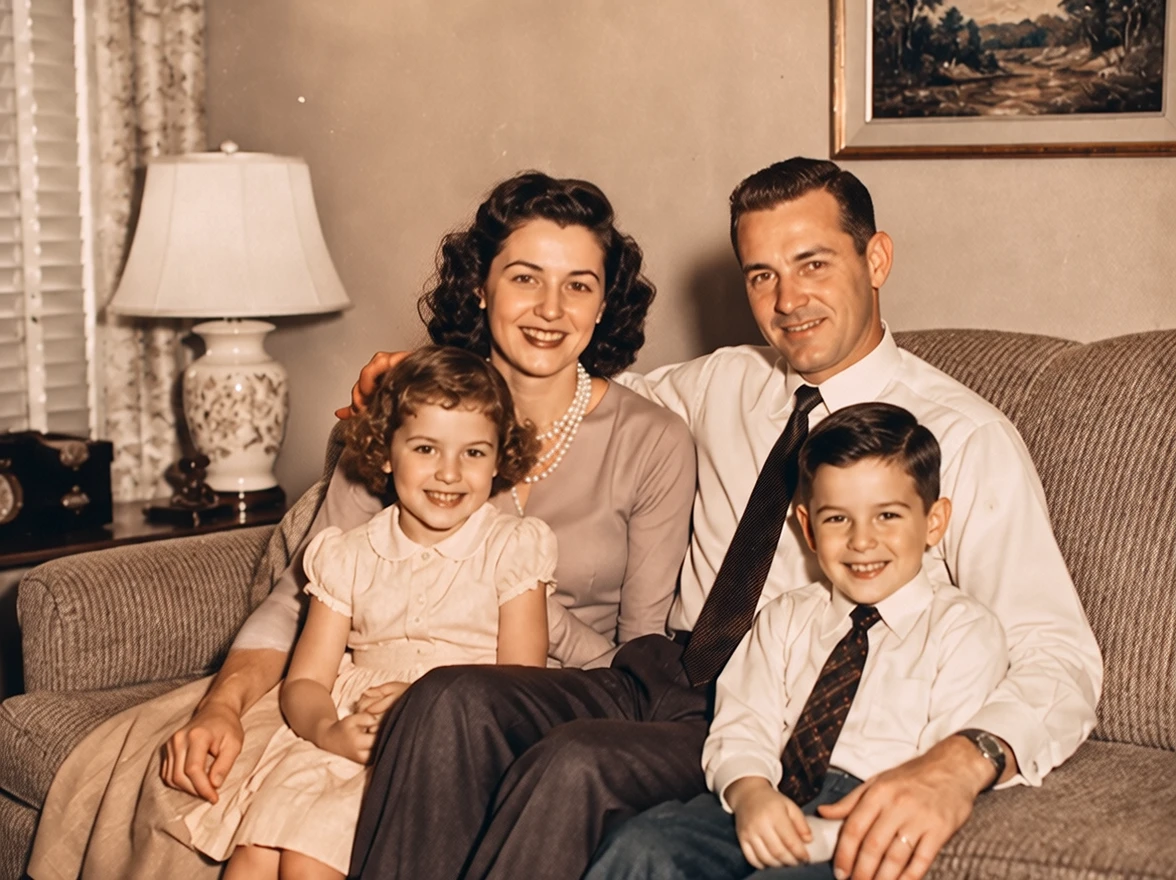
Colorize photos with AI styles
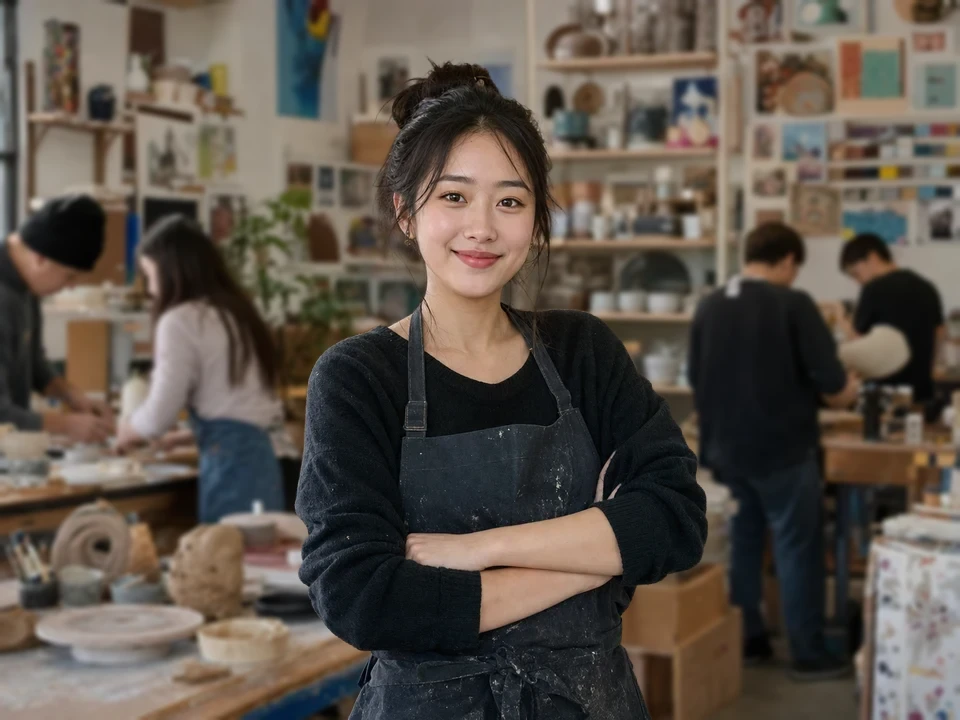
Blur distracting backgrounds with AI
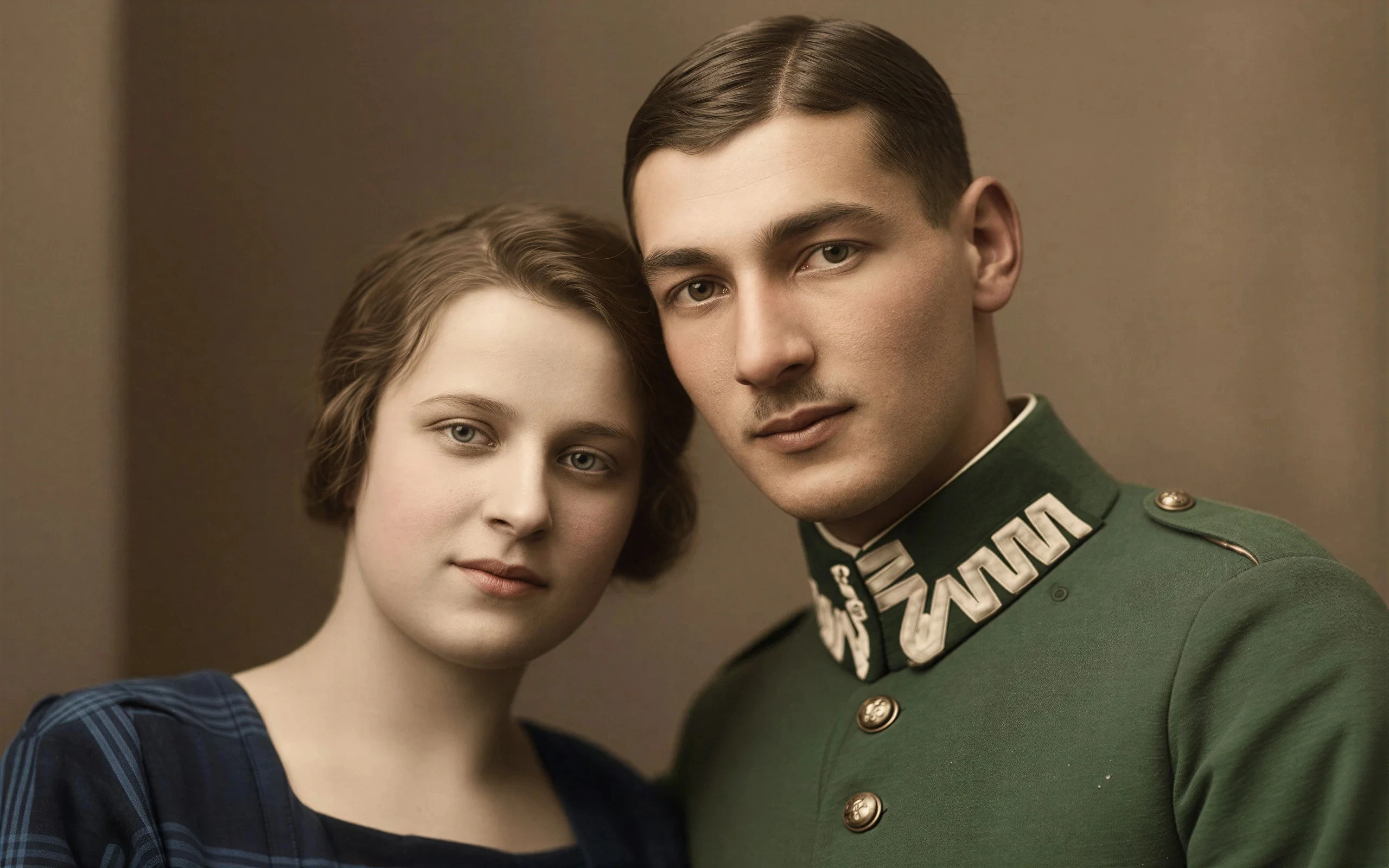
Breathe new life into vintage images by removing damage, scratches, and fading
Merge multiple photos into one polished visual with prompt-guided AI composition