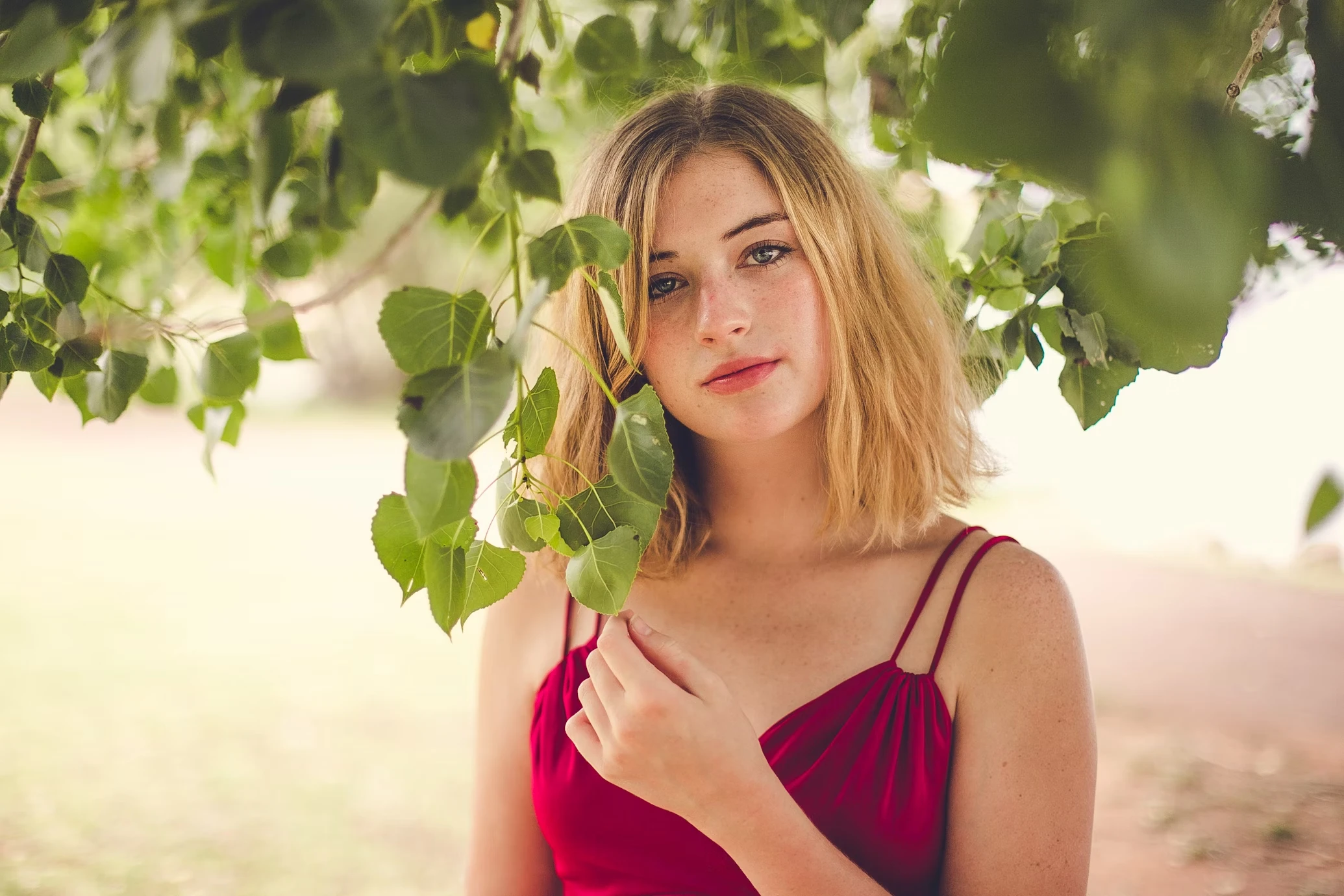
Restore Black-and-White Photos
Bring historical portraits, family memories, and scanned archive images back to life with natural AI colorization.
Restore color to black-and-white family photos, archive portraits, and vintage memories while keeping the original mood believable. Use AI photo colorization to revive old images naturally.
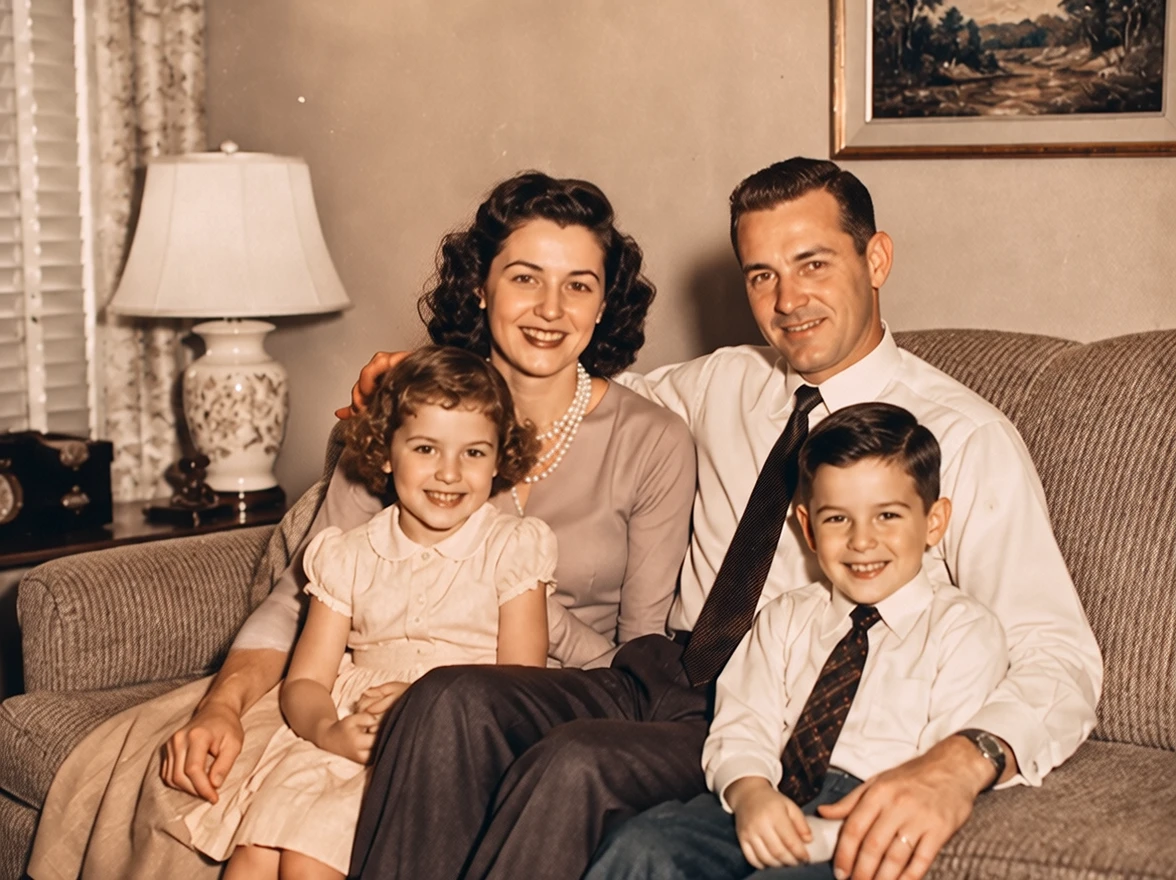
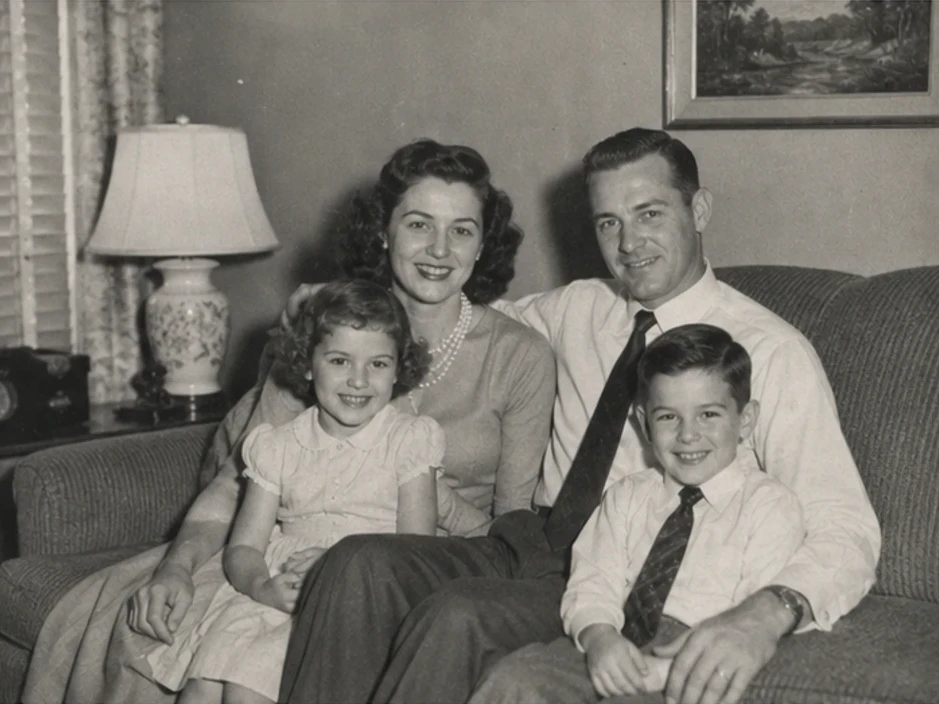
Family
Restore Family Portraits
Up to 50 photos per upload • Max 10MB each
Restore Black-and-White Photos
Bring historical portraits, family memories, and scanned archive images back to life with natural AI colorization.
Keep Vintage Photos Believable
The AI focuses on realistic skin tones, lighting, and balanced color instead of oversaturated edits.
Useful for Family Photo Restoration
Many users colorize old photos after fixing scratches, fading, blur, or damaged areas.
Colorize Photos Without Photoshop
Restore old photo color online without manual painting or advanced editing skills.
Old black-and-white photos often feel emotionally distant because modern viewers struggle to connect with the missing color and atmosphere.
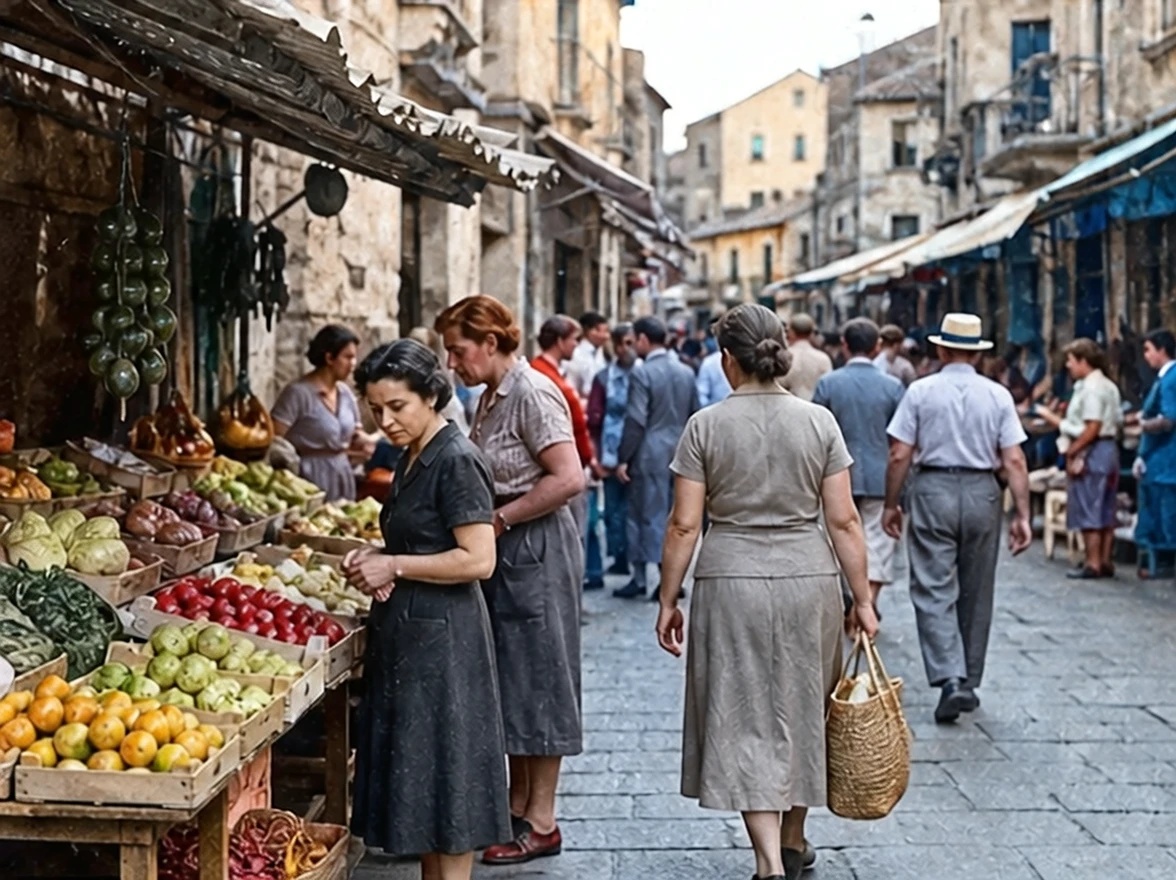
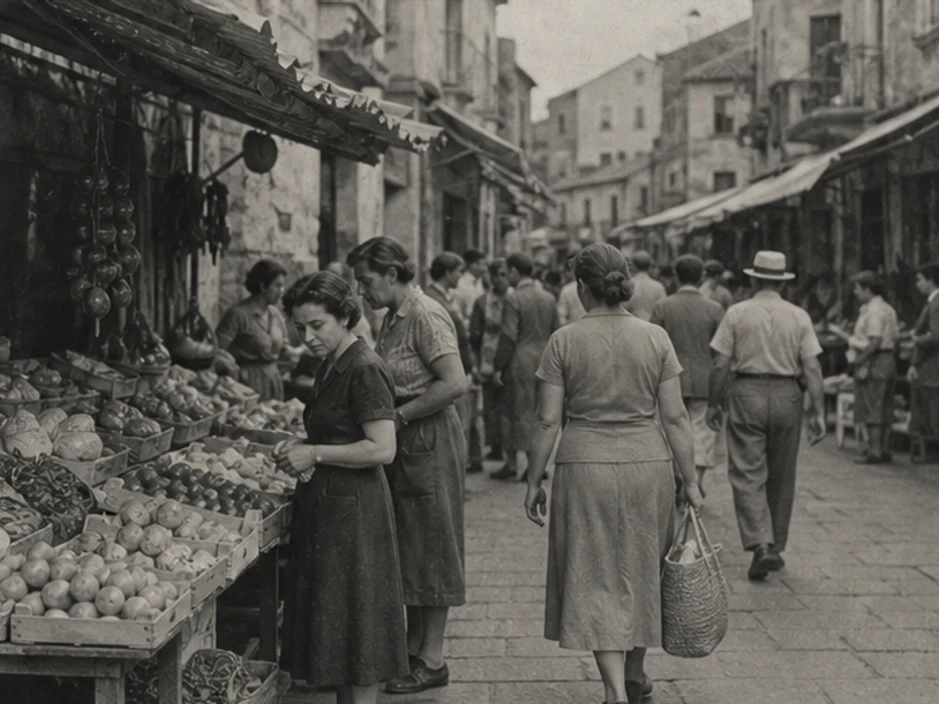
Adding realistic color helps old portraits feel closer, warmer, and more emotionally immediate.
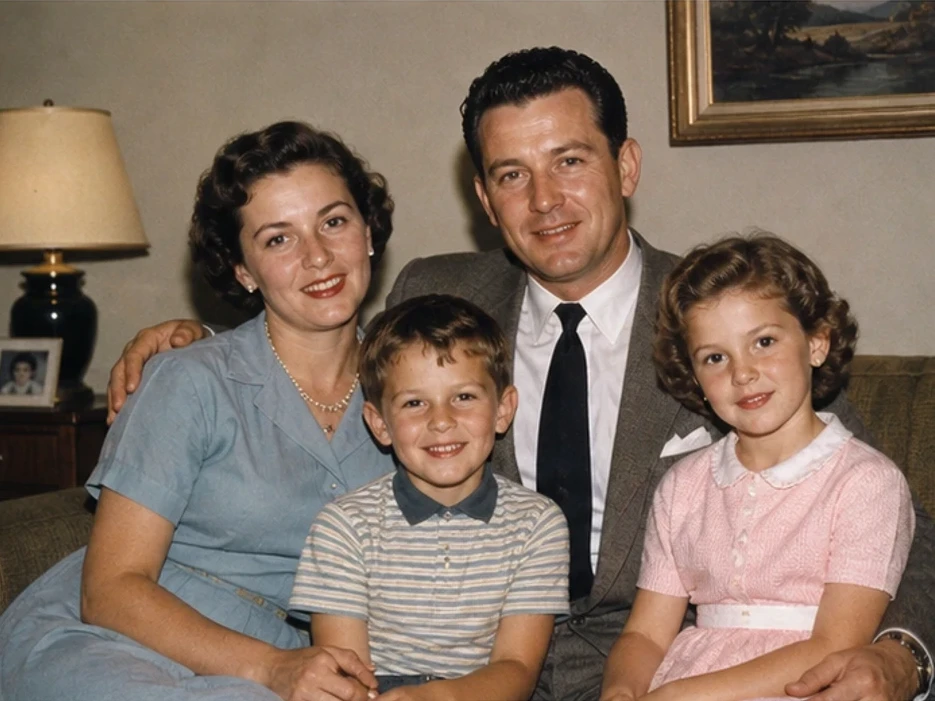
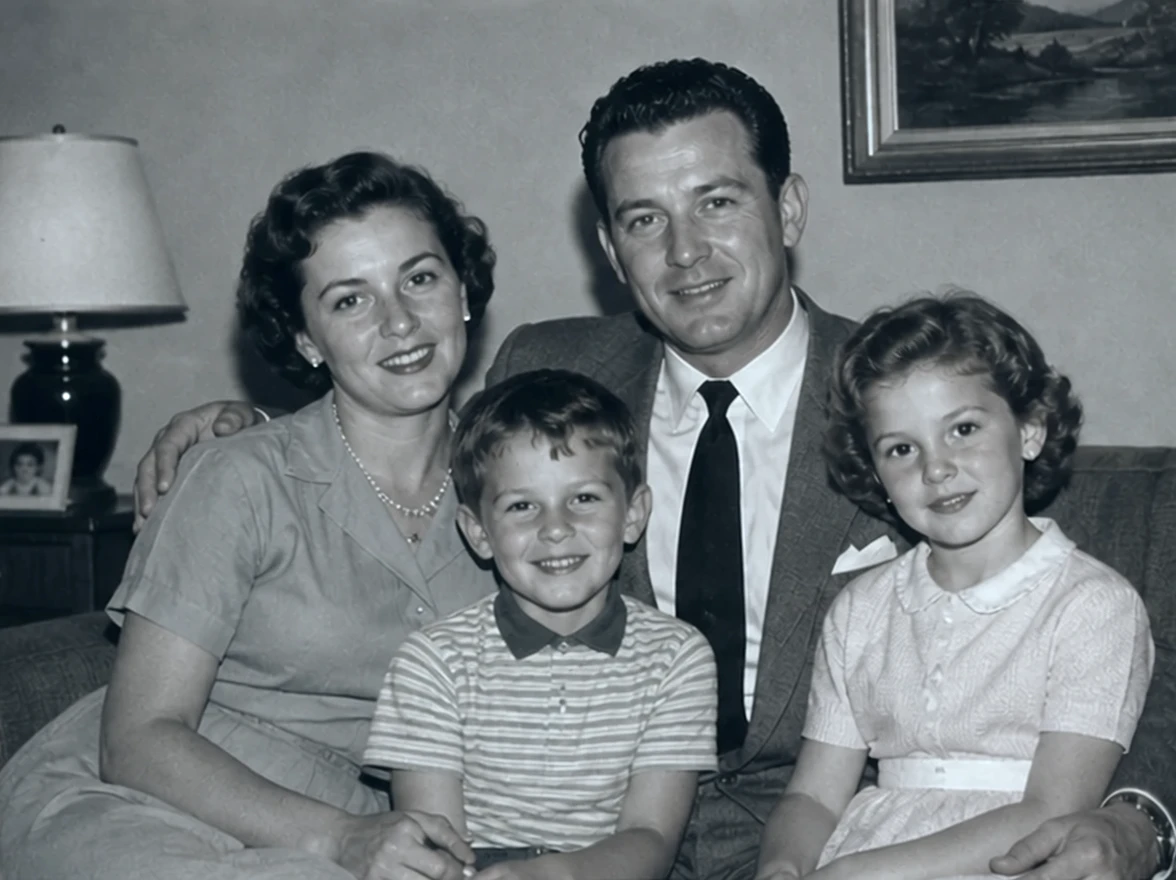
Colorized archive images often feel more relatable and easier to emotionally understand.
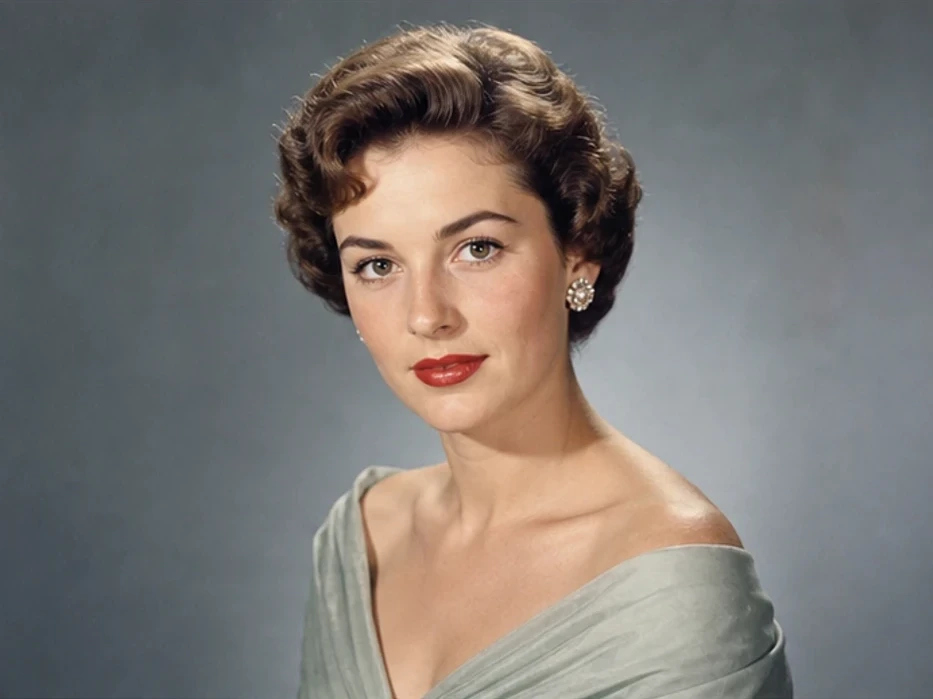
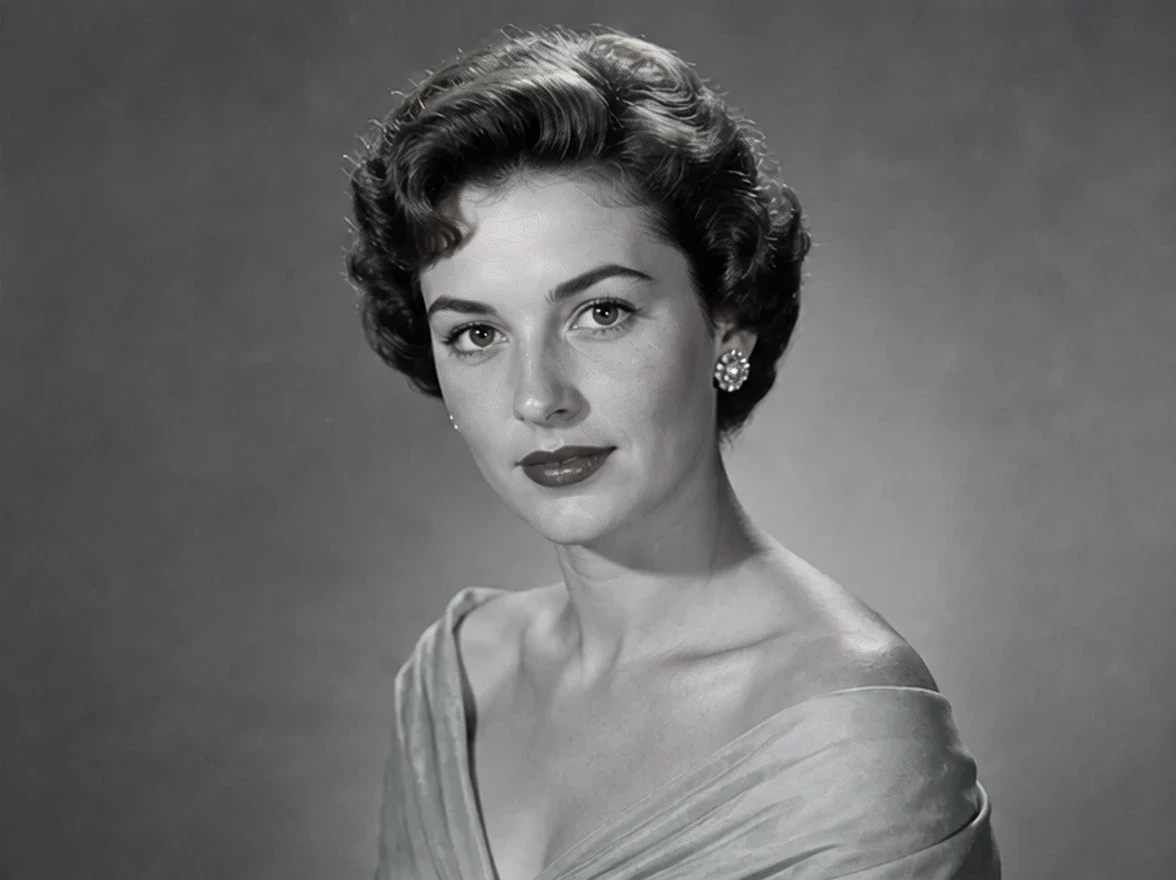
Traditional restoration workflows require careful hand painting and advanced editing skills.
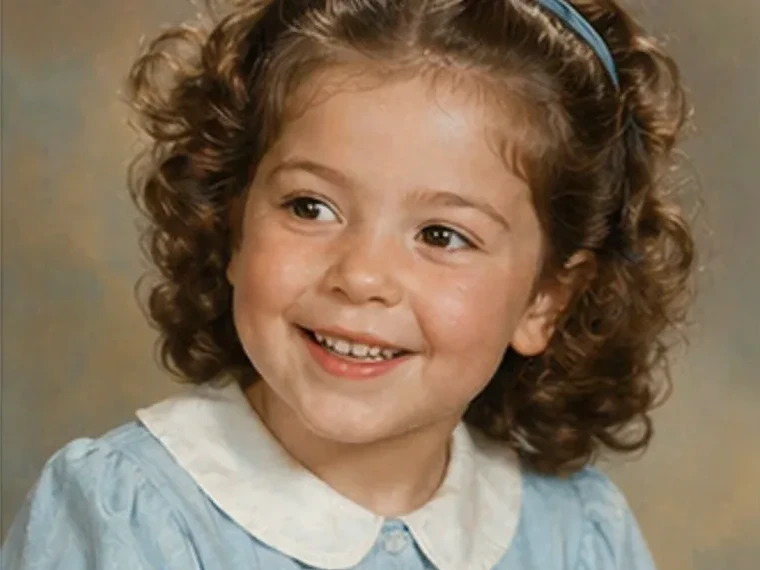
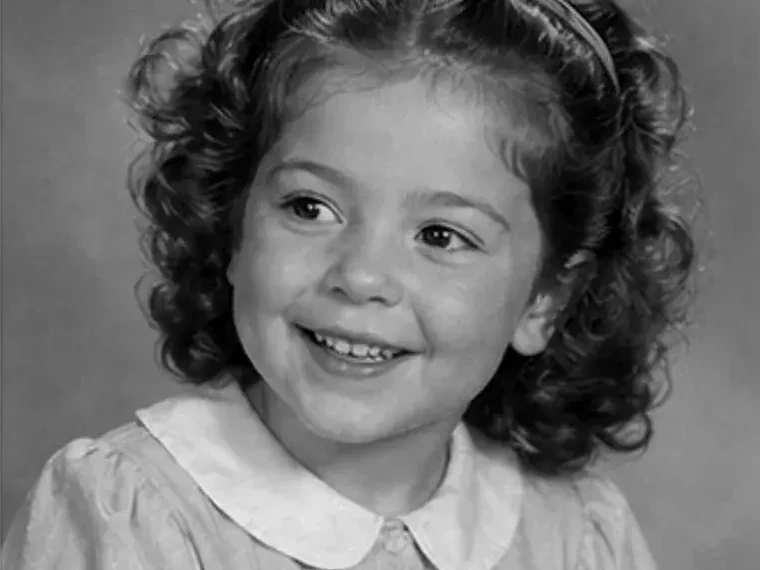
The goal is believable restoration, not oversaturated or cartoon-like recoloring.
Family portraits, historical archives, and vintage travel photos often need different restoration approaches.
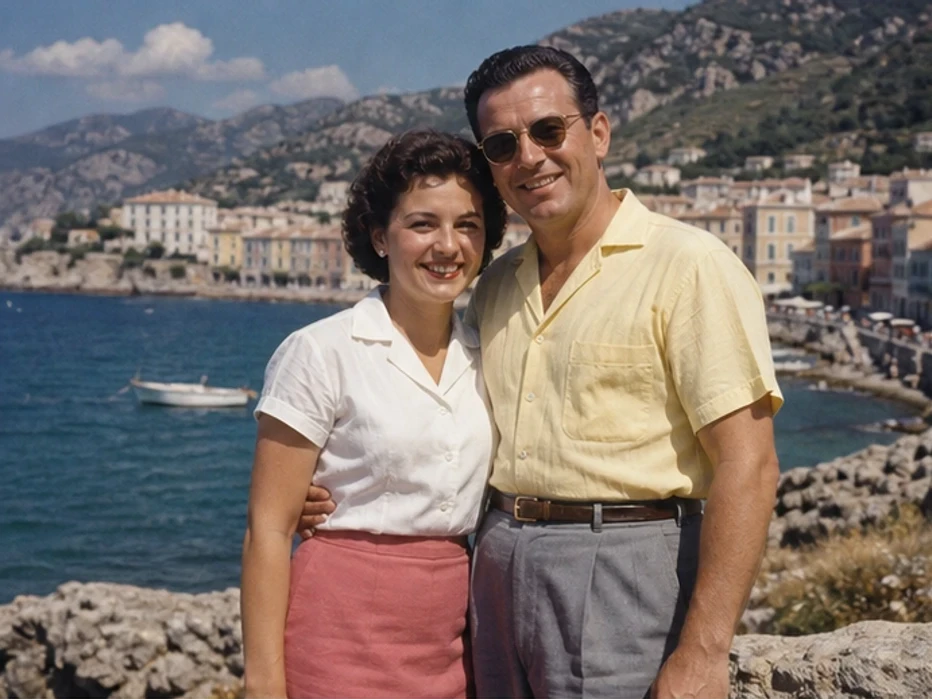
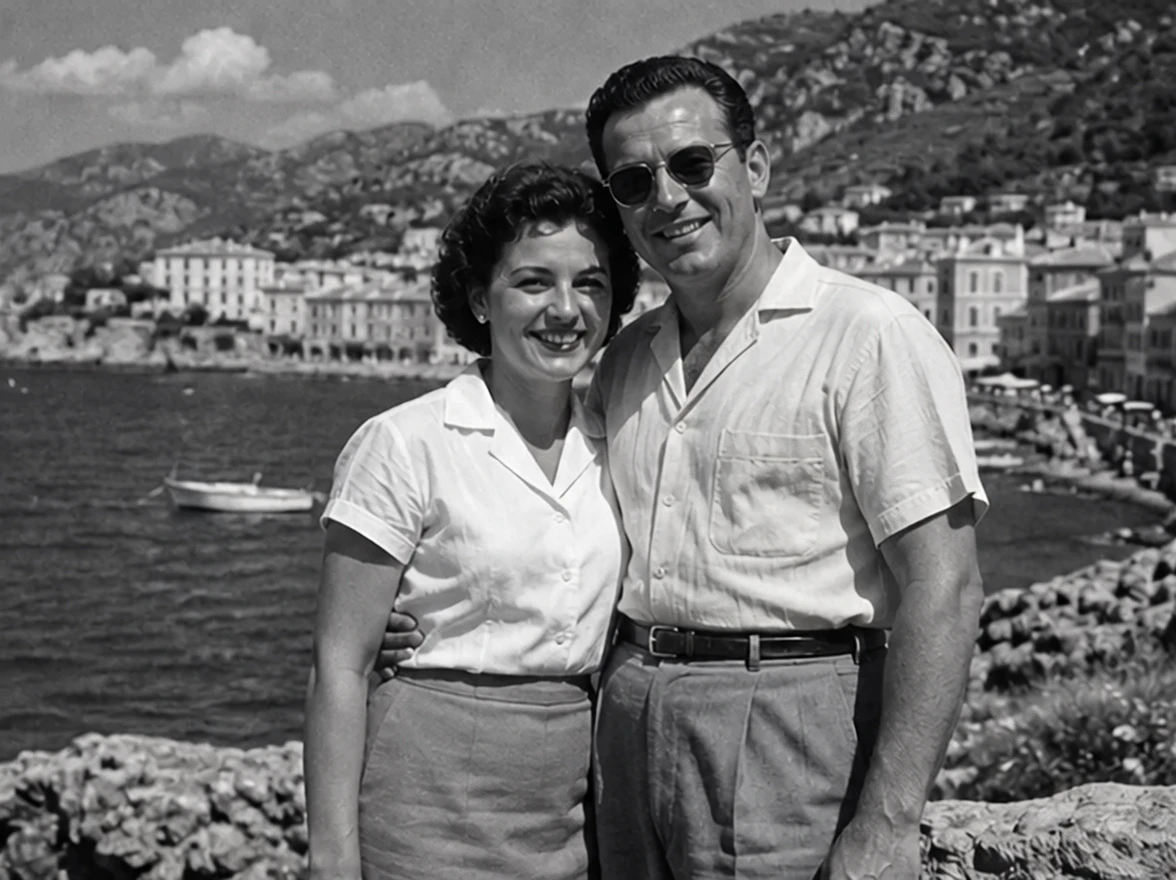
Restore realistic skin tones and balanced lighting while keeping the emotional feel of the original family image.
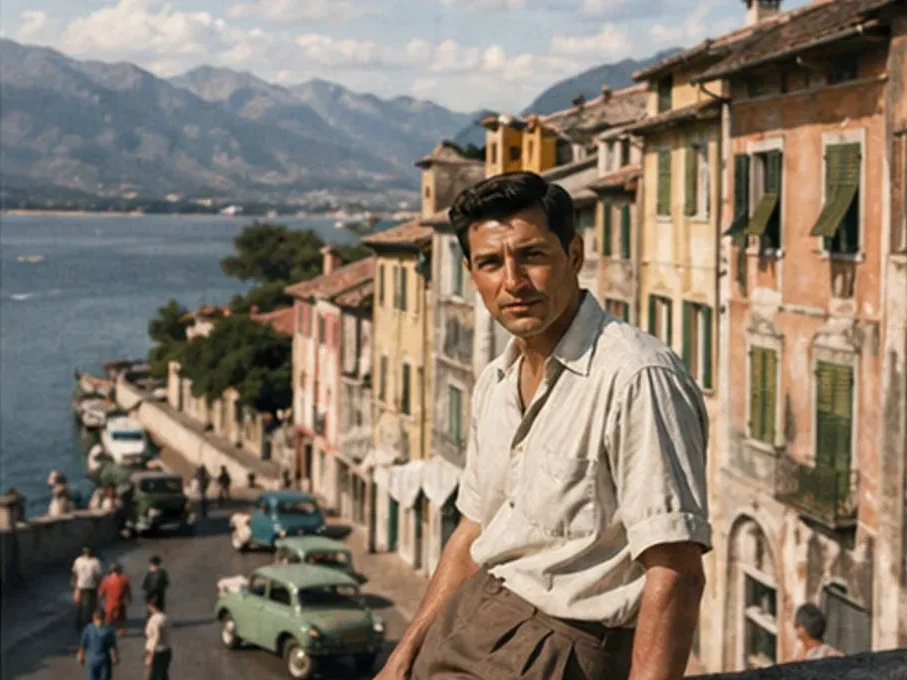
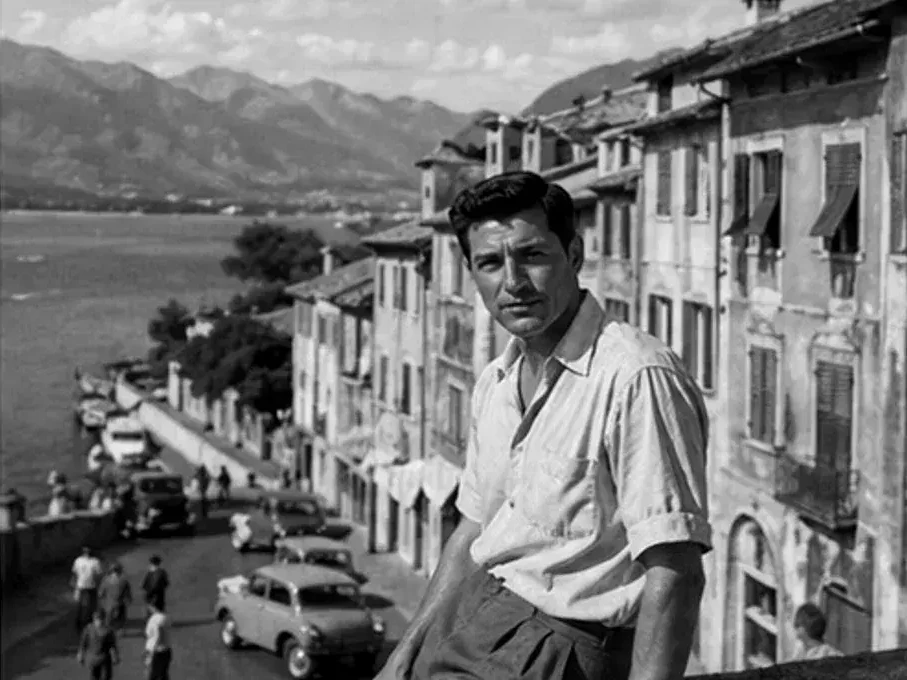
Use softer nostalgic tones inspired by restored film and classic photography.
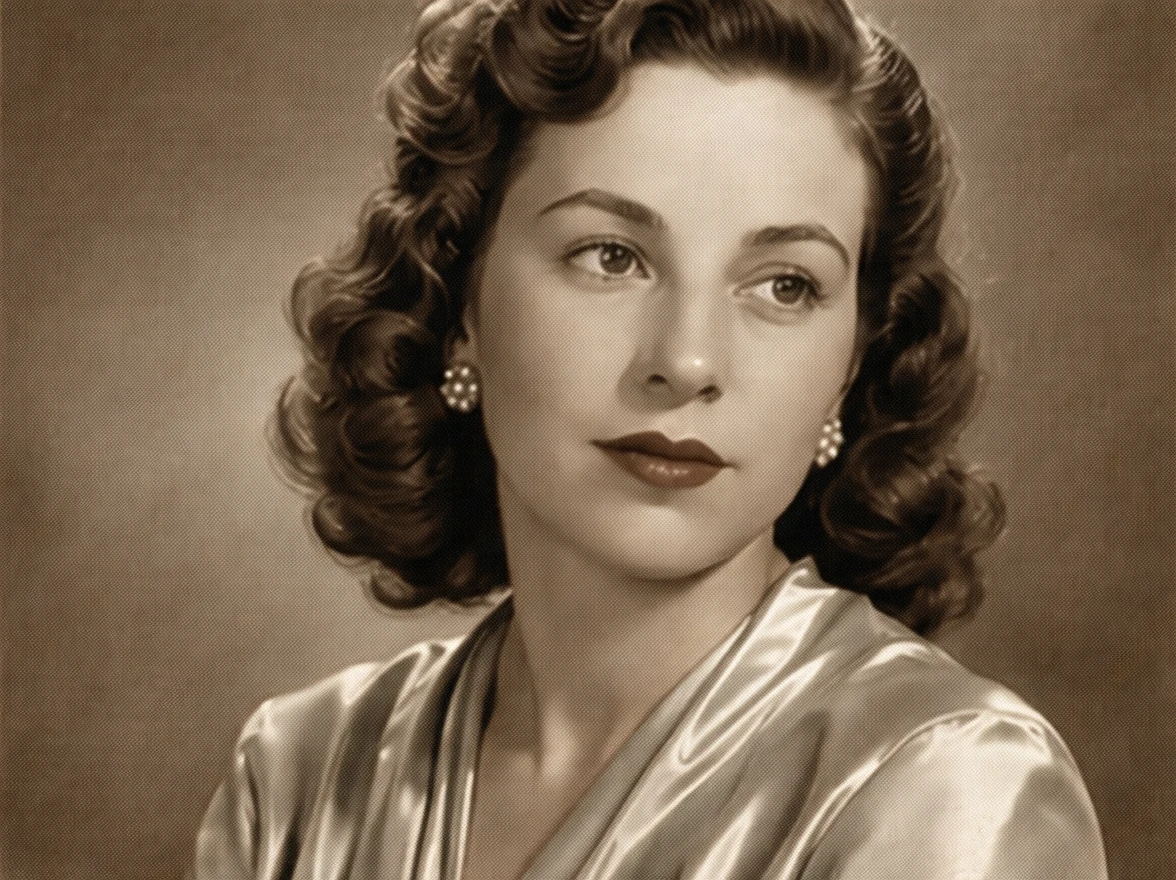
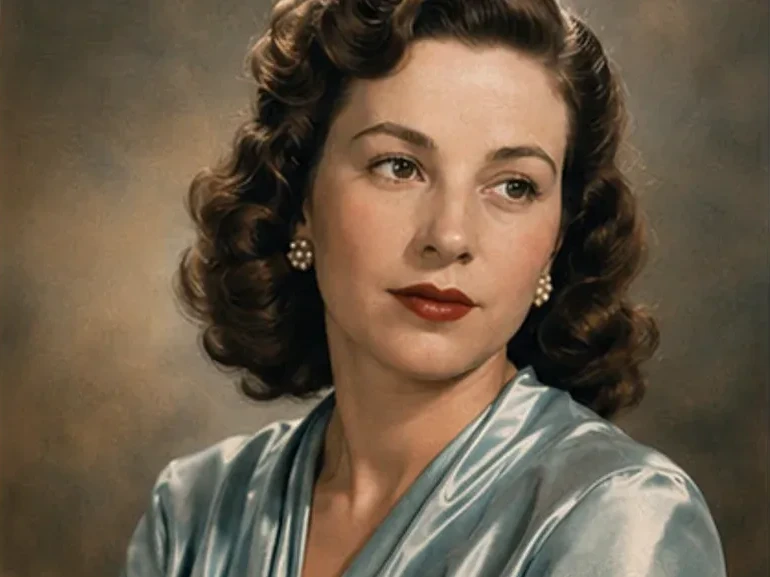
Keep colors more restrained and realistic for archive restoration and documentary photography.
Upload an old image, choose the colorization style, and generate a restored version.
Choose a black-and-white or faded image that needs color restoration.
Select realistic, vintage, documentary, or cinematic colorization.
Review the skin tones, clothing colors, and realism before downloading.
Answers about restoring old photos, black-and-white colorization, and historical image restoration.
Yes. Many users repair scratches, blur, and fading first, then use AI photo colorization as the final restoration step.
No. The original uploaded image stays unchanged while the AI generates a restored colorized version.
That is the goal. The tool focuses on realistic skin tones, clothing colors, and balanced lighting.
Realistic and warm vintage styles are usually the best fit for old family portraits.
Yes. The tool works for black-and-white images as well as faded and partially discolored photos.
Portraits, family images, wedding photos, archive scans, and historical photography usually produce the strongest results.
Restore color, warmth, and atmosphere to vintage family photos and historical images with AI.
Discover other powerful AI tools to enhance, restore, and transform your images
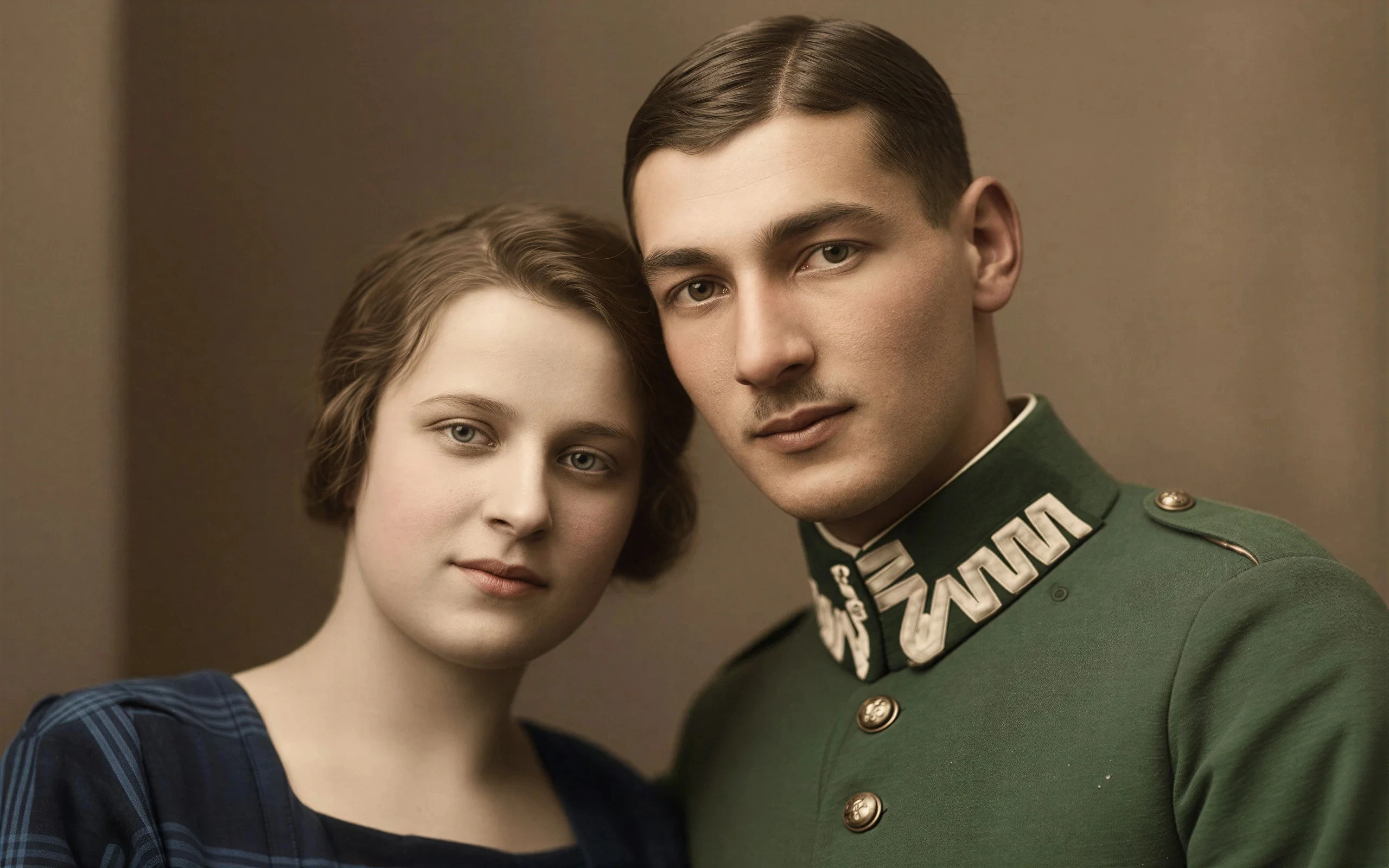
Breathe new life into vintage images by removing damage, scratches, and fading
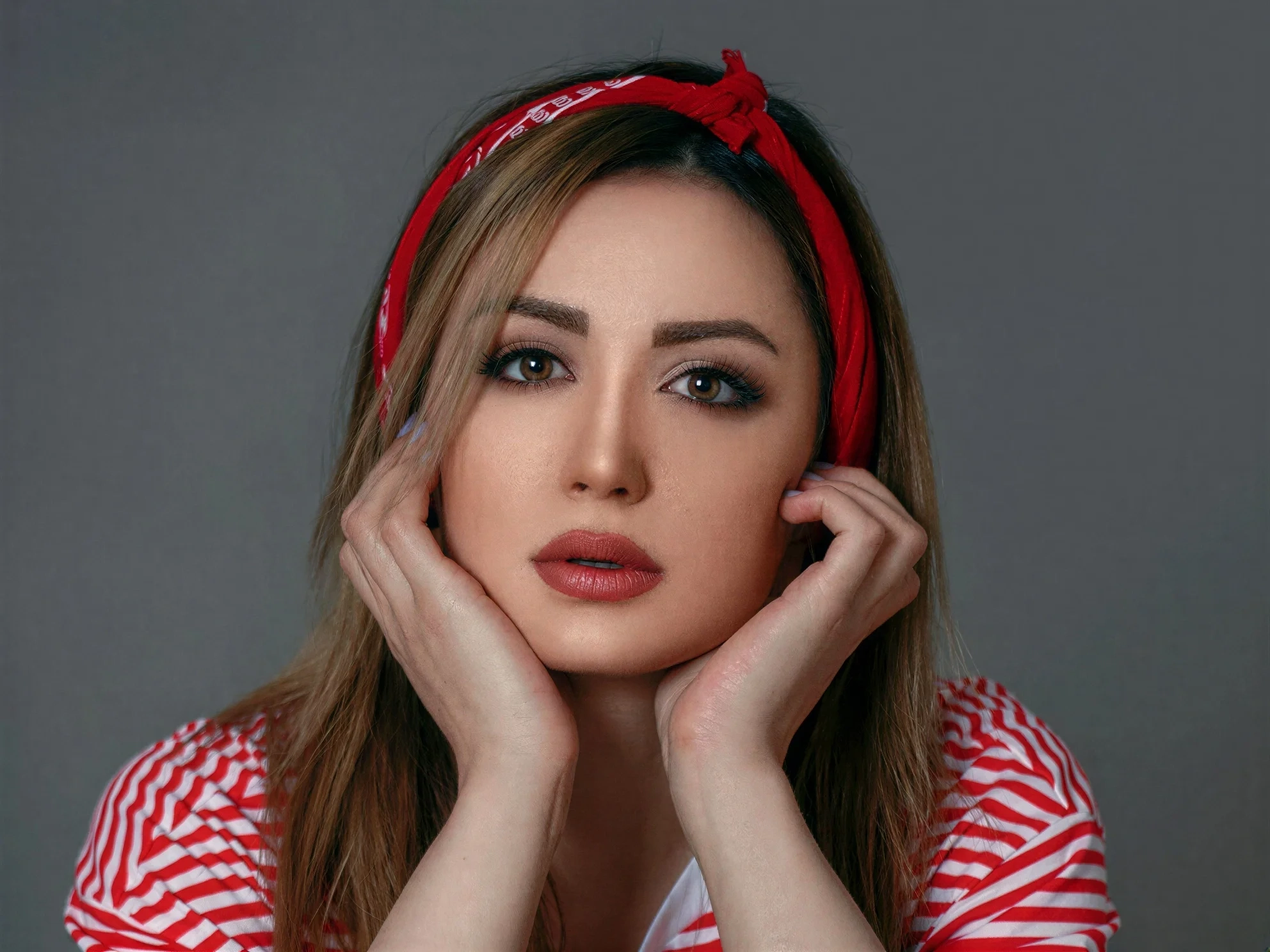
Transform ordinary images into stunning high-quality visuals with advanced AI enhancement
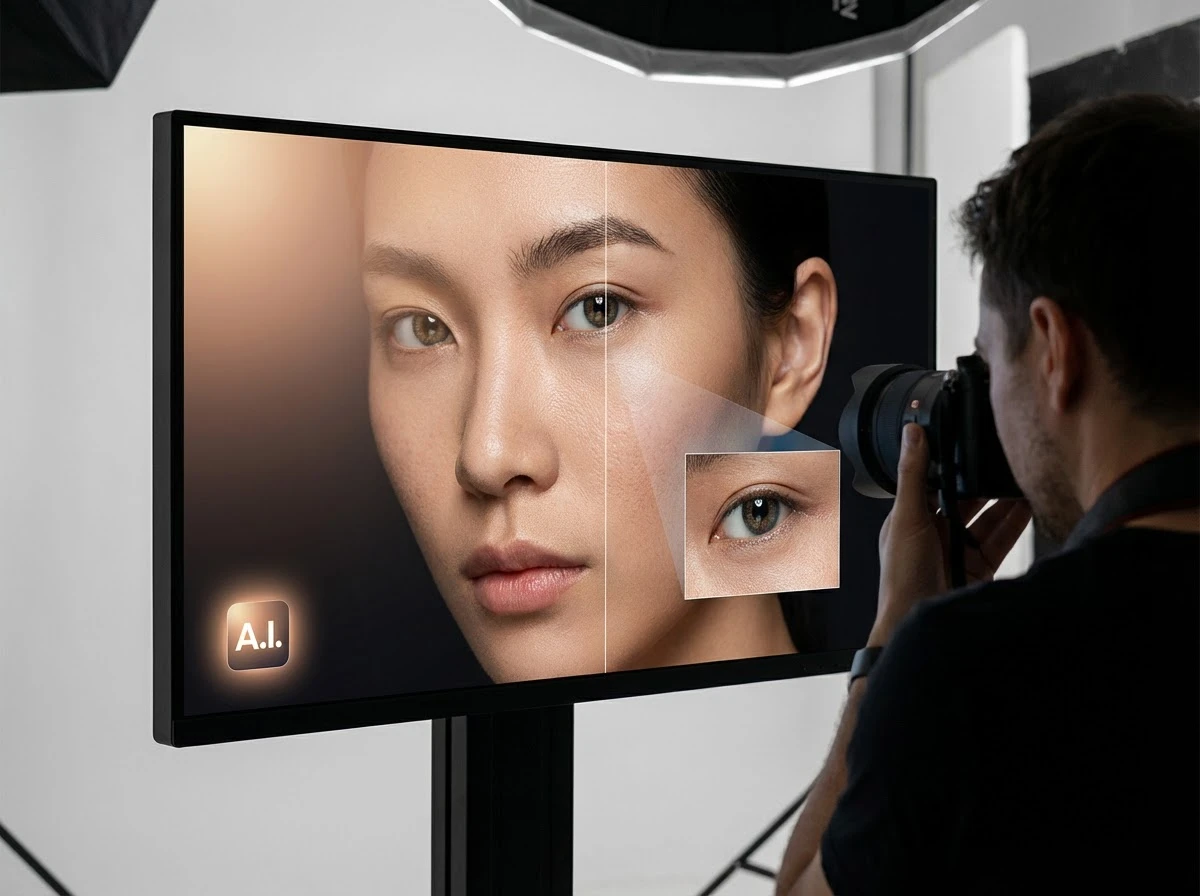
Fix dark faces, reshape portrait lighting, and shift scene mood with grouped AI light styles
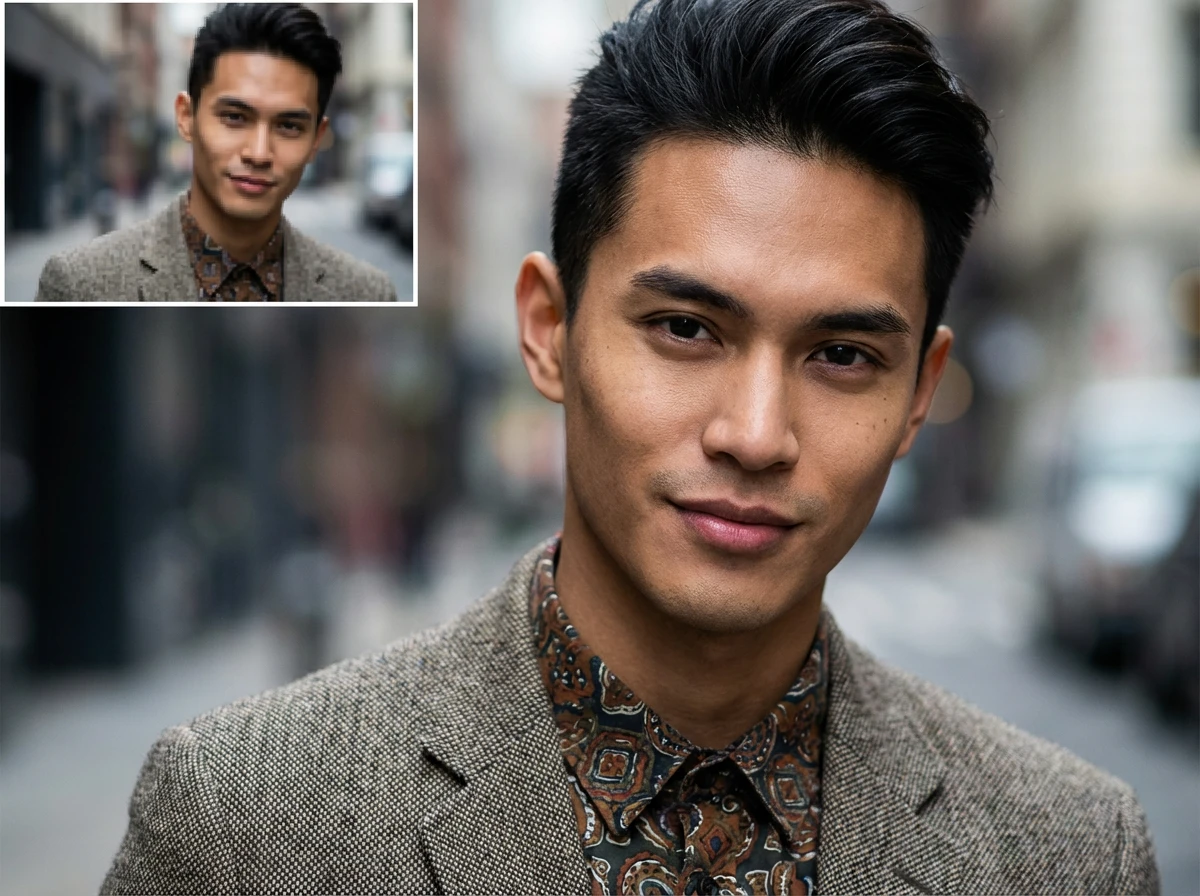
Enlarge images up to 4x while preserving sharpness and natural details
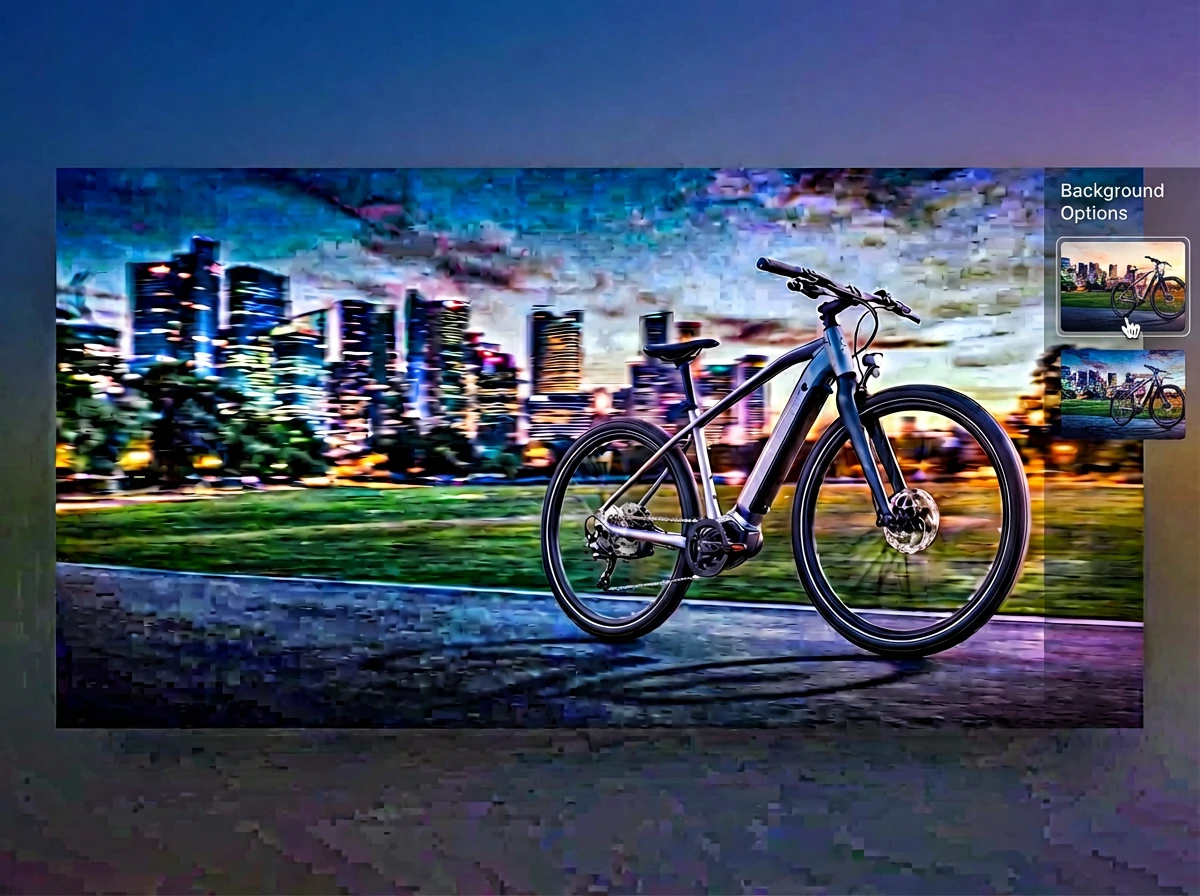
Merge multiple photos into one polished visual with prompt-guided AI composition