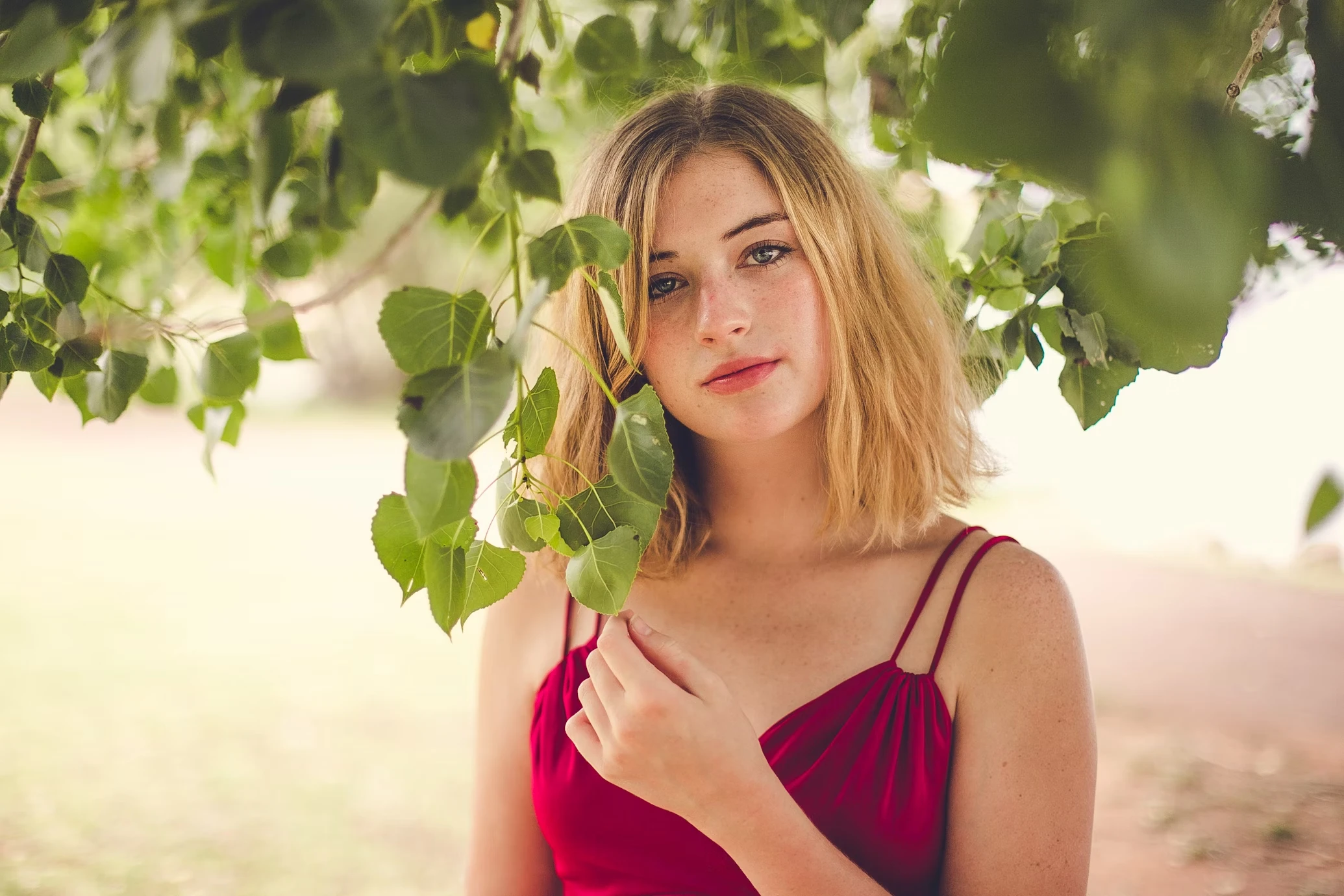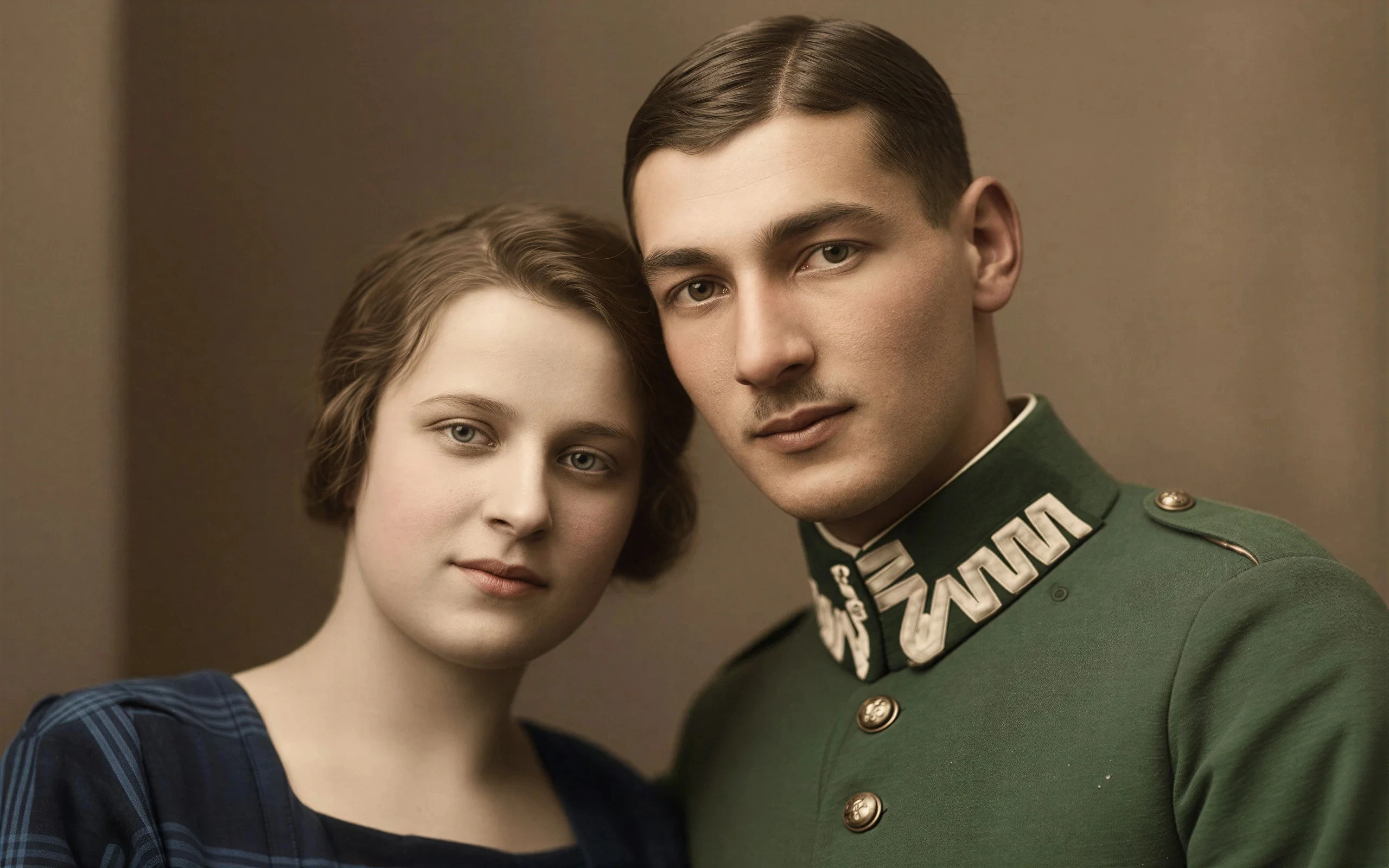
Merge Multiple Photos Into One
Combine several source images into one AI-generated composition instead of building a manual composite.
Upload two or more photos and use AI to merge products, poses, lighting, scenes, or references into one seamless generated image. Unlike a collage maker, this AI image combiner blends multiple images into one unified composition.
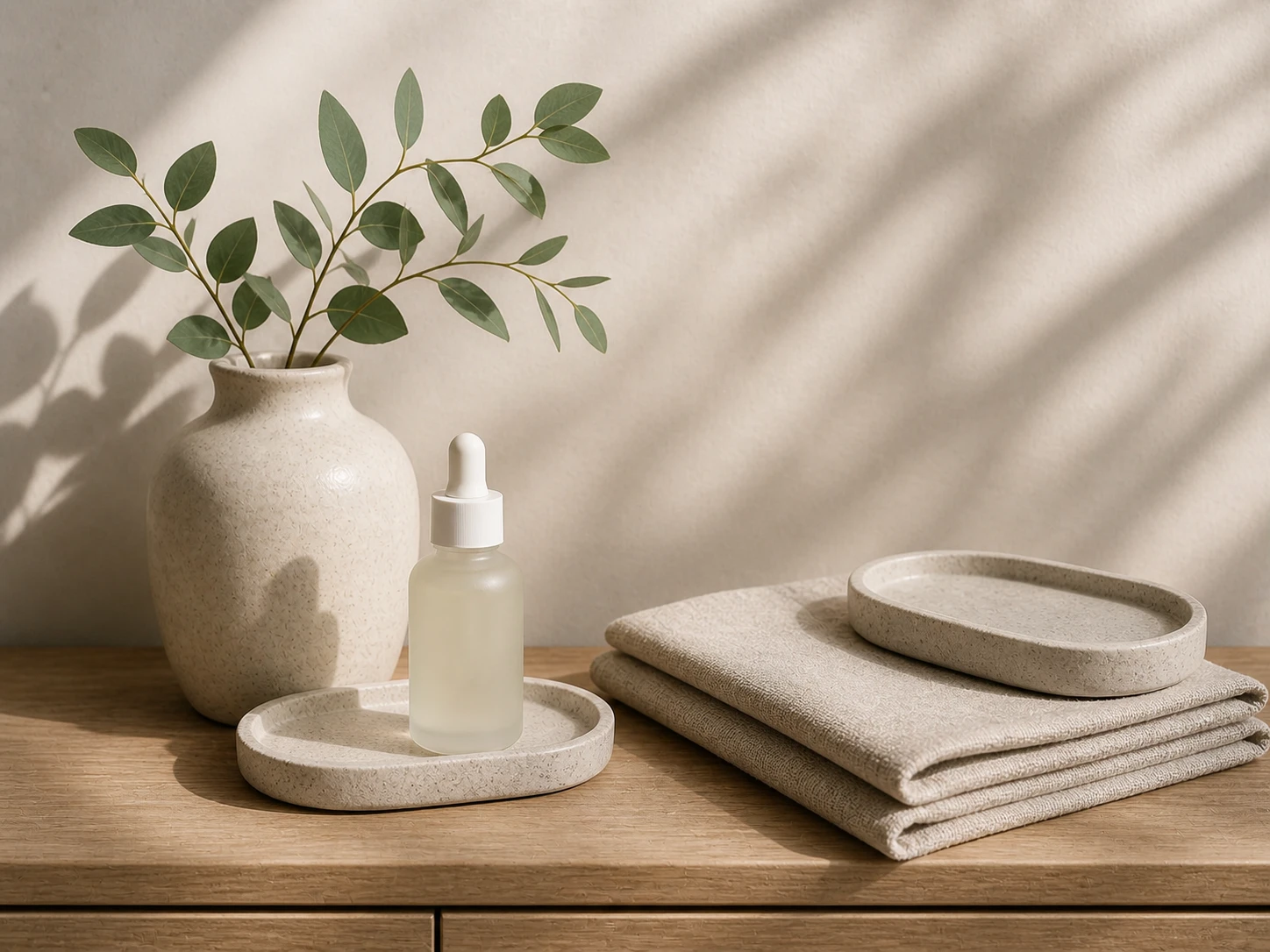
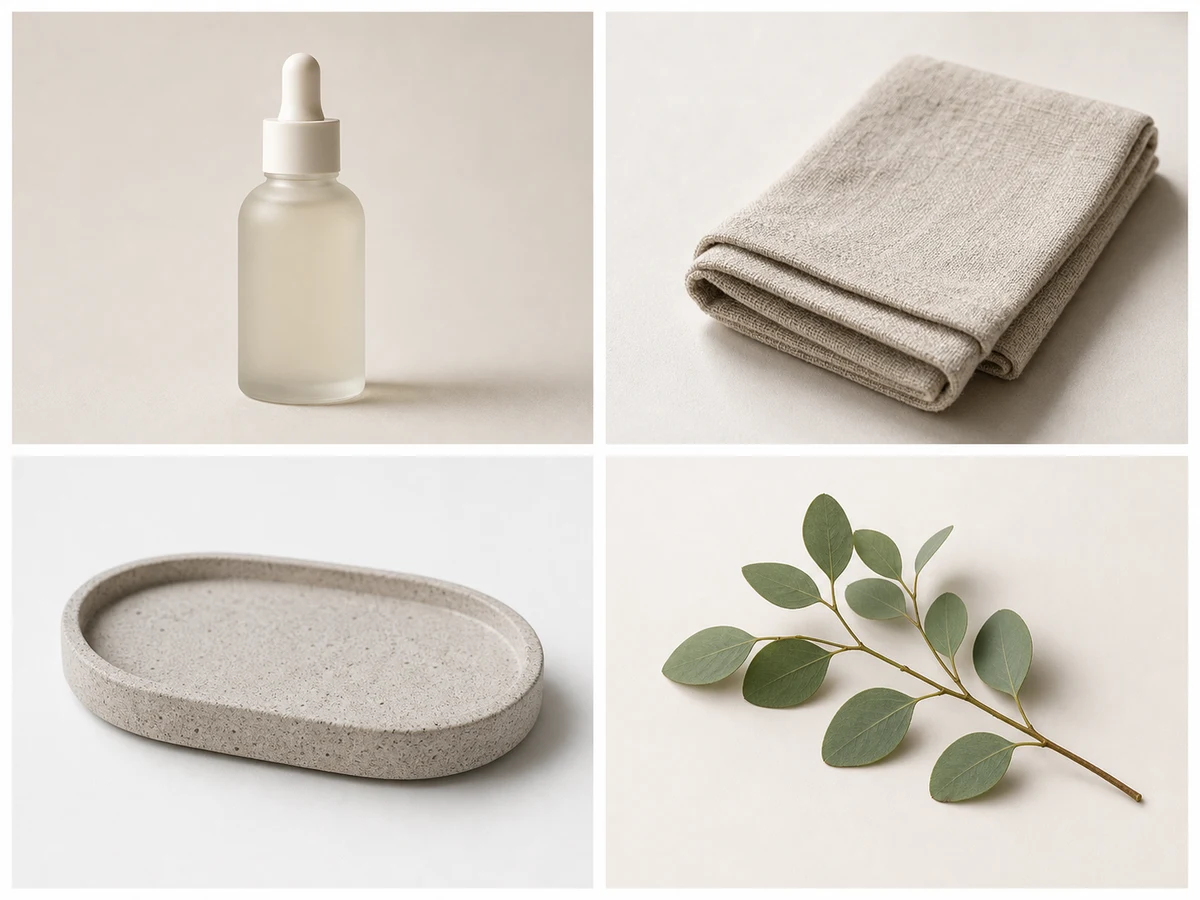
Ecommerce
Combine Product, Lighting, and Scene References
Up to 4 photos per upload • Max 10MB each
Merge Multiple Photos Into One
Combine several source images into one AI-generated composition instead of building a manual composite.
More Than a Collage Maker
Unlike a collage tool, this AI image combiner blends products, people, lighting, and scenes into one seamless image.
Control What Carries Over
Tell the AI which parts of each image should stay and how the final scene should feel.
Create Faster Campaign Drafts
Generate ecommerce mockups, portrait concepts, posters, and product scenes before full retouching.
Most users already have strong visual references. The challenge is turning multiple images into one coherent AI-generated composition.
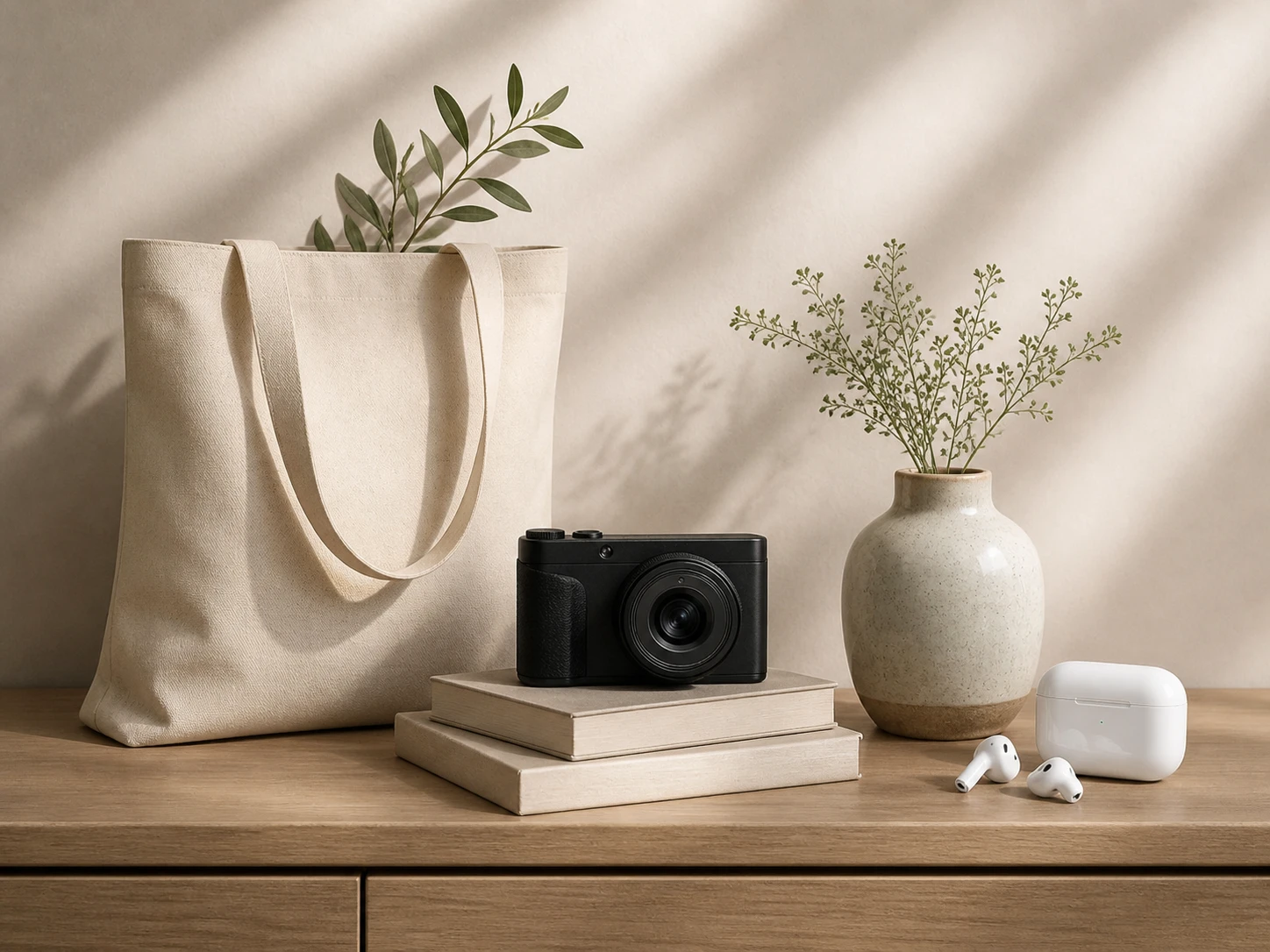
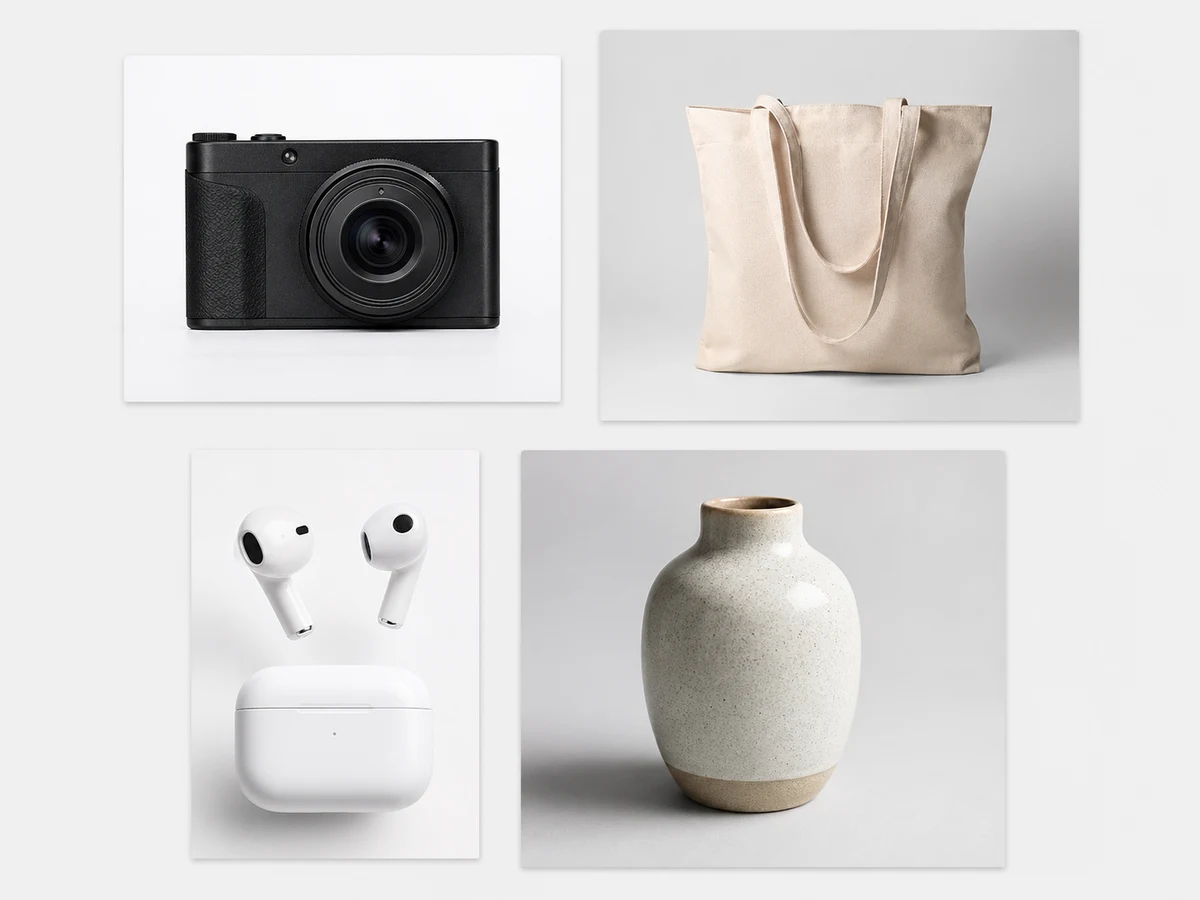
One image has the pose, another has the product, and another has the lighting. Combining them creates one clearer visual direction.
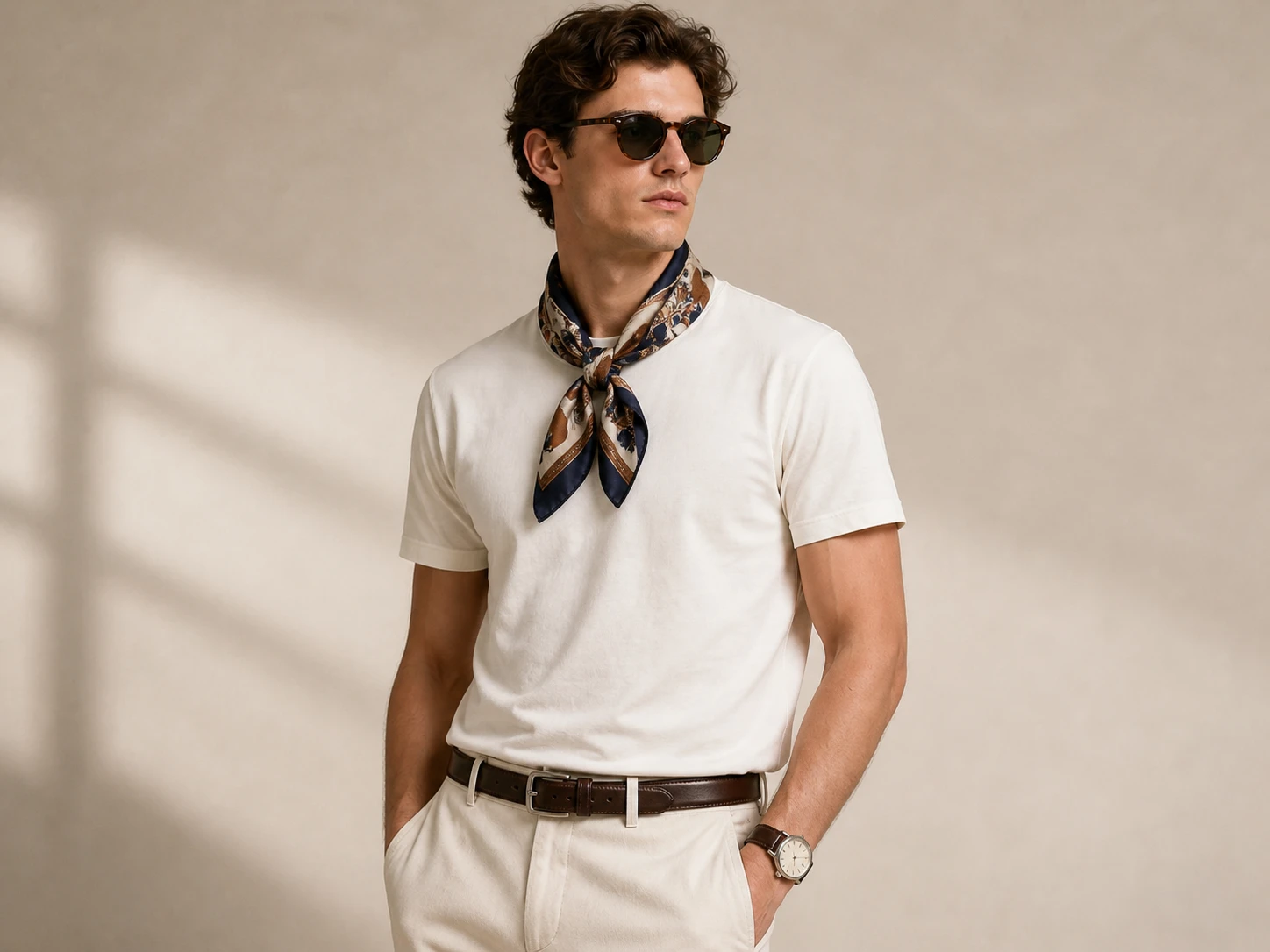
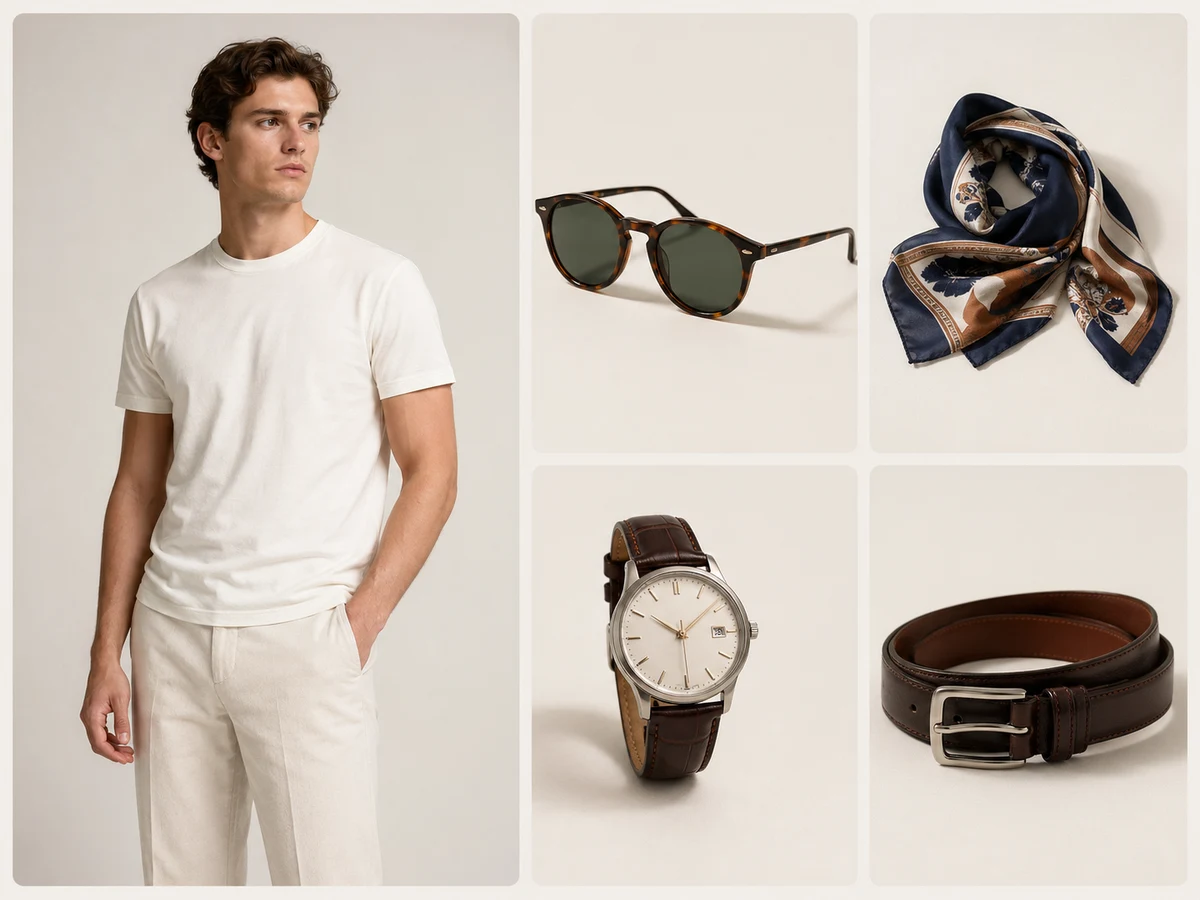
A generated AI composition is often enough for early reviews, concept testing, and campaign planning.
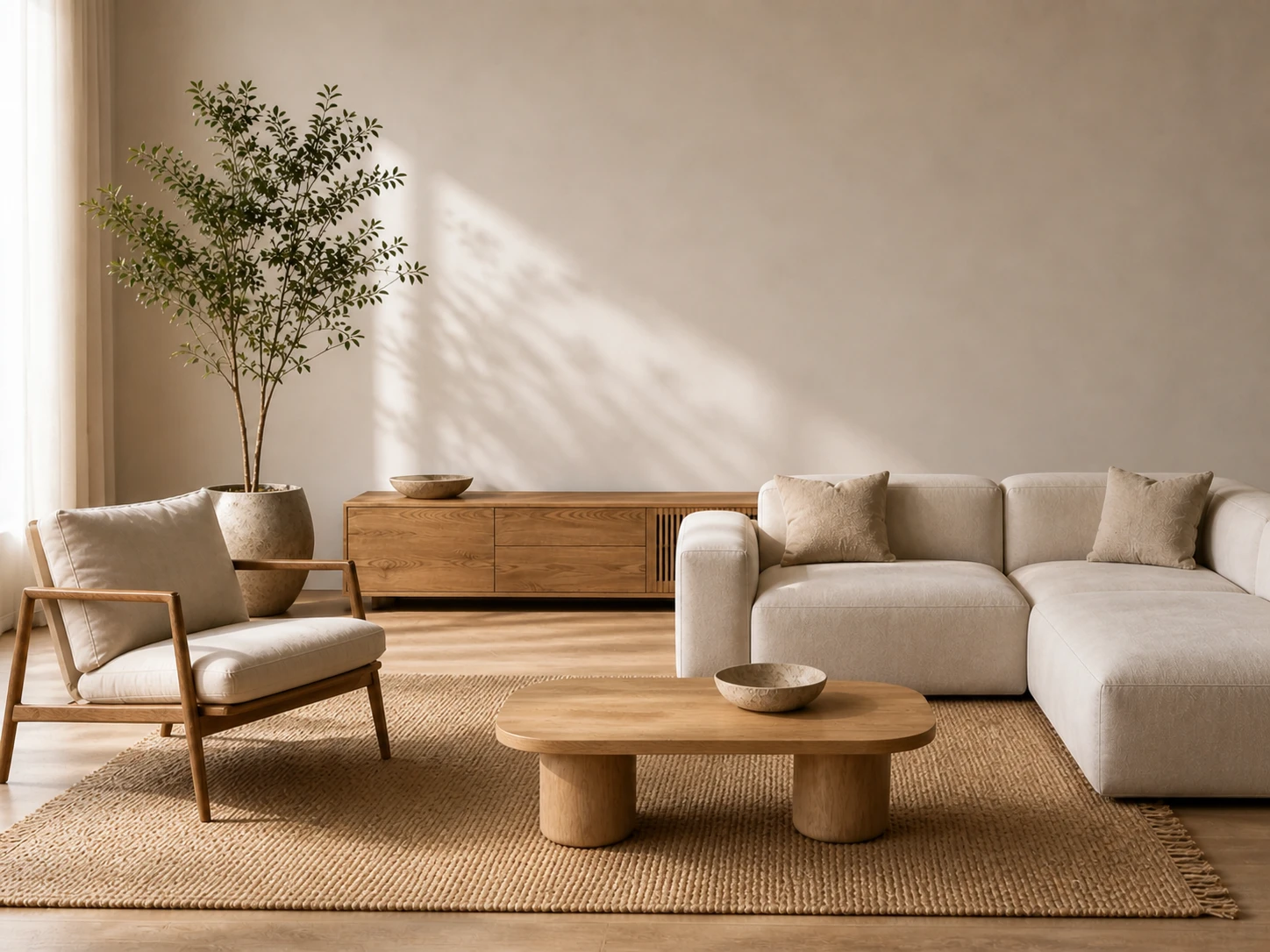
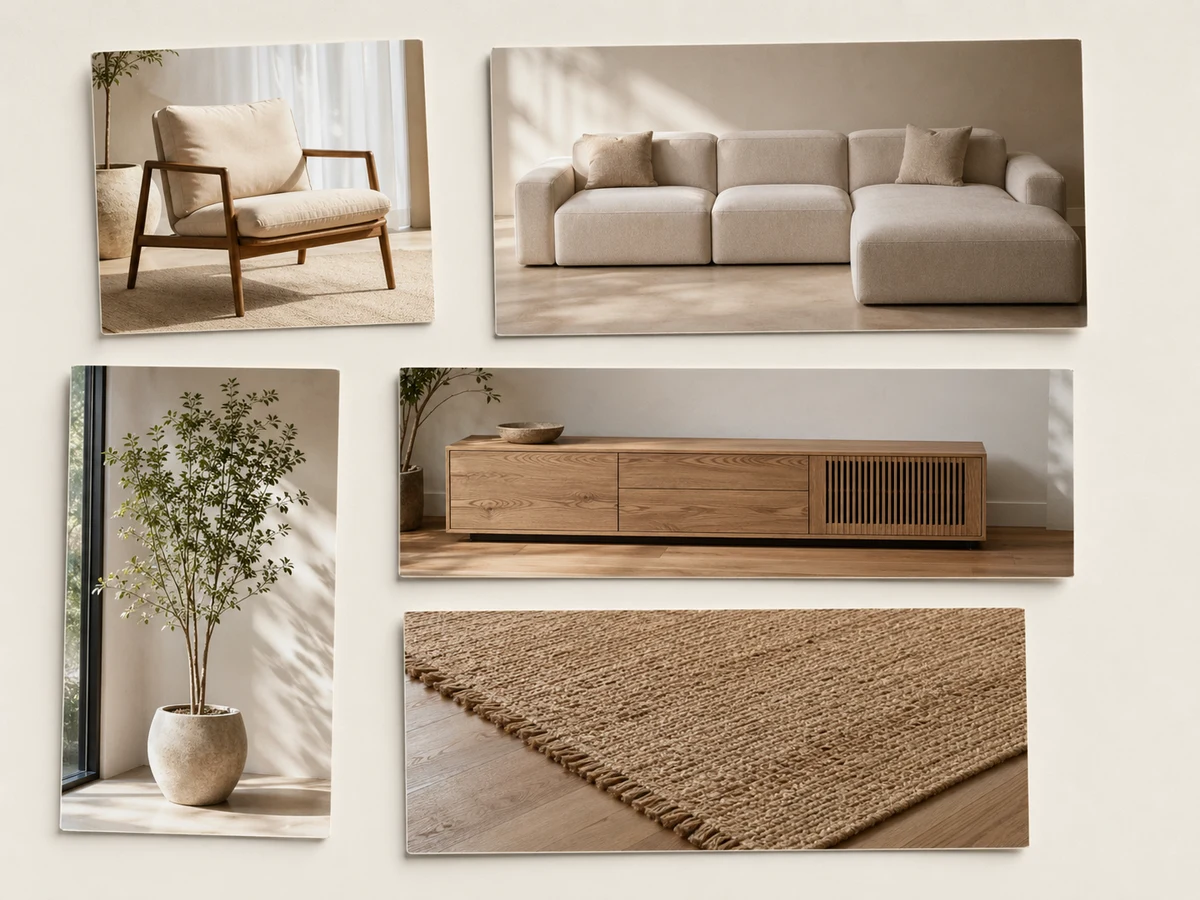
Side-by-side references still force people to imagine the final image. A merged composition makes the direction easier to review.
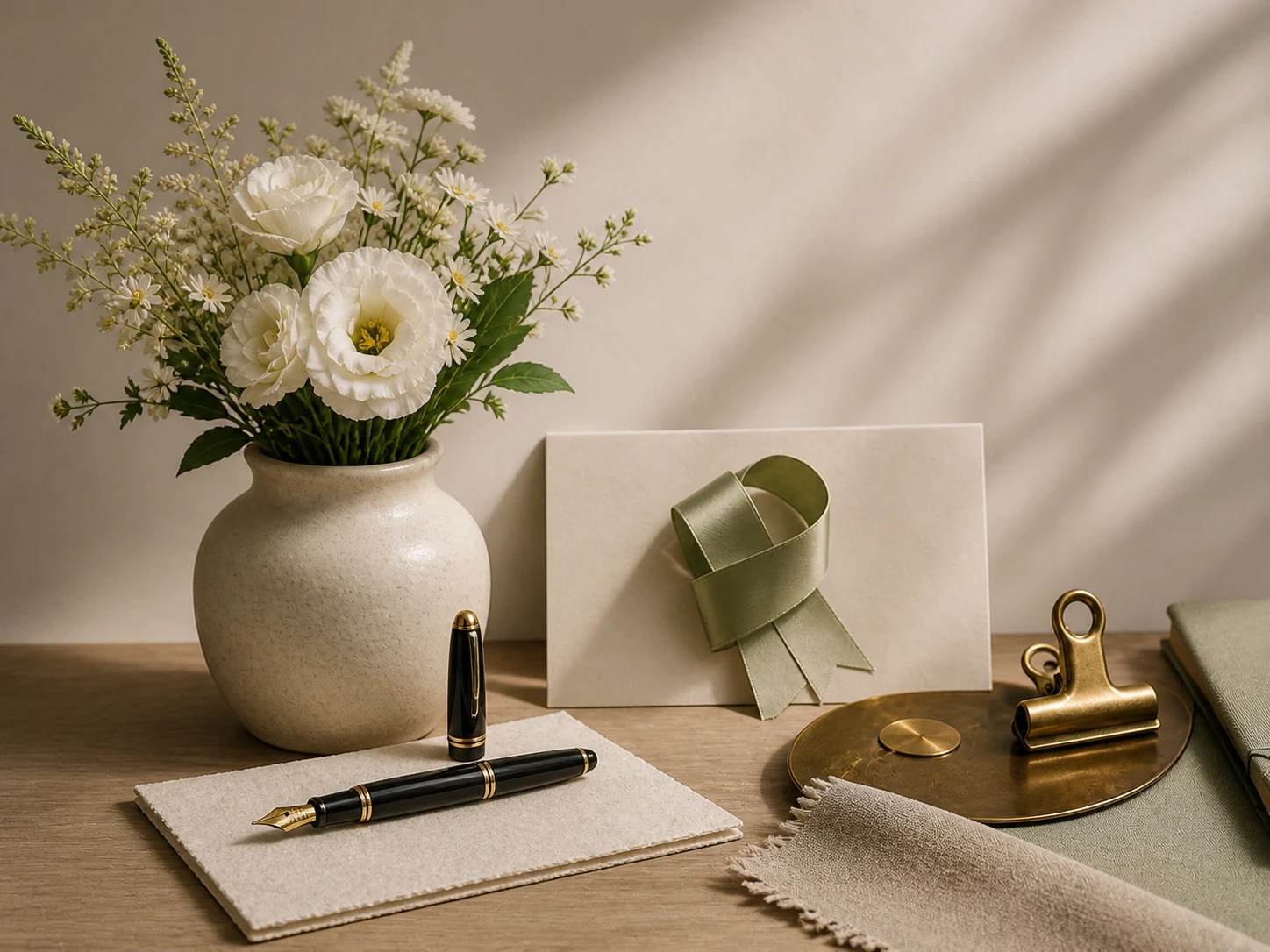
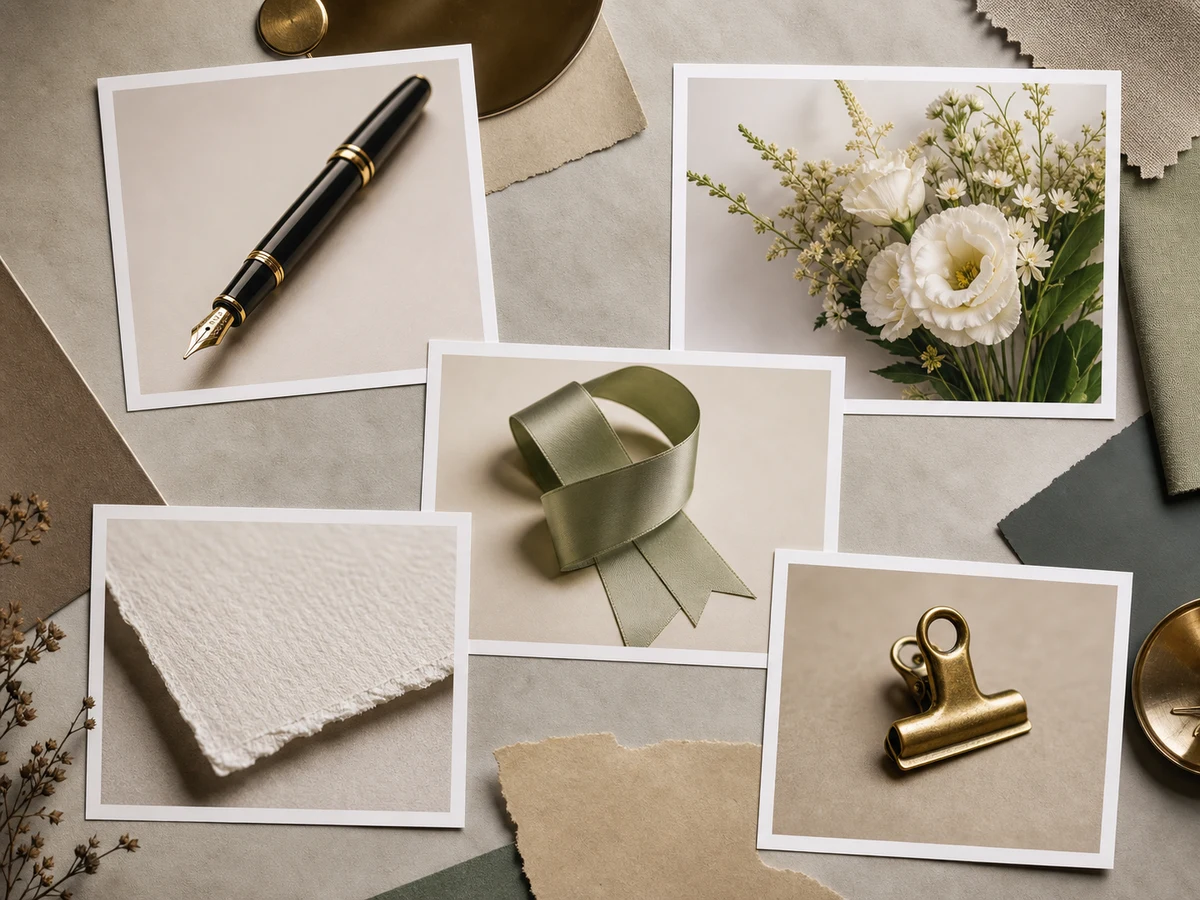
Choose square, vertical, or landscape formats before generation so the framing matches the final deliverable.
The AI image combiner helps when the idea is clear, but the references are scattered across multiple files.
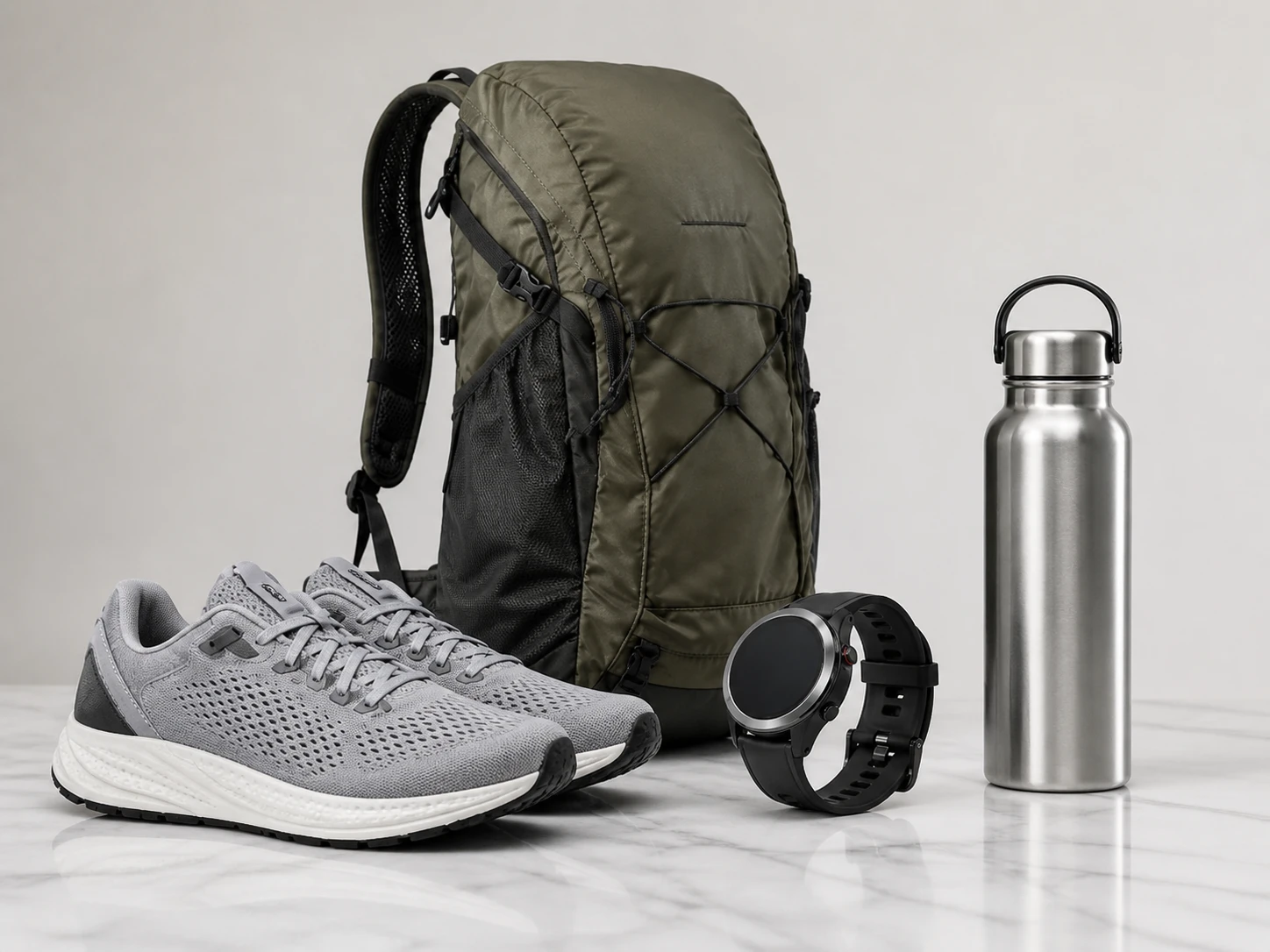
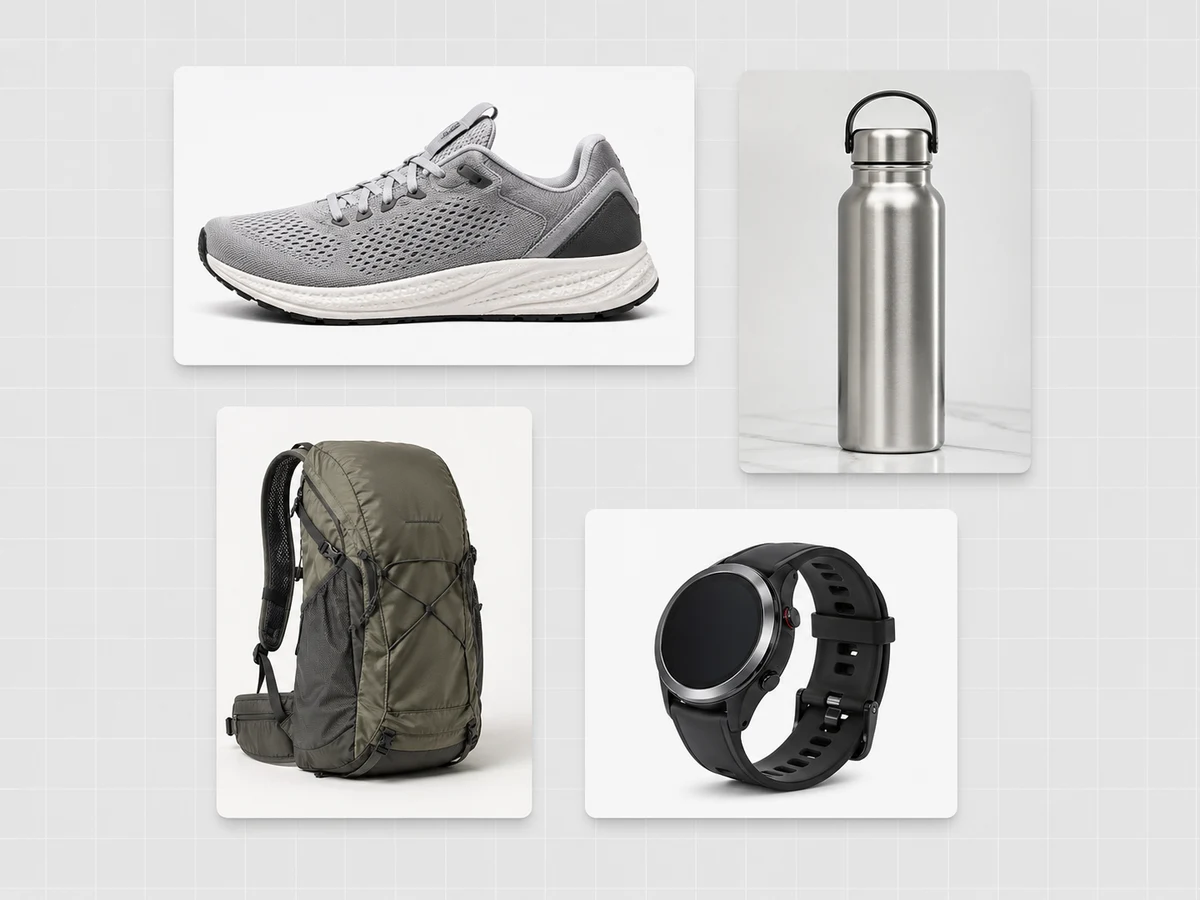
Combine products, props, lifestyle scenes, packaging, and lighting references into one ecommerce or campaign-ready visual.
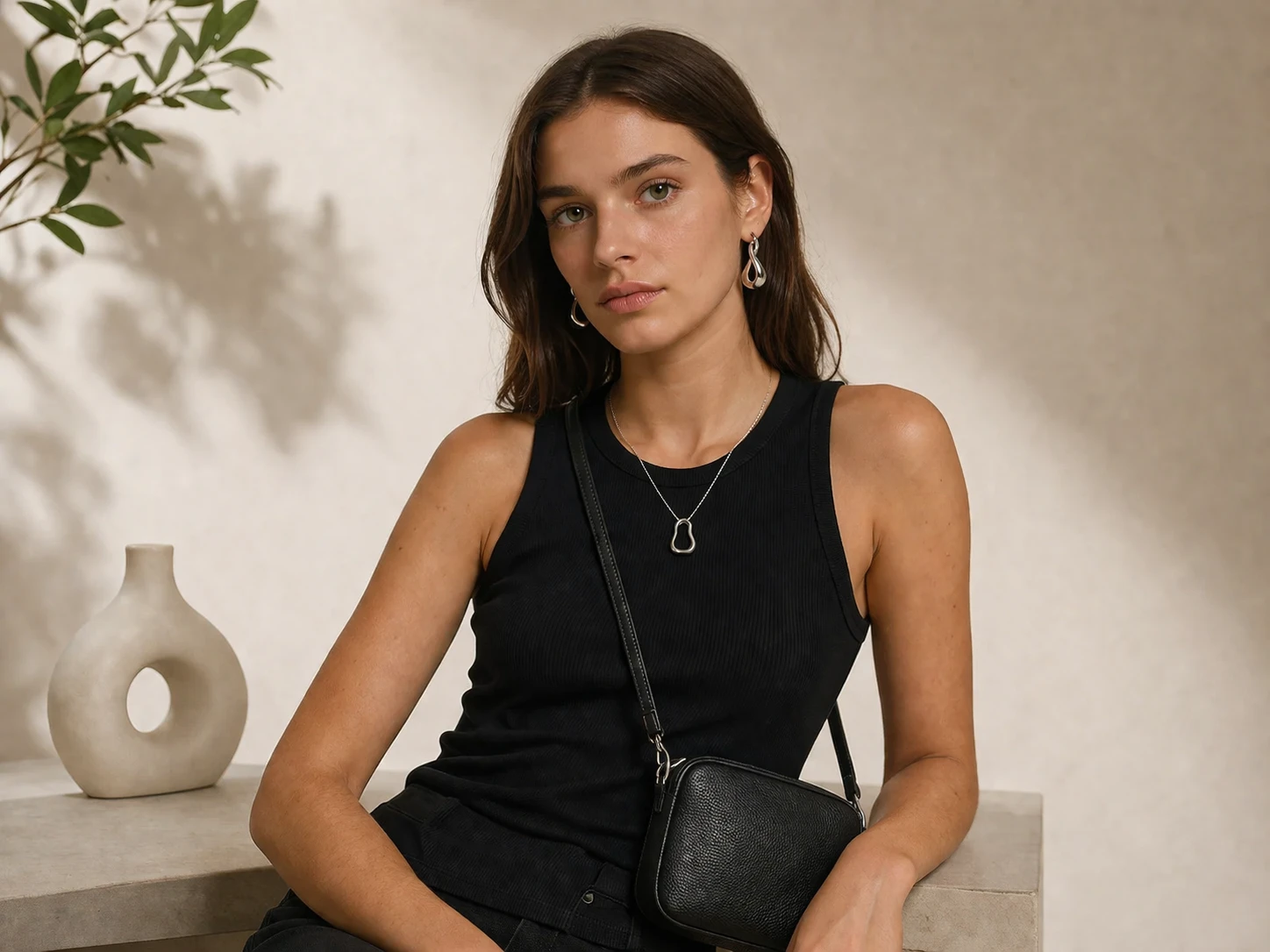
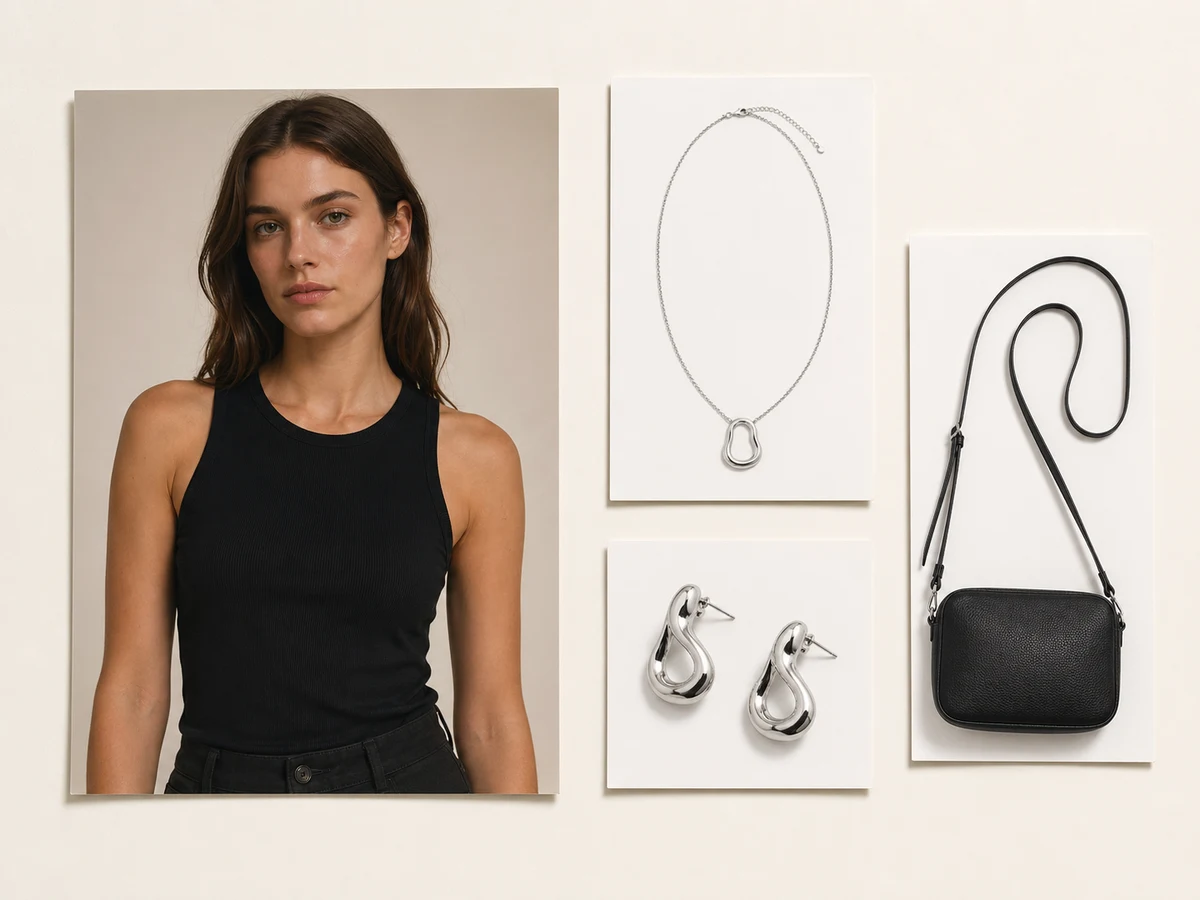
Blend outfit references, poses, face direction, and portrait lighting into one styled AI composition.
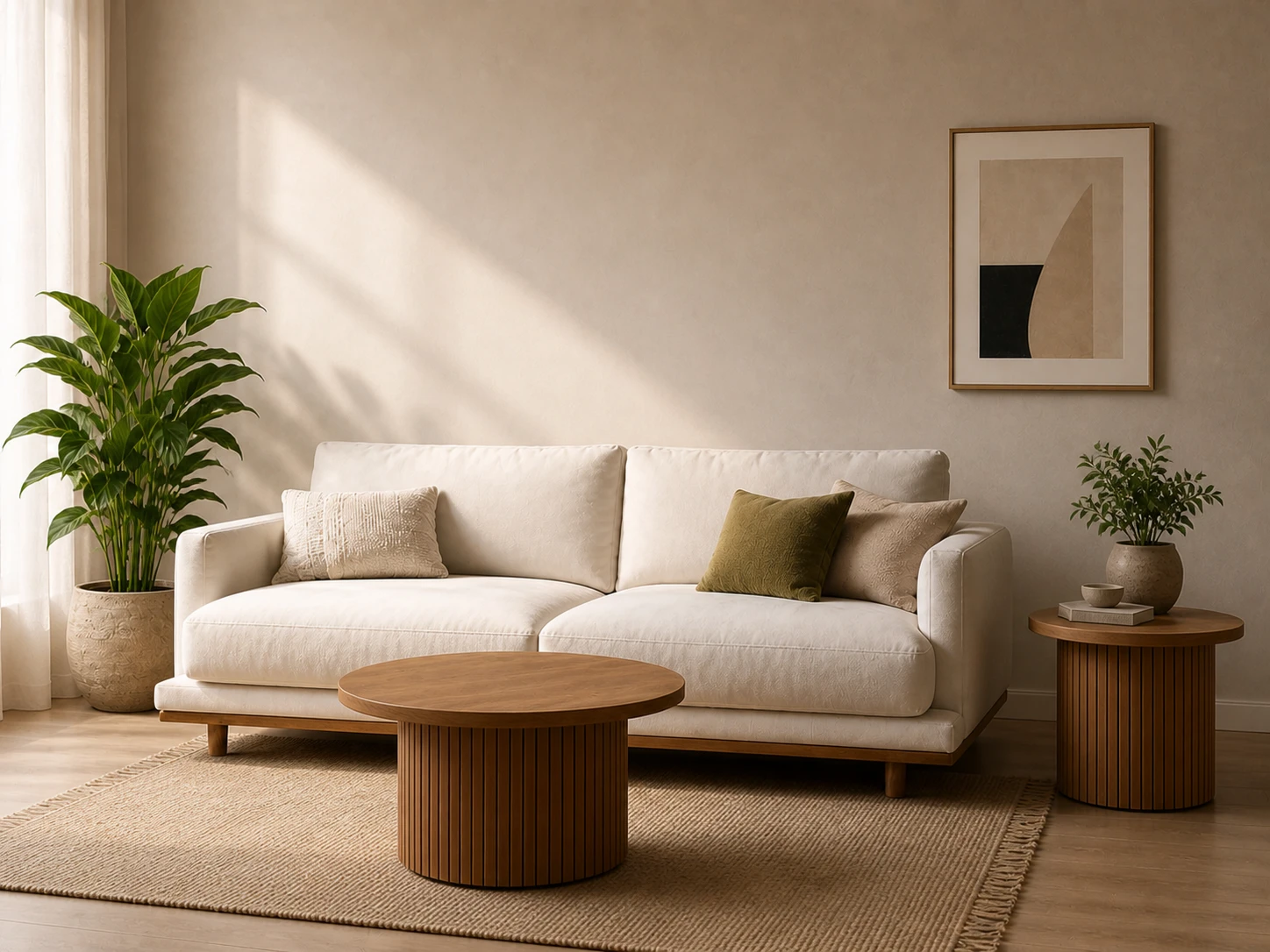
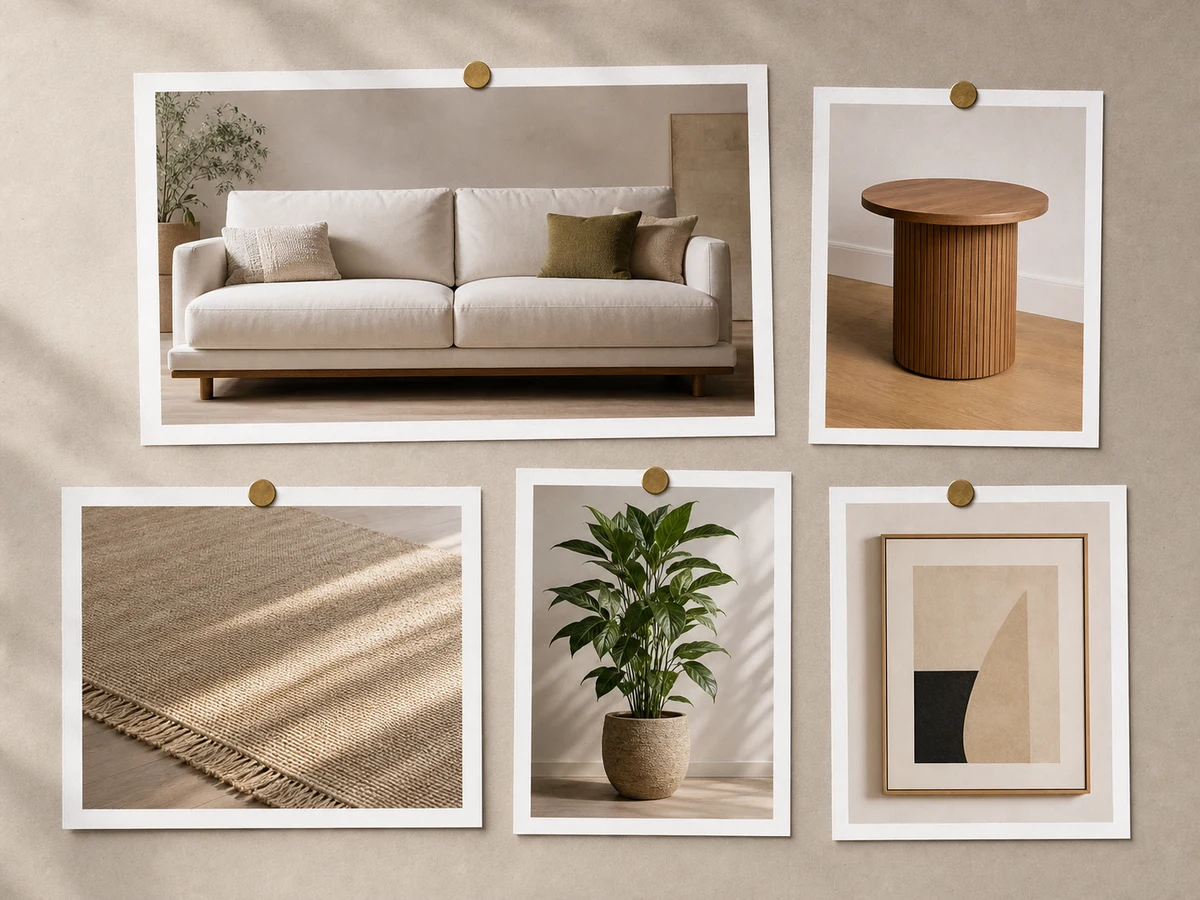
Merge furniture, room layouts, decoration references, and styling ideas into one interior visualization image.
Upload multiple images, choose the output ratio, and describe how the AI should merge the references.
Choose the photos that contain the product, person, lighting, pose, background, or style references you want to combine.
Explain which details from each image should carry into the final AI-generated composition.
Generate the combined image and review whether the references blended naturally into one seamless result.
Answers about combining photos, AI image merging, prompts, ratios, and multi-image workflows.
Upload multiple images, choose an output ratio, and describe how the AI should merge the references into one composition.
This is an AI image merger, not a collage maker. Instead of placing images side by side, the tool blends references into one generated image.
You can upload up to four images. Two images are enough for most AI image combination workflows.
Yes. You can combine products, portrait references, scenes, lighting, rooms, props, and visual directions into one AI-generated image.
Yes. Choose square, landscape, or portrait ratios before processing so the framing matches your project.
The AI image combiner works well for ecommerce mockups, portrait concepts, fashion visualization, posters, campaign drafts, and interior previews.
Combine products, scenes, poses, lighting, and references into one AI-generated composition you can review, share, or refine.
Discover other powerful AI tools to enhance, restore, and transform your images
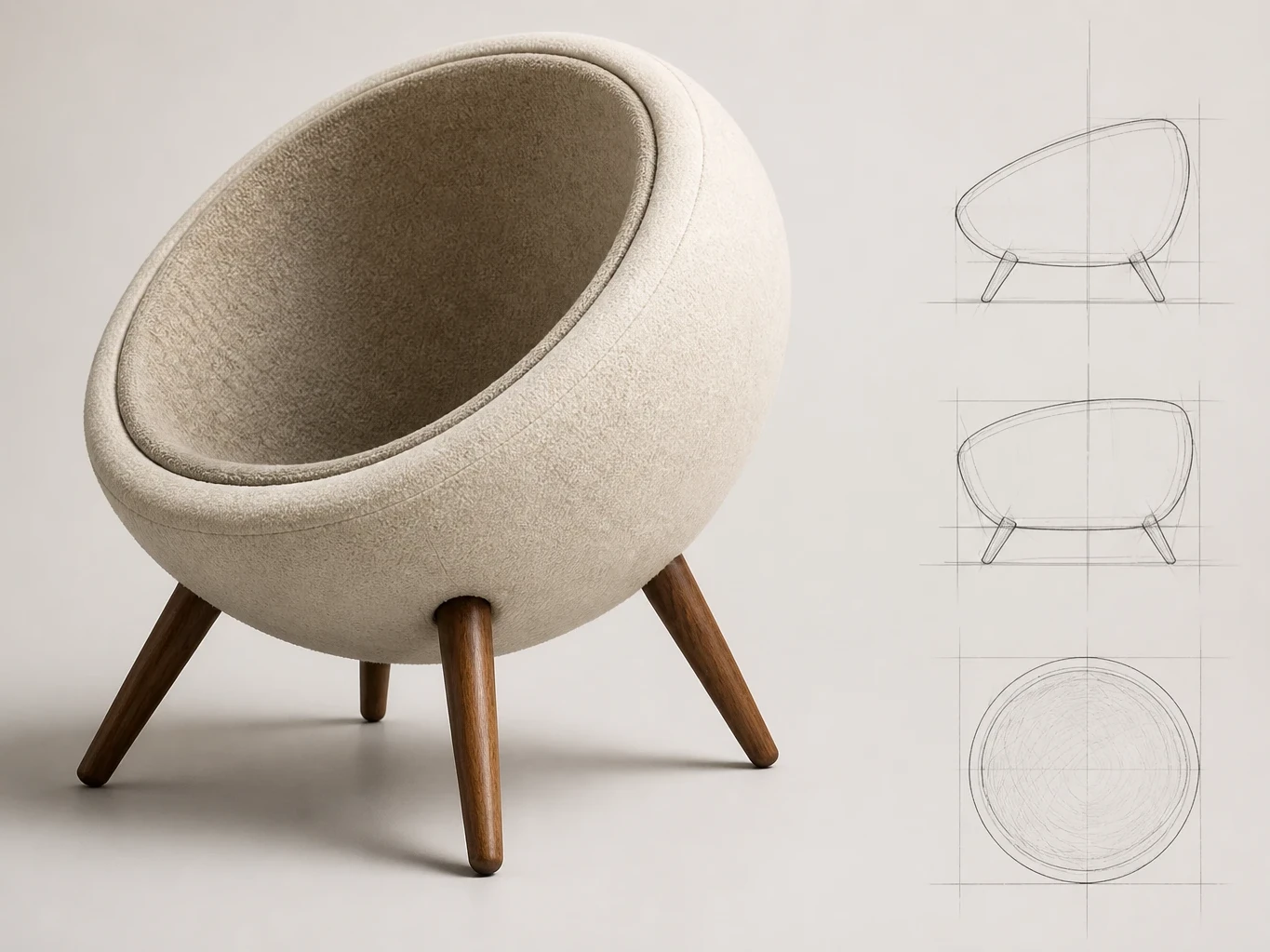
Turn sketches into rendered images
Replace photo backgrounds with AI
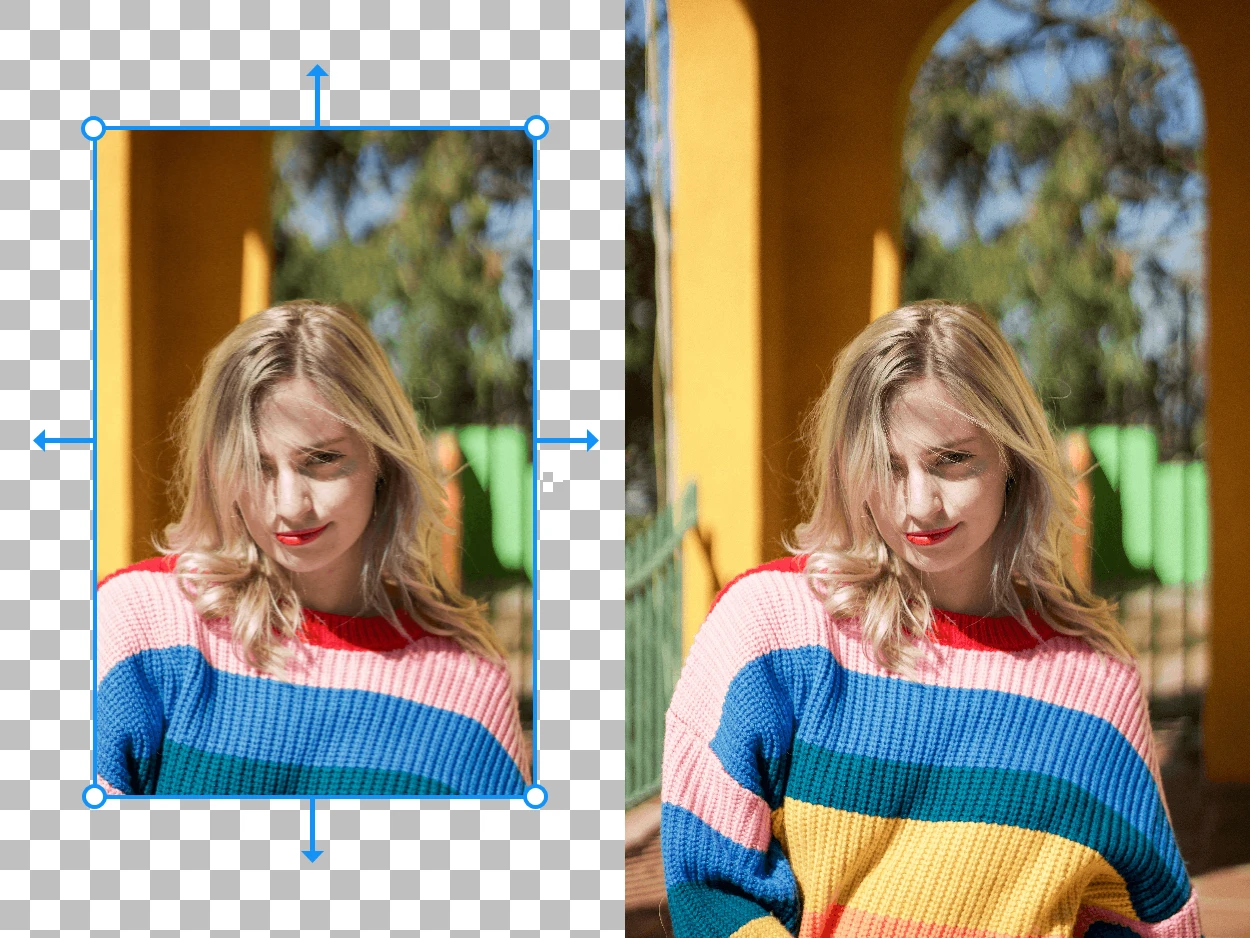
Expand your images beyond their original borders with AI-generated content
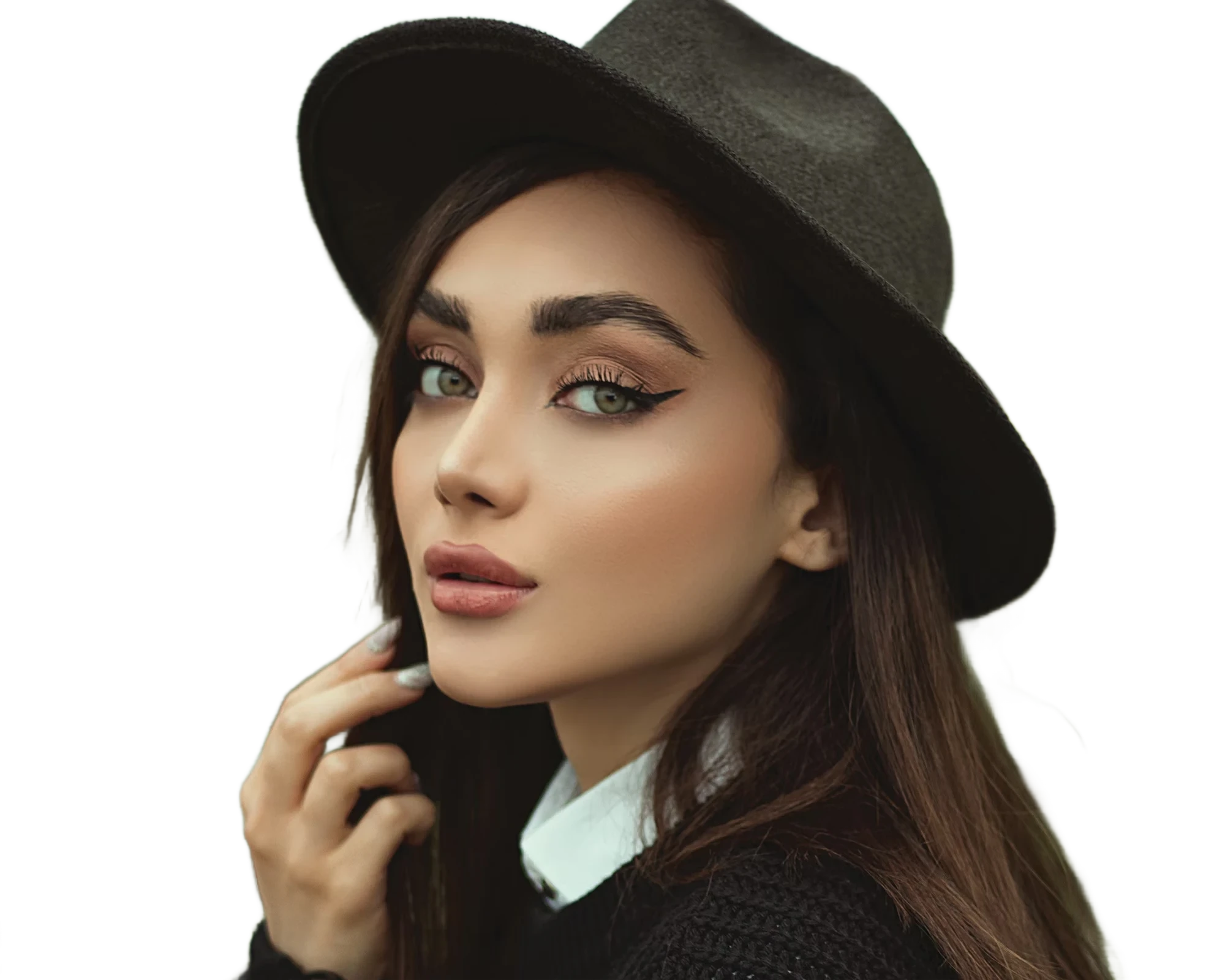
Instantly remove image backgrounds with precise edge detection
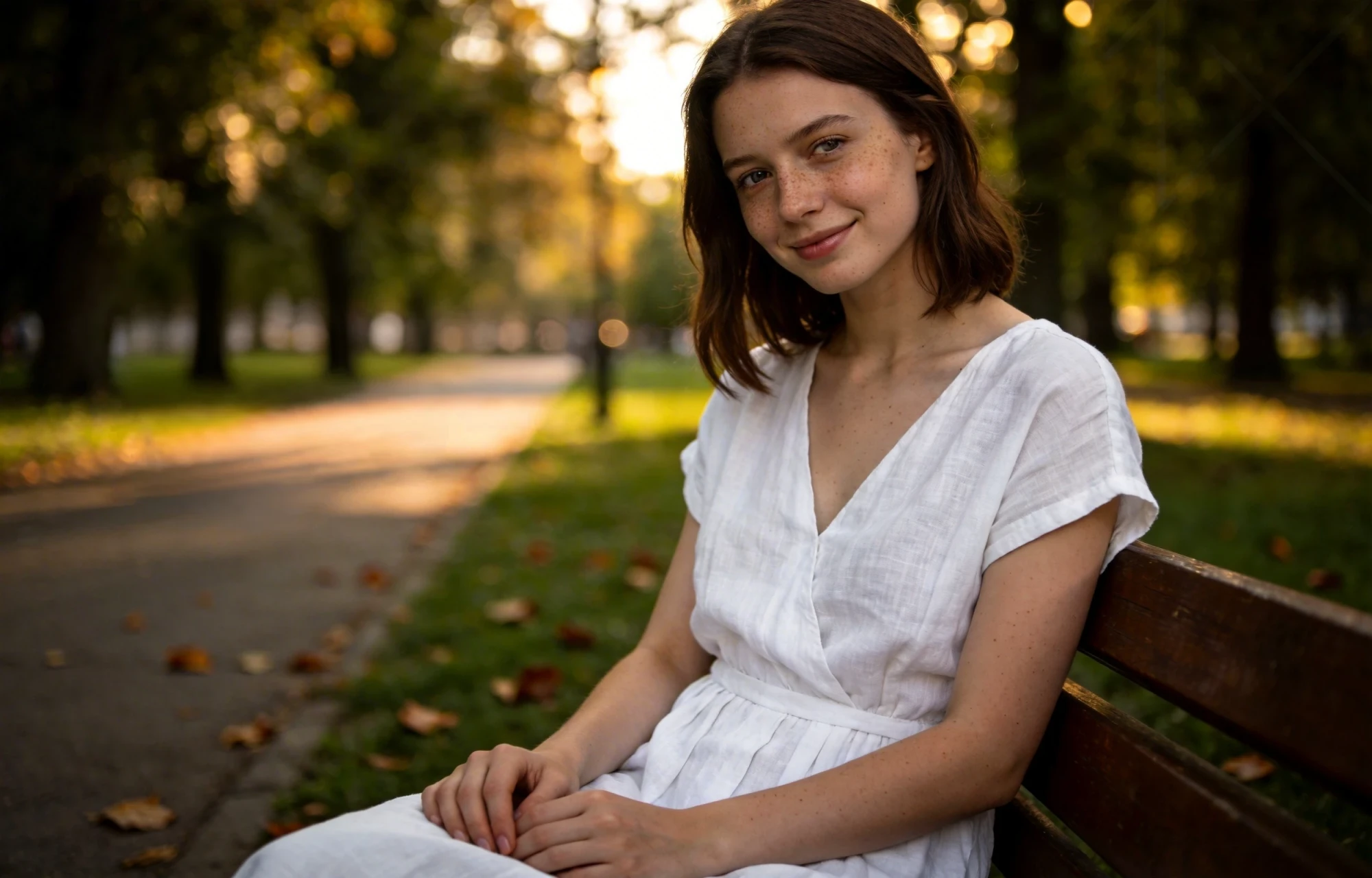
Erase unwanted objects from photos seamlessly with AI inpainting