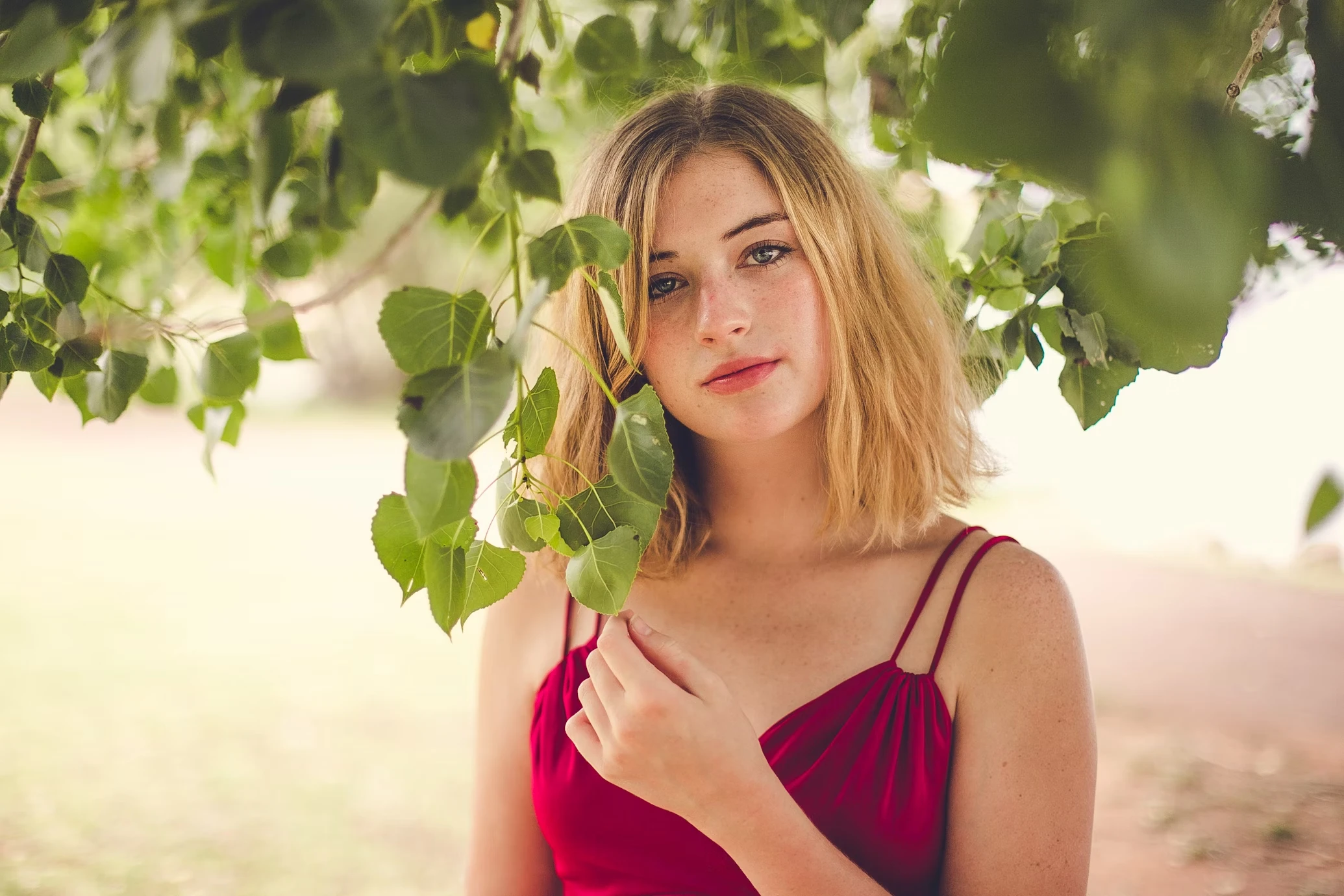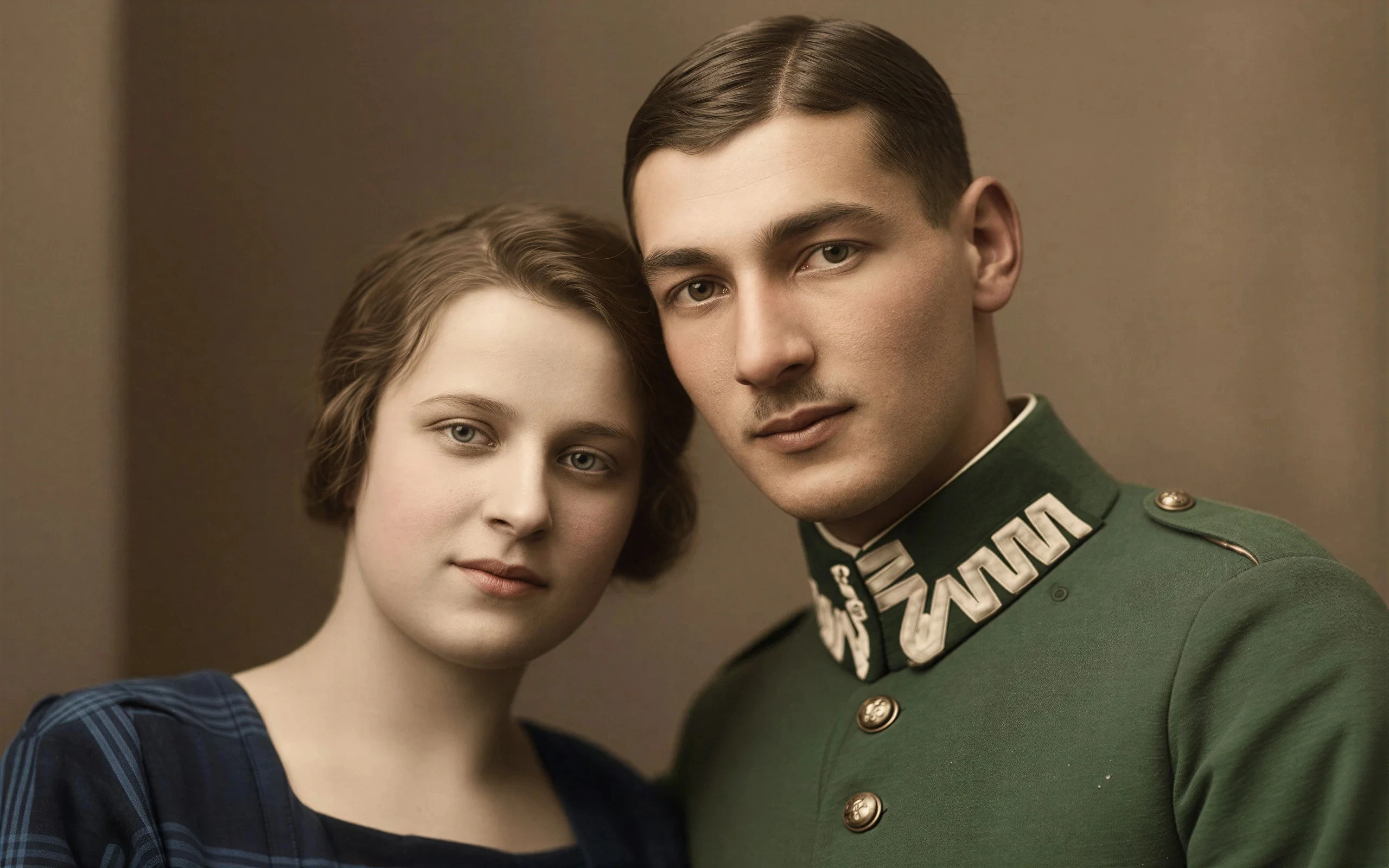
Works With Photos You Already Have
No new photoshoot needed. Upload what you have and get a cleaner, more professional headshot.
Upload a team member's image — phone shot, compressed file, or casual snapshot. Refini enhances clarity, removes the background, and delivers a clean white-background headshot ready for your website, employee directory, or business profile.


Profile Picture
Upload one portrait photo to start.
JPG, PNG, WebP, HEIC, HEIF, and AVIF up to 10 MB.
No new photoshoot needed. Upload what you have and get a cleaner, more professional headshot.
Heavily compressed files and small images lose sharpness fast. Refini restores facial clarity before generating the final result.
Removes offices, outdoor scenes, event spaces, and cluttered environments to create a consistent professional headshot.
Expression, skin texture, and hair detail are preserved. No over-processed AI look — just a cleaner version of the real image.
Most teams already have images. The problem is they're just not good enough to use as-is.

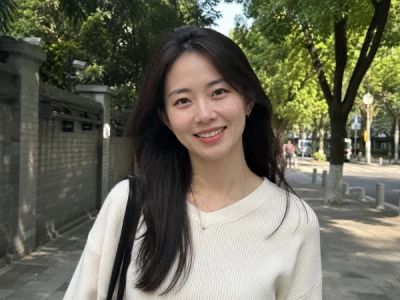
A cluttered office, someone's living room, or a busy event backdrop makes an otherwise decent snapshot feel too casual for a company profile.
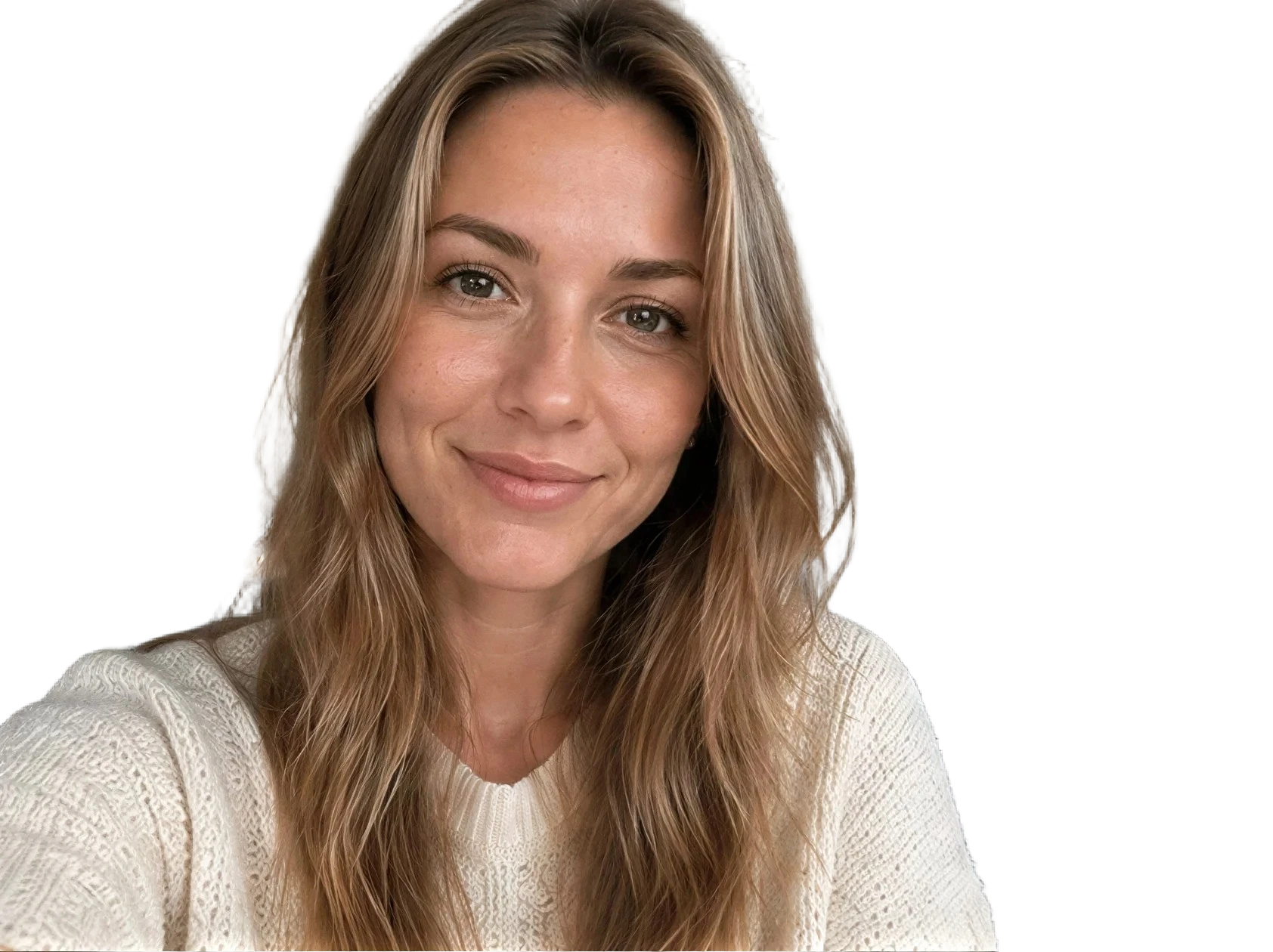
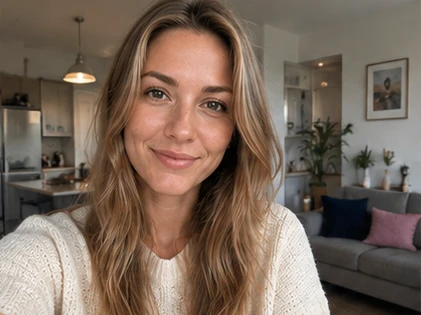
Low-resolution files and heavily compressed images lose facial detail fast. Refini restores sharpness and enhances clarity before generating the final result — without altering how the person actually looks.


White-background headshots are standard for staff directories, company websites, and business profiles. Getting there shouldn't mean booking a photographer.
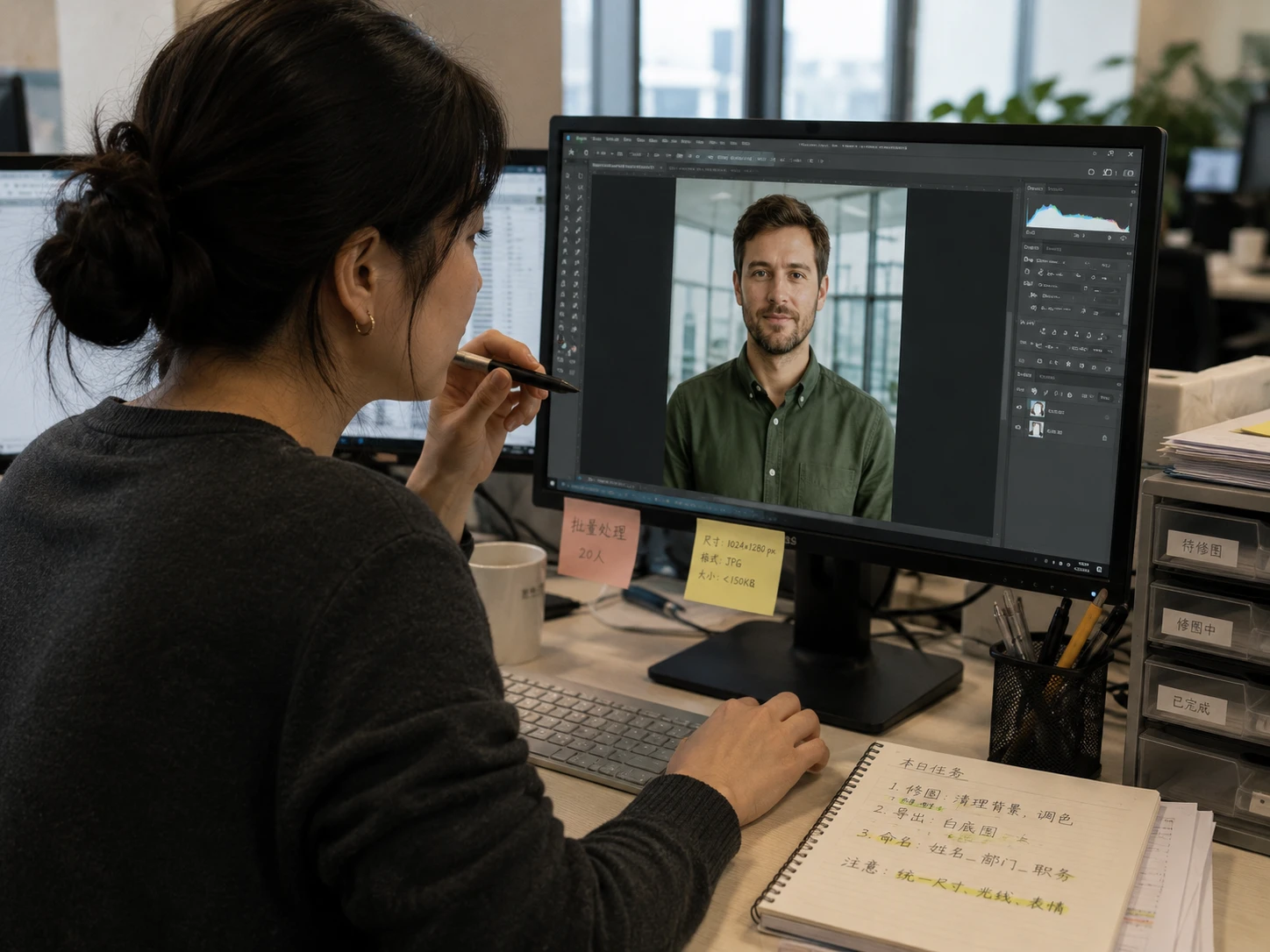
Cutting out backgrounds, fixing edges, and retouching employee headshots one by one adds up. This workflow handles it all automatically.
You don't need a professional shoot. You need what you already have to look better.


Photos taken at the office, at events, or on a phone can look out of place on a company website. Remove the background, clean up the image, and get a portrait that fits.
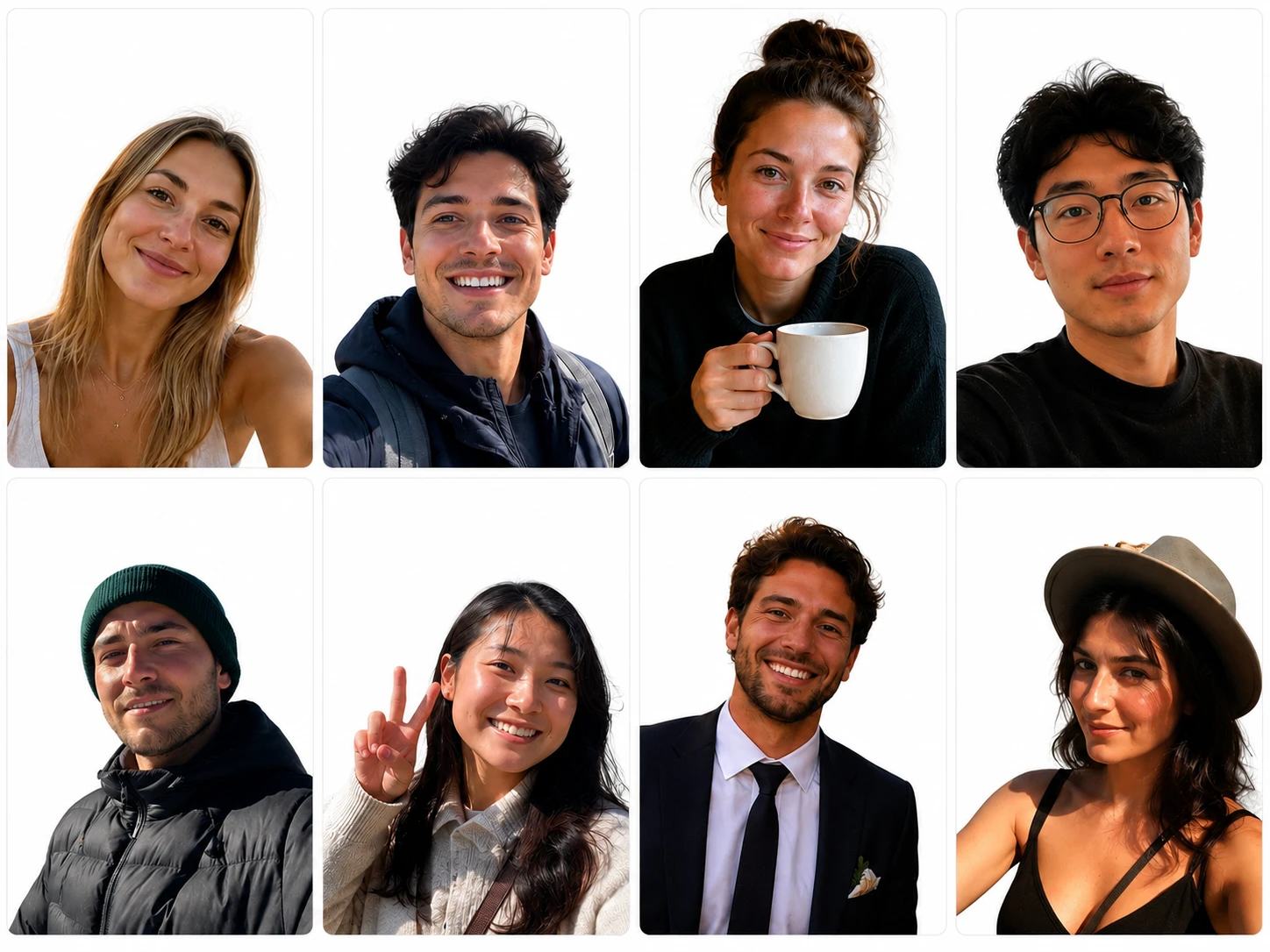
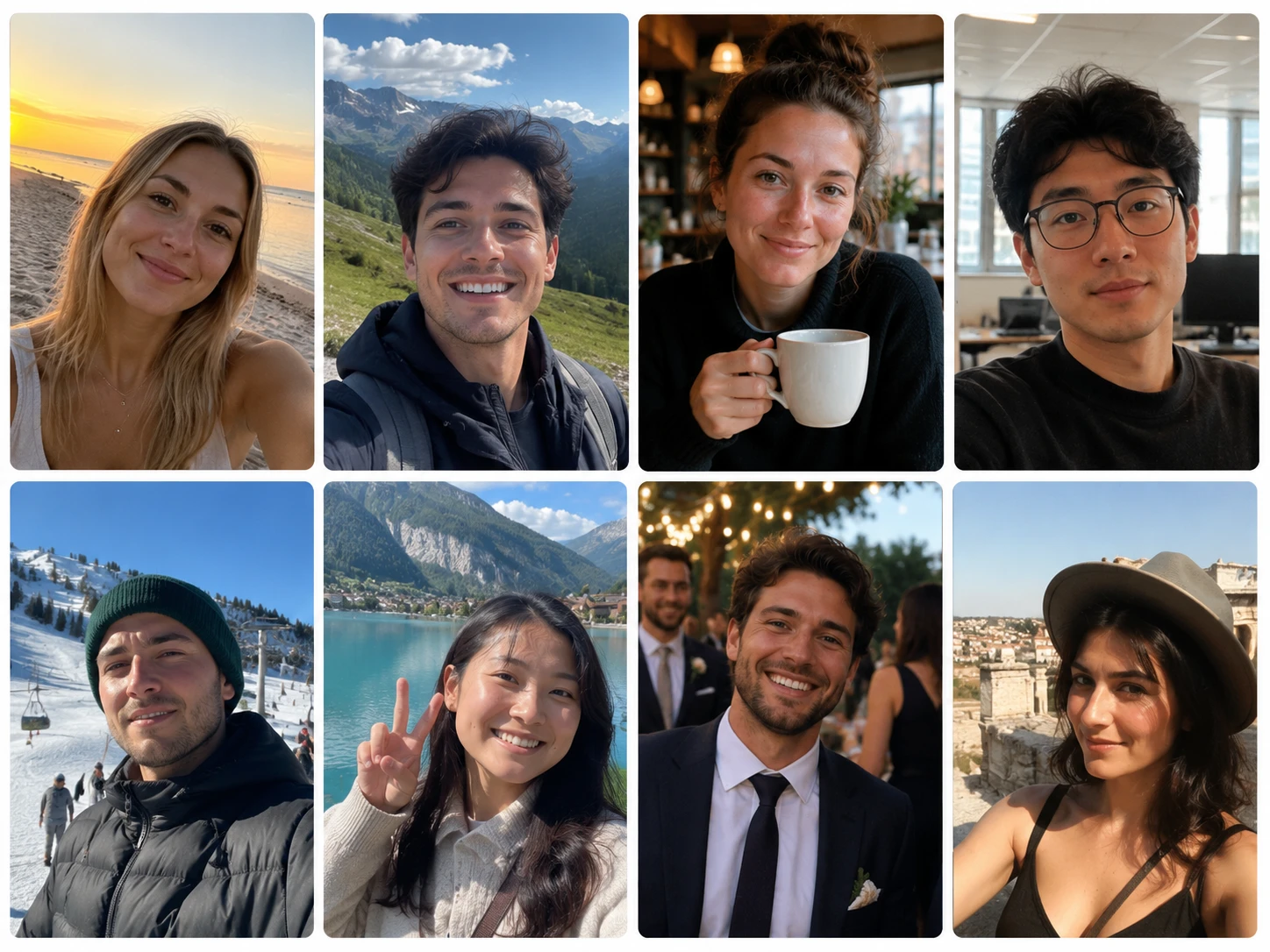
When everyone's photo has a different background, crop, and lighting style, the page looks unfinished. Standardize to white-background portraits and it immediately looks more put-together.
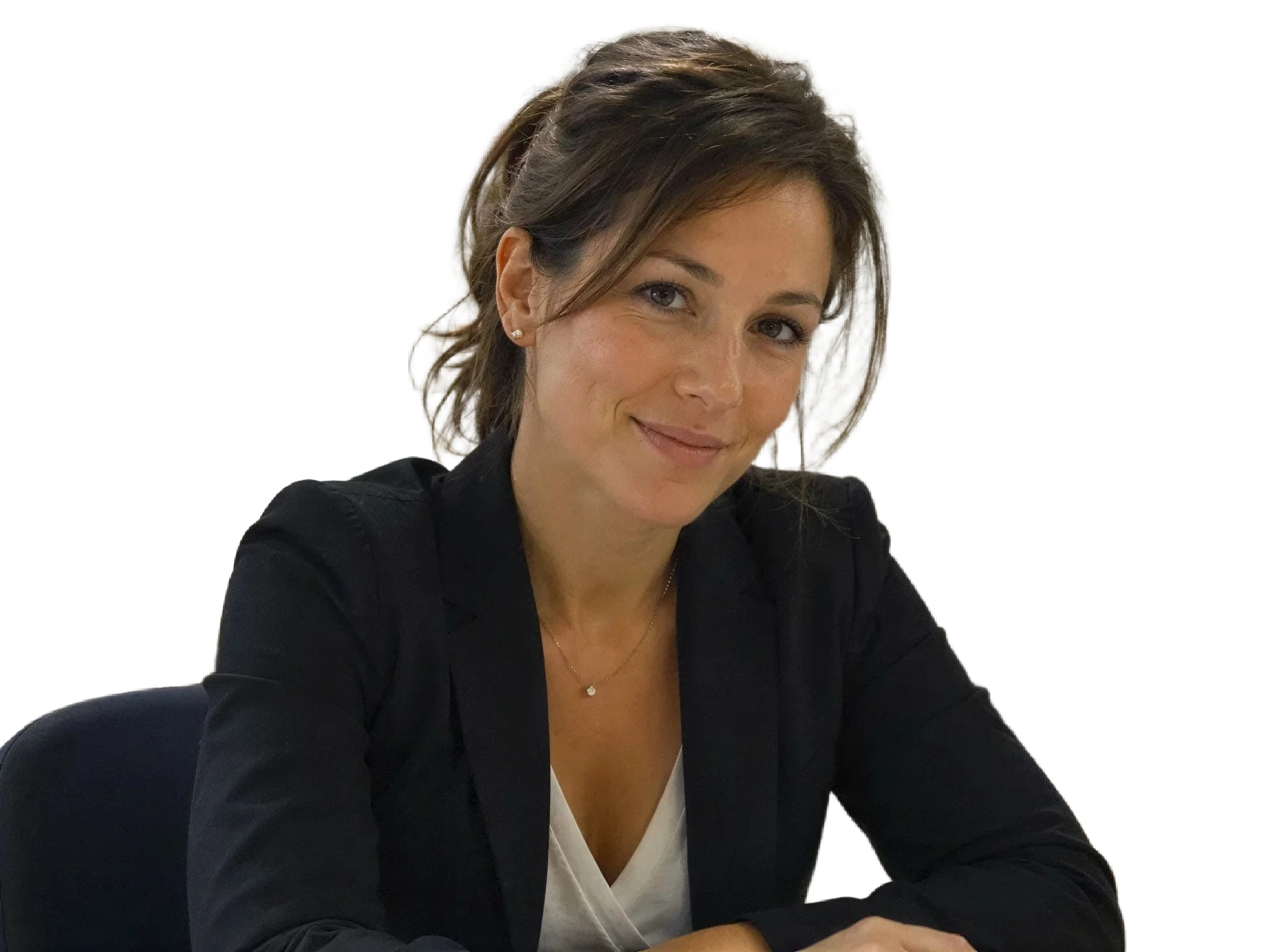

Small file sizes and heavy compression kill portrait quality. Refini recovers sharpness and enhances facial clarity — without changing how the person actually looks.
Upload a photo, Refini does the rest.
Any portrait works — phone shot, compressed image, group photo, or casual snapshot.
Portrait clarity is improved, facial detail is sharpened, and the original background is removed automatically.
Review the clean white background and natural edges, then download when you're happy with the result.
No. This tool is built for images you already have — employee headshots, profile pictures, phone snapshots, even group photos where you need to isolate one person.
No. Refini improves clarity and removes the background, but the person's face, expression, and features stay true to the original image.
That's exactly what the enhancement step handles. Refini recovers sharpness from small or low-resolution files before generating the final white-background headshot.
Yes. It's well suited for standardizing headshots across a team — clinic websites, company pages, internal staff directories, speaker bios, and similar use cases.
Yes. Outdoor scenes, home interiors, office environments, event spaces — the background gets removed regardless of what's in the image.
Yes. If the person is clearly visible, Refini can detect and isolate them, then generate a clean white-background headshot.
Not quite. AI headshot generators often create a new-looking version of a person. This tool focuses on cleaning and enhancing the image you already have — the result looks like them, just better.
None at all. Upload the image and Refini handles everything — enhancement, background removal, edge cleanup, and the final white-background output.
Upload a team photo and get a clean white-background headshot in seconds.
Discover other powerful AI tools to enhance, restore, and transform your images
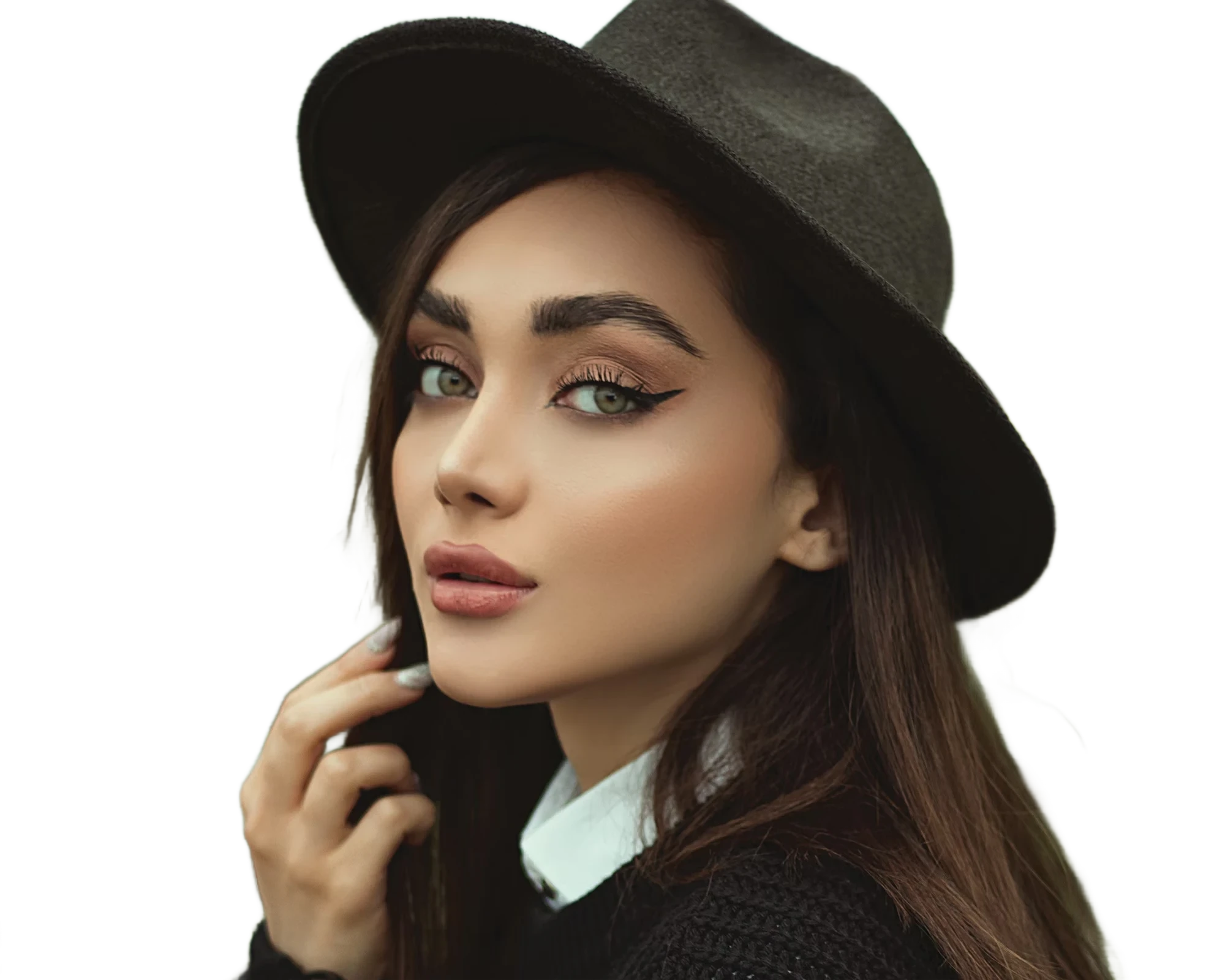
Instantly remove image backgrounds with precise edge detection

Transform ordinary images into stunning high-quality visuals with advanced AI enhancement
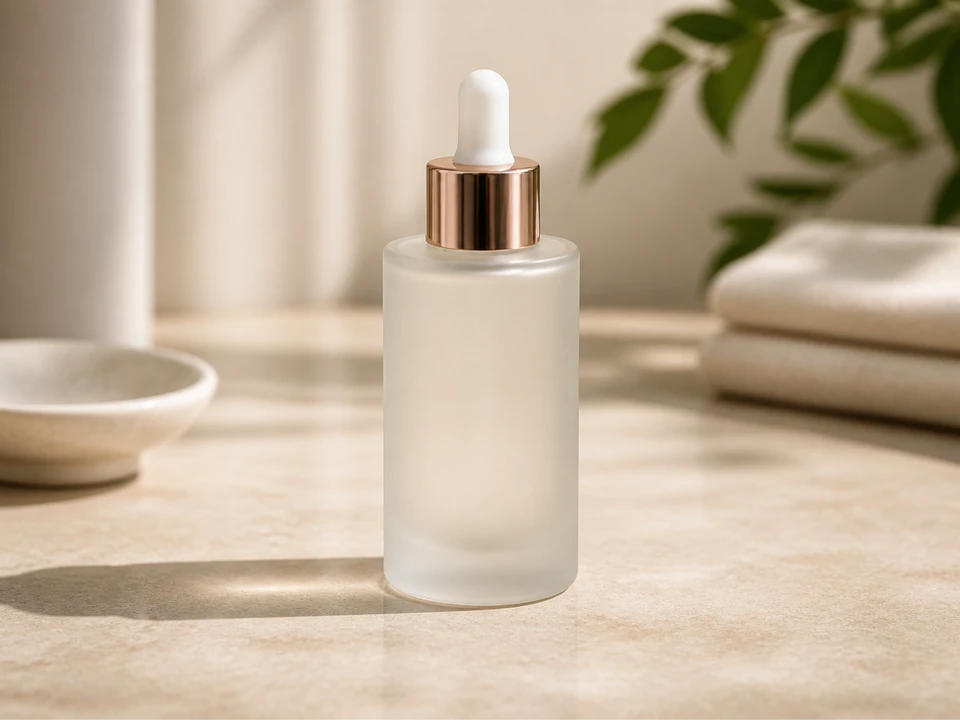
Replace photo backgrounds with AI

Blur distracting backgrounds with AI

Erase unwanted objects from photos seamlessly with AI inpainting
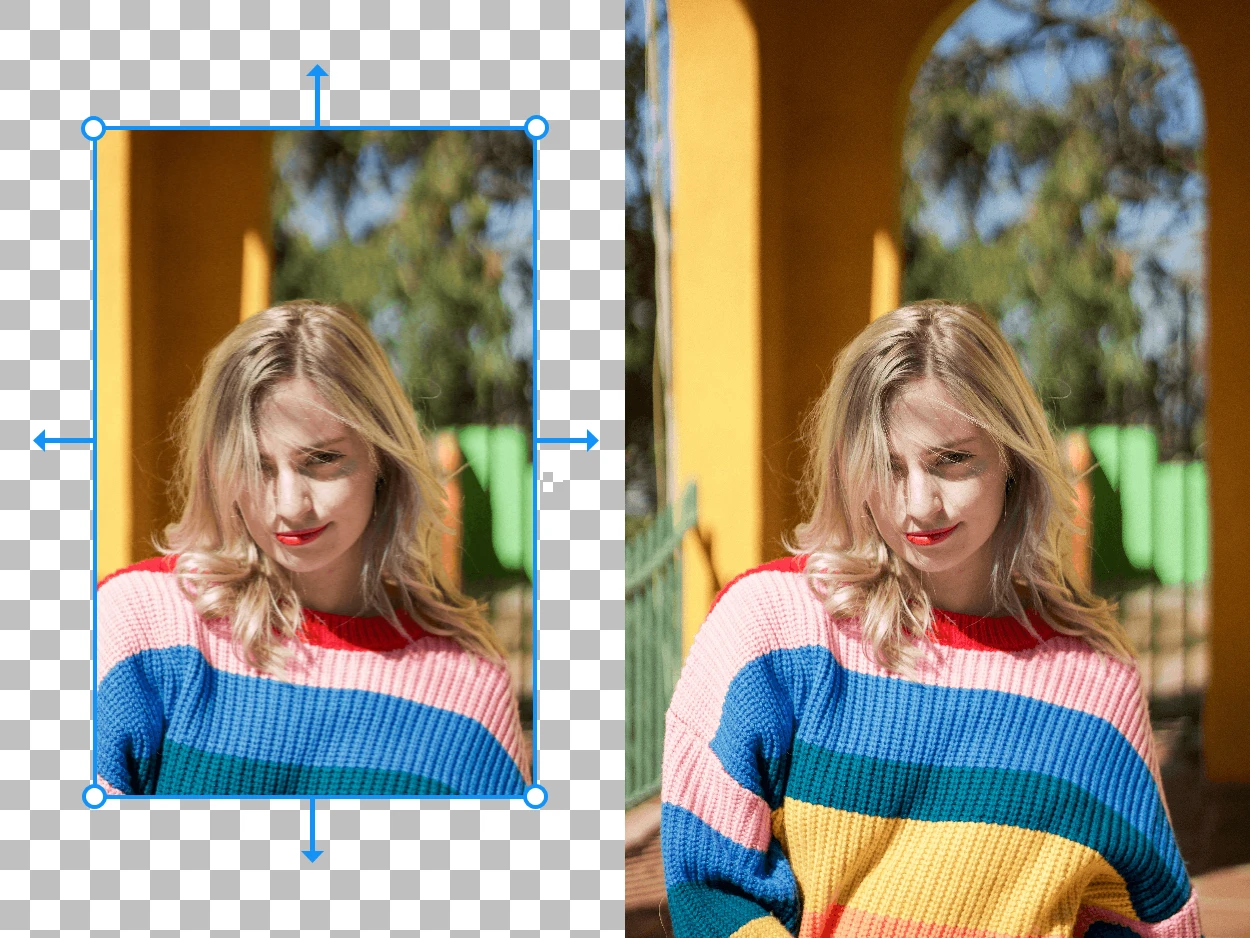
Expand your images beyond their original borders with AI-generated content