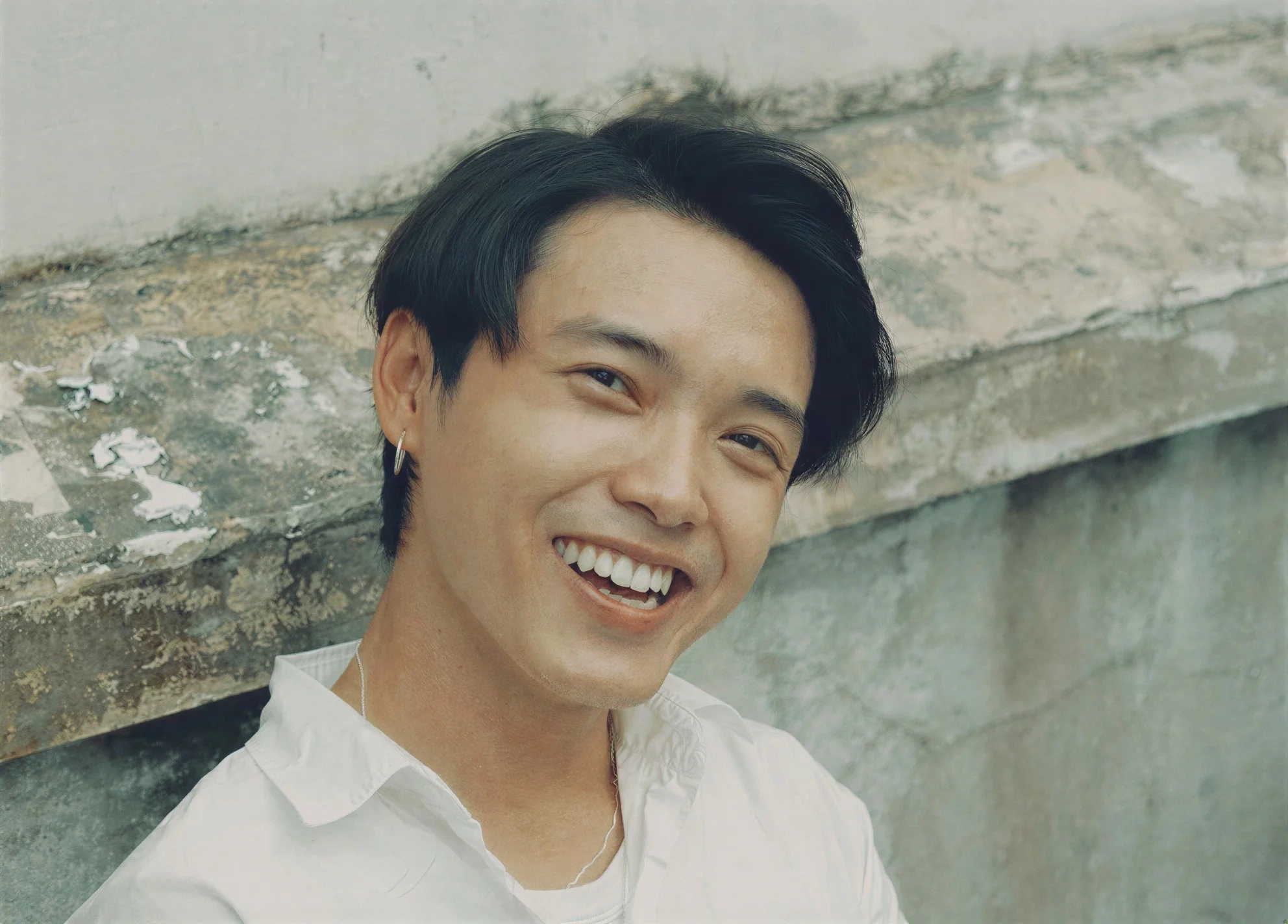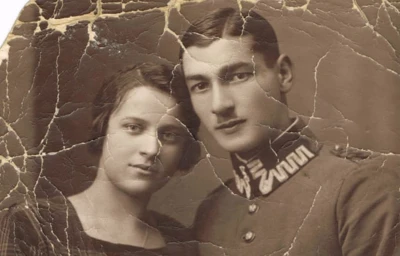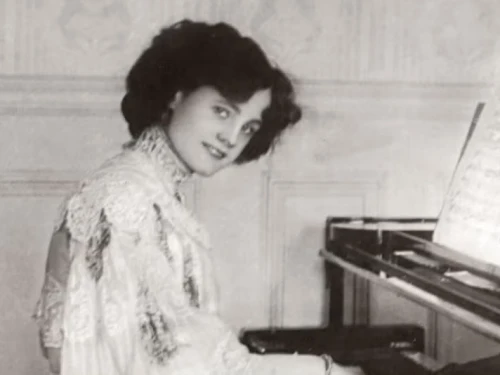
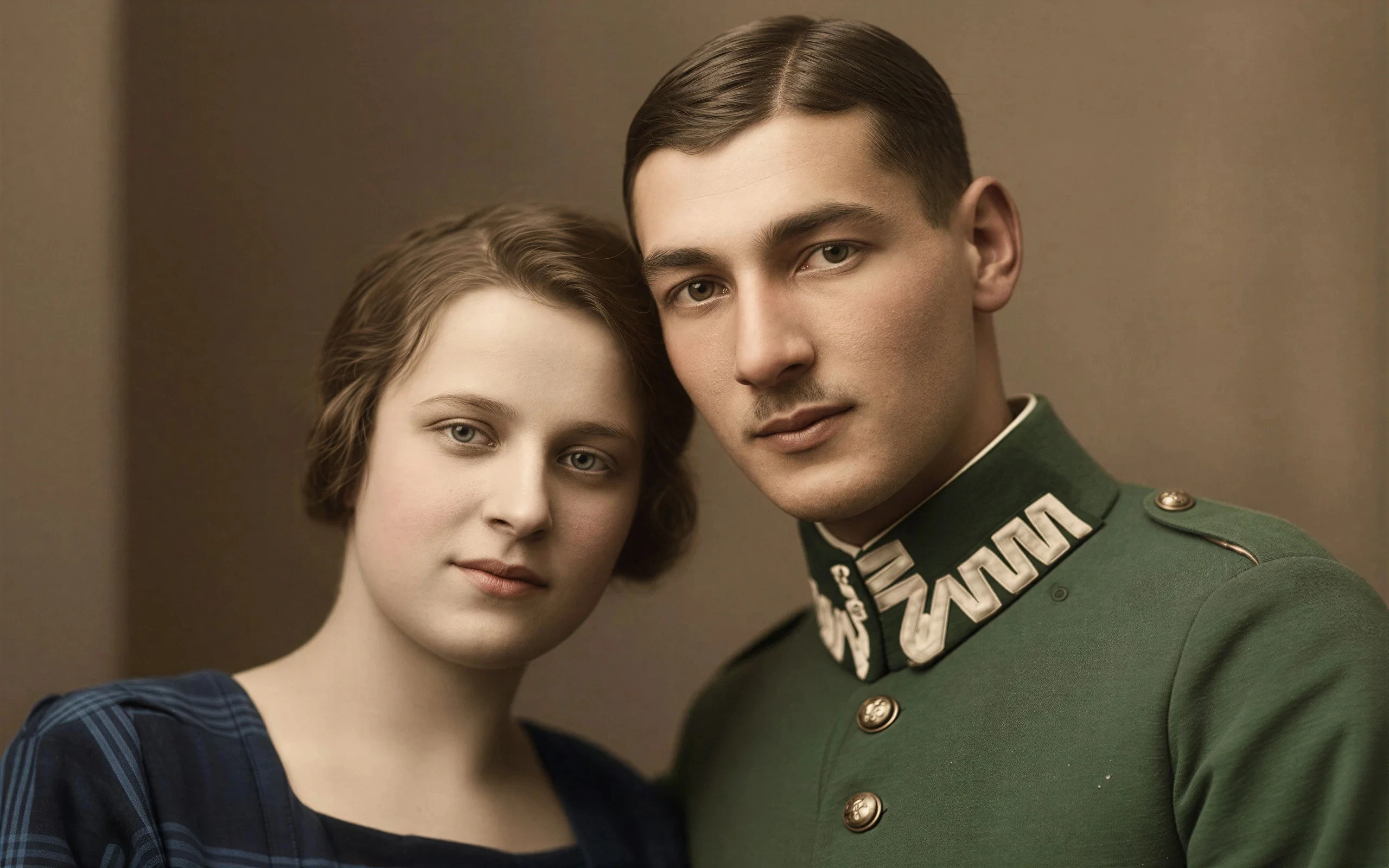
Old Photo Restoration
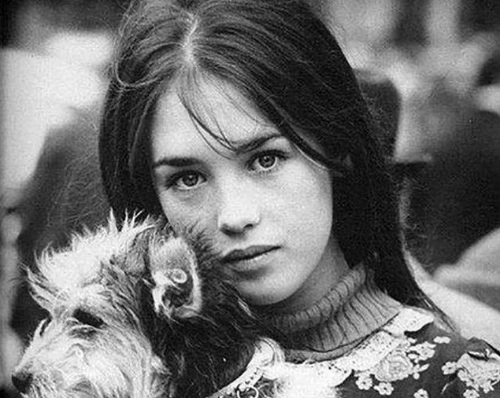
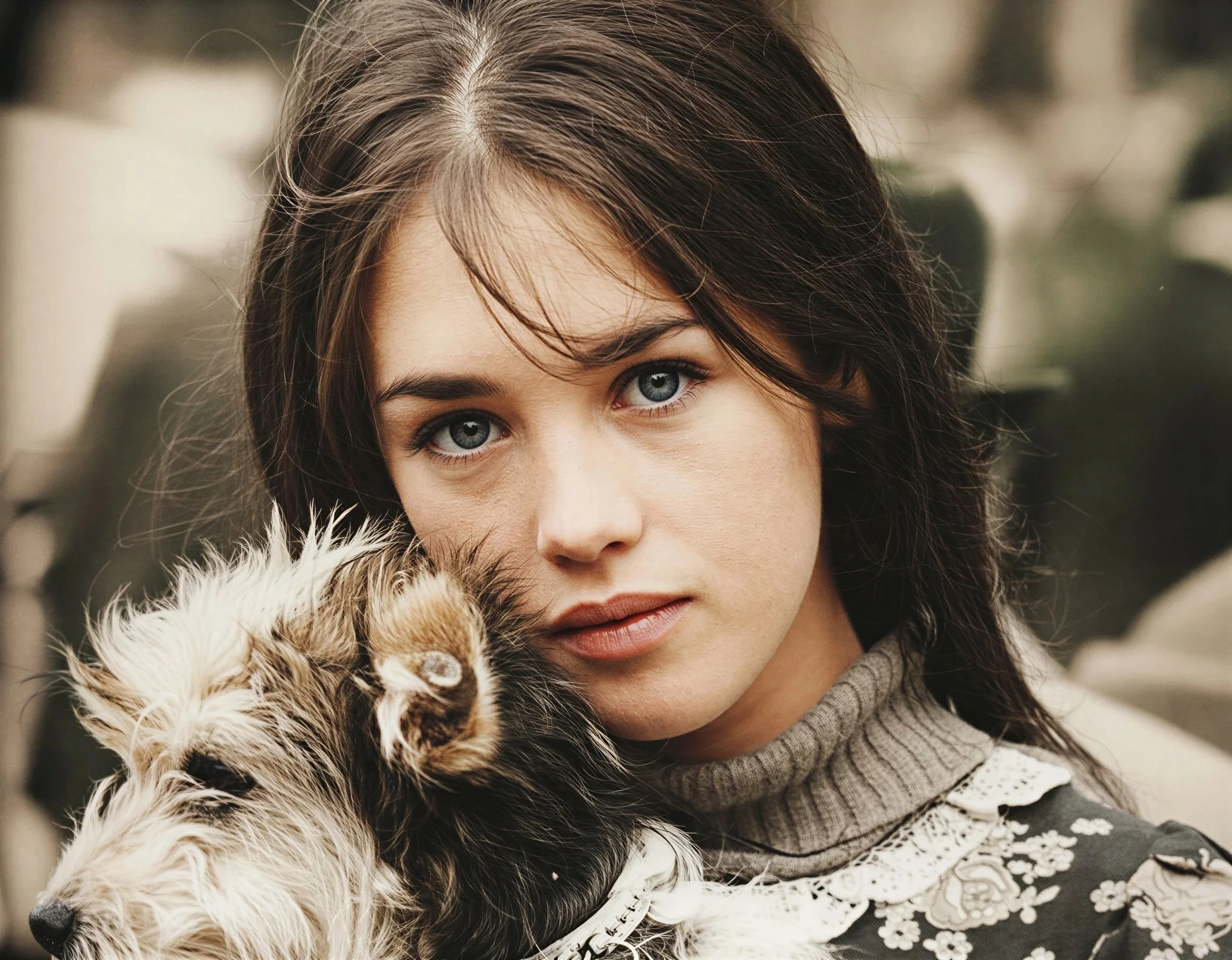
Breathe new life into vintage images by removing damage, scratches, and fading
Try it
Don't let blur ruin your best shots. Our AI Photo Enhancer specializes in unblurring faces and restoring old photos with authentic skin texture—superior to generic image upscalers.
Optimized for: Portraits, Blurred Selfies, and Vintage Photos.
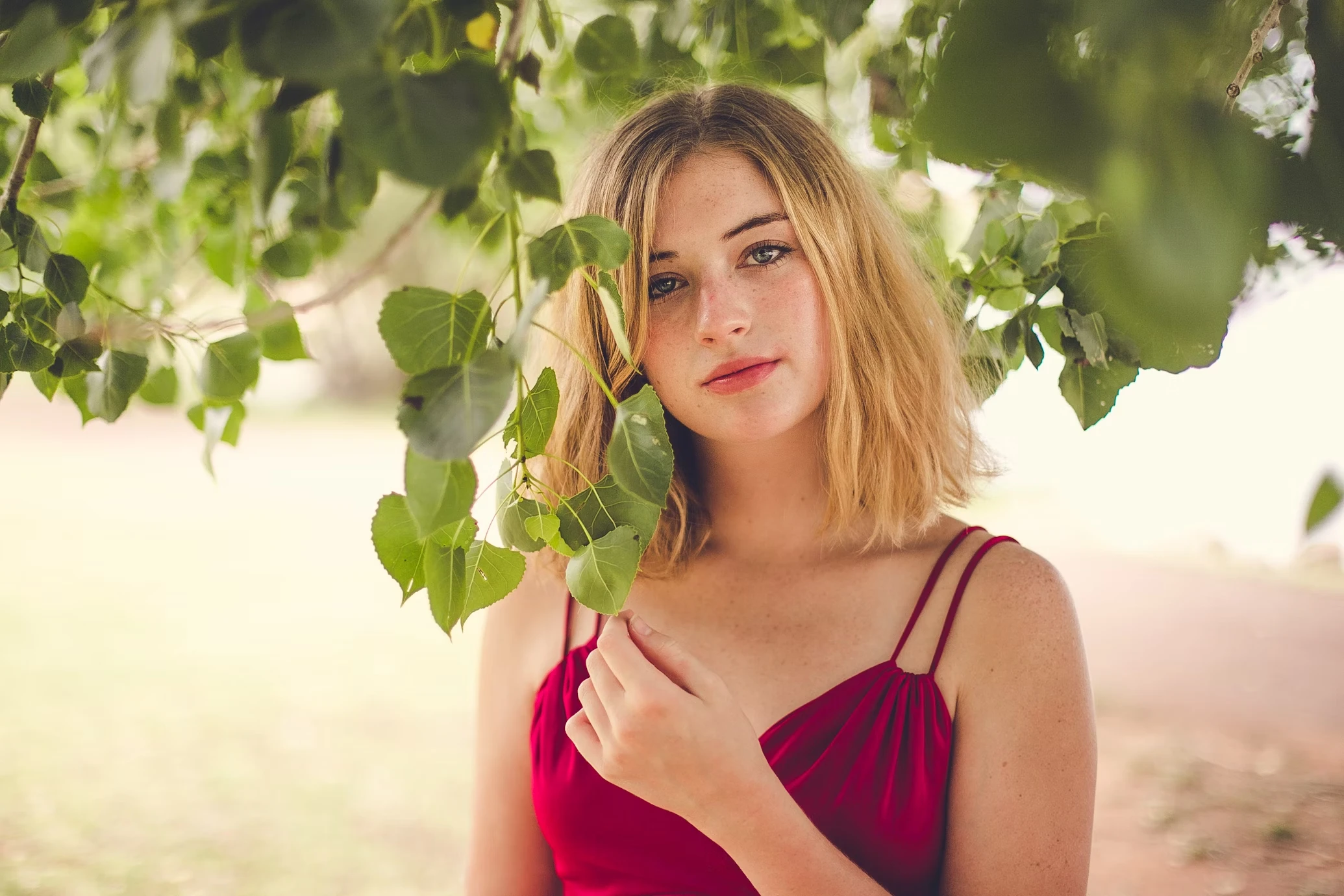

Face Unblur AI
No credit card to start
Sign in with Google in one tap — free to try.
Auto-deleted in 24 hours
Free-plan images are removed from our servers automatically.
iPhone HEIC & JPG, PNG
Up to 10MB, no format conversion needed.
Never used for training
Your photos don't train our AI models.
Beyond face enhancement — remove backgrounds, erase objects, colorize black & white photos, and upscale to 4K. No editing skills needed.
Breathe new life into vintage images by removing damage, scratches, and fading
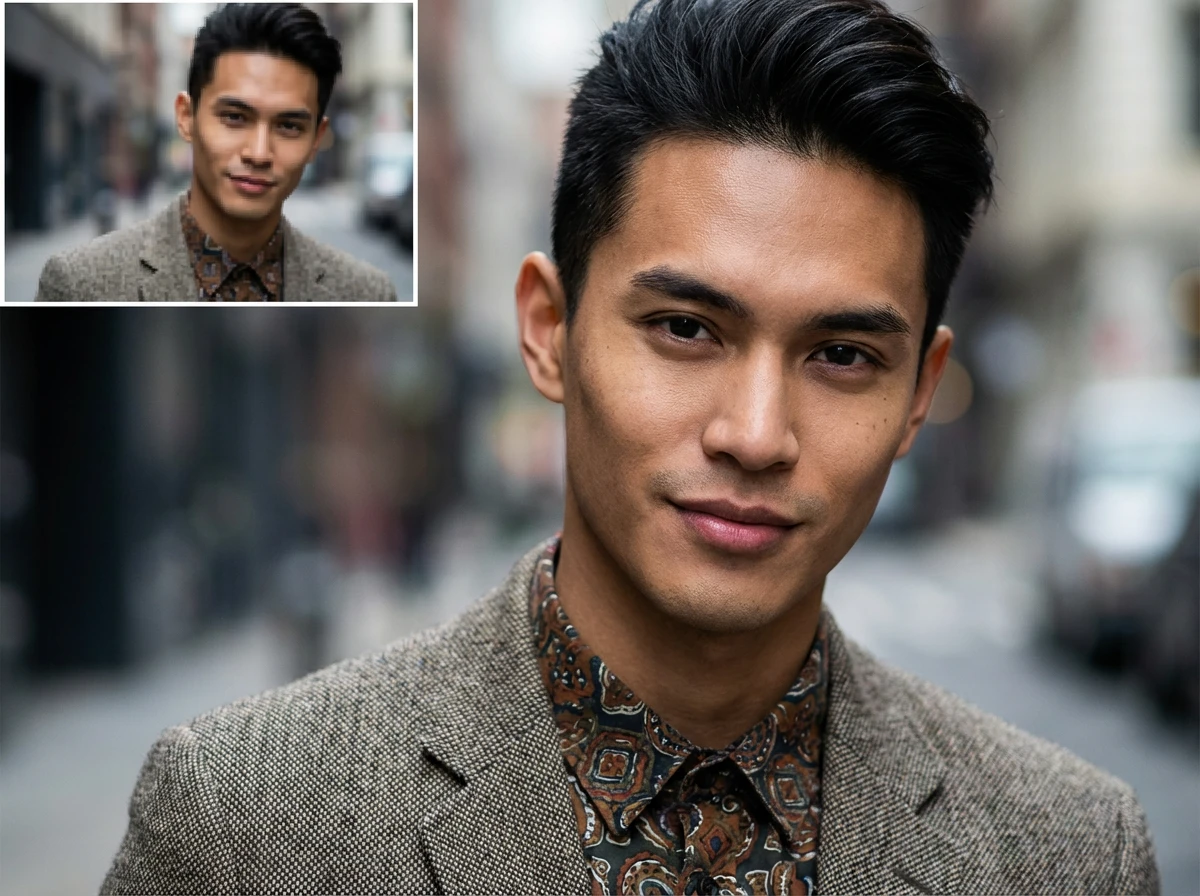
Enlarge images up to 4x while preserving sharpness and natural details
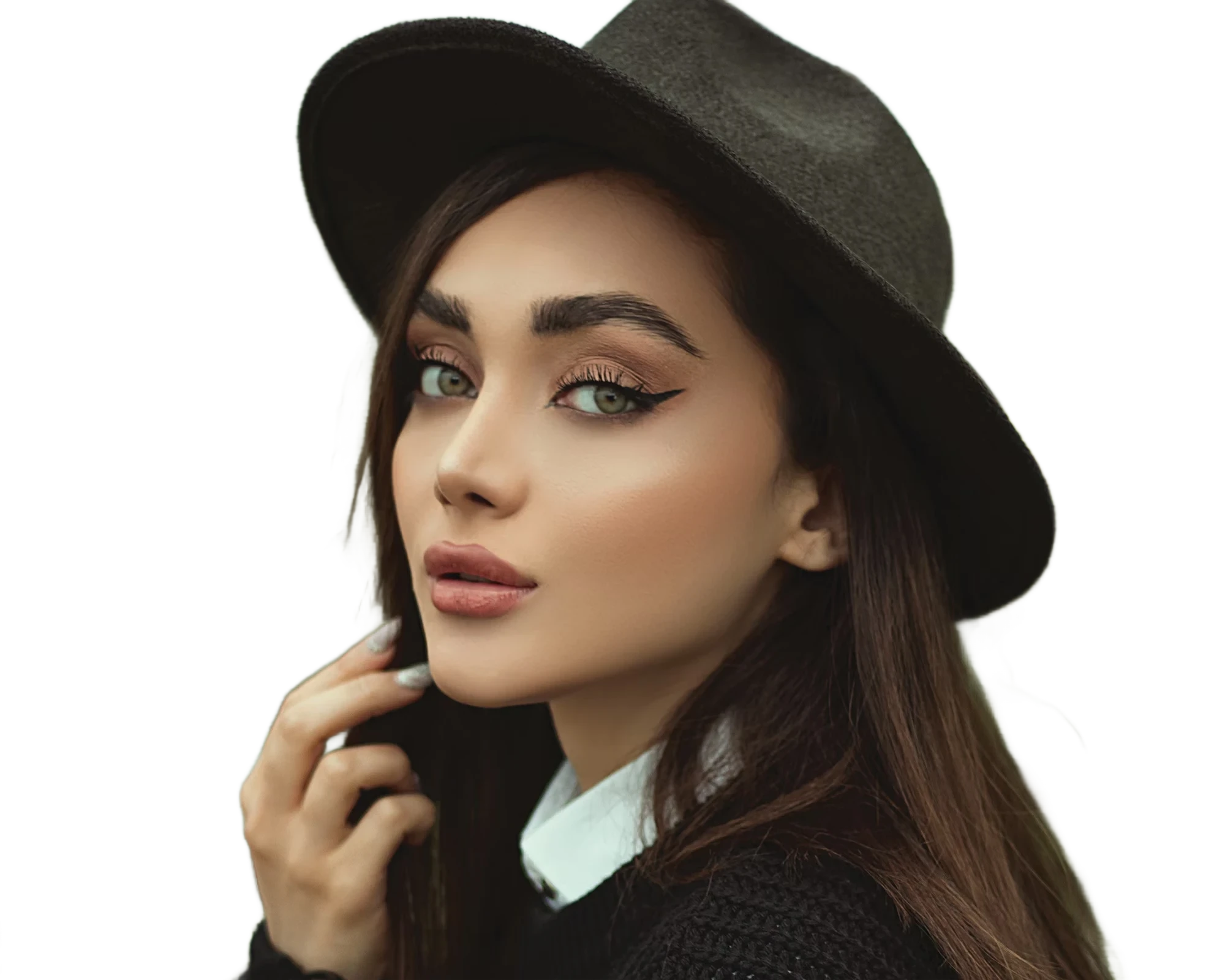
Instantly remove image backgrounds with precise edge detection
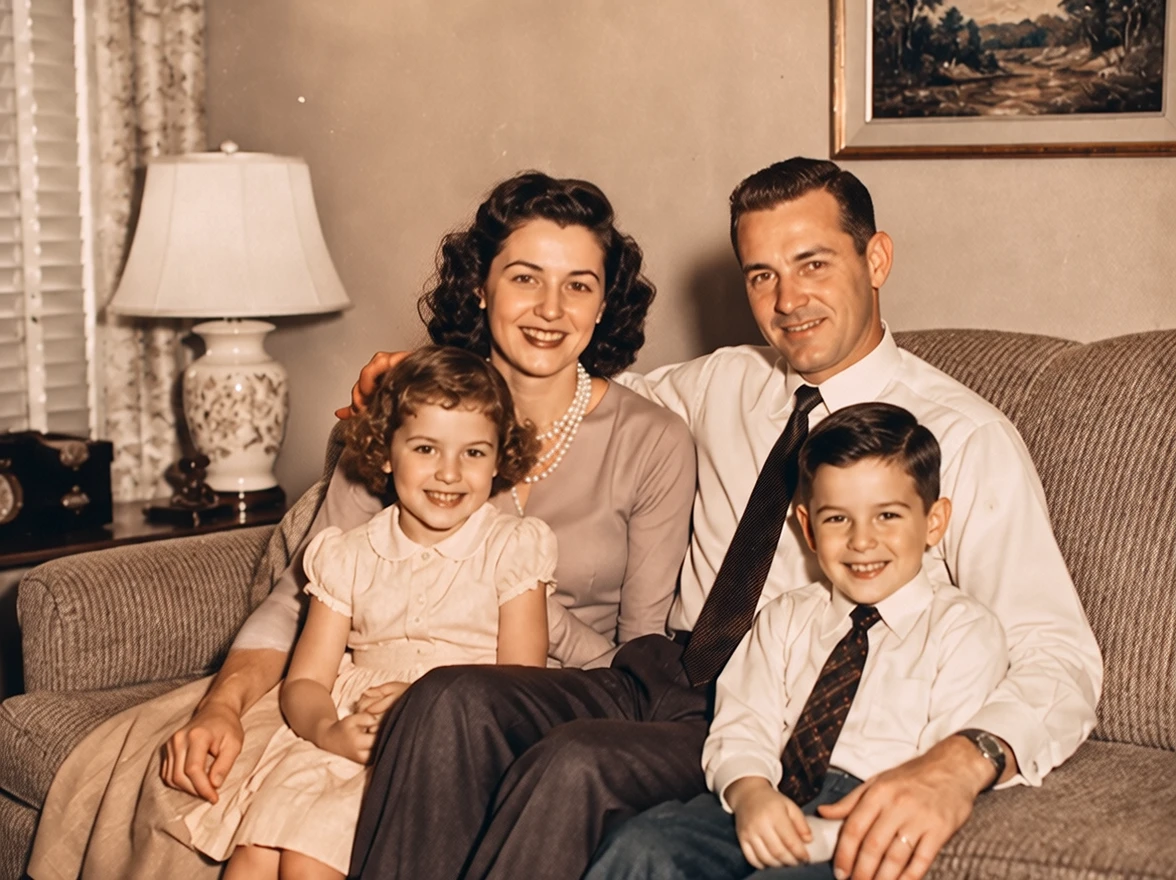
Colorize photos with AI styles
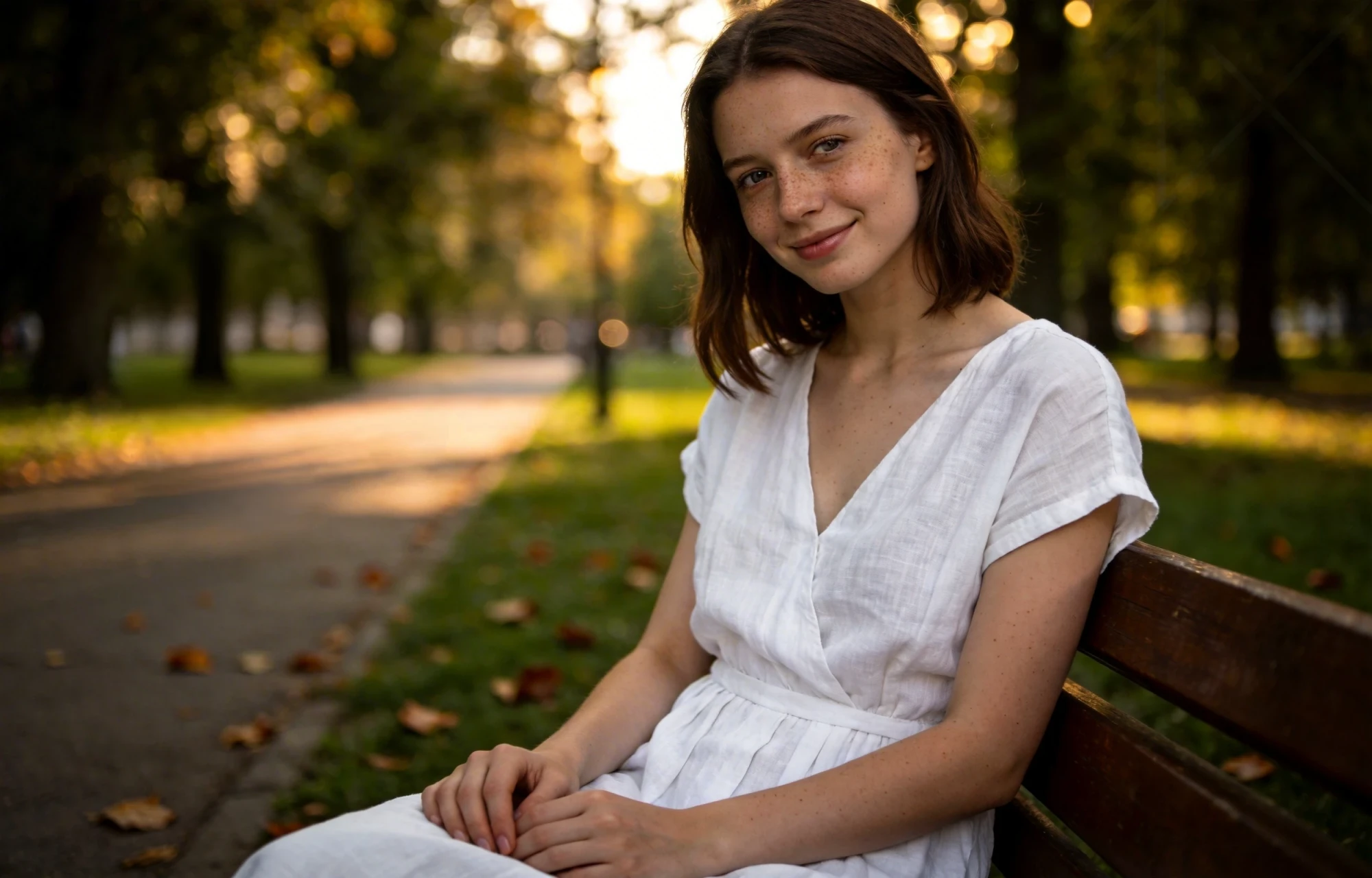
Erase unwanted objects from photos seamlessly with AI inpainting
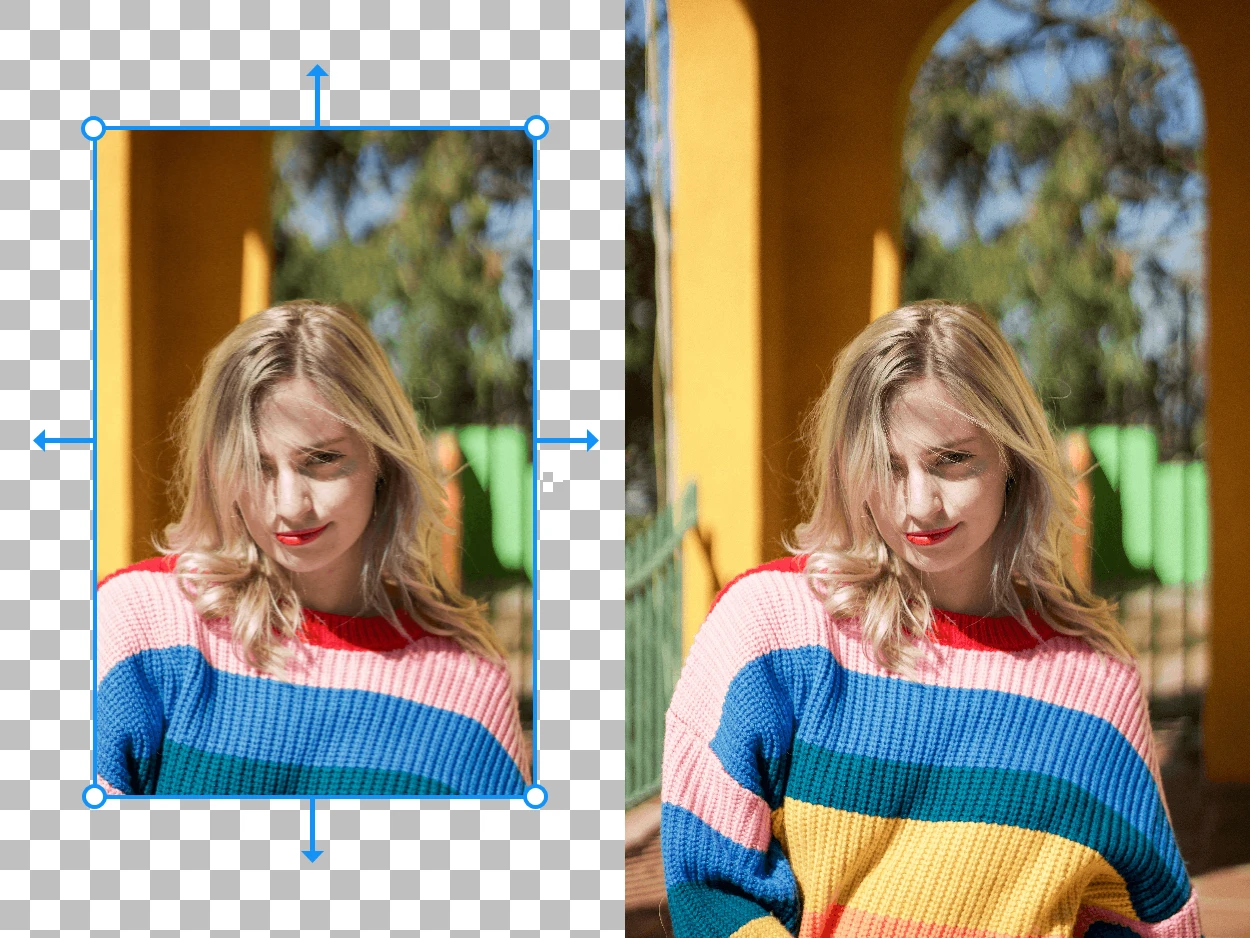
Expand your images beyond their original borders with AI-generated content
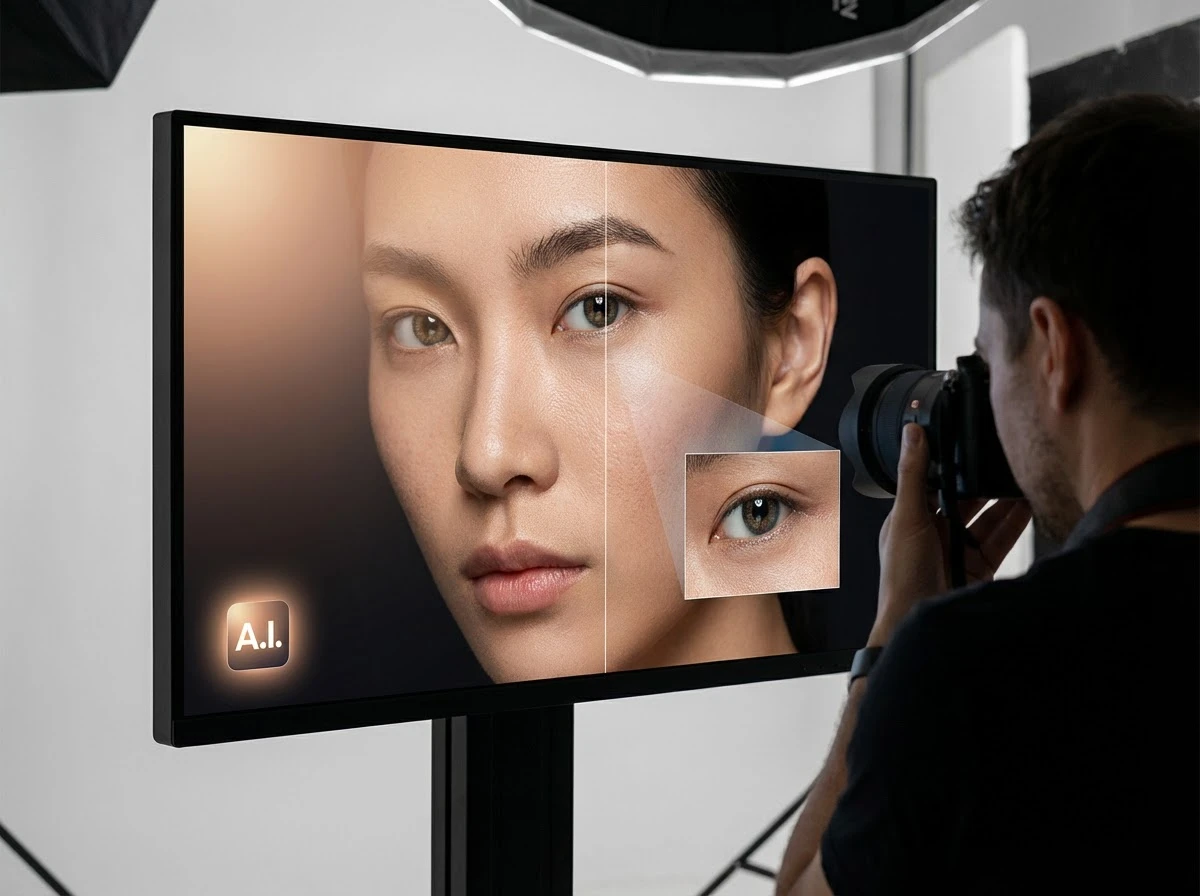
Fix dark faces, reshape portrait lighting, and shift scene mood with grouped AI light styles
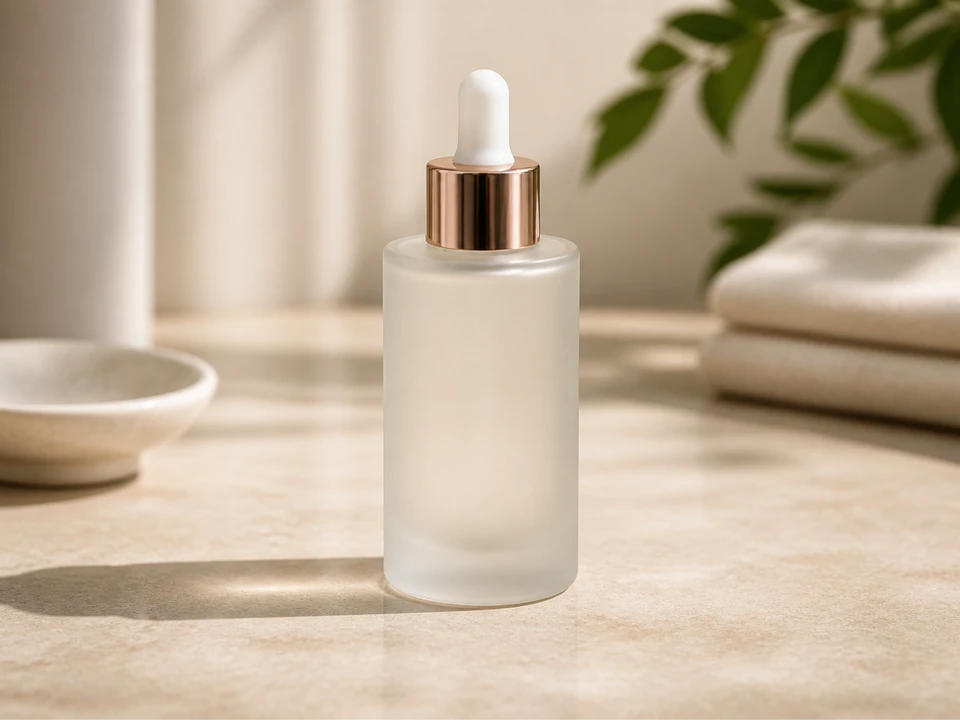
Replace photo backgrounds with AI
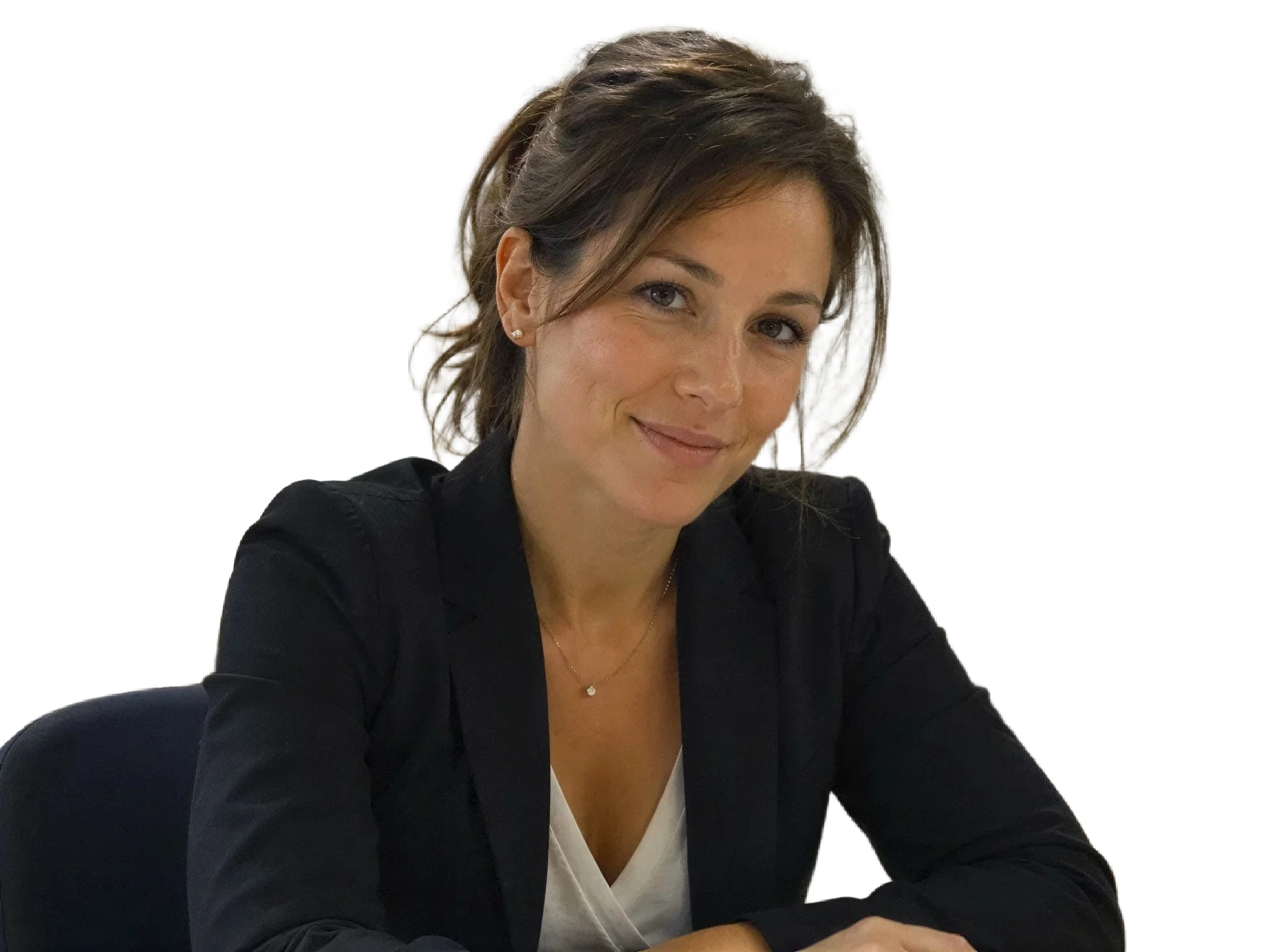
Enhance portraits and remove backgrounds for clean white-background results

Blur distracting backgrounds with AI
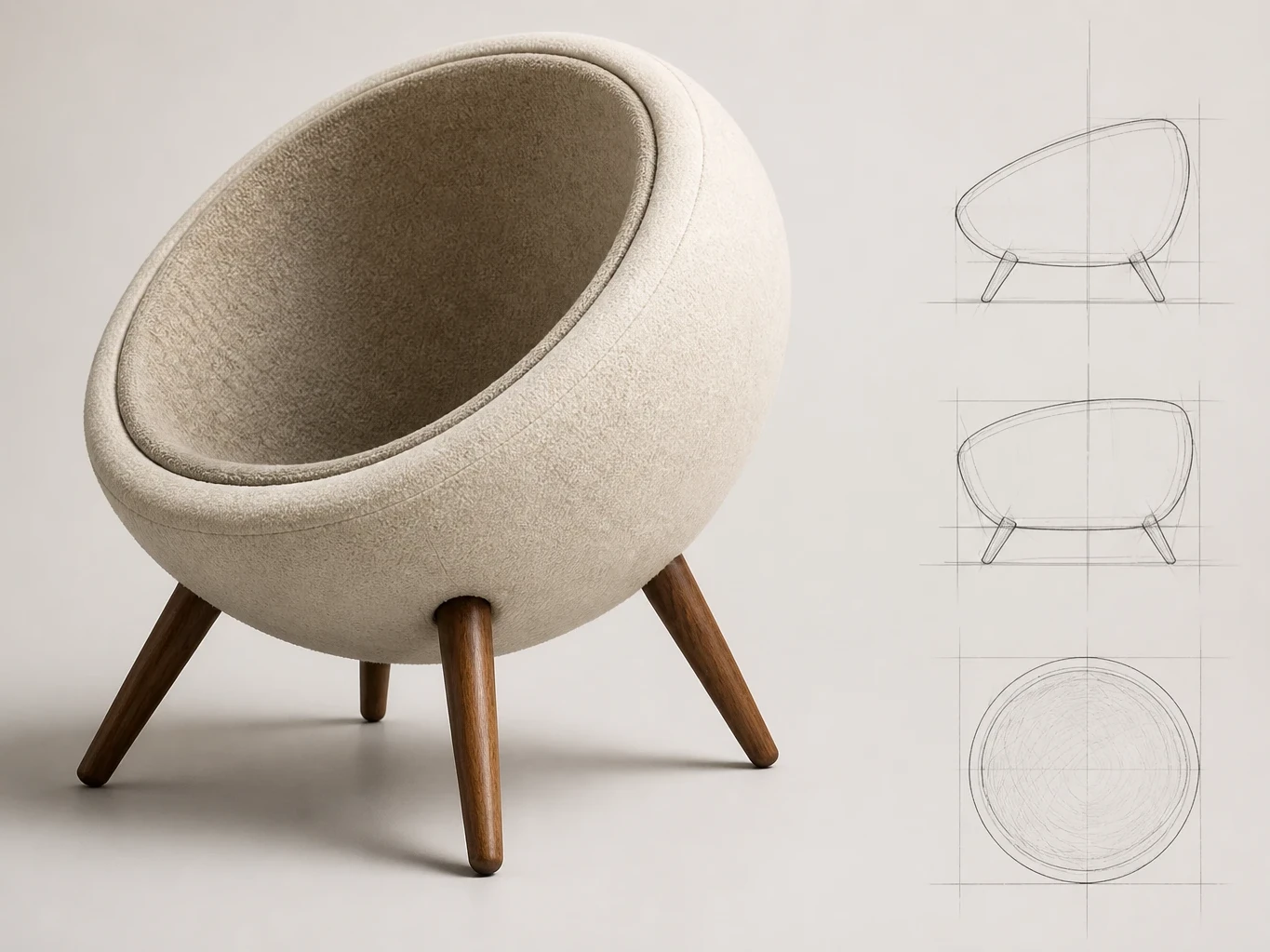
Turn sketches into rendered images
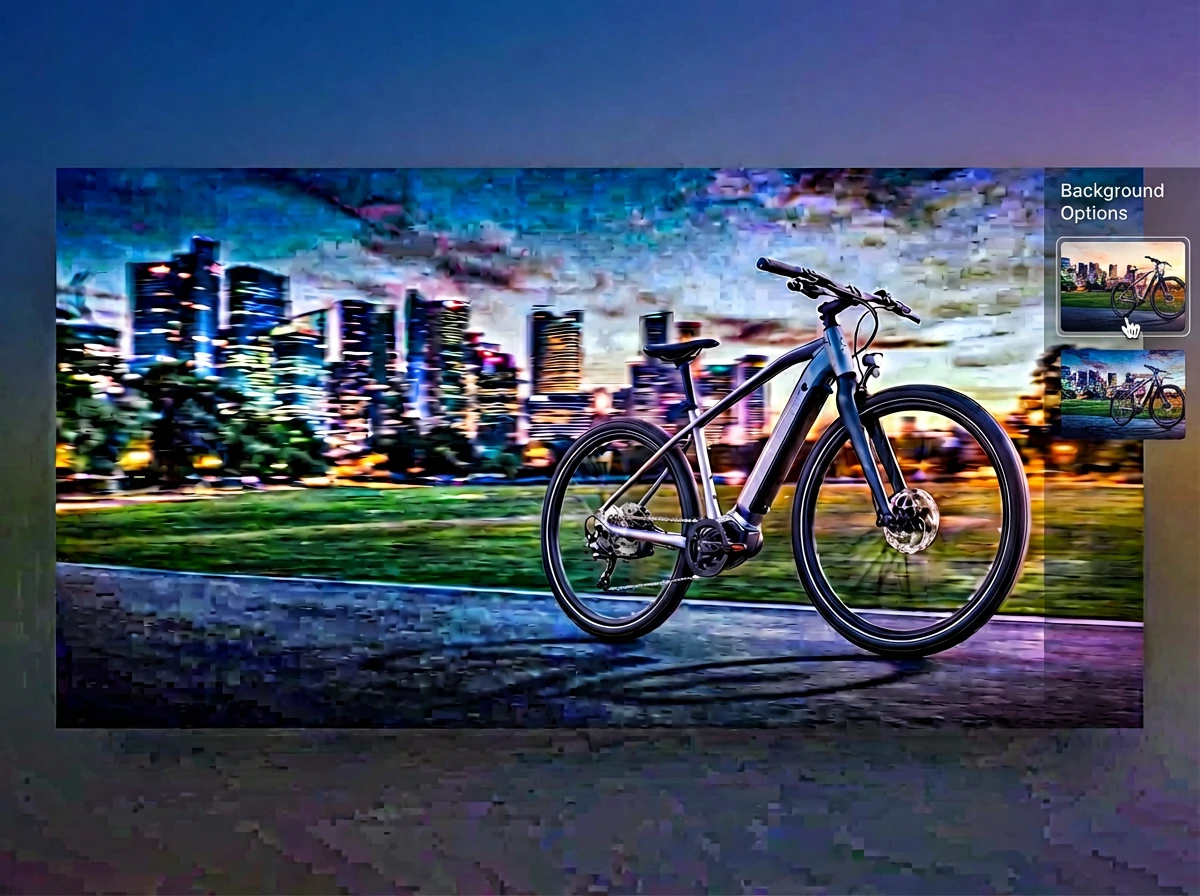
Merge multiple photos into one polished visual with prompt-guided AI composition


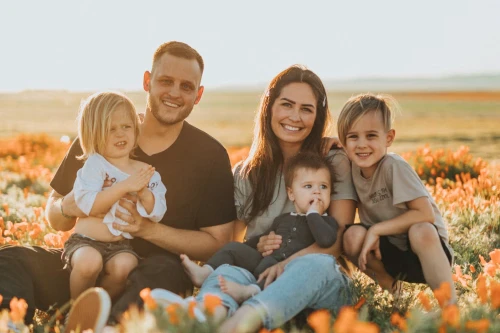
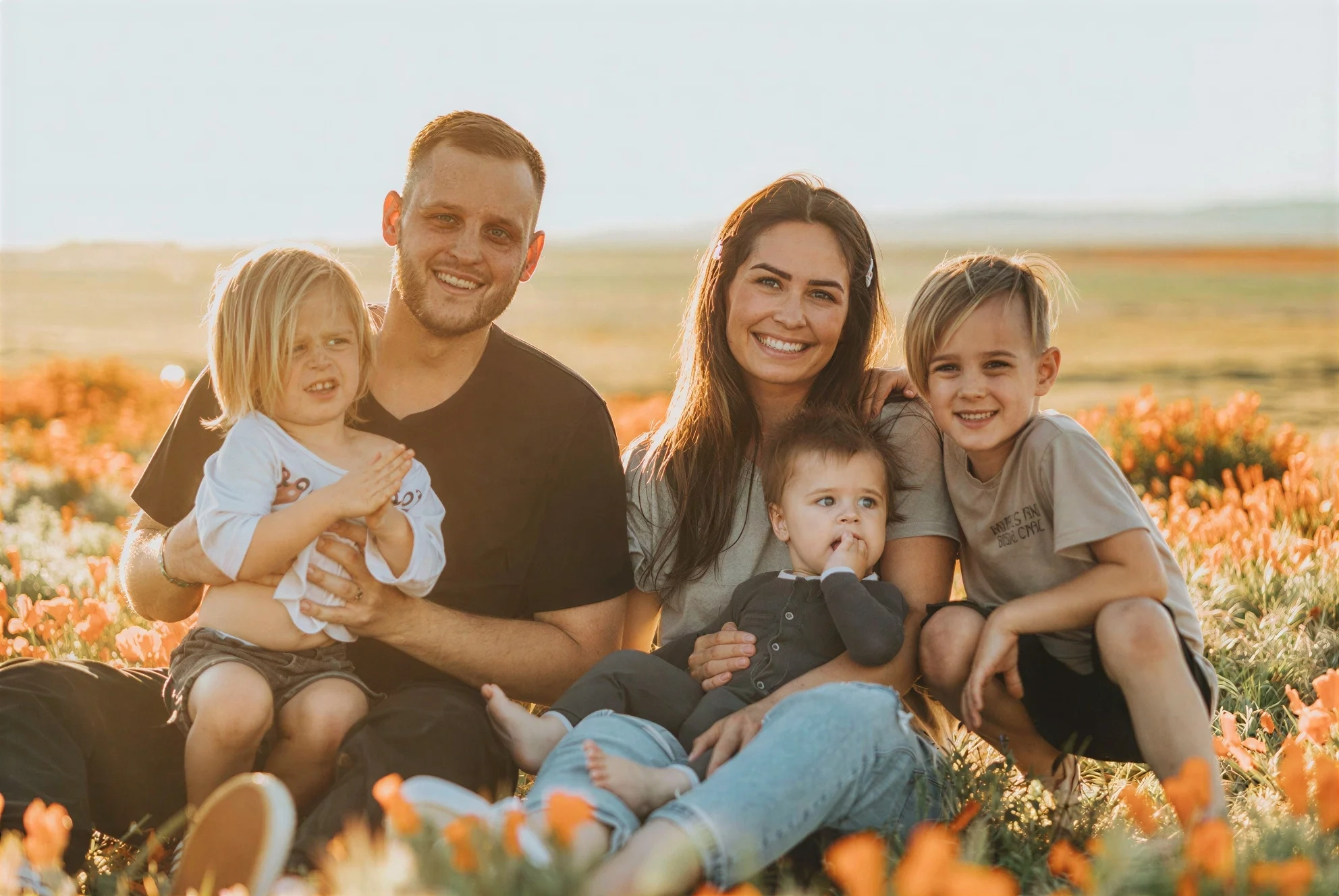
Did the camera focus miss? Refini's AI Photo Enhancer detects facial features and reconstructs eyes, skin, and hair with incredible sharpness. Perfect for saving 'almost perfect' shots.
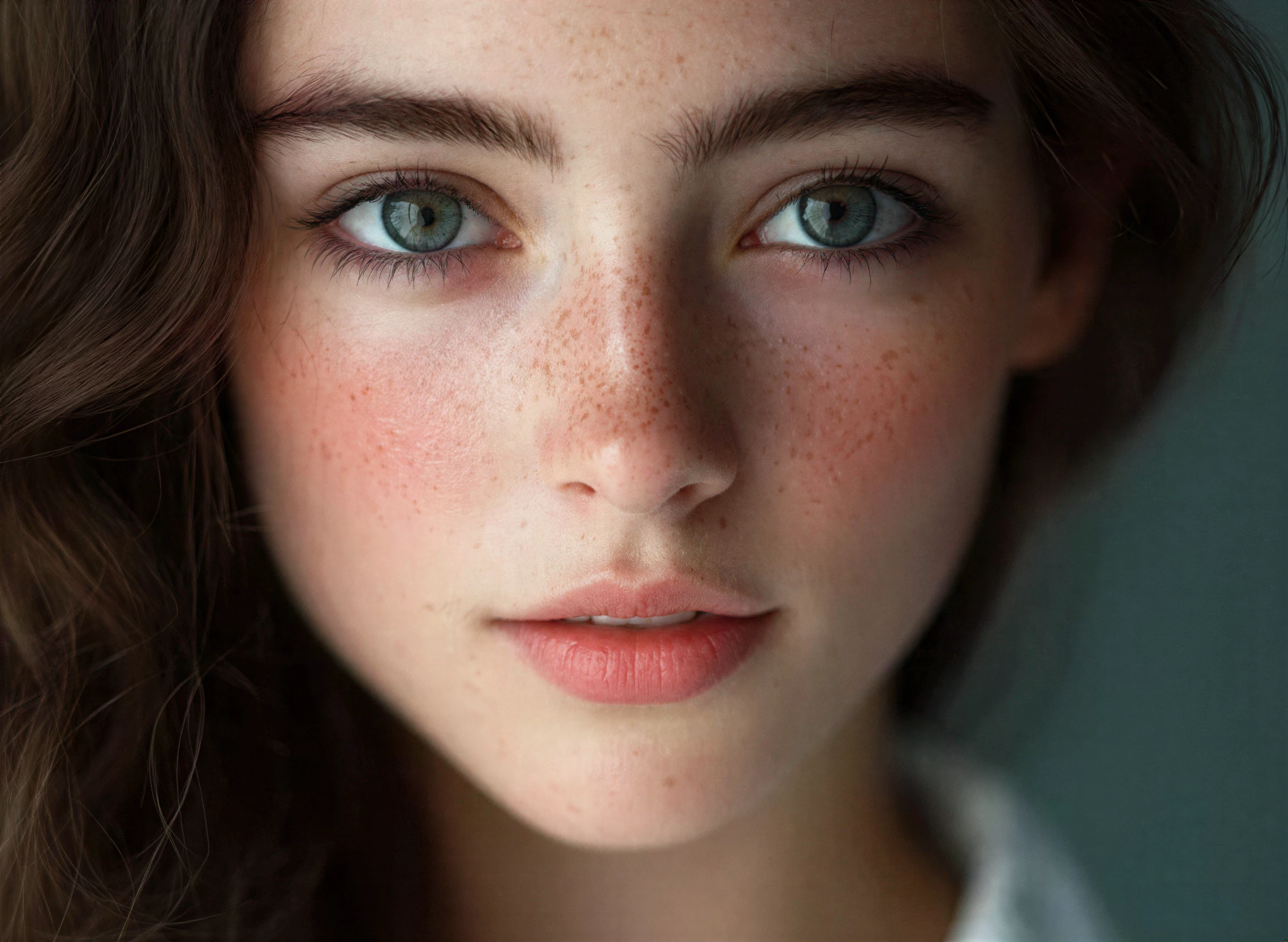
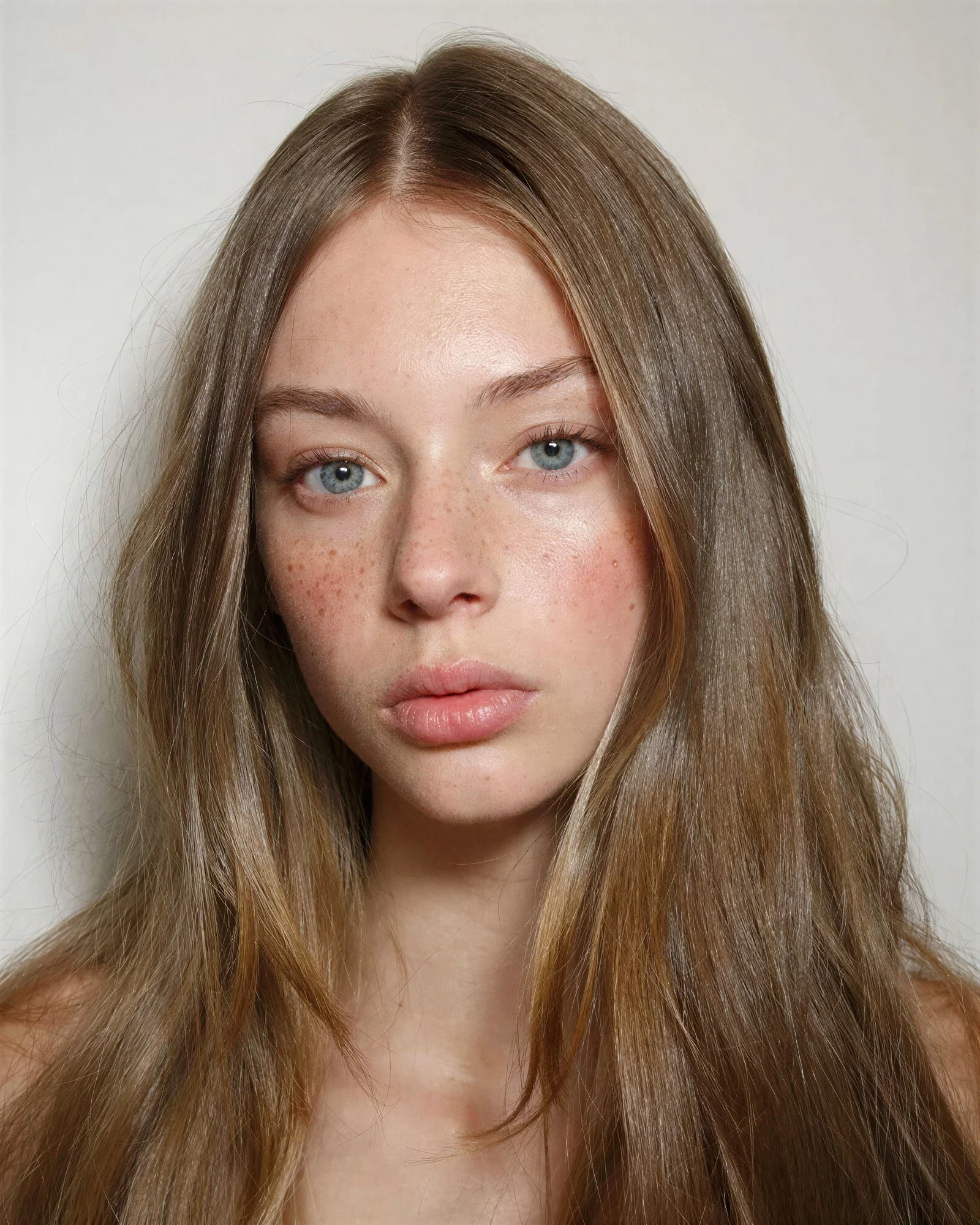
Most upscalers make faces look like plastic dolls. Refini is different. We preserve and recover realistic skin pores and textures, keeping your photos looking natural and professional.
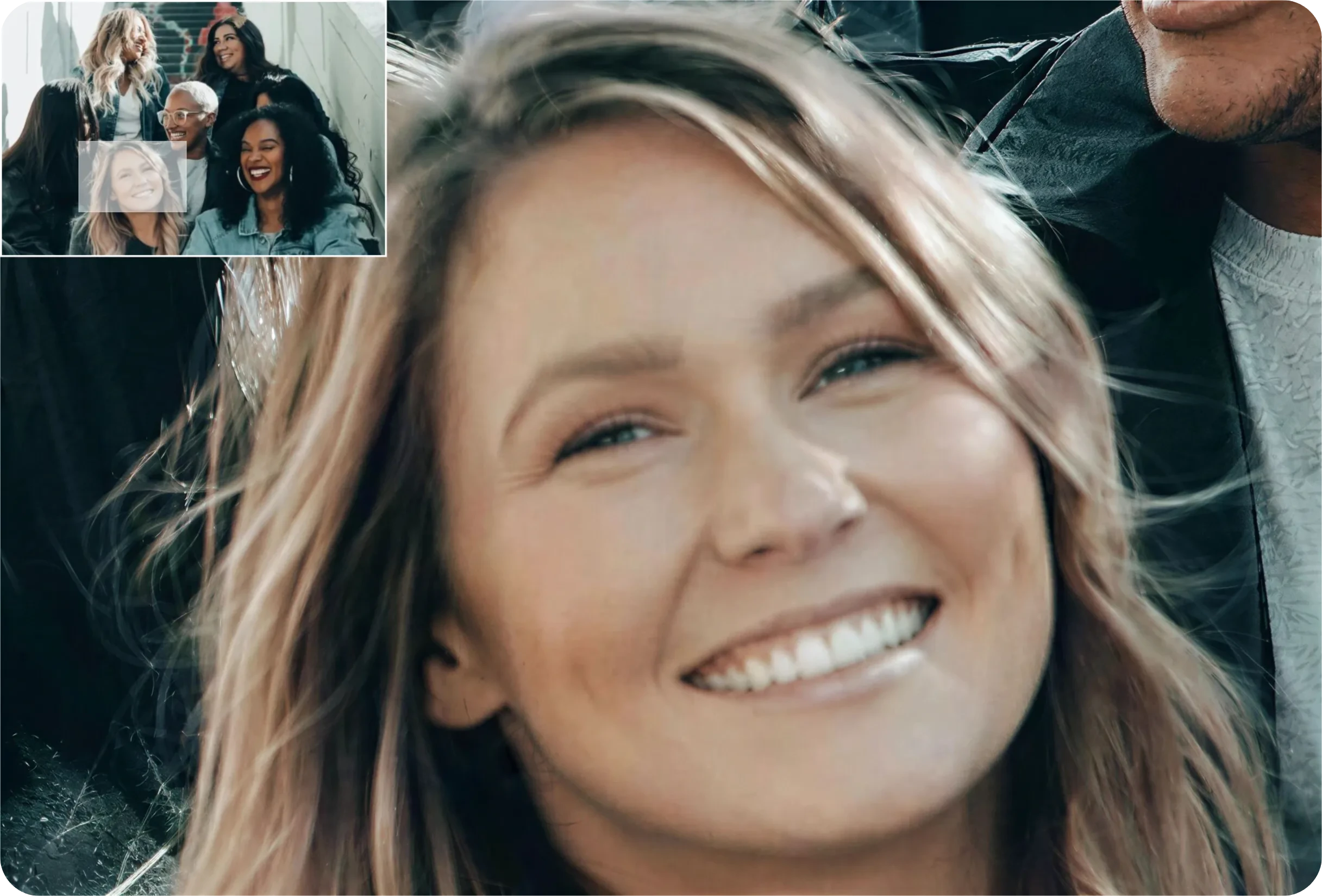
Want to crop a face from a group photo? Our AI rebuilds facial features from minimal pixels, allowing you to zoom in and upscale up to 4x without pixelation.
Generic upscalers smooth faces into plastic. Here's what we do differently.
Most tools over-smooth until faces look like dolls. We rebuild real pores and skin texture instead of erasing it.
Aggressive AI can redraw a face into someone else. We reconstruct the features that were already there.
Over-sharpening leaves glowing edges around hair and glasses. We keep edges clean and natural.
Generic upscalers optimize for scenery. Refini is trained on human portraits — eyes, hair, and skin first.
The ultimate AI tool to repair, colorize, and unblur your vintage family albums.
Clarify faded faces in century-old photos
Erase tears, creases, and water spots
Turn black & white photos into vibrant color
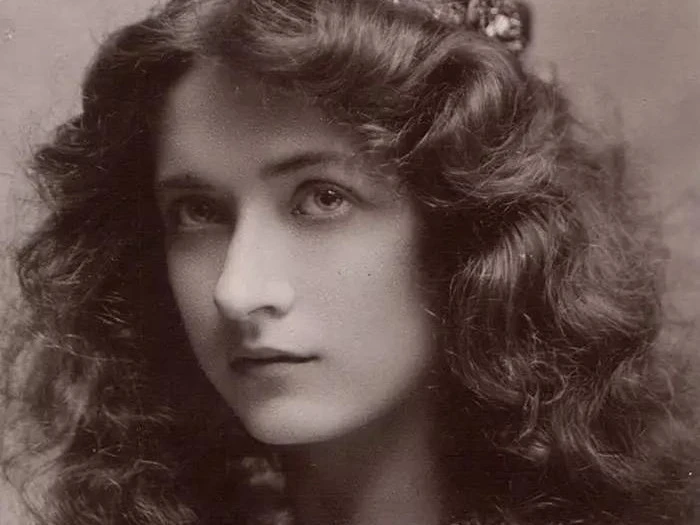

Six real problems Refini solves — on today's photos and on the ones in the shoebox.
3 Simple steps to turn low-quality images into high-resolution masterpieces.
Drag and drop, or pick from your device. JPG, PNG, WebP, and iPhone HEIC all work directly — up to 10MB each.
Enhance for blurry or noisy digital photos, Restore for scanned prints with scratches and fading, Upscale when you need 4K for printing. Not sure? Enhance handles most photos.
Drag the before/after slider to check the result at full size, then download. Free-plan images carry a small watermark; any paid plan removes it.
Common questions about fixing blurry photos and image upscaling.
Refini uses advanced Generative AI to analyze low-resolution or blurry images. It intelligently predicts and adds missing pixels, specifically focusing on facial details to create a sharp, high-definition result.
Many tools use generic algorithms that smooth out skin too much, creating a 'waxy' effect. Refini is trained specifically on human portraits, ensuring that skin texture, eyes, and hair remain natural and realistic after enhancement.
Yes! Our 'Face Unblur' technology is designed to salvage photos with motion blur or focus issues. It reconstructs the facial features to make them recognizable again.
Refini offers a free trial for you to test our portrait enhancement technology. Upload a photo to see the magic for yourself before upgrading for high-resolution downloads.
Privacy is our priority. All uploaded photos are encrypted and automatically deleted from our servers after processing. We do not use your personal photos to train our AI models.
Absolutely. Refini upscales your old photos up to 4K resolution, making them sharp enough to print as large posters or framed gifts for your family.
Yes. Images processed on the free plan carry a small Refini watermark. Any paid plan removes it, and your watermark-free image stays available for the whole plan period.
JPG, PNG, WebP, HEIC/HEIF, and AVIF, up to 10MB each and 8000x8000 pixels. iPhone HEIC photos work directly — no need to convert them first.
Use the Photo Enhancer for modern digital photos that are blurry, noisy, or low-resolution. Use Photo Restoration for scanned prints with scratches, creases, fading, or missing color.