
One-Click Background Removal
No manual selection, no anchor points, no layers. Upload your image and the background is gone in seconds.
Most background removers leave rough edges around hair and fur. Refini doesn't. Upload your photo, get a clean cutout in seconds, then enhance, upscale, or swap the background—all in one place. Supports JPG, PNG, WebP, HEIC, and AVIF.


Portrait
Portrait Cutouts
Up to 50 photos per upload • Max 10MB each
One-Click Background Removal
No manual selection, no anchor points, no layers. Upload your image and the background is gone in seconds.
Hair-Level Edge Accuracy
AI trained on millions of portraits preserves individual strands, flyaway hairs, and wispy fur with no halos or jagged edges.
Remove, Replace, or Keep Transparent
Export as transparent PNG, pick a solid color for marketplace listings, or upload your own backdrop—all without leaving the page.
Batch Up to 50 Images at Once
Drop an entire product catalog and let AI process them all. Each image gets the same precision as a single upload.
If you've ever tried removing backgrounds manually, these will sound familiar. Our background remover fixes all of them.


You zoomed in to 400%, traced every strand with the pen tool, and the cutout still has a white halo. Our AI handles complex hair, fur, and flyaway strands automatically—no manual cleanup needed.
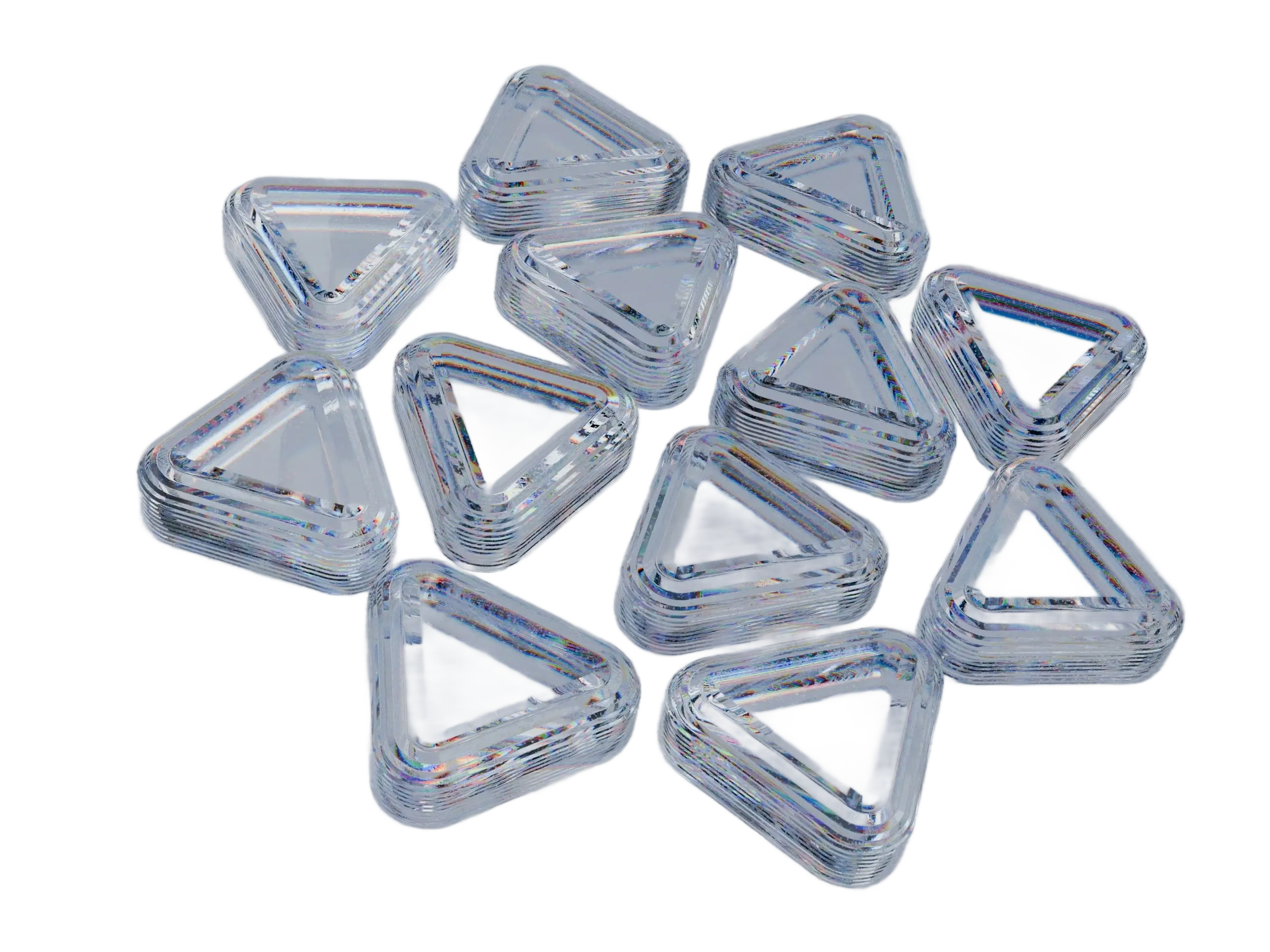
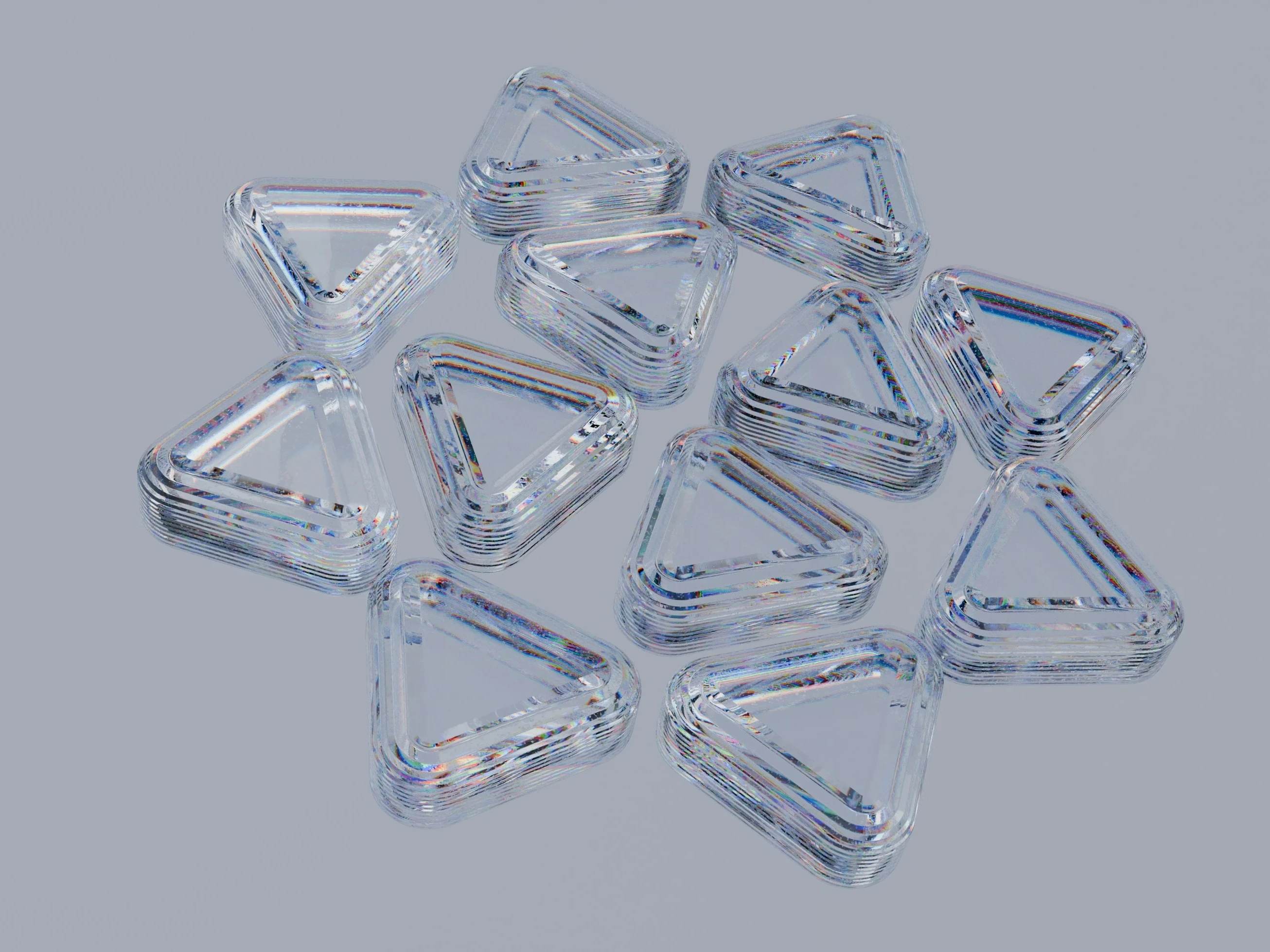
Standard selection tools treat transparency as solid, destroying the look of glass bottles, water splashes, and sheer fabrics. Our edge detection preserves translucency and reflections.


When your subject and background share similar colors, magic wand and auto-select fail completely. Our AI uses shape context and depth cues, not just color difference, to find the boundary.

Editing one photo takes 5 minutes in Photoshop. That's 16 hours for a product catalog. Upload all 50 at once here, and the entire batch is done while you grab coffee.
Semantic segmentation trained on millions of images, fine-tuned for the edge cases that trip up other tools


The AI analyzes spatial relationships and visual patterns to separate foreground from background. It works on people, products, pets, food, furniture—anything with a discernible boundary. No manual tracing, no anchor points.
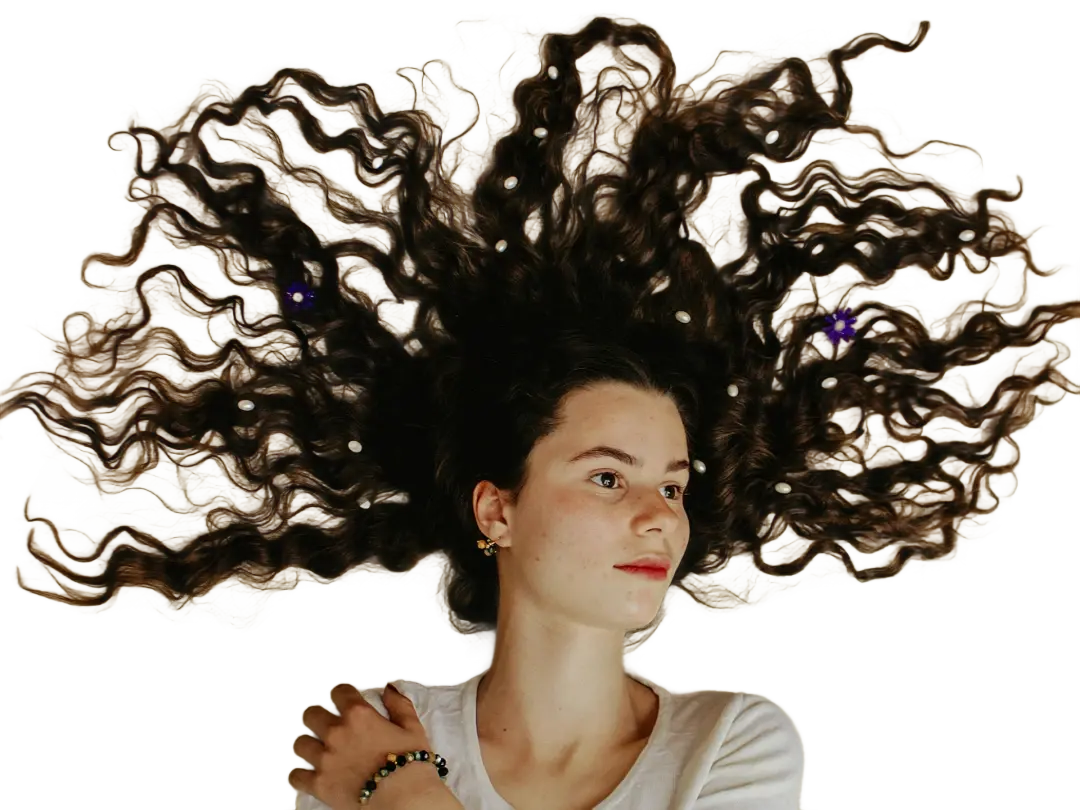
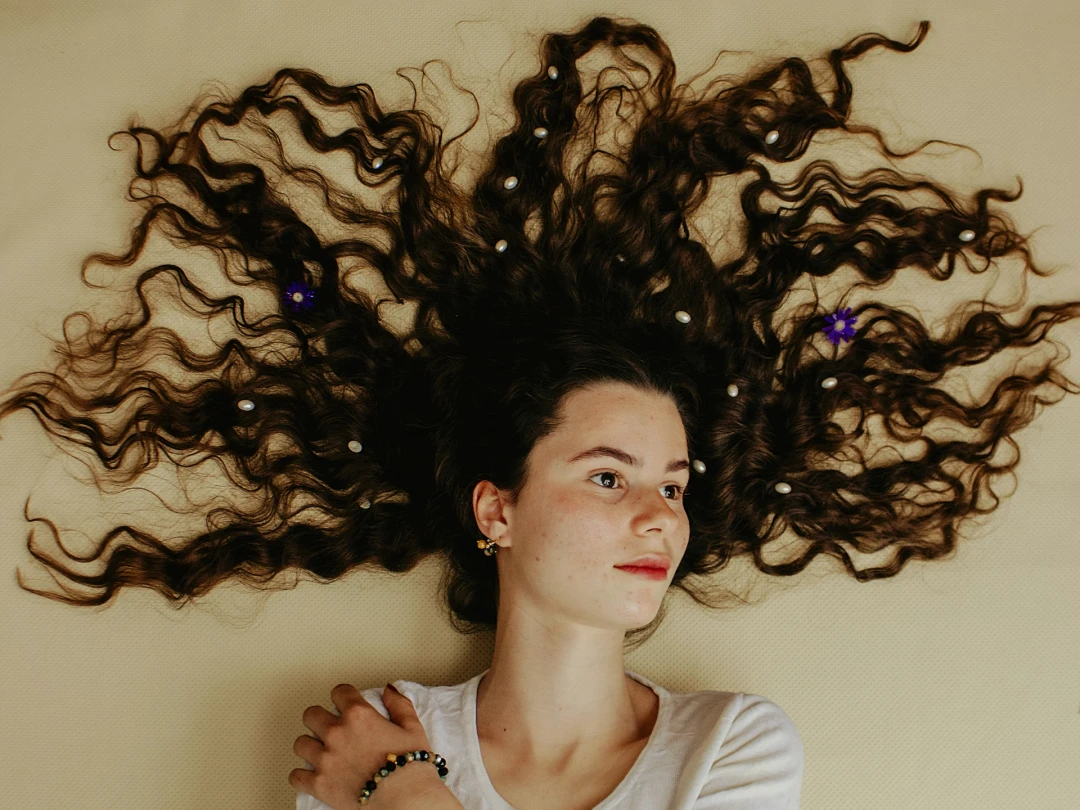
Hair is where most background removers fail—they either clip strands or leave a visible halo. Our model uses semantic segmentation to map each strand individually, producing cutouts that look naturally extracted, not roughly chopped.
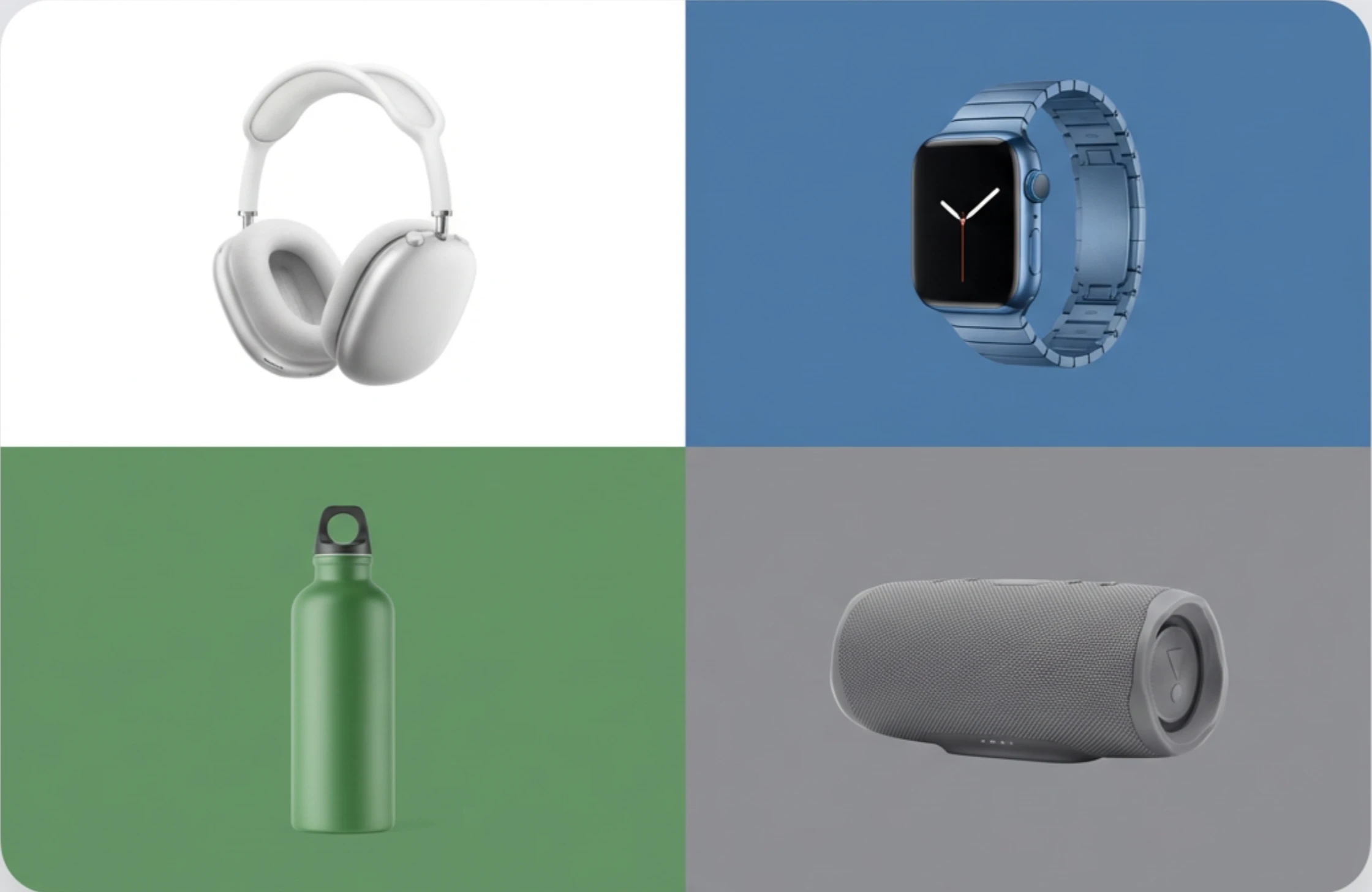
After removing the background, swap in a new one, enhance the image quality, or upscale to 4K—all without downloading and re-uploading to another tool. Refini keeps your entire editing workflow in a single place.
Three simple steps to use our background remover and get professional results from any photo.
Drag & drop or click to upload. We accept JPG, PNG, WebP, HEIC, and AVIF up to 10 MB.
Our AI detects your subject, traces its edges at pixel level, and erases the background—usually in under 10 seconds.
Save as a transparent PNG, pick a solid background color, or upload your own image as the new backdrop.
Everything you need to know about removing backgrounds with Refini
New users get free credits to remove backgrounds from images. For higher-volume usage and batch uploads, paid plans are available that include all Refini photo editing tools—enhancement, upscaling, restoration, and more.
No. The output image keeps the same resolution and quality as your original. We remove the background without compressing or downscaling your image.
A single image usually takes under 10 seconds. Batch uploads are processed in parallel, so 50 images take roughly the same time as a handful.
We accept JPG, JPEG, PNG, WebP, HEIC, HEIF, and AVIF files up to 10 MB. Output is a transparent PNG, or an image with your chosen background color or custom backdrop.
Yes. After removing the background, you can keep it transparent, pick a solid color (white, black, or any custom color), or upload your own image as the new backdrop.
Our AI uses semantic segmentation trained specifically on portraits and animals. It preserves individual strands, flyaway hairs, and fine fur—no jagged edges or halos.
Your photos are end-to-end encrypted and never shared with third parties or used for AI training. After downloading, you can permanently delete them from our servers at any time.
Absolutely. Many users batch-process product catalogs to create clean white-background images that meet Amazon, Etsy, and Shopify listing requirements.
Upload a photo, get a clean cutout in seconds. Try our free background remover—your first cutout is free.
Discover other powerful AI tools to enhance, restore, and transform your images

Enhance portraits and remove backgrounds for clean white-background results

Replace photo backgrounds with AI

Blur distracting backgrounds with AI

Erase unwanted objects from photos seamlessly with AI inpainting
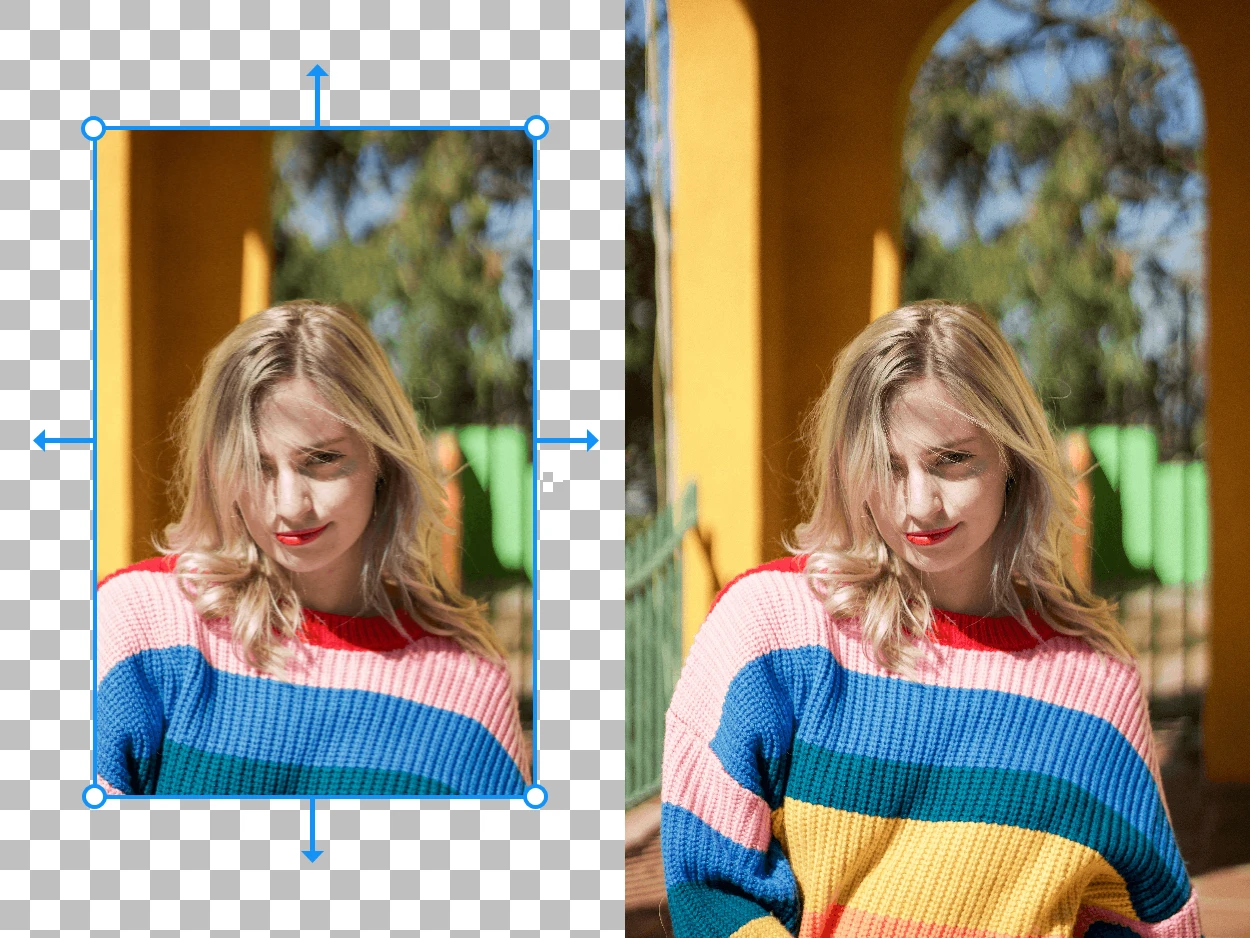
Expand your images beyond their original borders with AI-generated content
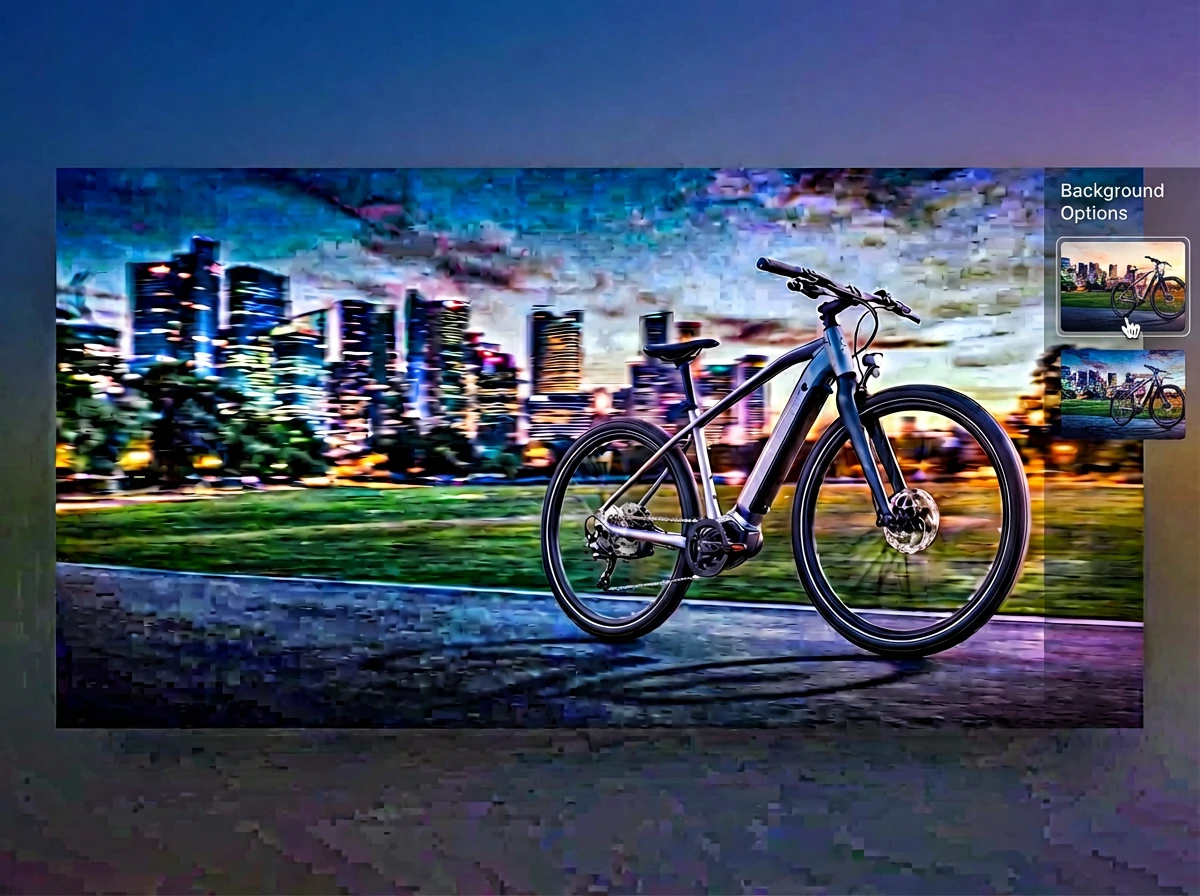
Merge multiple photos into one polished visual with prompt-guided AI composition
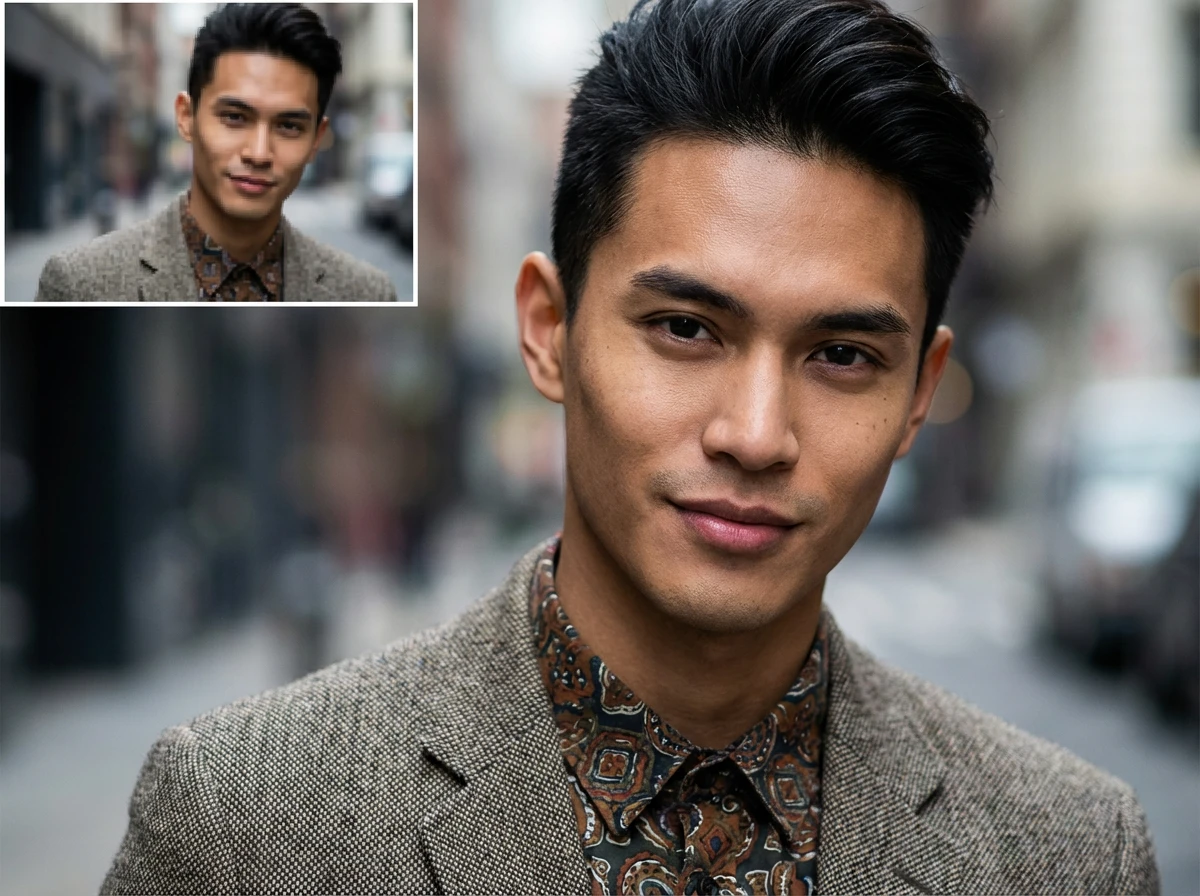
Enlarge images up to 4x while preserving sharpness and natural details