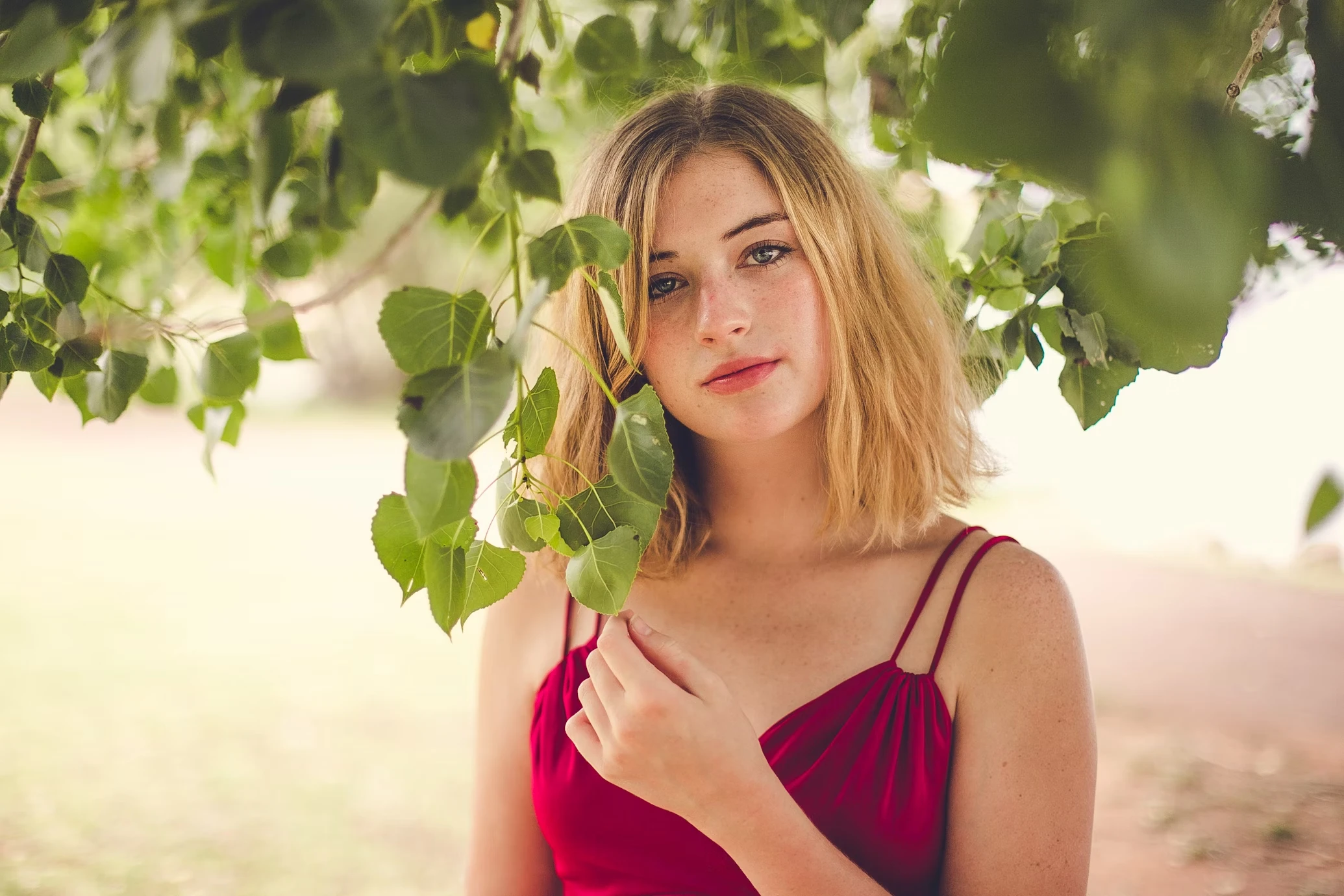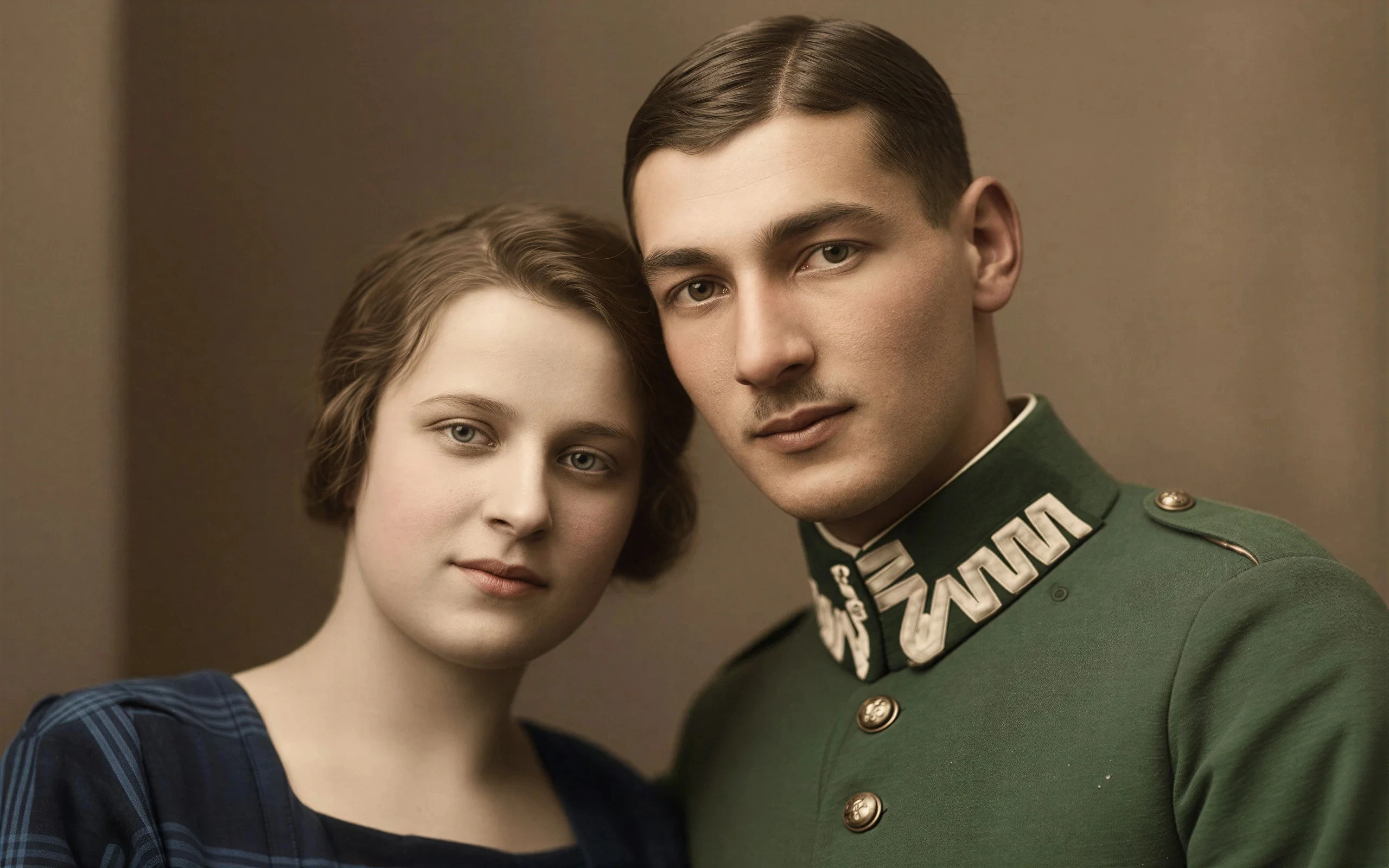
Create DSLR-Style Background Blur
Add shallow depth-of-field blur without using expensive cameras or portrait lenses.
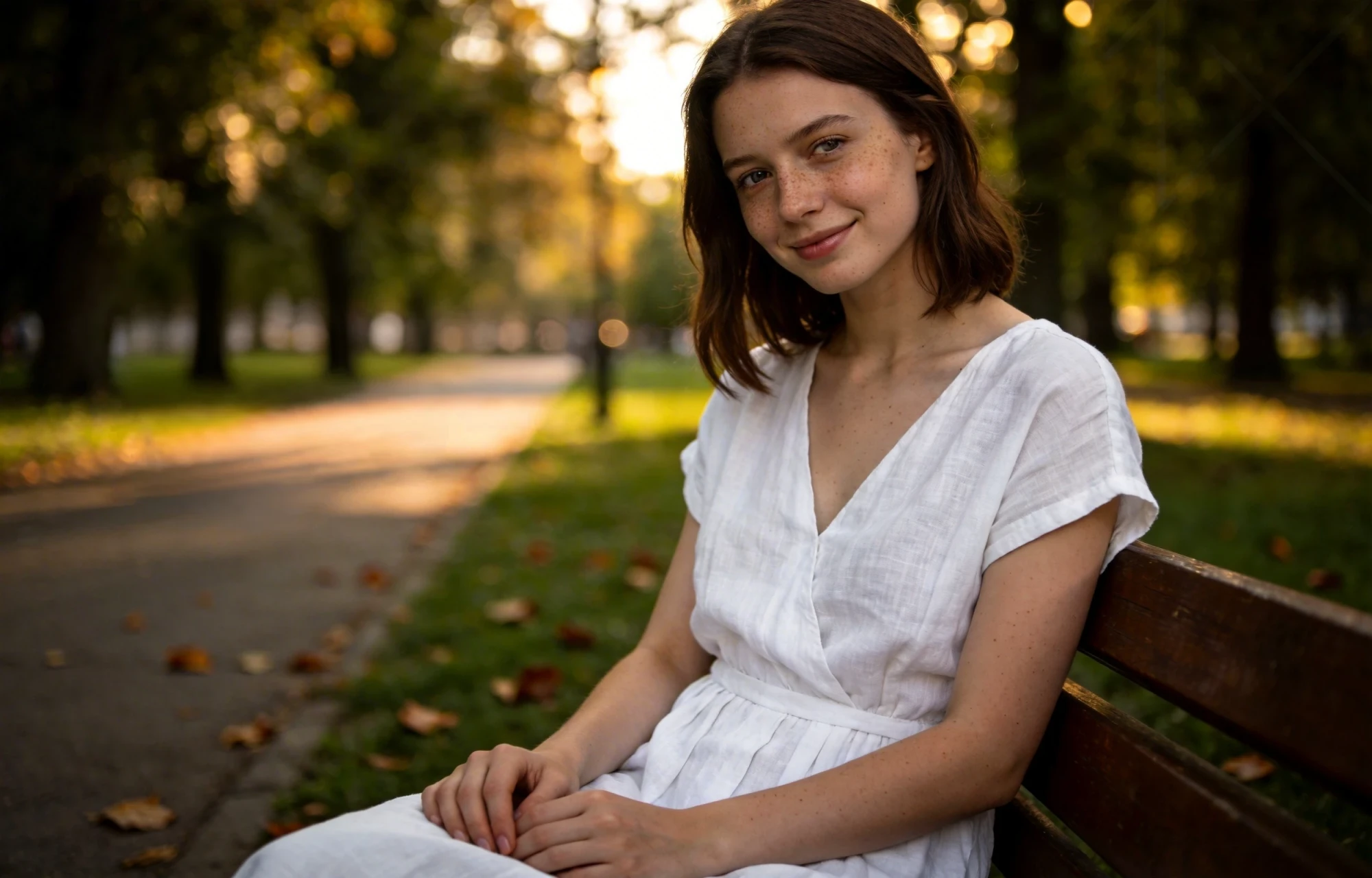
Create DSLR-style background blur, soften distractions, and keep portraits, products, and selfies naturally in focus. Add portrait mode blur, bokeh effects, and shallow depth of field without needing a professional camera.

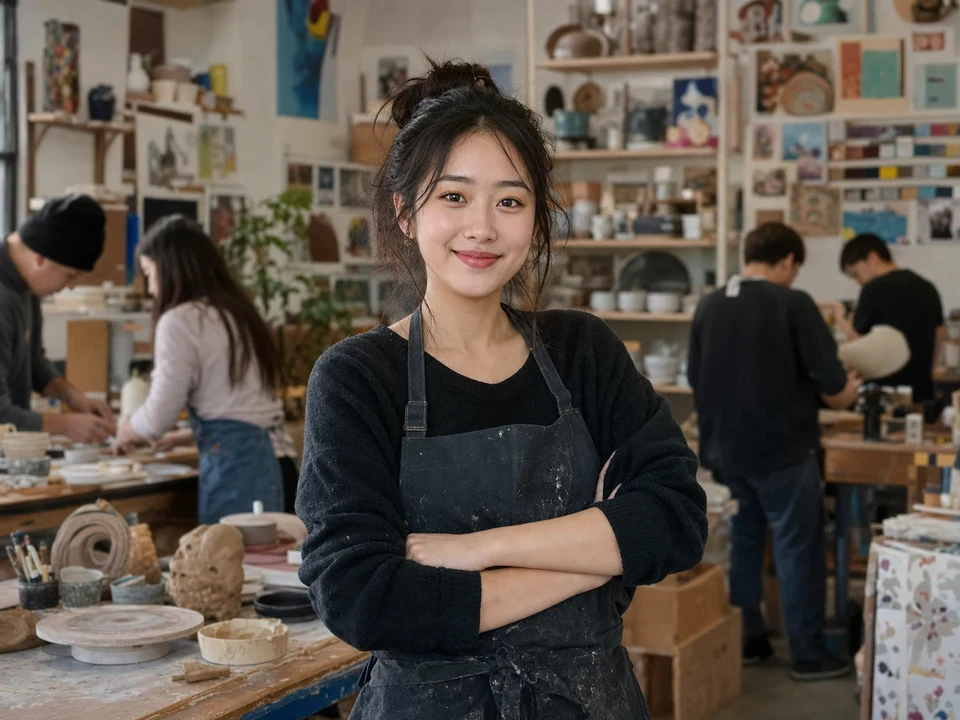
Portrait
Blur Backgrounds for LinkedIn Headshots
Up to 50 photos per upload • Max 10MB each
Create DSLR-Style Background Blur
Add shallow depth-of-field blur without using expensive cameras or portrait lenses.
Improve Portrait Focus
Keep faces, products, and important subjects sharp while softening distracting backgrounds.
Add Natural Bokeh Effects
Simulate soft camera bokeh and portrait mode blur for a cleaner, more cinematic look.
Blur Backgrounds Without Photoshop
Create professional-looking blur effects online without manual masking or editing.
Many photos already have a strong subject. The problem is usually the distracting background behind it.
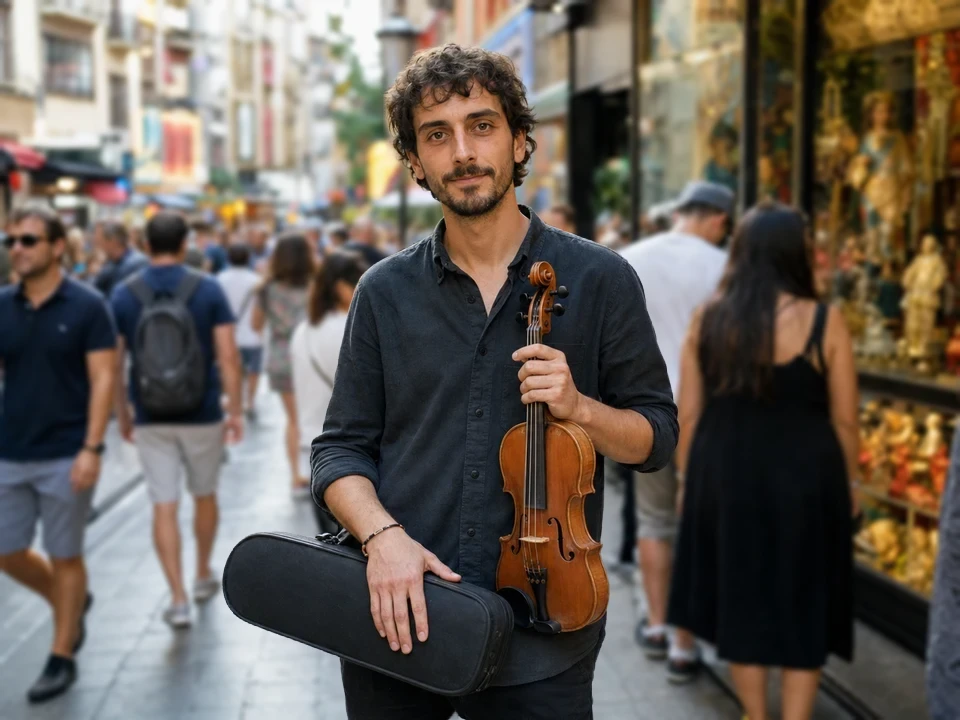
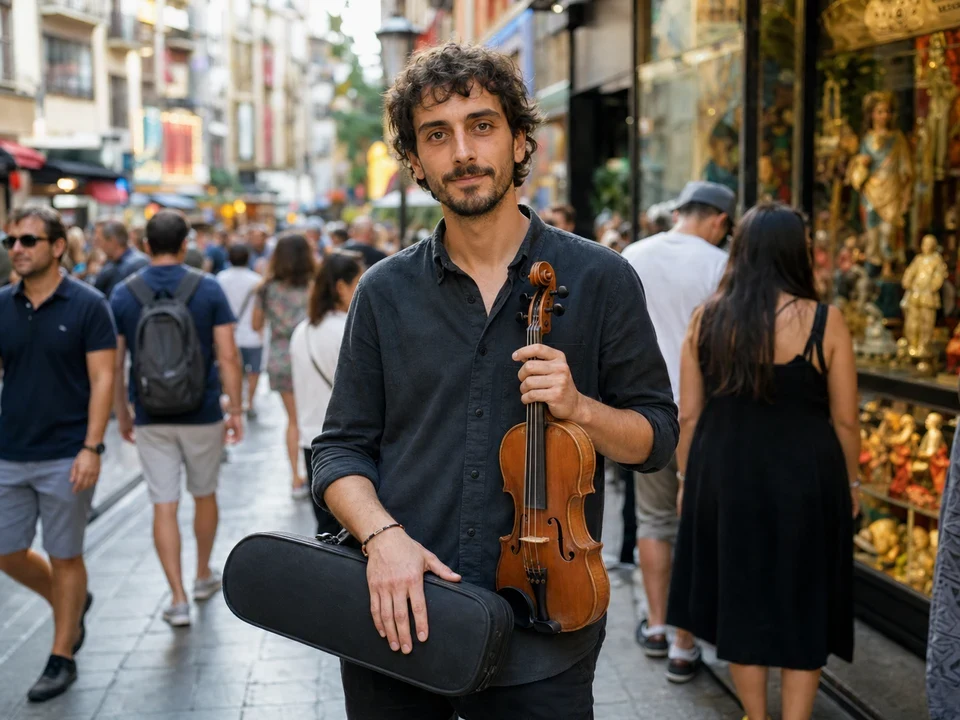
A strong portrait can still feel messy if the room, crowd, or environment distracts from the subject.
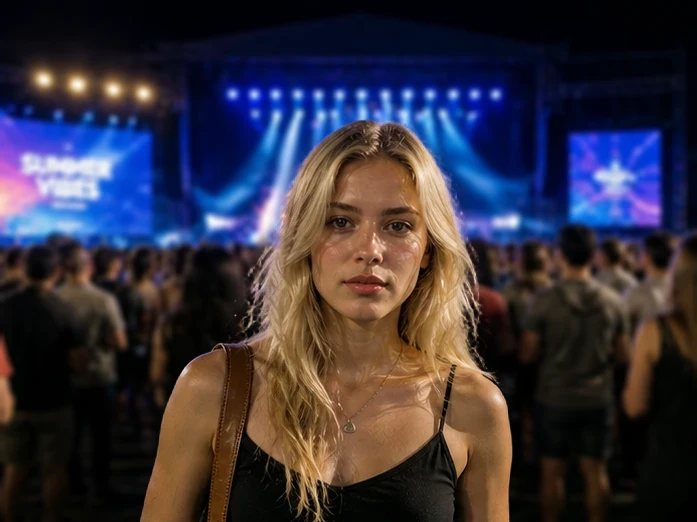
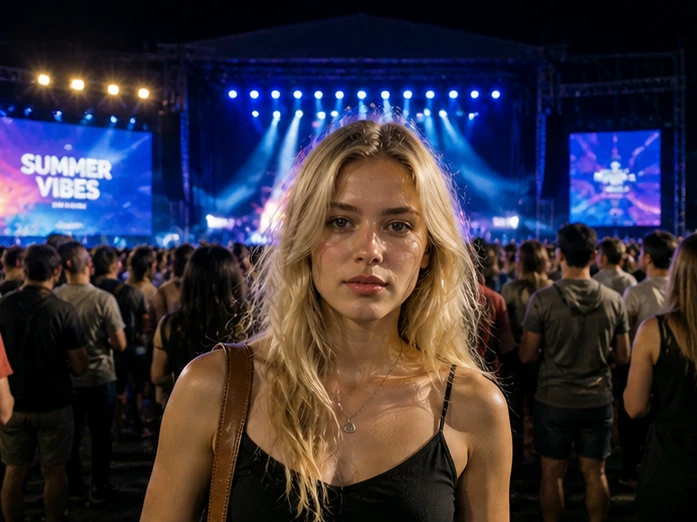
Flat backgrounds often make selfies and portraits feel less professional compared to DSLR photography.
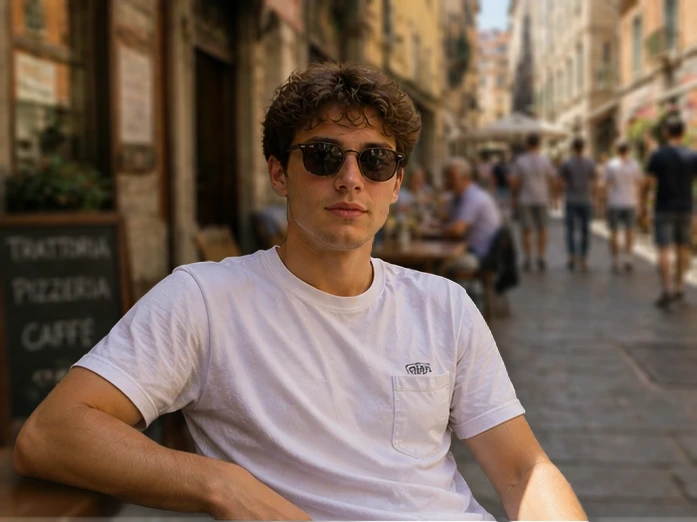
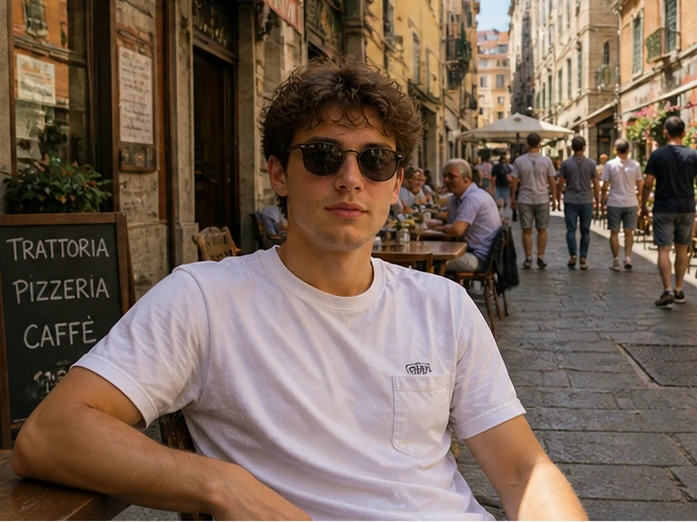
Subtle blur helps products stand out while keeping the original environment visible.
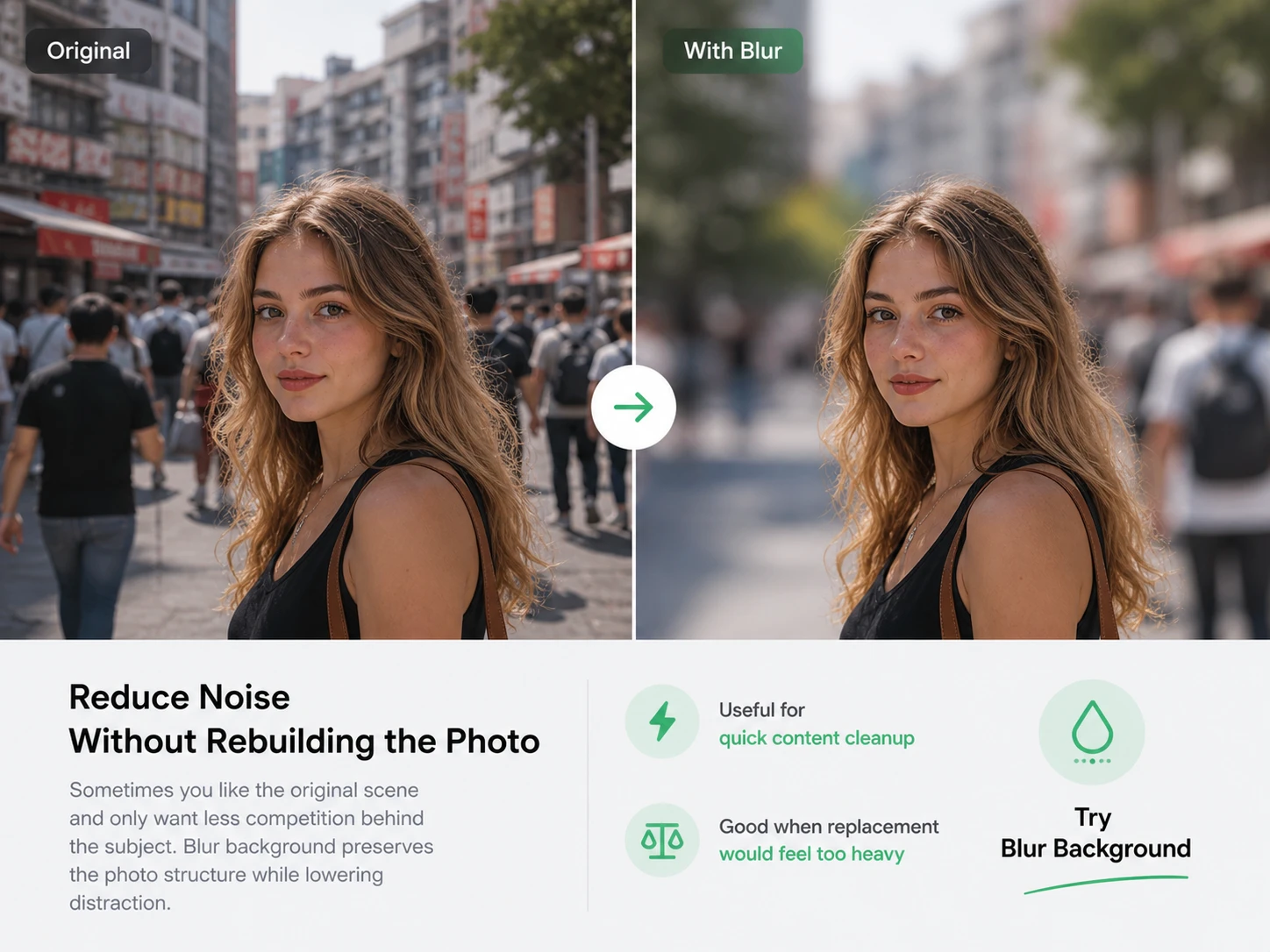
AI blur tools help create depth-of-field effects without masking everything by hand.
Portraits, products, and social photos often need different blur intensity and depth styles.
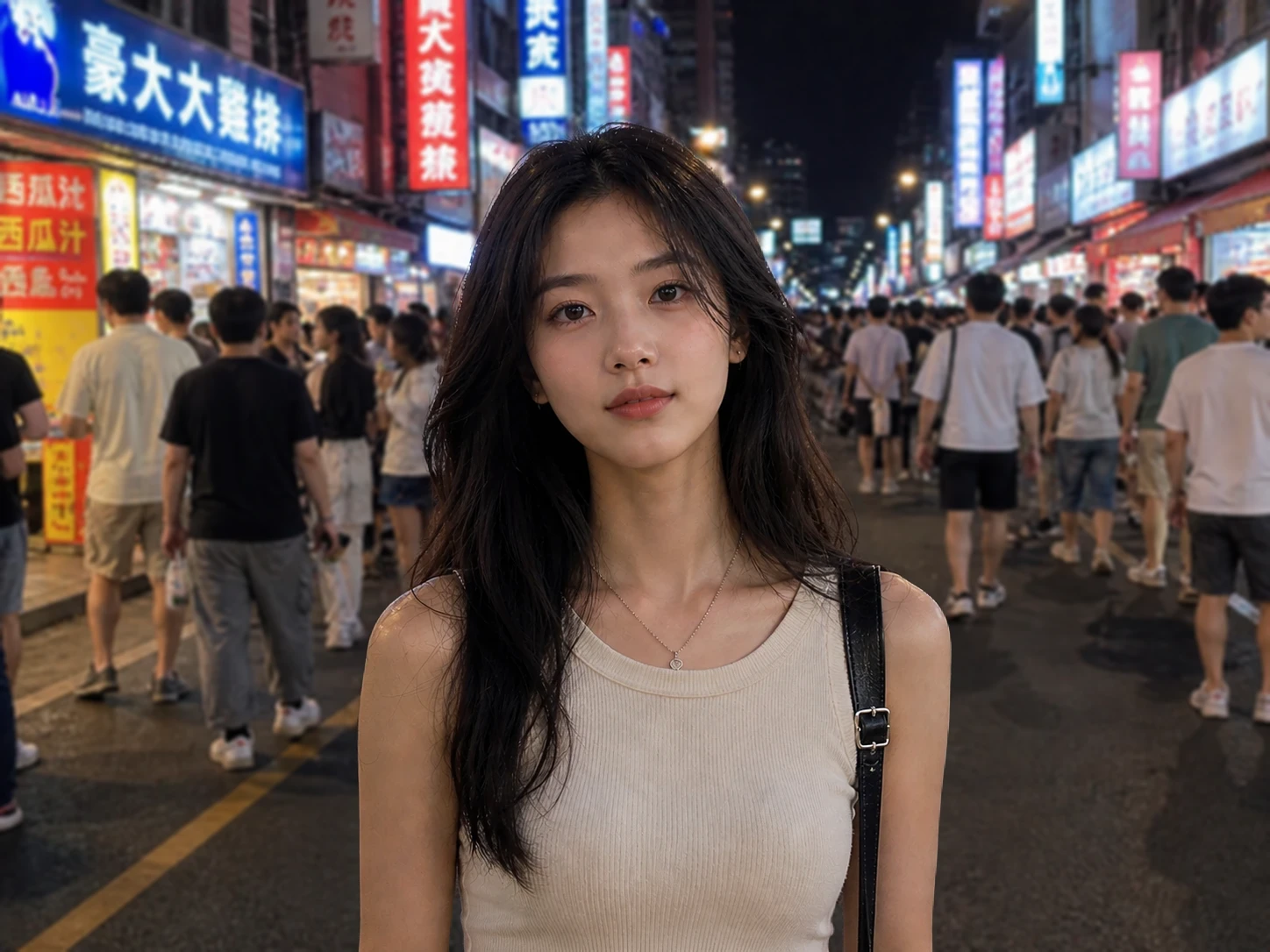
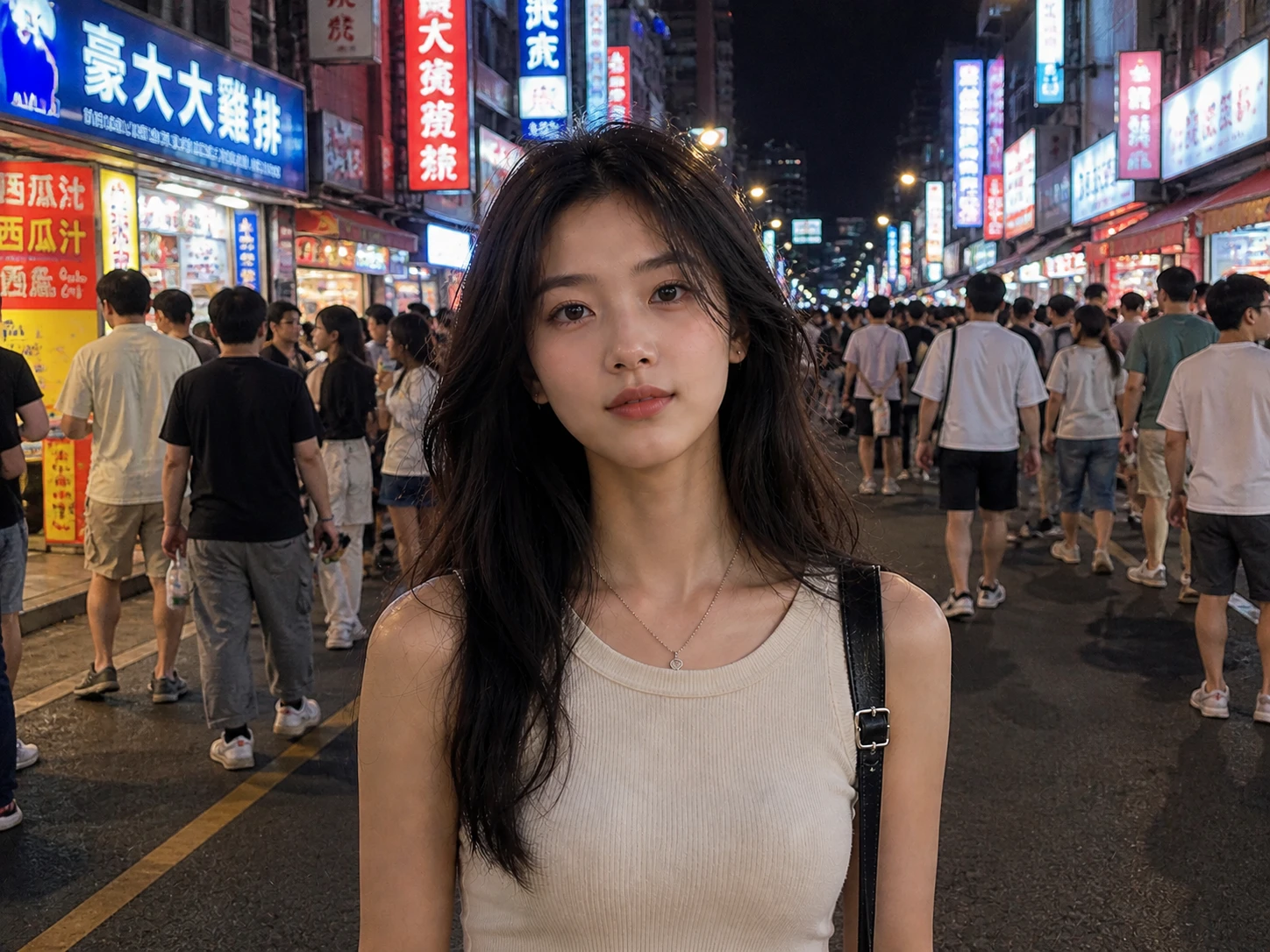
A softer, more natural blur style inspired by modern smartphone portrait mode effects.
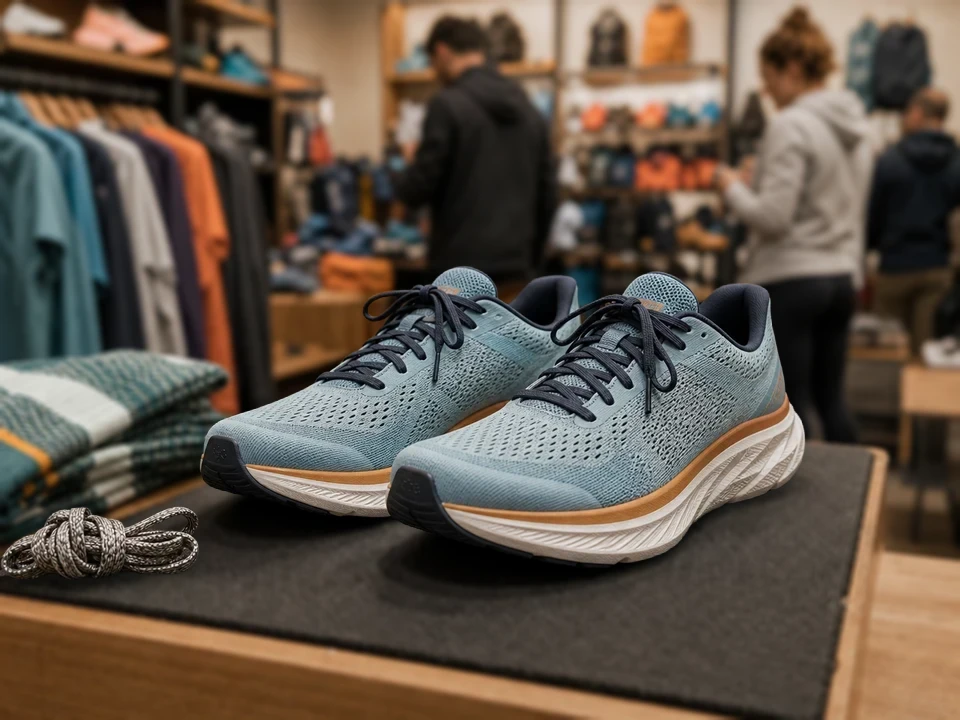
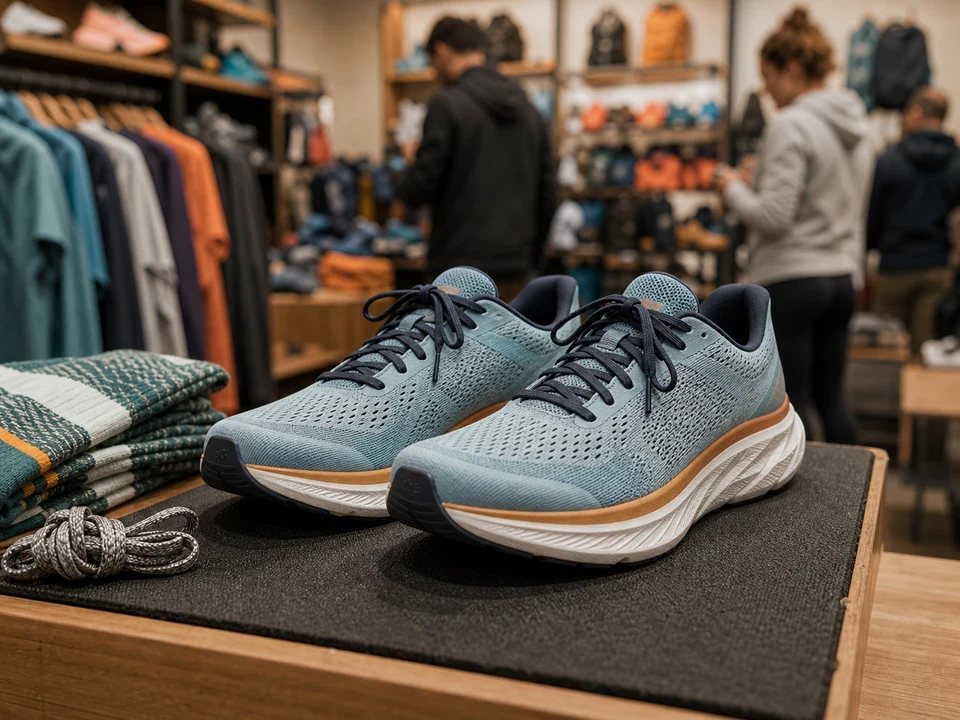
Simulate shallow depth-of-field blur with stronger focus separation and lens-style bokeh.
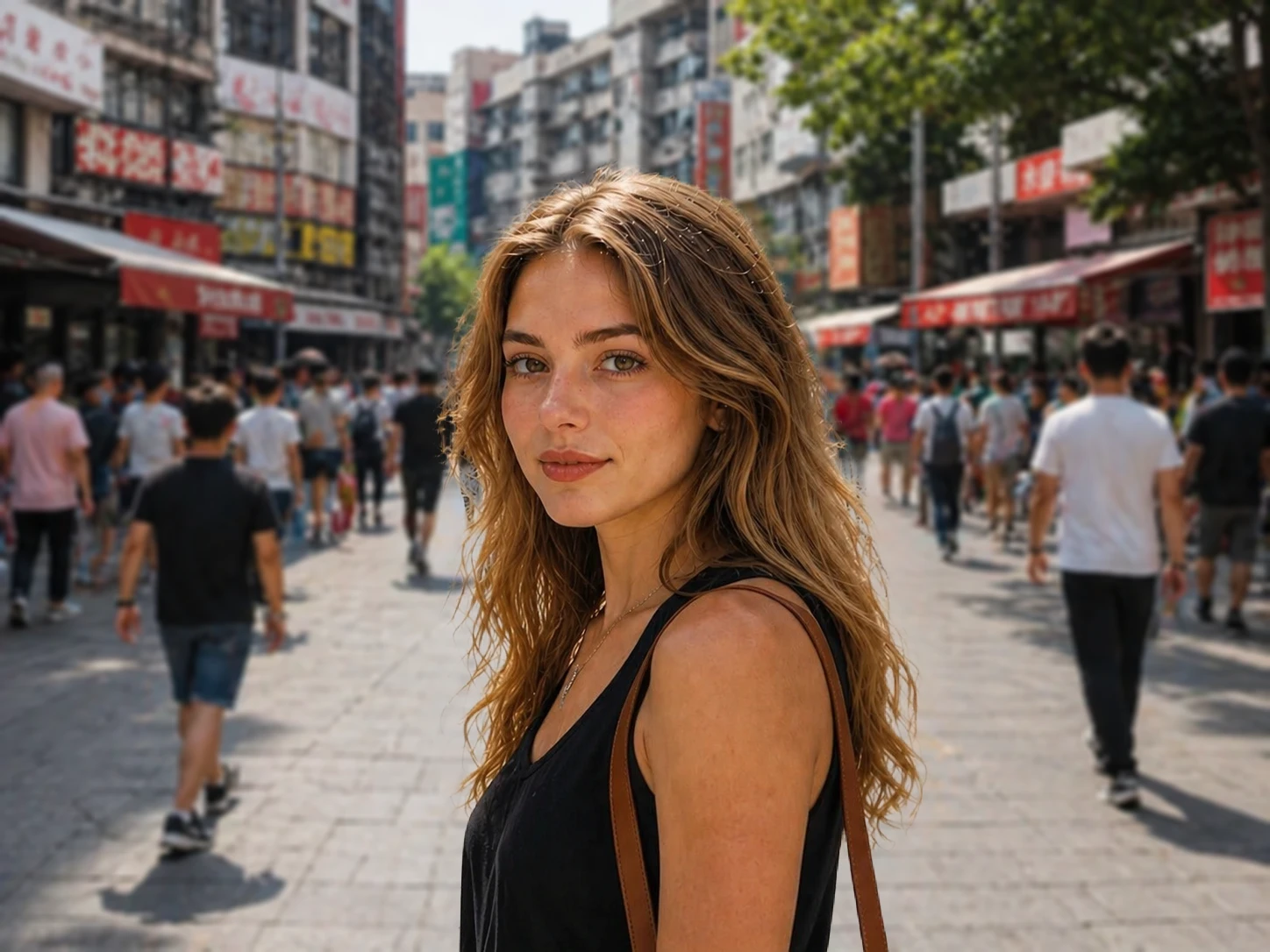
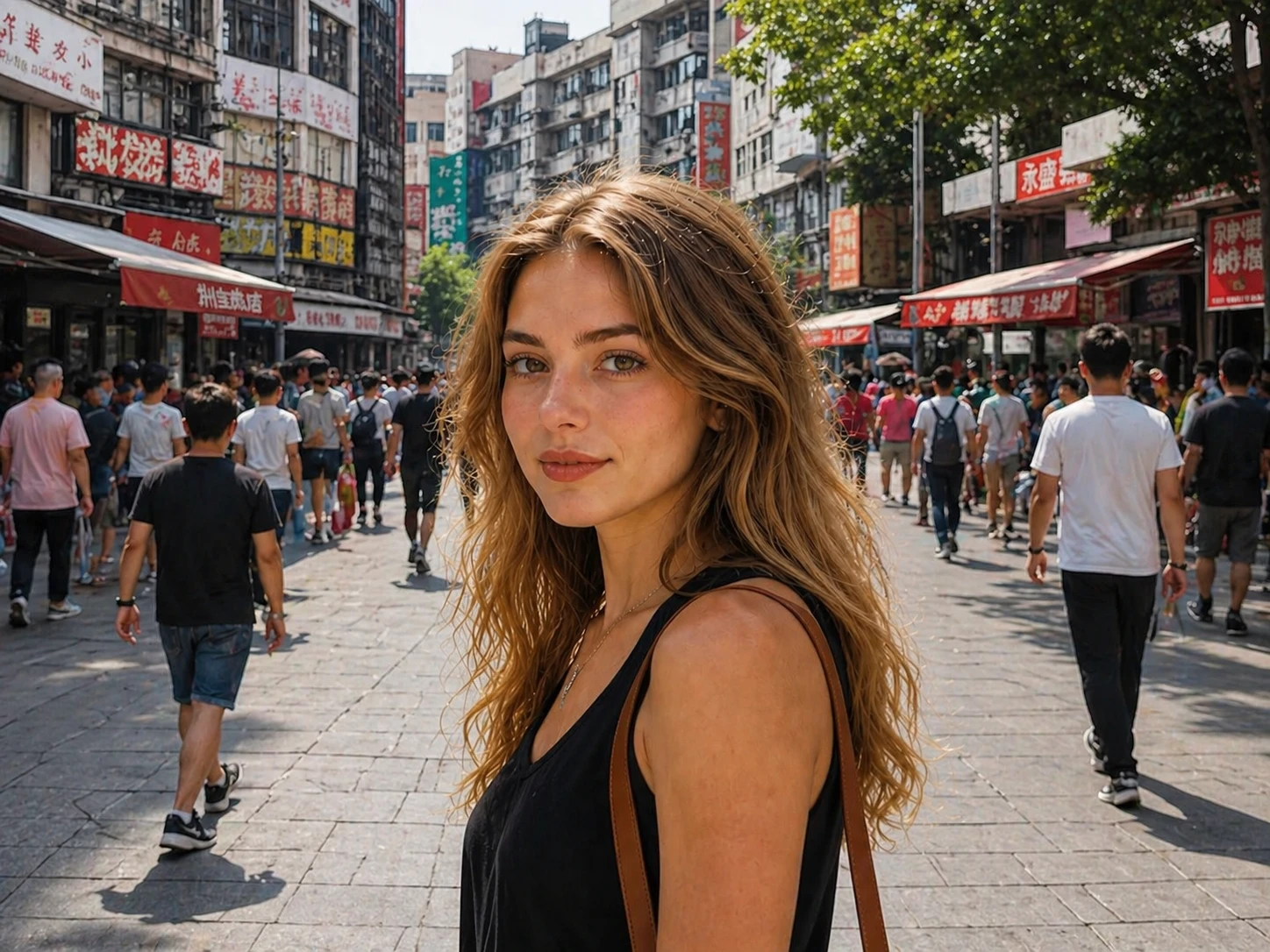
Use stronger depth separation and cinematic blur to create more dramatic visual focus.
Upload a photo, choose the blur style, and generate a more focused image.
Choose a portrait, selfie, product image, or lifestyle photo.
Select portrait mode, DSLR blur, cinematic blur, or bokeh effects.
Review the subject edges, focus depth, and naturalness of the background blur.
Answers about portrait mode blur, DSLR blur, bokeh effects, and background focus.
Upload your photo, choose a DSLR or portrait blur style, then let the AI generate a shallow depth-of-field effect.
Yes. Bokeh blur mode adds softer light bloom and lens-style background blur effects.
Background blur keeps the original scene while softening it. Background replacement removes the old background and creates a new one.
That is the goal. The tool tries to keep subject edges sharp while making the background softer and more realistic.
Portraits, selfies, products, and lifestyle photos with a clear subject usually work best.
Yes. You can choose lighter portrait blur or stronger cinematic depth effects depending on the photo.
Create portrait mode blur, DSLR depth, and cinematic focus effects online with AI.
Discover other powerful AI tools to enhance, restore, and transform your images
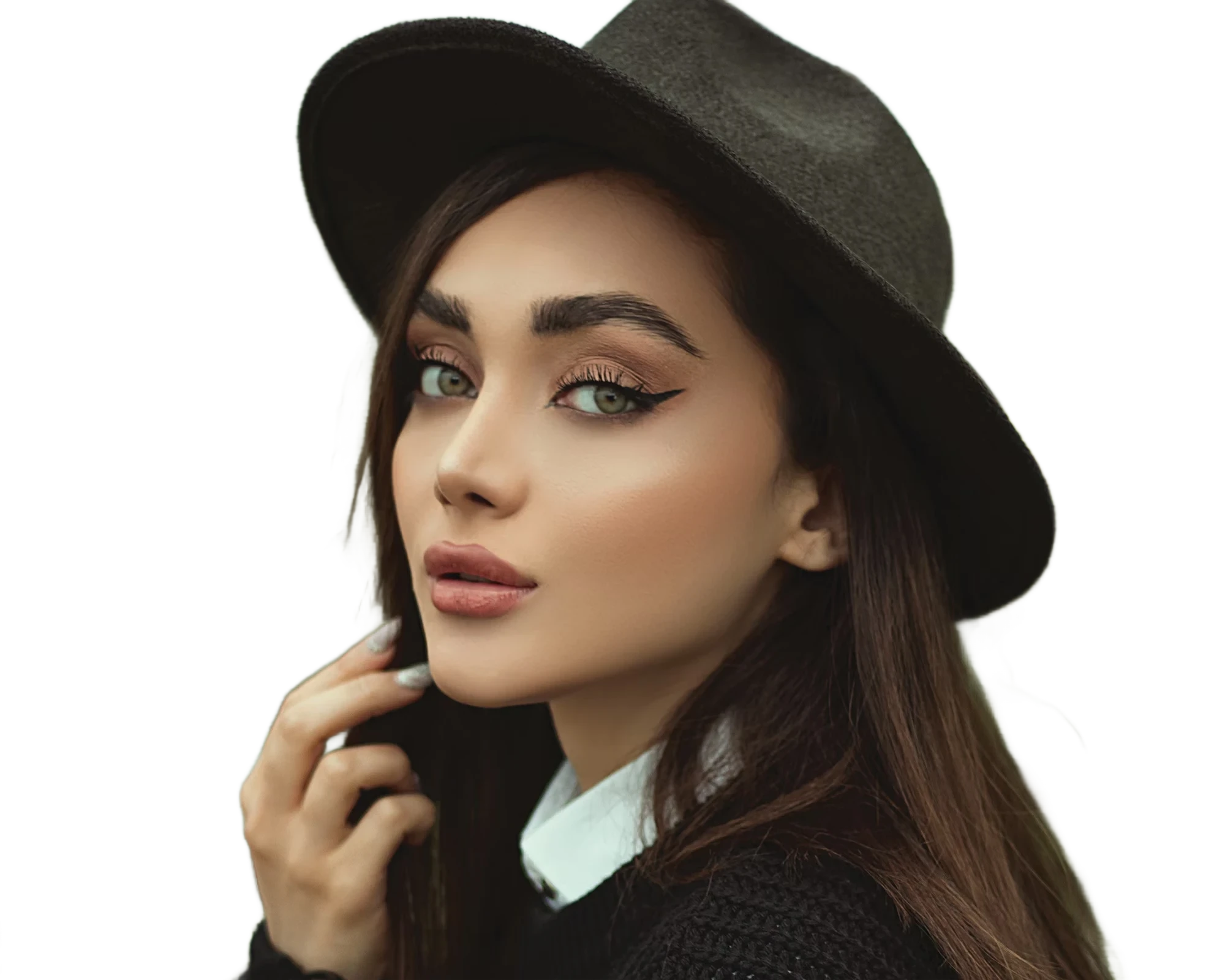
Instantly remove image backgrounds with precise edge detection
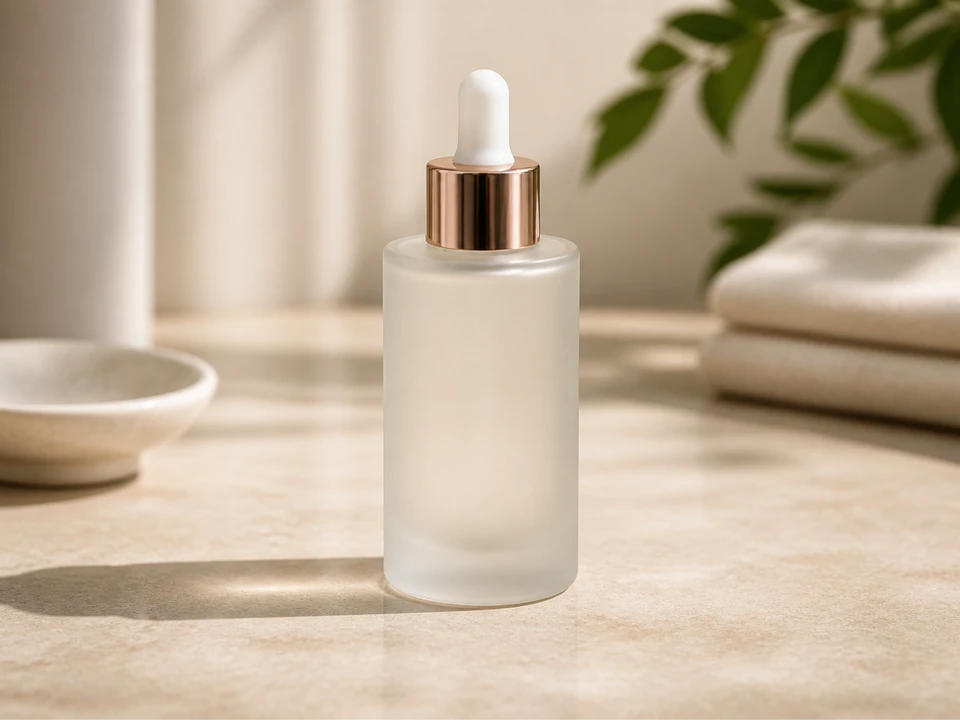
Replace photo backgrounds with AI
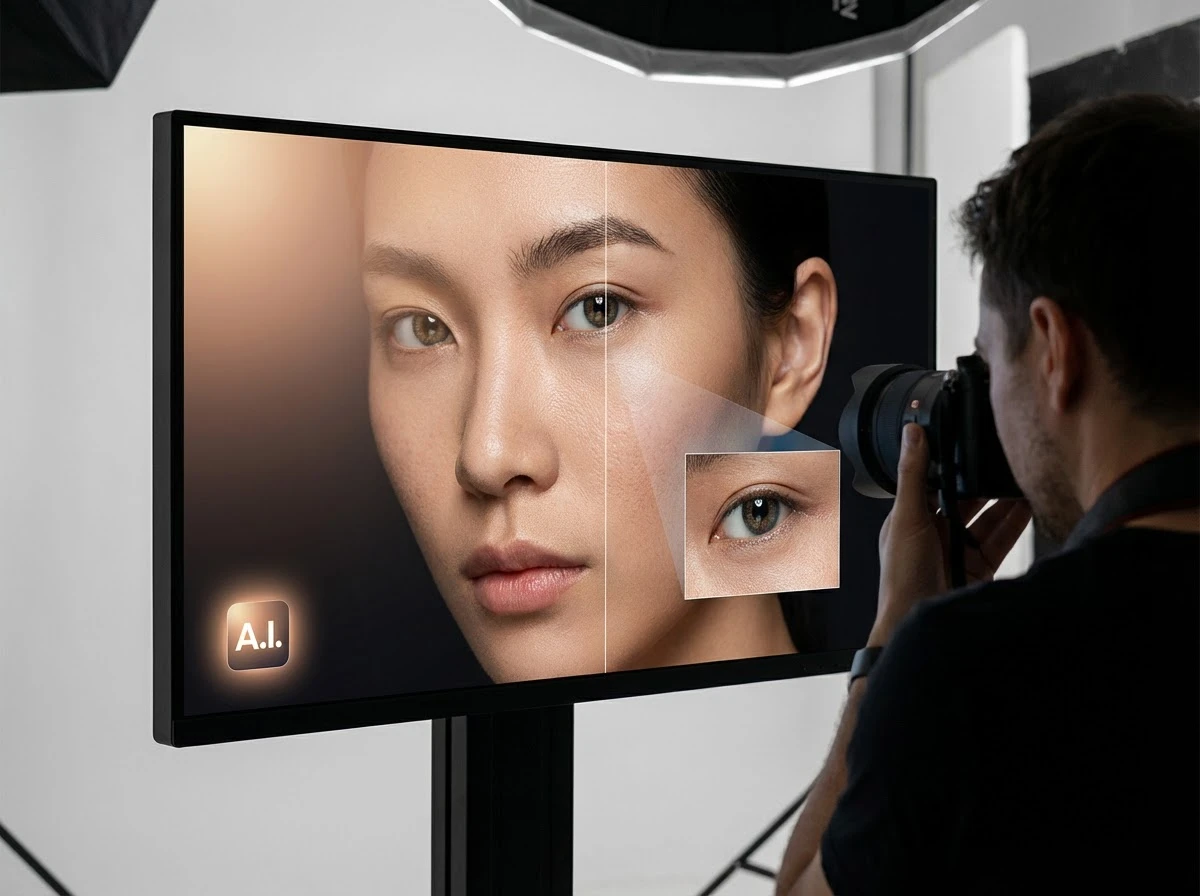
Fix dark faces, reshape portrait lighting, and shift scene mood with grouped AI light styles
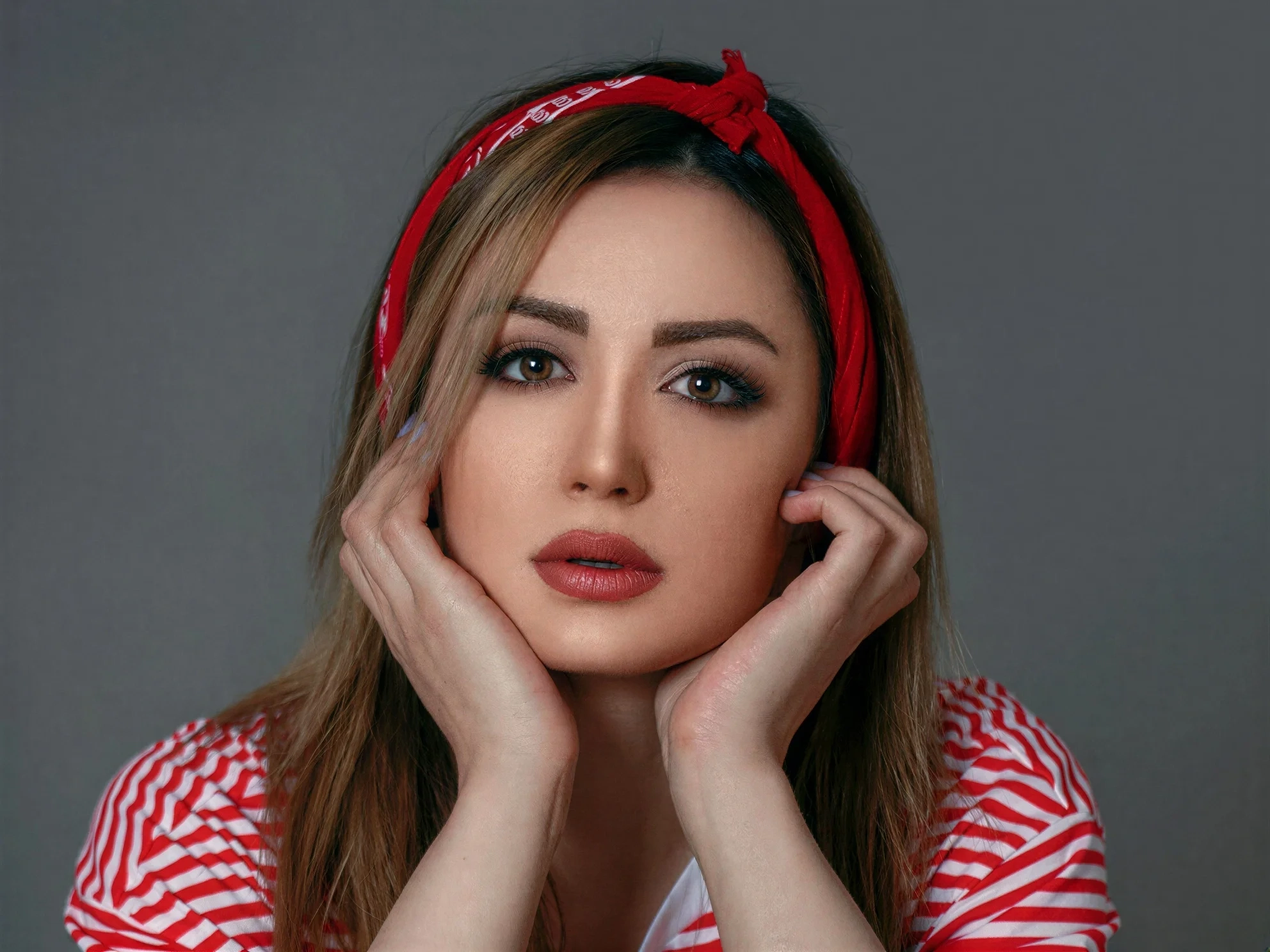
Transform ordinary images into stunning high-quality visuals with advanced AI enhancement
Erase unwanted objects from photos seamlessly with AI inpainting
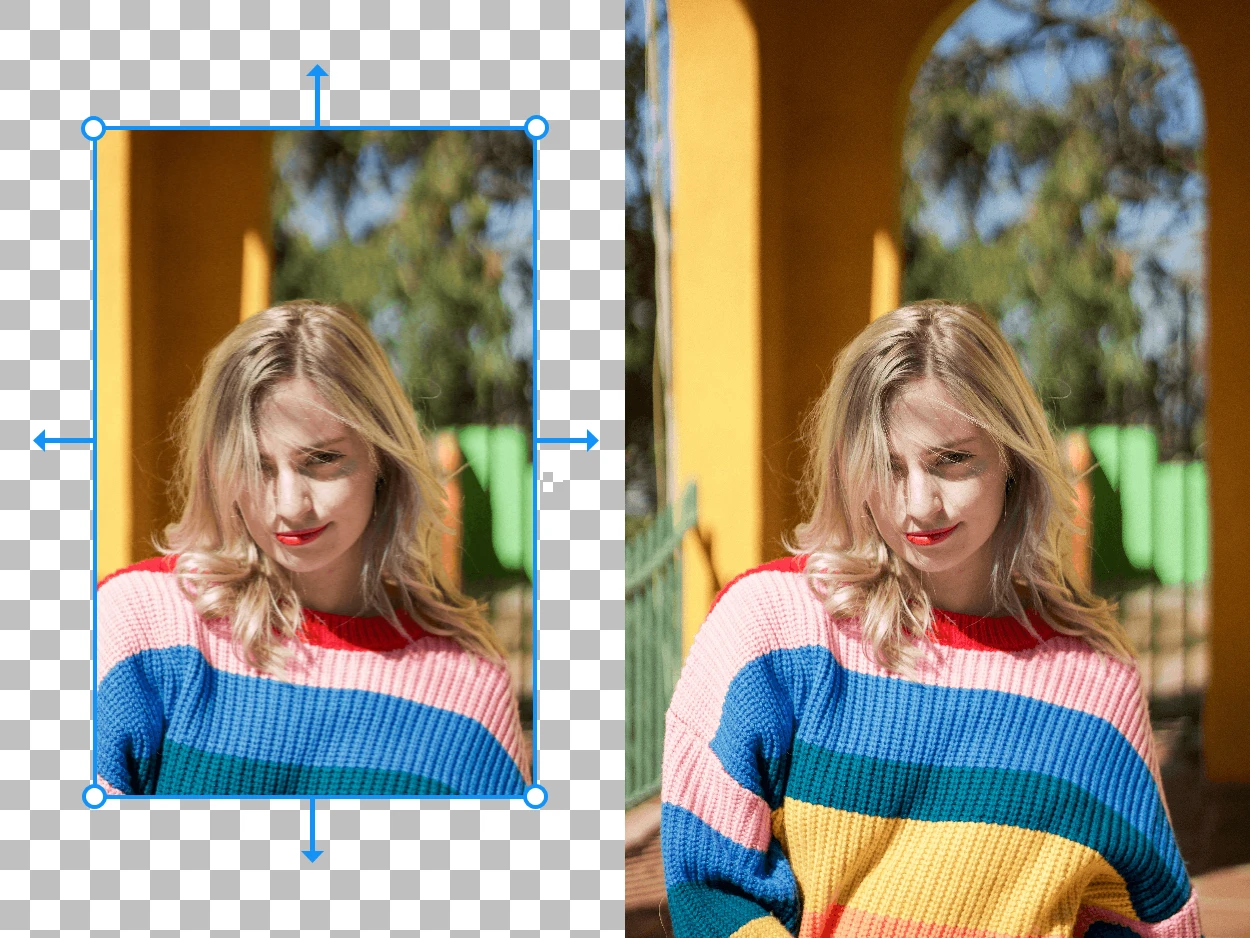
Expand your images beyond their original borders with AI-generated content