
Start with a Selfie
Use a clear selfie or casual photo from your phone to create a headshot without booking a photoshoot.
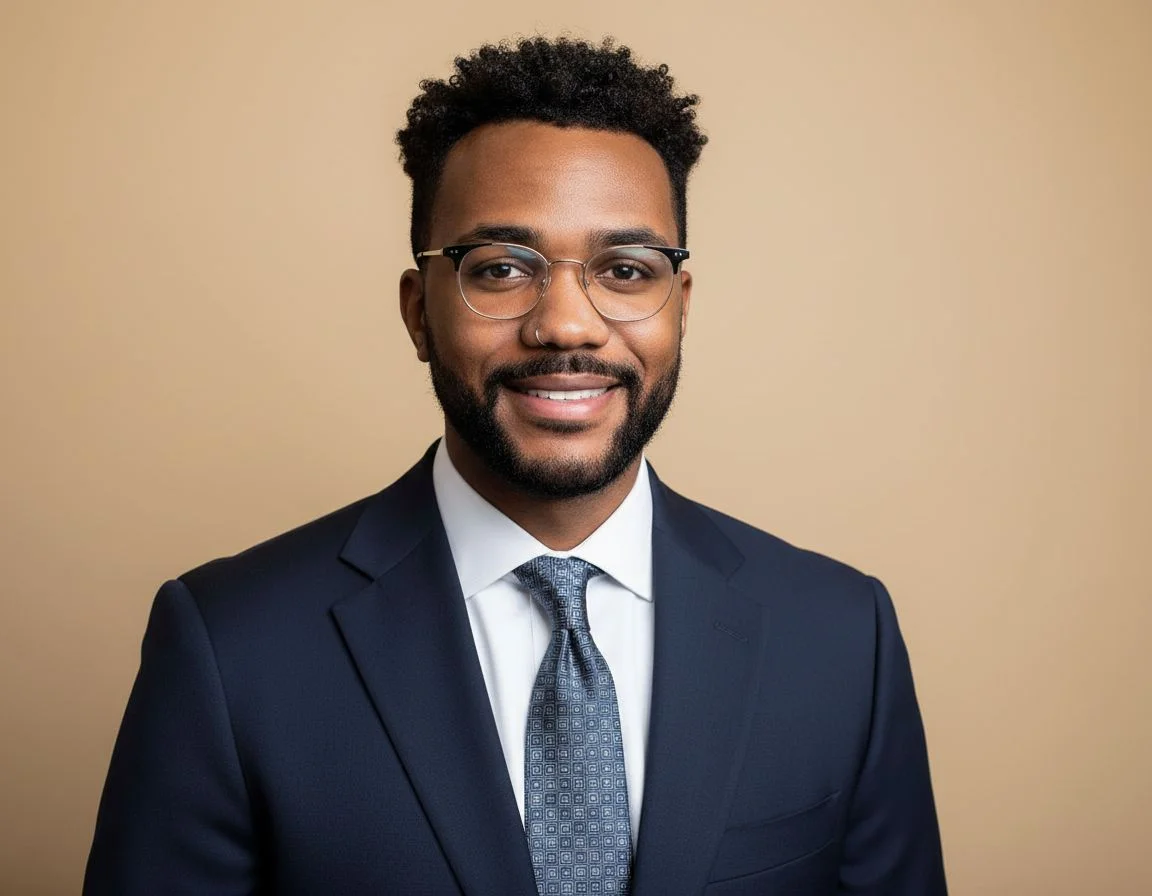
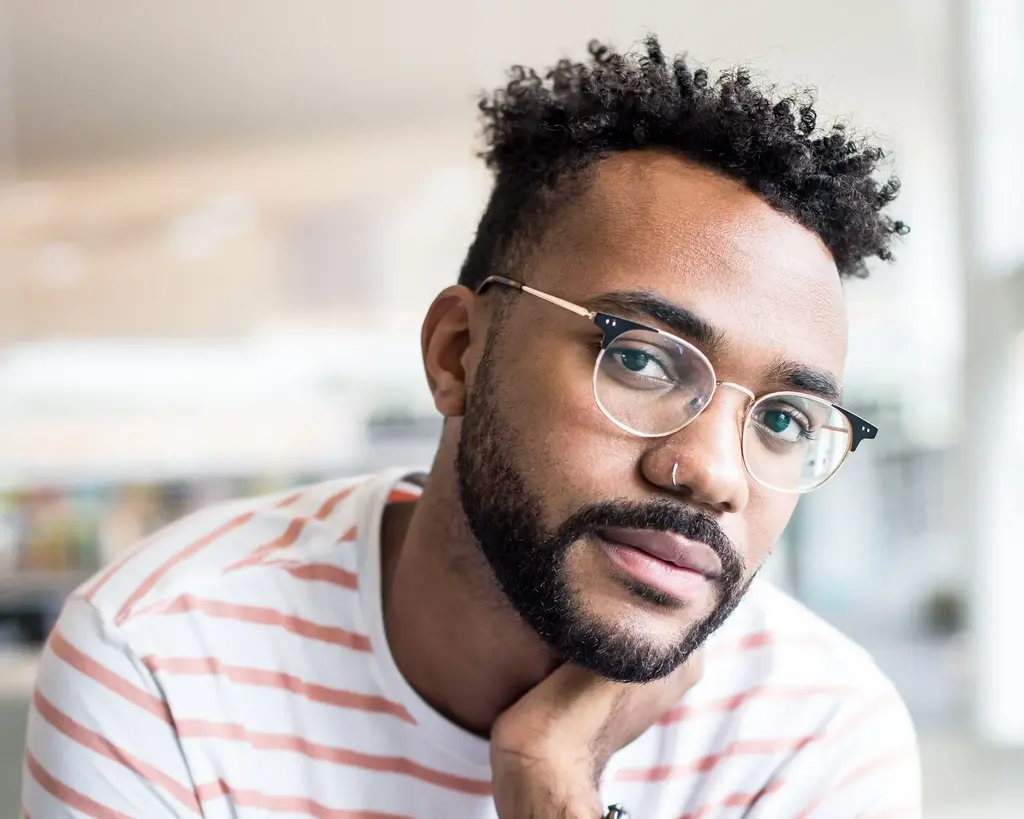
AI turns a clear selfie or casual photo into a headshot for LinkedIn or work. Choose from 20 backgrounds and 48 outfits, or describe your own.
Professional profile
LinkedIn headshot
Example transformations; results vary with your photo and settings.
Up to 1 photos per upload • Max 10MB each
Start with a Selfie
Use a clear selfie or casual photo from your phone to create a headshot without booking a photoshoot.
Put the Focus on Your Face
Replace a busy background with a studio, office, or outdoor setting for your work profile.
Dress for Your Work Profile
Change the casual clothes in your photo to a suit, blazer, or relaxed work outfit.
Choose Your Own Colors and Style
Describe a light gray background or a navy blazer. You can specify the background and clothing separately.
A selfie you like may have a busy background or casual clothes. Choose a new setting and outfit for your headshot.

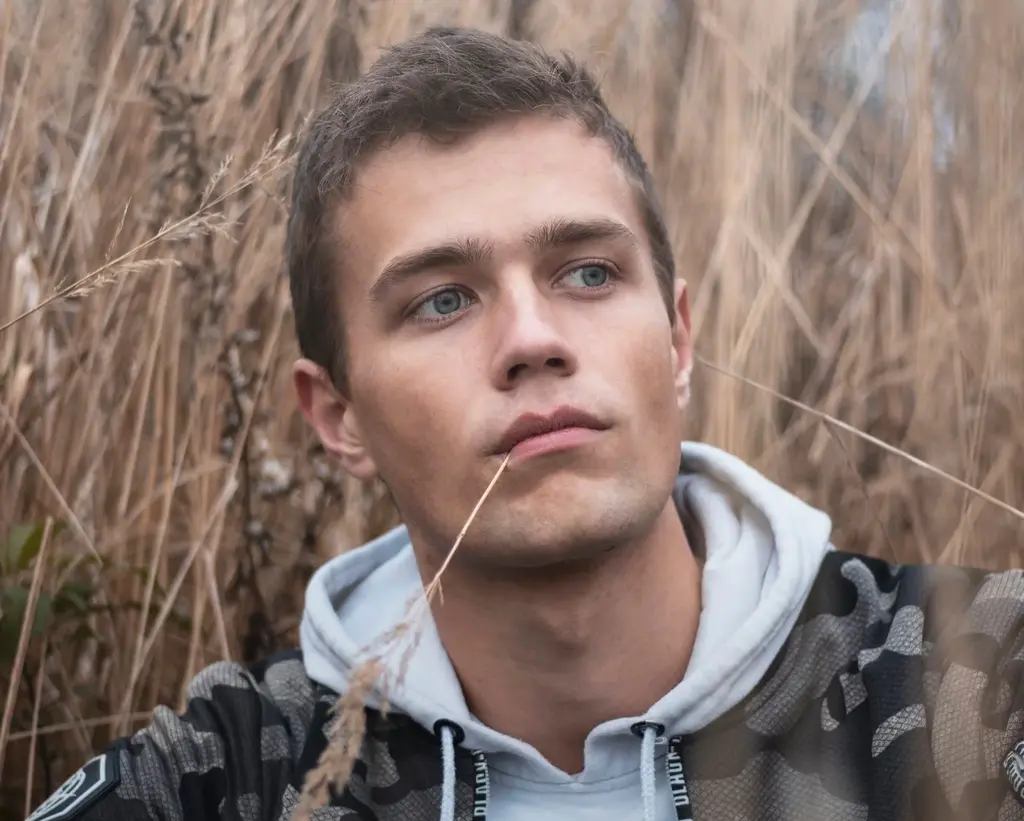
Keep the attention on your face with a plain backdrop or an office setting.
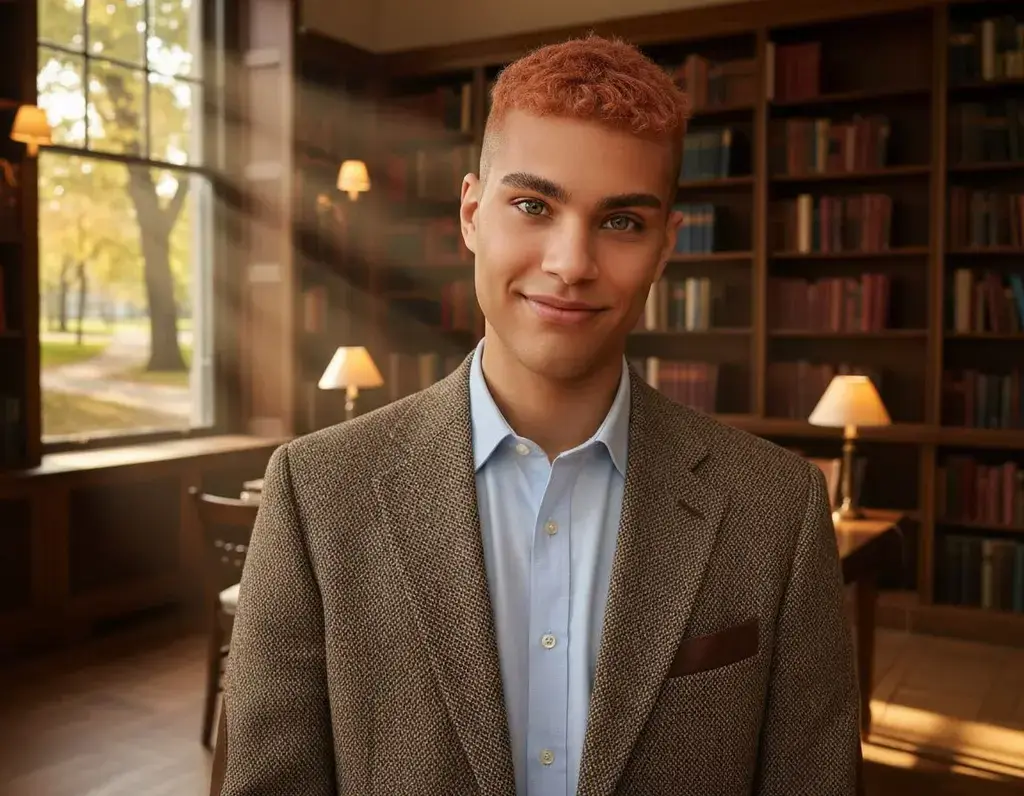
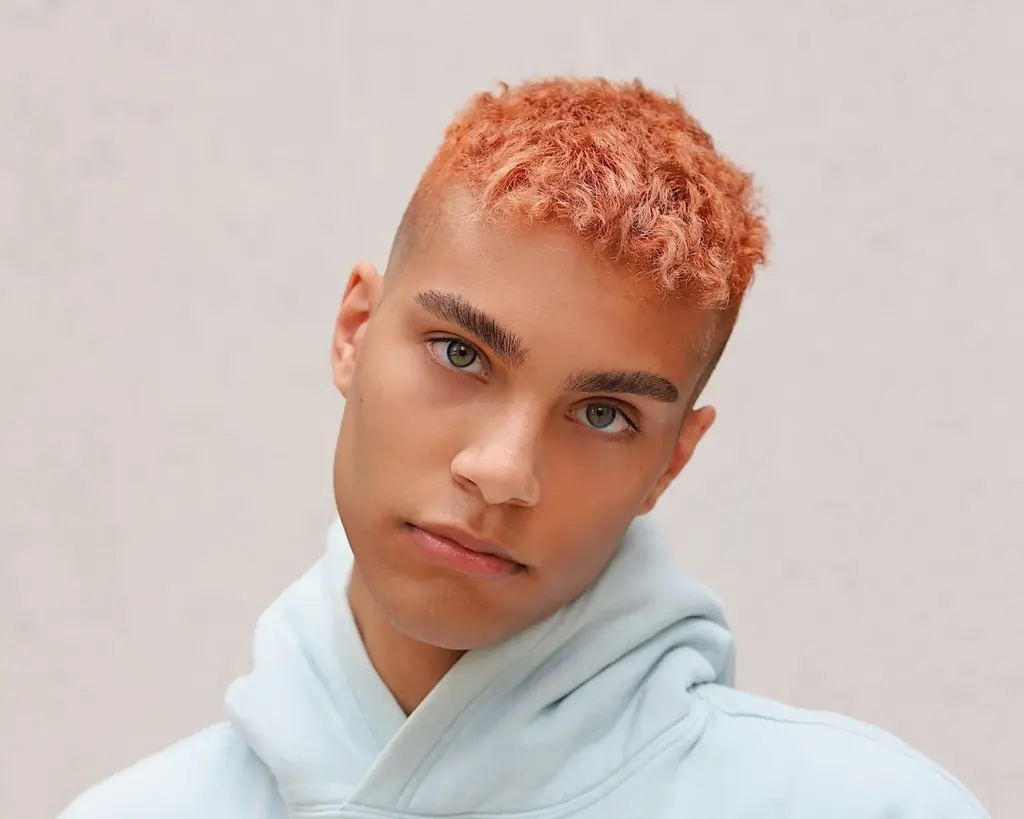
Try a blazer or suit in your headshot using the photo you uploaded.
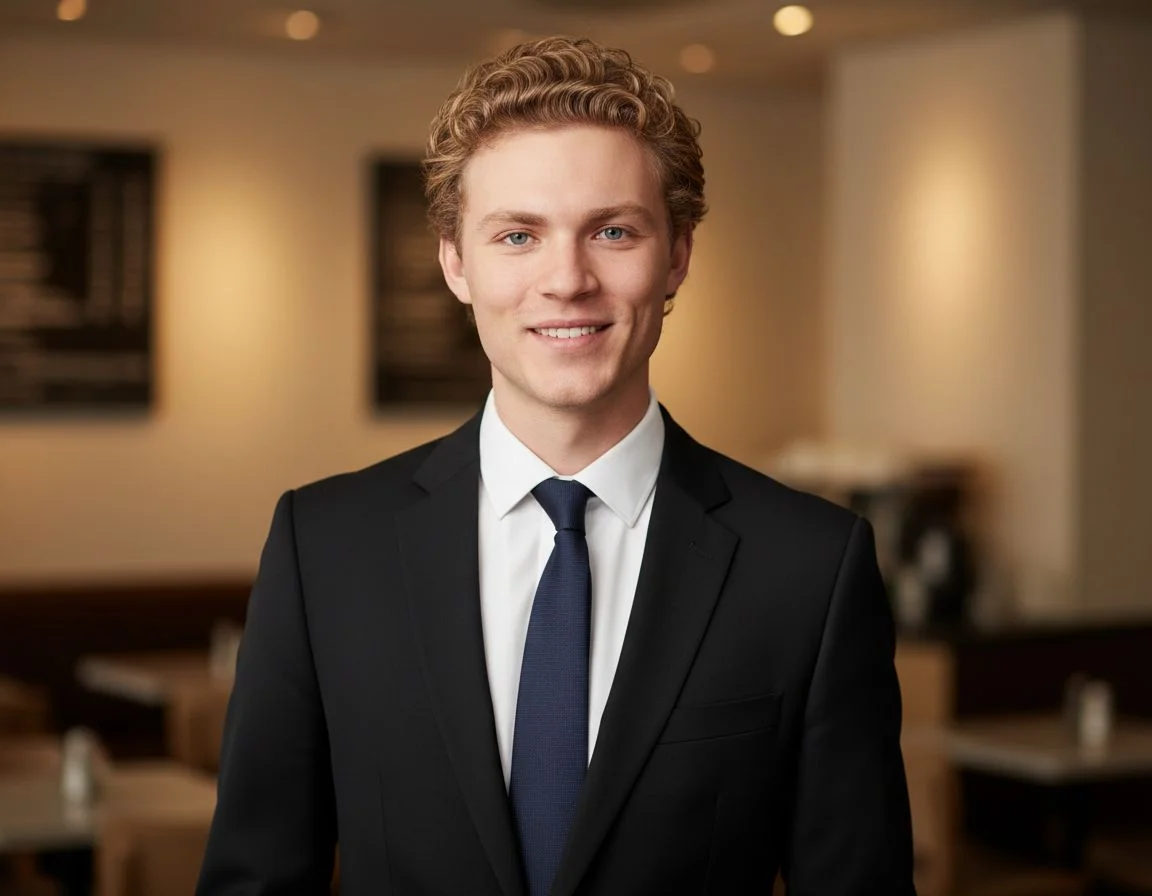
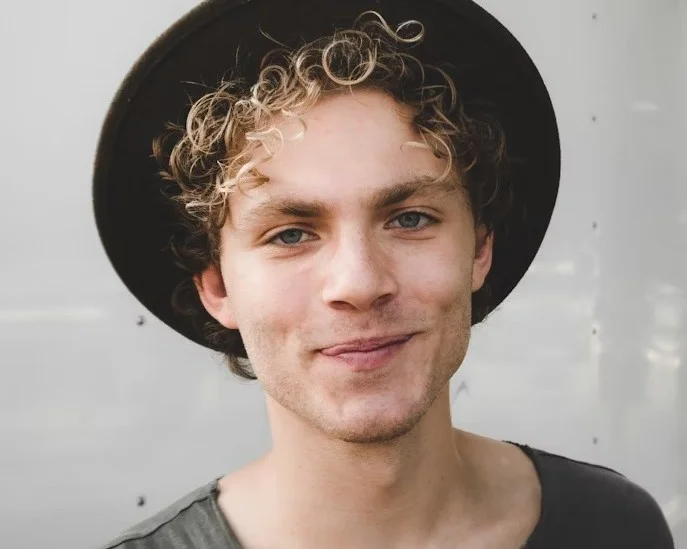
Describe the background and outfit you have in mind for your work photo.
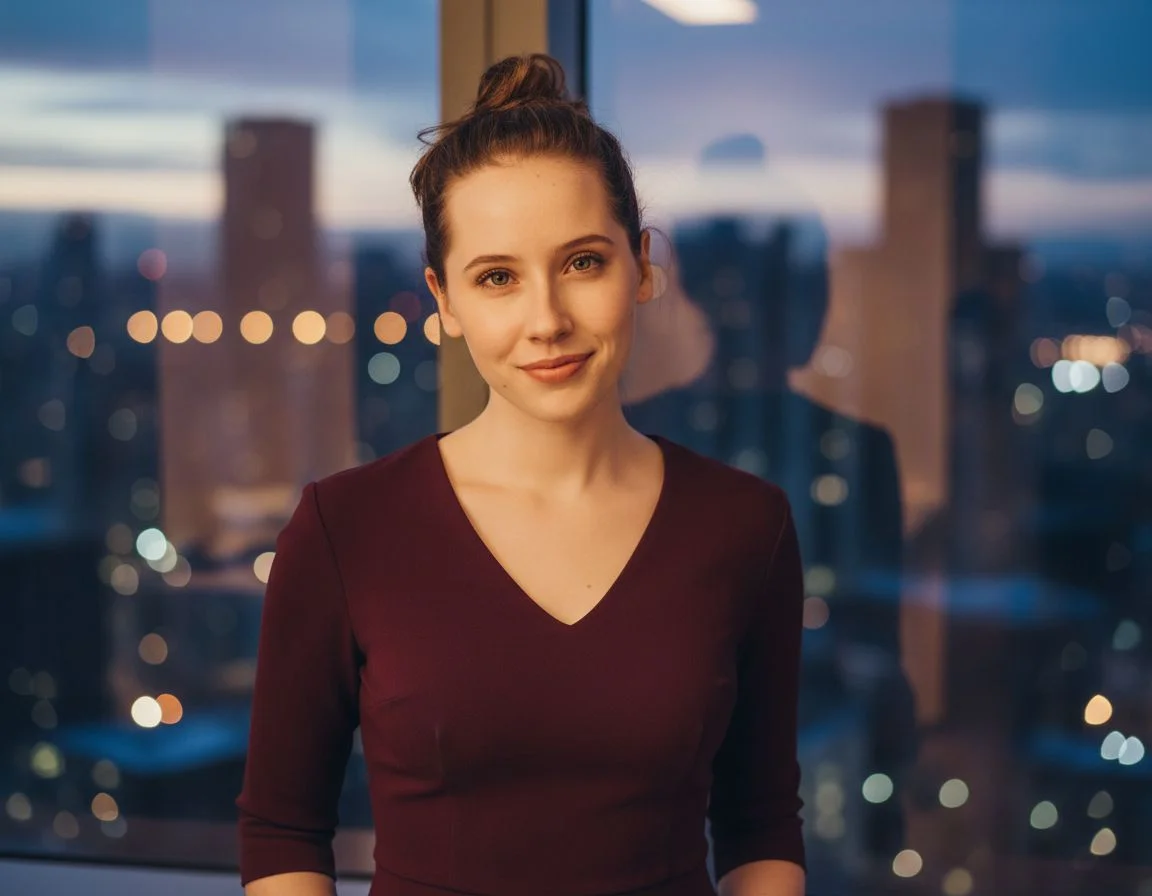
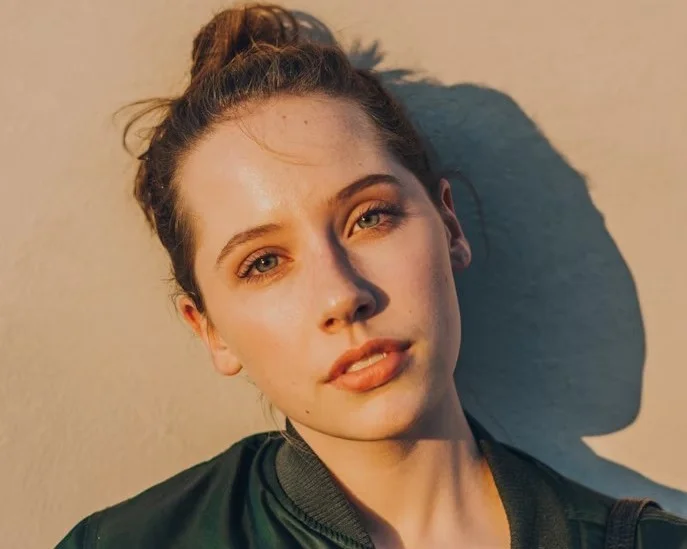
Compare the result with your original. AI can change facial details.
Choose a look for the profile you're updating.
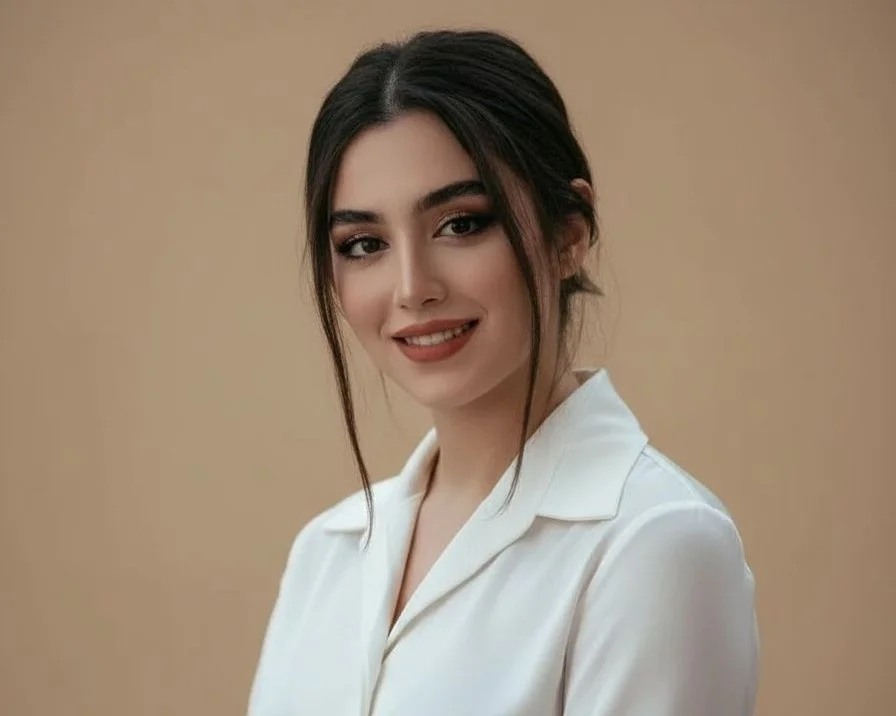
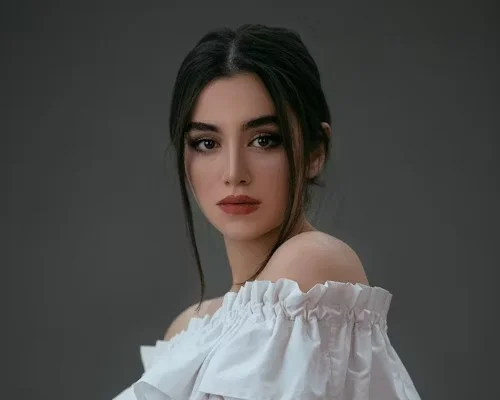
Example transformation · Professional profile
Starting a job search or a new role? Turn a selfie into a professional headshot for the profile you'll share with employers and colleagues.
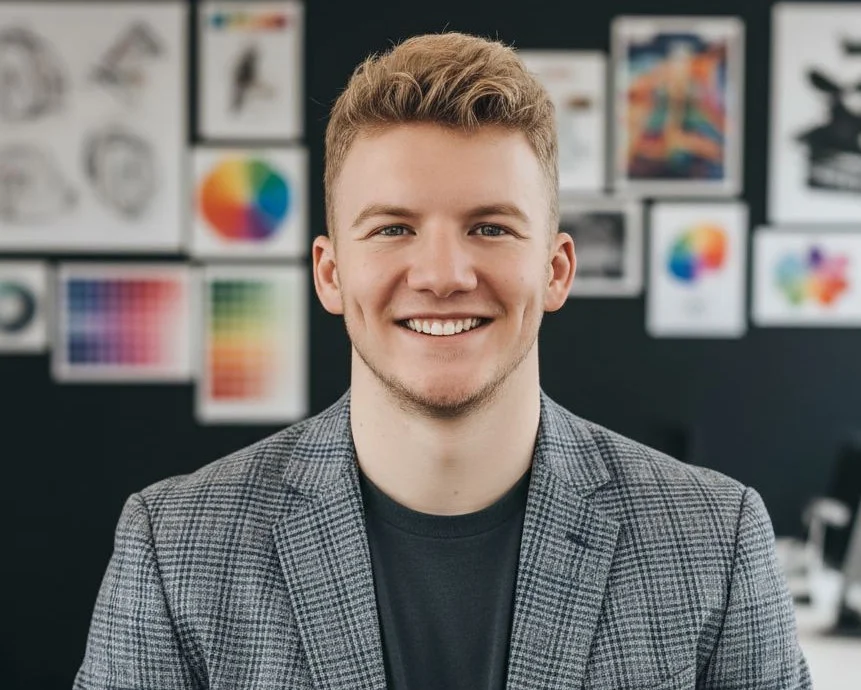
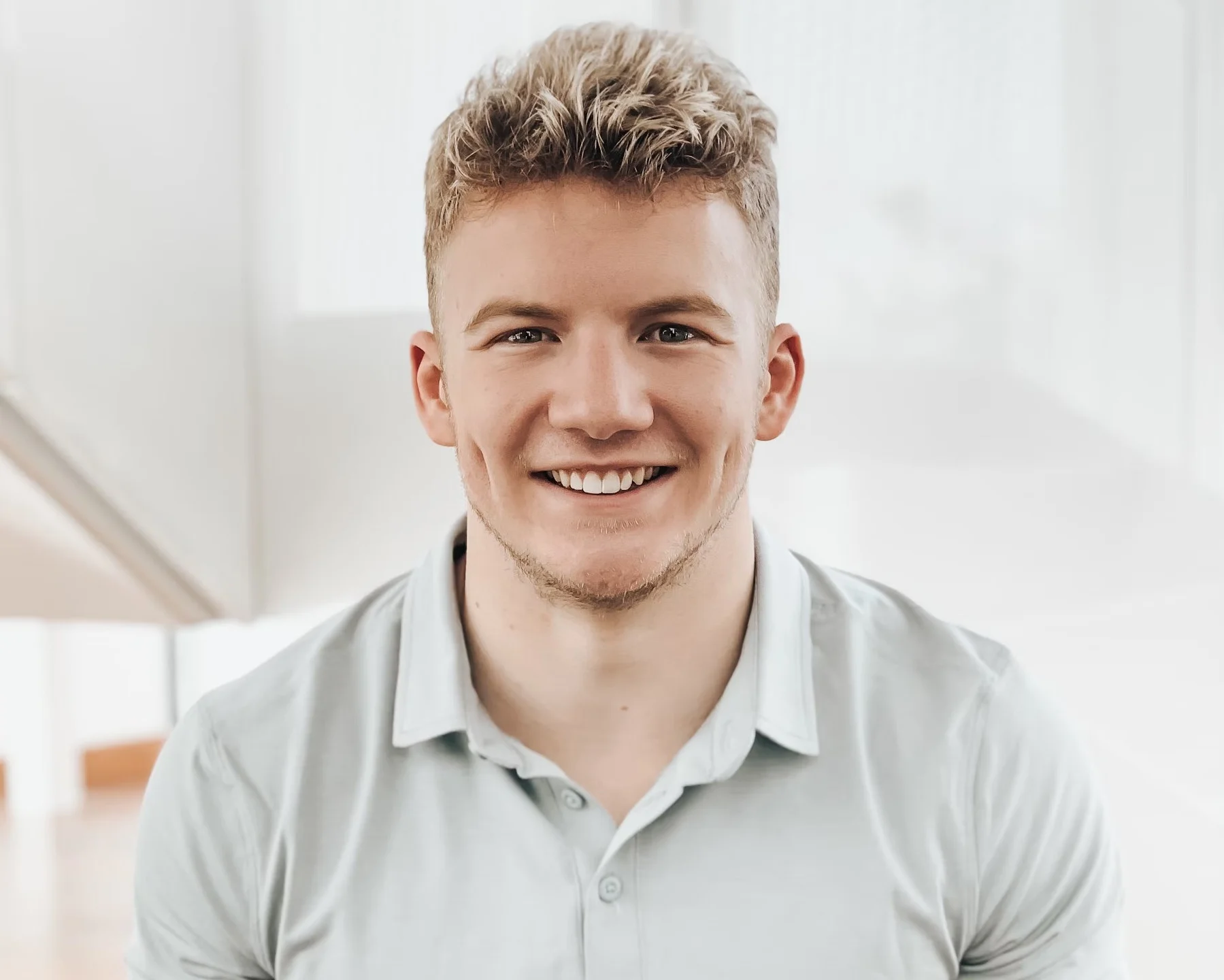
Example transformation · Personal brand
Create a portrait for your website or speaker bio from a casual photo. Choose a background and outfit that suit your work.
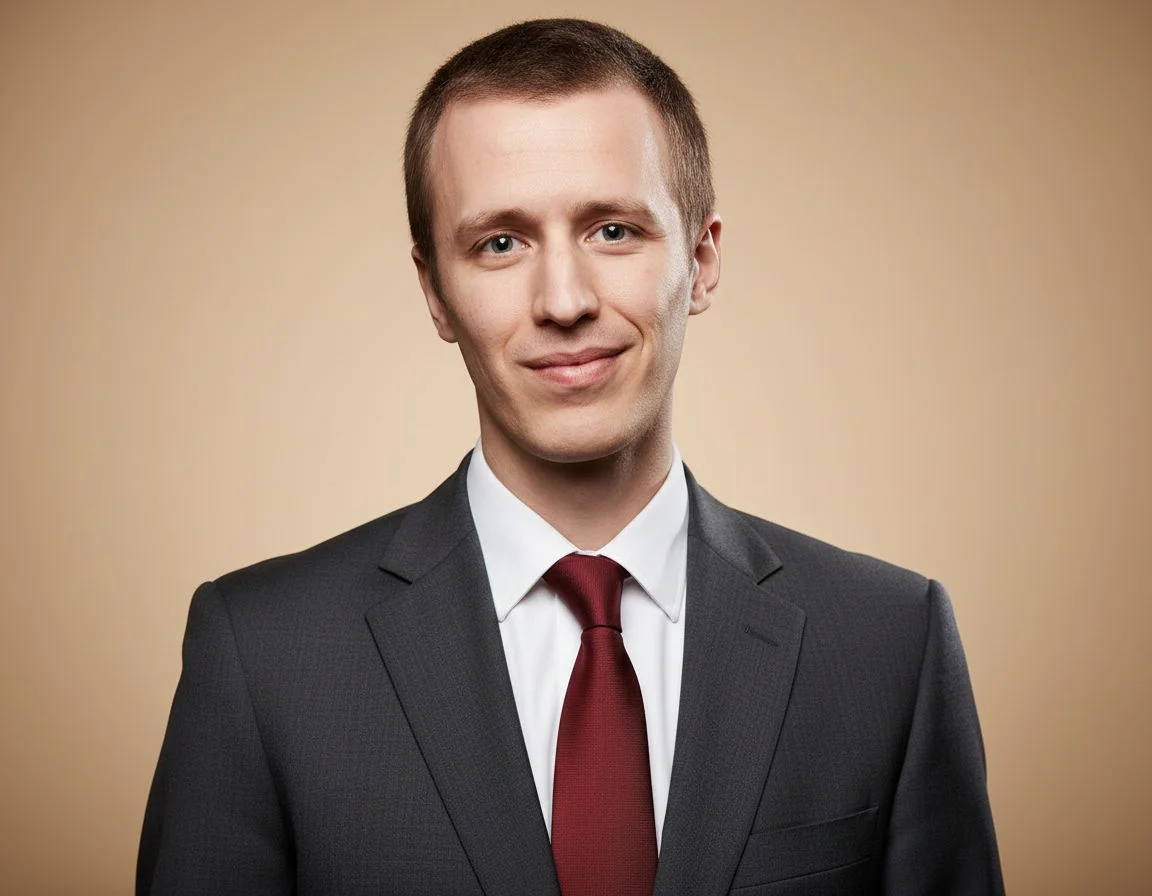
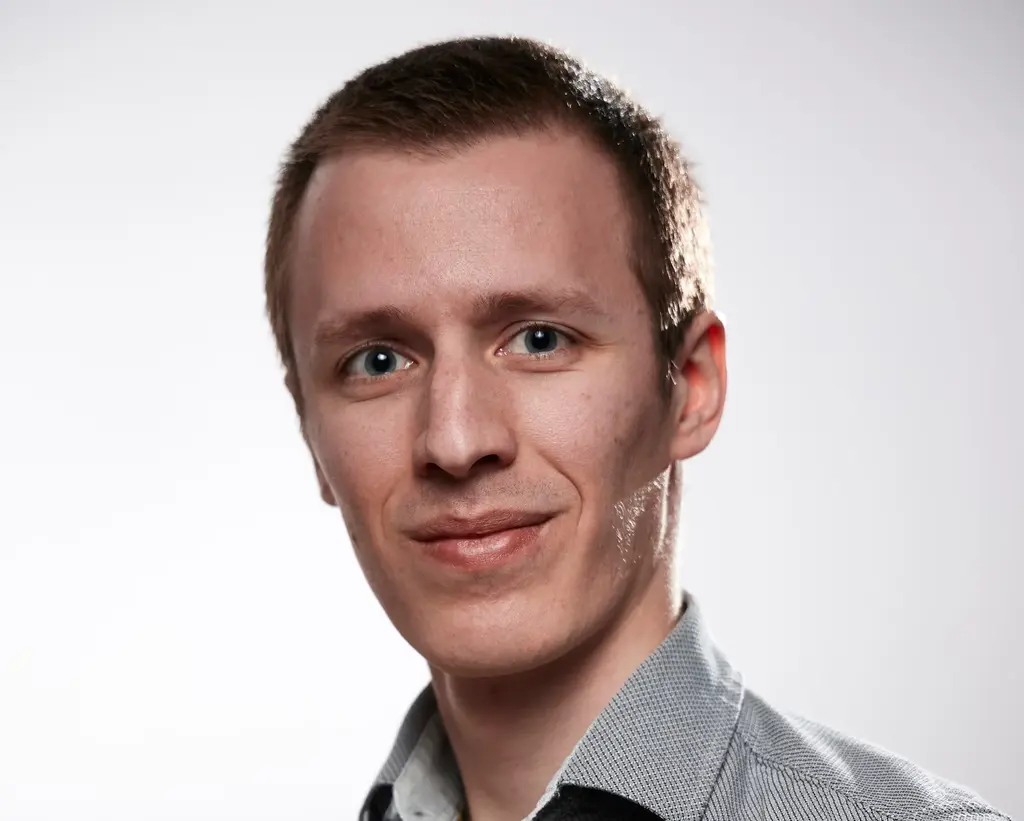
Example transformation · Company profile
Asked to send a photo for your company profile? Use a selfie and choose a background and outfit that fit your team's style.
Turn a phone photo into your work headshot with the background and outfit you choose.
Use a well-lit photo with your face visible and only you in the frame.
Choose a background and outfit from the available styles, or describe them separately.
Check the credit cost, then generate your headshot. Compare your face with the original before downloading.
One clear selfie or casual photo of yourself is enough. Each generation creates one headshot.
Casual clothes are fine. You can choose a work outfit for the generated headshot. Use a sharp, well-lit photo with only you in the frame. Face the camera without sunglasses.
Yes. Choose a background and outfit from the available styles, or describe each separately.
AI can change details. Check your face, hair, and expression against the original before using the result.
Processing time varies. Follow the progress shown in the tool and keep the page open until your headshot is ready.
The tool shows whether a free trial is available. The Generate button shows the credits needed for each headshot. Free downloads include a watermark and are limited to 1,024 pixels on the longest side. View paid plans for downloads without a watermark.
Yes, one person at a time. Choose similar styles and review each result.
See our Privacy Policy for how uploaded and generated photos are processed, stored, and deleted.
Upload a clear selfie or casual photo. Choose the background and outfit for the professional image you want to share.
Discover other powerful AI tools to enhance, restore, and transform your images
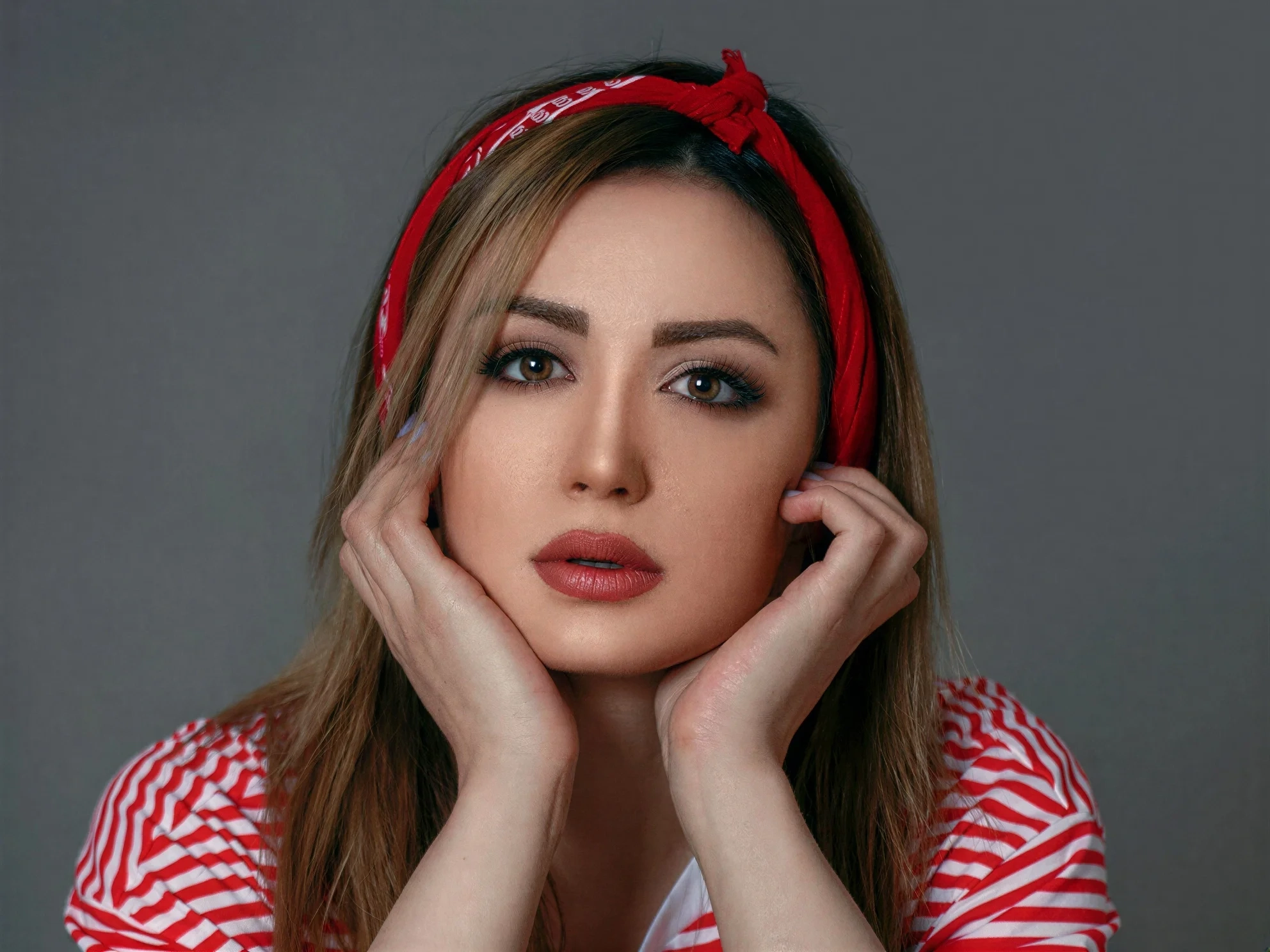
Transform ordinary images into stunning high-quality visuals with advanced AI enhancement
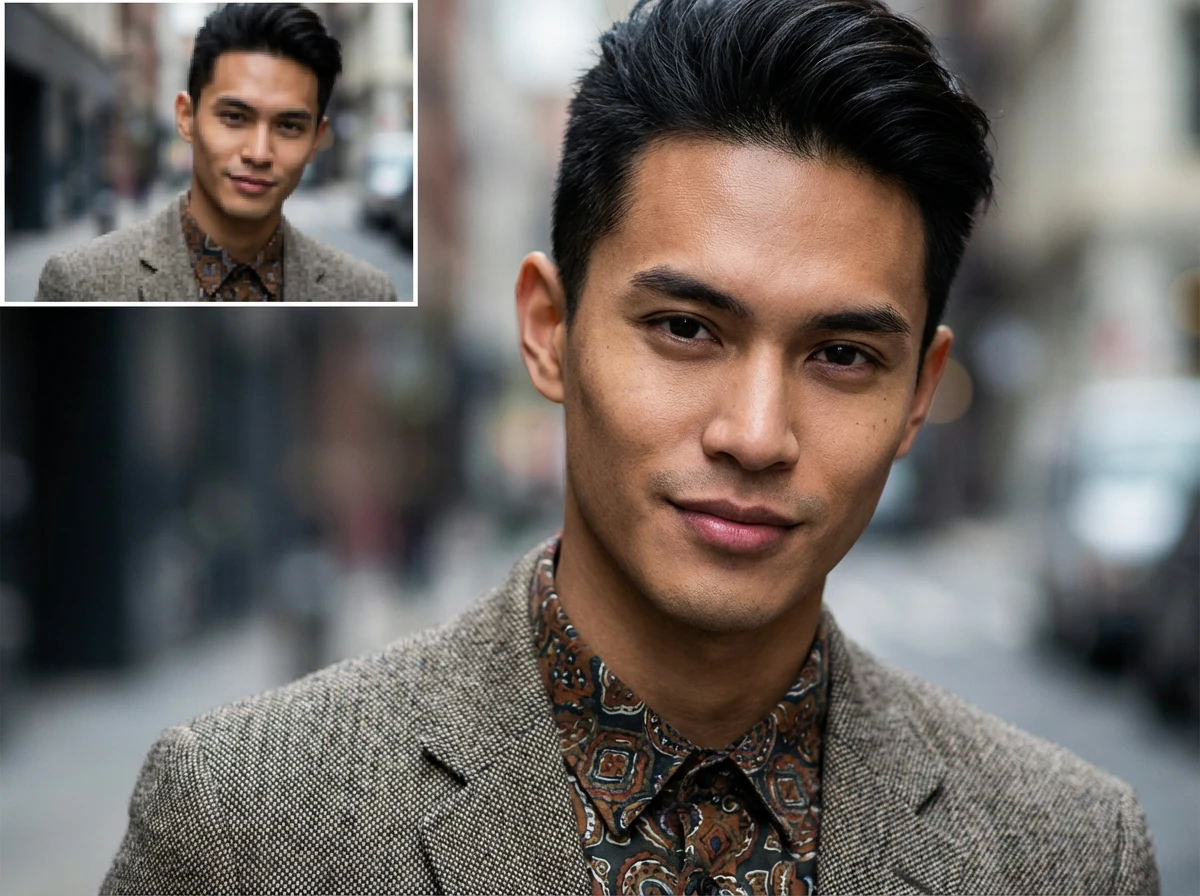
Enlarge images up to 4x while preserving sharpness and natural details
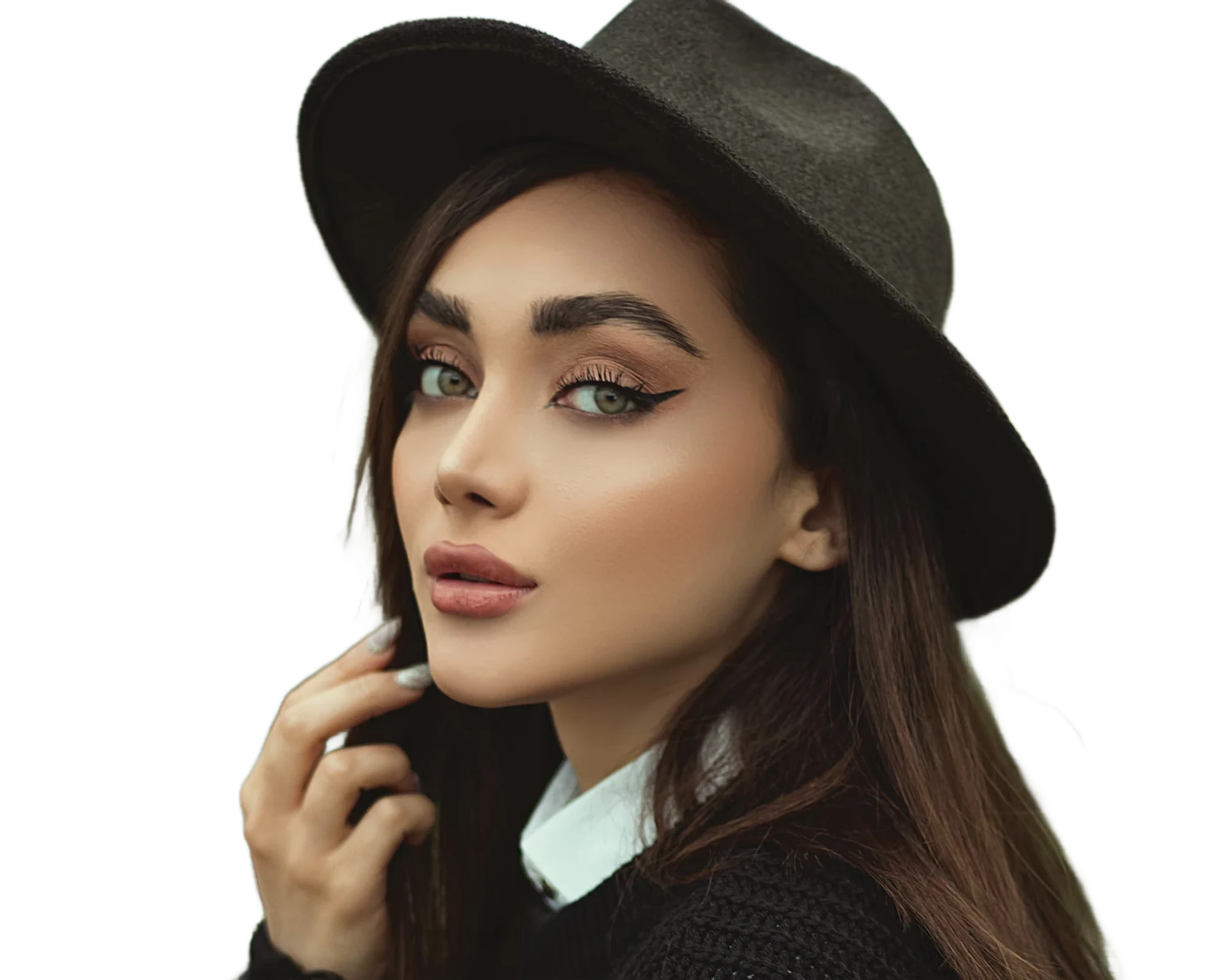
Instantly remove image backgrounds with precise edge detection
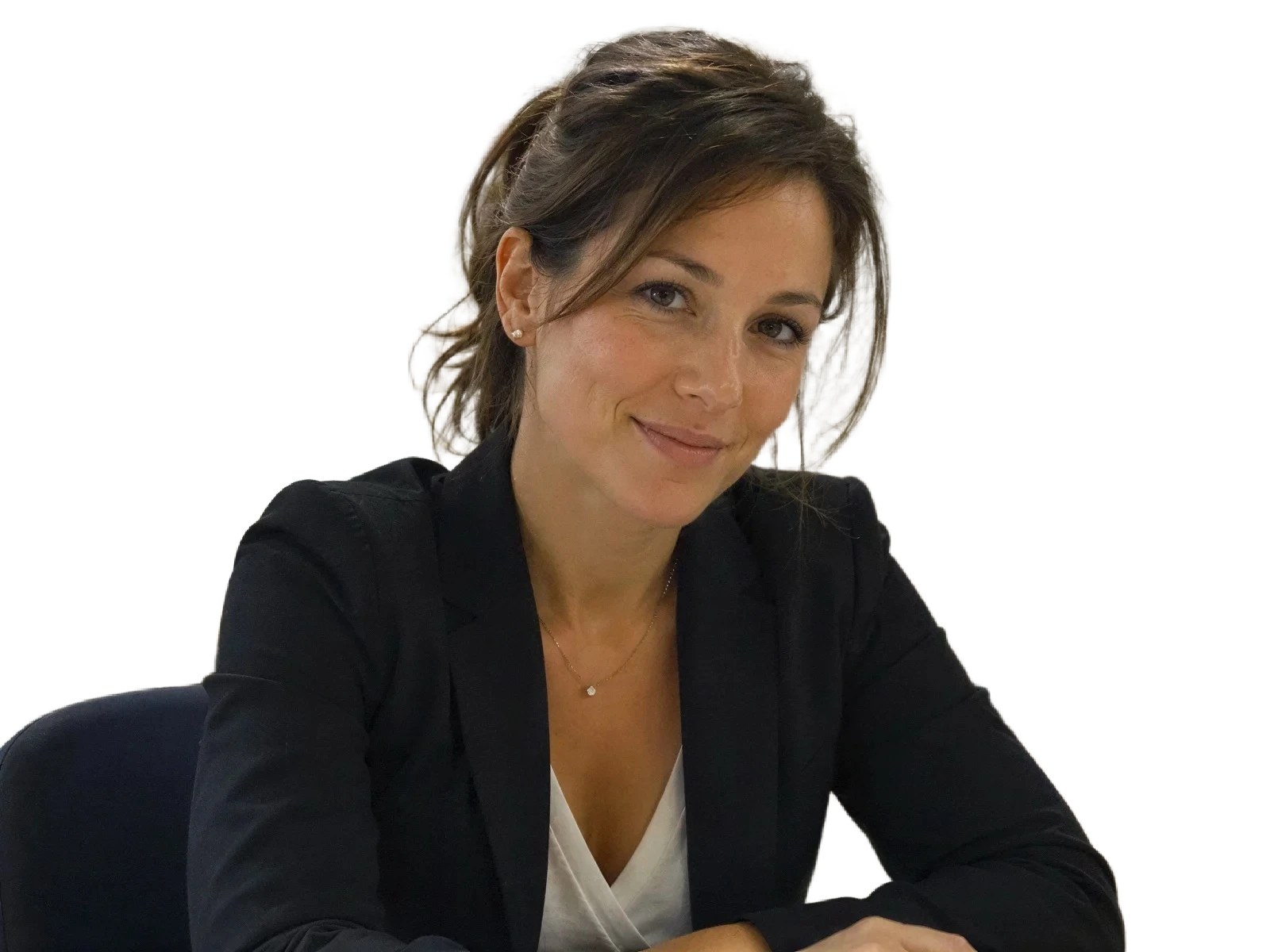
Enhance portraits and remove backgrounds for clean white-background results
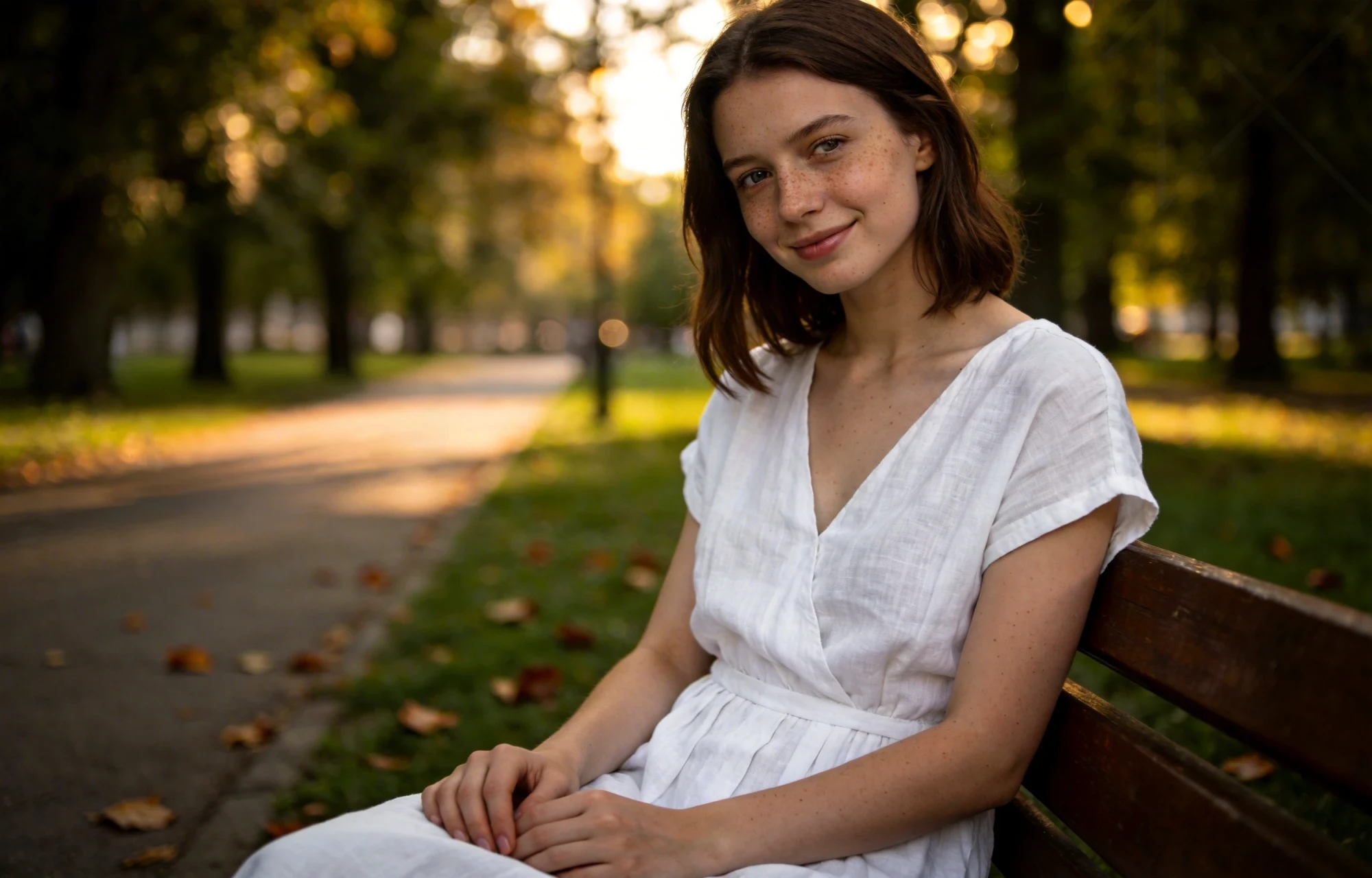
Erase unwanted objects from photos seamlessly with AI inpainting
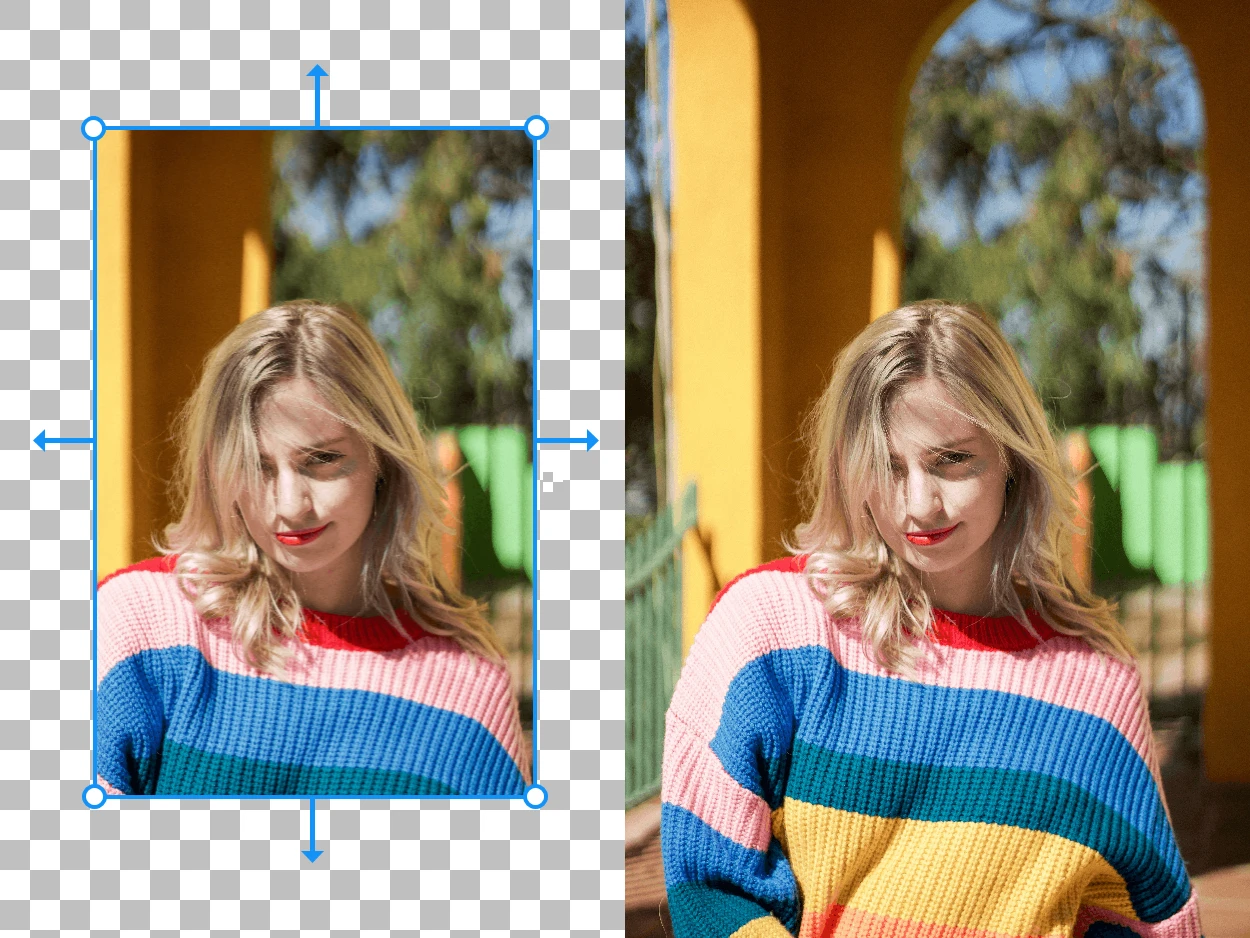
Expand your images beyond their original borders with AI-generated content
Merge multiple photos into one polished visual with prompt-guided AI composition